
This page is not an official page of the app or its developer, but an independent editorial publication created for informational and commentary purposes. Unless expressly stated otherwise, neither the app nor its developer is affiliated with, endorsed by, sponsored by, authorized by, or otherwise officially connected with MWM, Apple, Google Play, the app publisher, or the app's developer, and nothing on this page implies that the app was developed using MWM's services. Any trademarks, logos, screenshots, and other content remain the property of their respective owners.


OP Auto Clicker: Automatic Tap
Tedium: Conquered. This app hands users the power to automate the digital grind.
Downloads
250k+User Rating
Total Ratings
4.4KPublisher
Category
UtilitiesLocales
18Latest Version
2.1.2Size
47.6 MBFirst Released
Dec 12, 2023An evaluation of OP Auto Clicker: Automatic Tap's core functionalities for mobile gamers and productivity enthusiasts.
Key Automation Features Analysis
Multi-Target & Swipe Automation
This tool features advanced Multi-Target Mode, allowing users to automate clicks and define custom swipe paths across multiple screen positions, ideal for complex games and intricate workflows.
Single Target Auto-Clicking
The app provides a precise Single Target Mode for automating rapid, continuous clicks at a single, designated screen spot with simple start/stop controls.
Customizable Timing & Intervals
It allows users to precisely customize clicking durations, intervals, and global timers, ensuring automation perfectly aligns with specific application requirements and game mechanics.
Script Storage & Quick Commands
This tool features the ability to store and instantly execute custom scripts, significantly boosting productivity by allowing users to quickly deploy pre-configured automation sequences for various tasks.
Automated Refresh & Scroll
The app provides dedicated Refresh and Scroll modes, enabling automatic refreshing of webpages and smooth scrolling, which enhances reading and browsing efficiency.
Intuitive Floating Control Panel
It allows users to effortlessly control and adjust automation scripts on the fly via a convenient floating panel, ensuring flexibility without interrupting their primary activity.
Precise CPS Calculation
The app accurately calculates Clicks Per Second (CPS), providing users with a metric to understand and optimize their auto-clicking performance, crucial for competitive scenarios.
Webpage Screenshot & Recording
This tool features professional functions including webpage screenshot and recording capabilities, useful for documenting processes or capturing specific content during automated tasks.
Frequently Asked Questions
Everything you need to know about OP Auto Clicker: Automatic Tap
What is OP Auto Clicker: Automatic Tap?
OP Auto Clicker: Automatic Tap is a multi-functional auto-click assistant designed for rapid, continuous clicking tasks. It automates actions like liking, snatching items, grabbing tickets, and various game tasks, enhancing digital efficiency.
Does OP Auto Clicker support multiple clicking modes?
Yes, OP Auto Clicker supports multiple clicking modes including Single Target, Multi-Target, Refresh, and Scroll. Users can customize clicking times and intervals to fit various scenarios.
Can OP Auto Clicker automate scrolling and refreshing web pages?
Yes, OP Auto Clicker automatically refreshes and scrolls webpages. This feature enhances browsing and reading experiences, making daily digital tasks more efficient and hassle-free.
How can gamers use OP Auto Clicker?
Gamers use OP Auto Clicker for high-precision auto-clicking, rapid successive clicks, and auto-swipe actions. Its floating panel allows effortless control and adjustment of scripts during gameplay.
Does OP Auto Clicker allow users to save custom scripts?
Yes, OP Auto Clicker allows users to store scripts for instant execution in any mode. This feature boosts productivity and saves time by quickly applying pre-defined commands.
Does OP Auto Clicker calculate Clicks Per Second (CPS)?
Yes, OP Auto Clicker accurately calculates Clicks Per Second (CPS). This precise calculation provides an advantage in securing limited items and competitive tasks.
Is the OP Auto Clicker application available in multiple languages?
Yes, OP Auto Clicker offers multi-language support. This caters to global users, making the application accessible and user-friendly for a wider international audience.
How does the subscription for OP Auto Clicker work?
The subscription for OP Auto Clicker automatically renews unless canceled at least 24 hours before the end of the current period. Your account is charged for renewal within 24 hours before the period's end.
Can I manage my OP Auto Clicker subscription after purchase?
Yes, users can manage their OP Auto Clicker subscription and turn off automatic renewal in their account settings after purchase. This provides full control over subscription preferences.
Does OP Auto Clicker offer screenshot and recording functions?
Yes, OP Auto Clicker includes professional functions for webpage screenshot and recording. This feature allows users to capture and record webpage content as needed.
The following screenshots and description are sourced directly from the app's official store listing and are the property of the app developer.
App Store
Screenshots
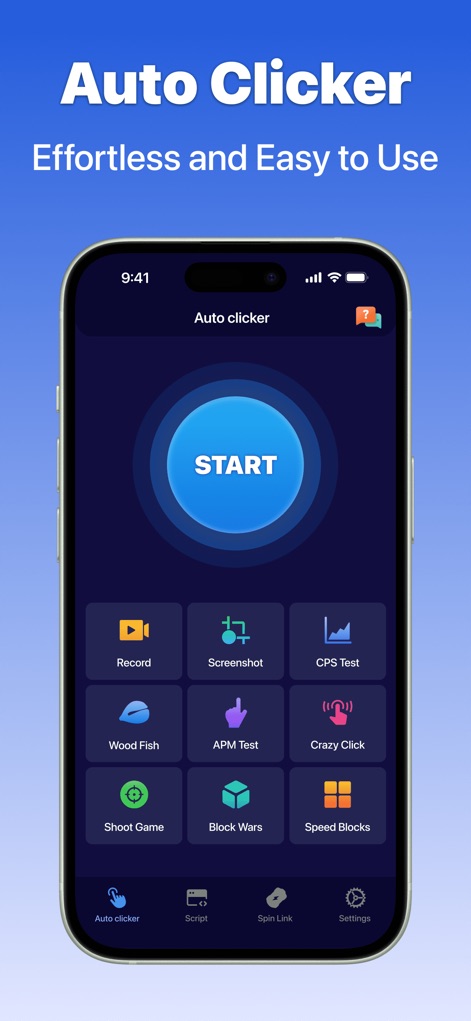
Discover the app's intuitive interface, displaying a prominent 'START' button and a suite of quick action icons like 'Record' and 'CPS Test'.
Core Features Unveiled

Experience seamless automation with the app's precise tapping mechanism, exemplified by the "unlimited clicks" in a cookie game and the clear display of "cookies per second".
Automated Tapping Power
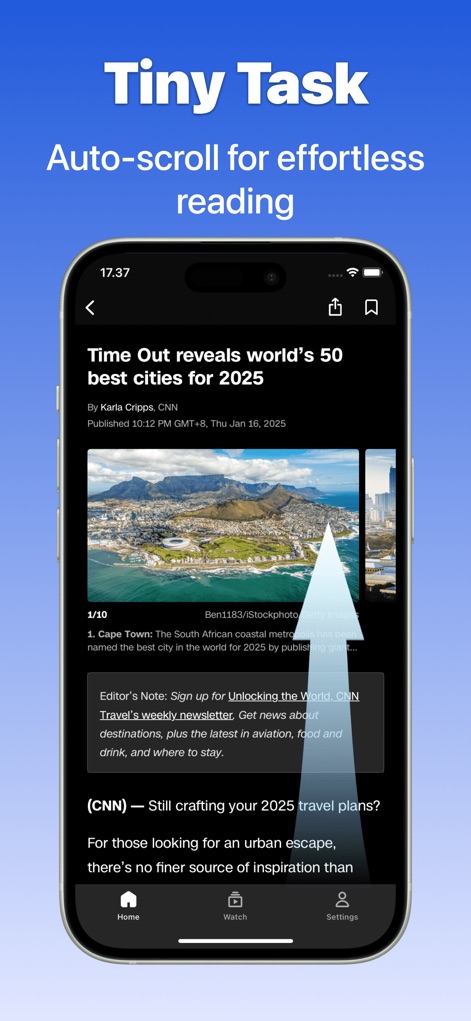
Users can enjoy effortless reading through the app's auto-scroll function, clearly indicated by the upward scroll arrow and the displayed webpage content.
Smart Scrolling Solutions

The app enables users to stay updated with dynamic content using its auto-refresh feature, visible near the "Undone" button, ensuring they don't miss out on "limited time" offers.
Instant Refresh Benefits

Achieve complex automation with the app's Multi-Target Mode, allowing users to define multiple tap points like the numbered circles, facilitating "quick action support" for intricate tasks.
Multi-Target Mastery
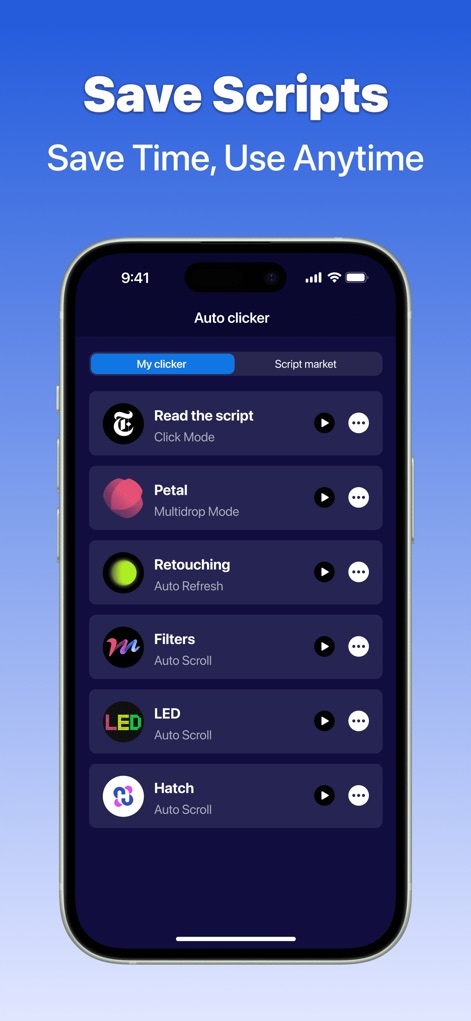
The app centralizes user workflows with its script management feature, providing a clear list of saved scripts and access to a "Script market" for diverse automation needs.
Script Management Hub

This tool extends its utility to web browsing, offering a dedicated "Web clicker" interface and convenient floating icons for "Screenshot" and video recording.
Integrated Web Control
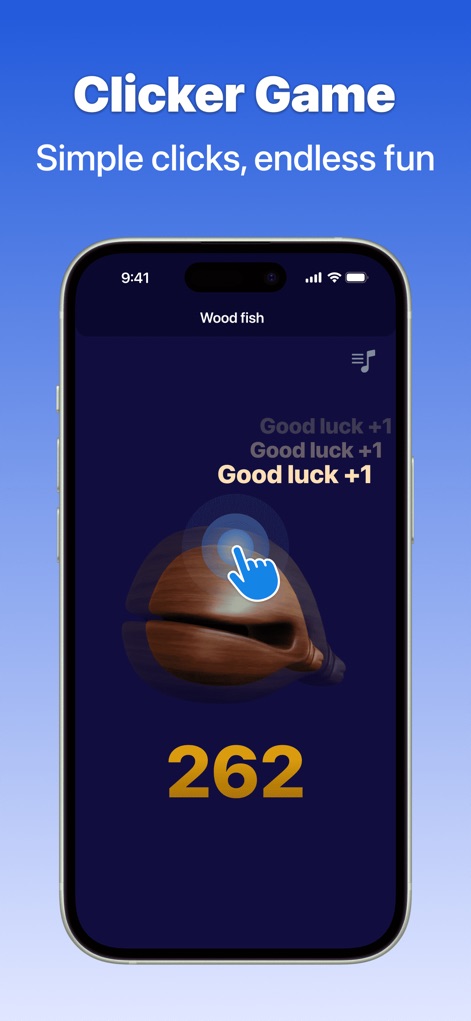
The app showcases its versatility with engaging features like the "Wood fish" clicker game, demonstrating precise "simple clicks" and fostering entertainment alongside utility.
Playful Automation Perks
Description
Download
More Like This
Apps with similar features and user experience

自动ּ连点器 - 自动点击器
壮壮 彭

连点器-高效自动点击按键辅助工具
和圆 魏

连点器 - 自动点击持续滚动刷新&旋转指针工具
源 韦

自动点击器·连点器
磊 赵

Auto Clicker-Auto Tapper tool
佳豪 张

Auto Clicker: Click Automatic
RH LANDSCAPING LLC

连点器-自动连点神器&点赞抢购助手
倩格 刘

Auto Clicker - Tap Assistant
乐飞 张

Auto Tapper Assistant App
KUPERTINO BIL. YAZ. HALIL IBRAHIM KARAHAN SAFFET ARSLAN MUSTAFA AYTEN MUHAMMET YALCIN OZDEMIR K. S.
This page is not an official page of the app or its developer, but an independent editorial publication created for informational and commentary purposes. Unless expressly stated otherwise, neither the app nor its developer is affiliated with, endorsed by, sponsored by, authorized by, or otherwise officially connected with MWM, Apple, Google Play, the app publisher, or the app's developer, and nothing on this page implies that the app was developed using MWM's services. Any trademarks, logos, screenshots, and other content remain the property of their respective owners.