
This page is not an official page of the app or its developer, but an independent editorial publication created for informational and commentary purposes. Unless expressly stated otherwise, neither the app nor its developer is affiliated with, endorsed by, sponsored by, authorized by, or otherwise officially connected with MWM, Apple, Google Play, the app publisher, or the app's developer, and nothing on this page implies that the app was developed using MWM's services. Any trademarks, logos, screenshots, and other content remain the property of their respective owners.


Open in Browser for Safari
Eliminate the friction of manual URL copying. Instantly open Safari links in any browser on macOS and iOS with a privacy-first extension built for developers and productivity enthusiasts.
Downloads
300User Rating
Total Ratings
0Publisher
Category
Social NetworkingLocales
11Latest Version
1.0.3Size
7.2 MBFirst Released
Nov 14, 2025Streamline Your Digital Workflow
The ultimate bridge for power users. Seamlessly transfer links from Safari to any browser on your Mac, iPhone, or iPad without missing a beat.
Instant Cross-Browser Launch
Eliminate the friction of manual copying. Send any URL or your current tab to another browser instantly via the share sheet or right-click menu.
Built for Professionals
Perfect for developers and designers needing quick compatibility testing across different engines without disrupting their focus.
The following screenshots and description are sourced directly from the app's official store listing and are the property of the app developer.
App Store
Screenshots
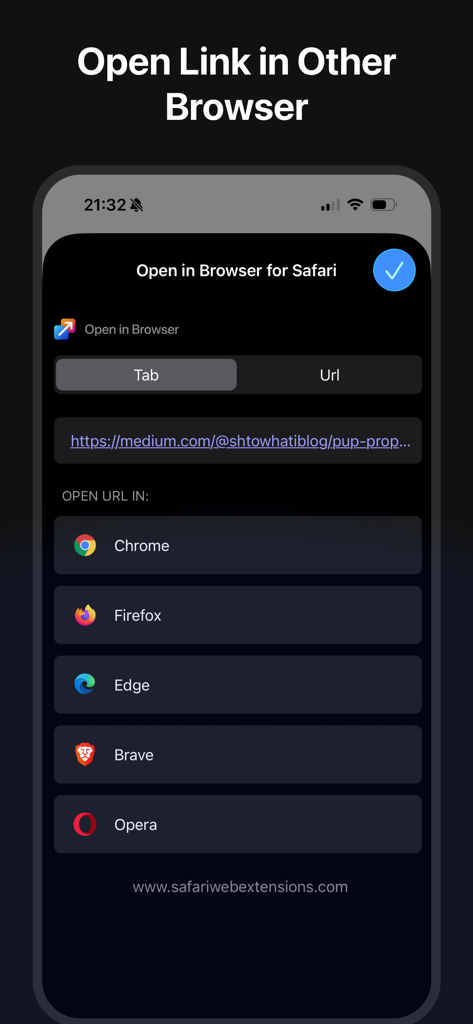
Open in Browser for Safari extension interface on iPhone showing browser selection options
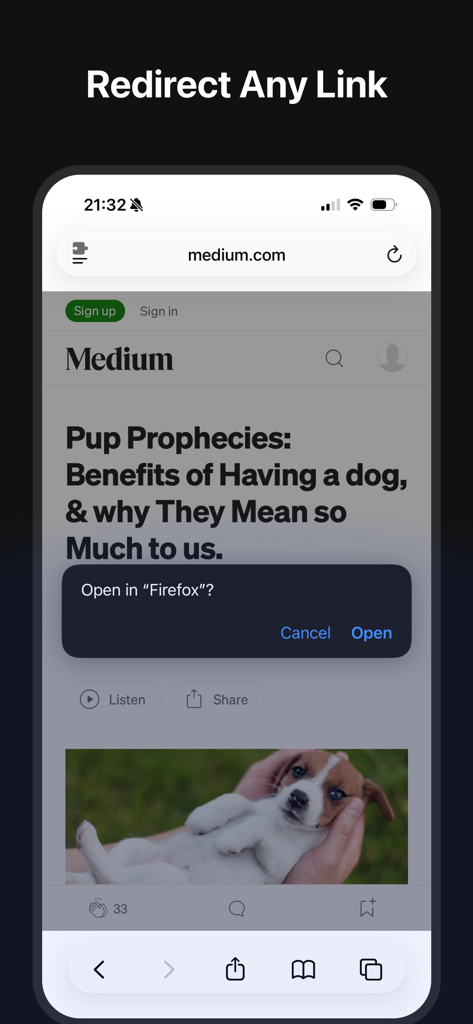
A mobile screen showing a prompt to open a link from Safari in the Firefox browser using the extension.
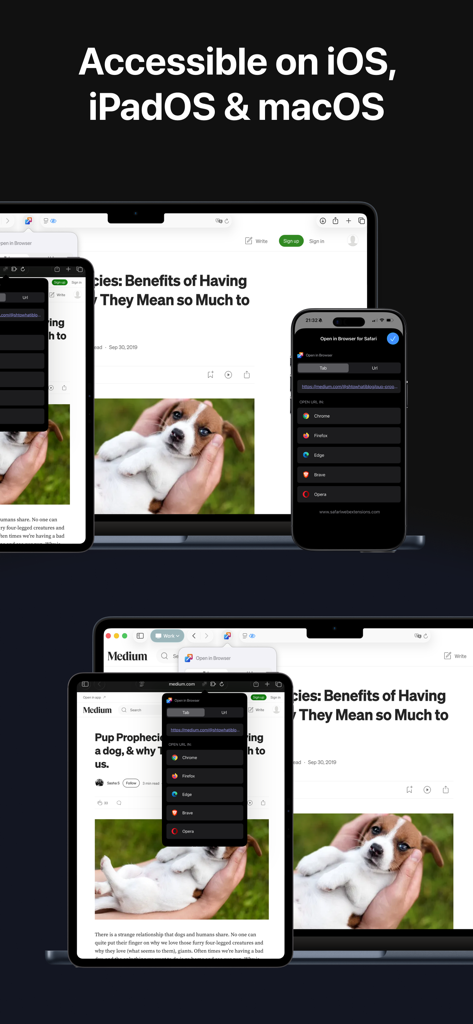
Open in Browser for Safari app interface displayed on iPhone iPad and Mac showing browser selection menu
Description
Download
More Like This
Top-ranked apps in the same category

Threads
Instagram, Inc.

Telegram Messenger
Telegram FZ-LLC

WhatsApp Messenger
WhatsApp Inc.

Meta Platforms, Inc.

Discord - Talk, Play, Hang Out
Discord Inc.

Messenger
Meta Platforms, Inc.

Google Meet
Google LLC

rednote
Xingin Information Technology (Shanghai) Co., Ltd

Tencent Technology (Shenzhen) Company Limited
This page is not an official page of the app or its developer, but an independent editorial publication created for informational and commentary purposes. Unless expressly stated otherwise, neither the app nor its developer is affiliated with, endorsed by, sponsored by, authorized by, or otherwise officially connected with MWM, Apple, Google Play, the app publisher, or the app's developer, and nothing on this page implies that the app was developed using MWM's services. Any trademarks, logos, screenshots, and other content remain the property of their respective owners.