Organize:Me To-Do's

Organize:Me To-Do's

Download on App Store
Logo of Organize:Me To-Do's

Organize:Me To-Do's: Take Back Control of Your Busy Life

The professional-grade task manager designed for those who need more than a simple checklist. Capture, review, and complete your projects with a proven 3-step system that syncs seamlessly across all your devices.

Download on App Store

Publisher

taskfabric ltd

Category

Productivity

Downloads

3K+

User Rating

1.0/5

Total Ratings

0

Locales

-

Your Productivity, Visualized

Discover the interface used by 3K+ users.
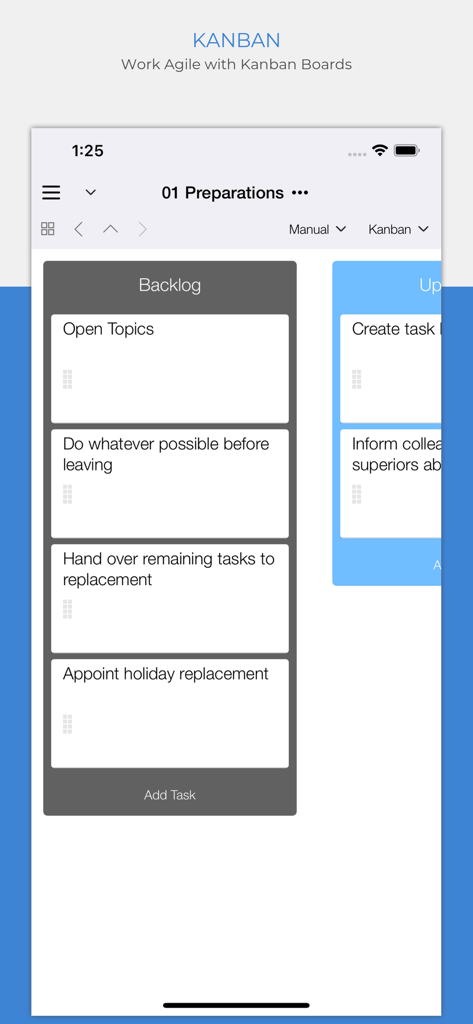
Mobile app interface showing a Kanban board with a backlog column of tasks for agile project management.

Mobile app interface showing a Kanban board with a backlog column of tasks for agile project management.

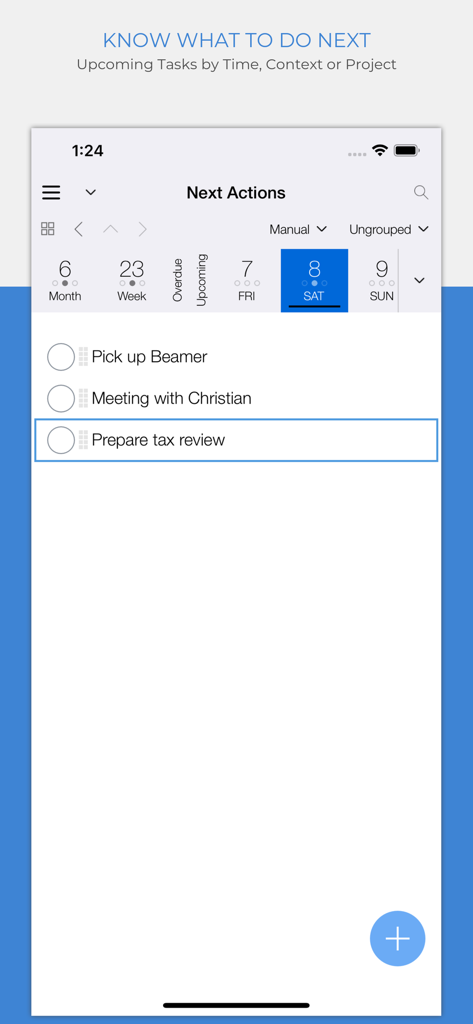
Organize Me app showing the Next Actions screen with a daily task list and calendar view.

Organize Me app showing the Next Actions screen with a daily task list and calendar view.

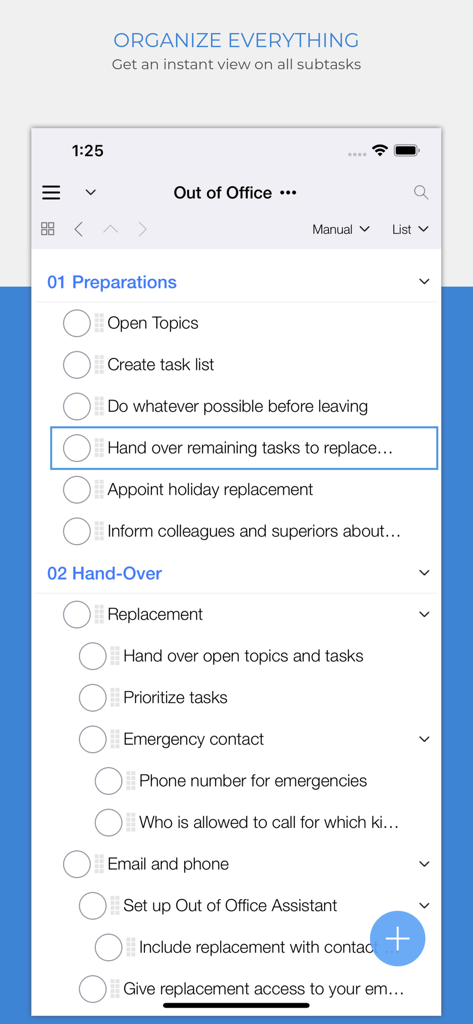
Organize:Me To-Do's app interface showing nested subtasks within an Out of Office project list.

Organize:Me To-Do's app interface showing nested subtasks within an Out of Office project list.

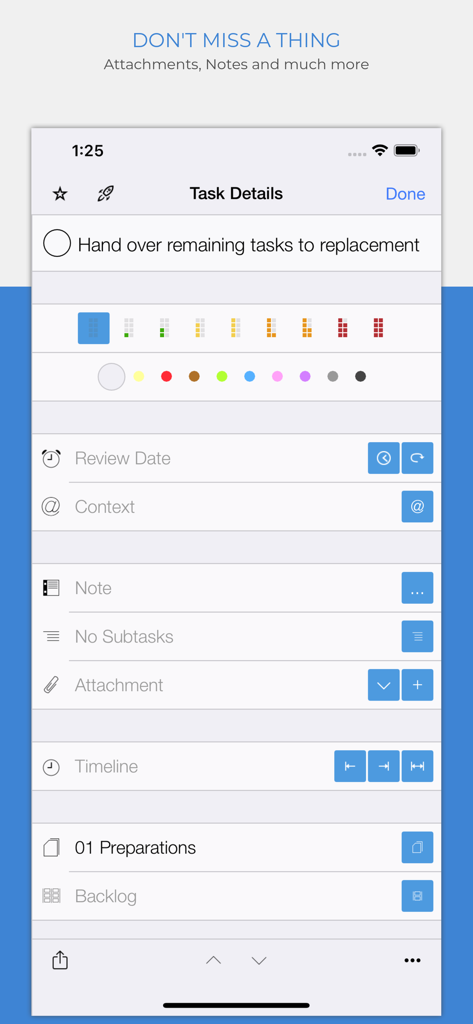
Task details screen of Organize Me To-Do app showing task priority and attachment options

Task details screen of Organize Me To-Do app showing task priority and attachment options

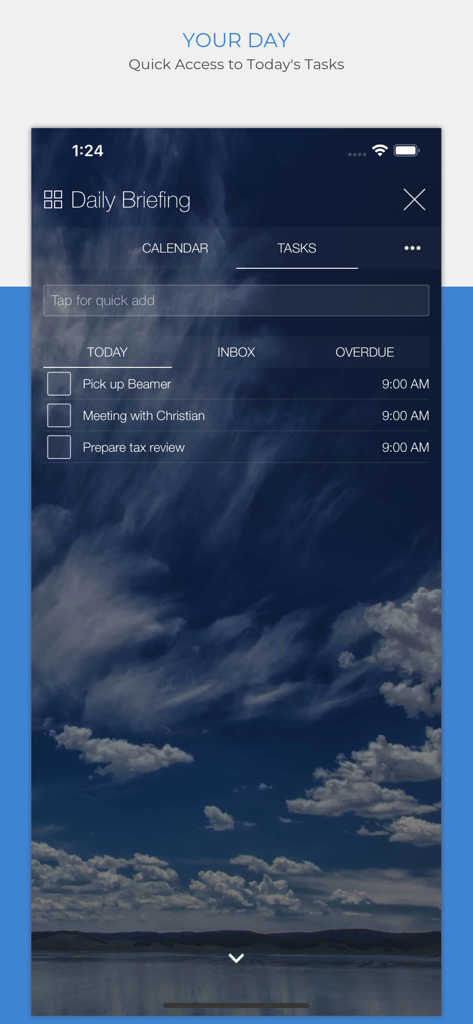
Organize Me app daily briefing screen showing a list of today's tasks

Organize Me app daily briefing screen showing a list of today's tasks

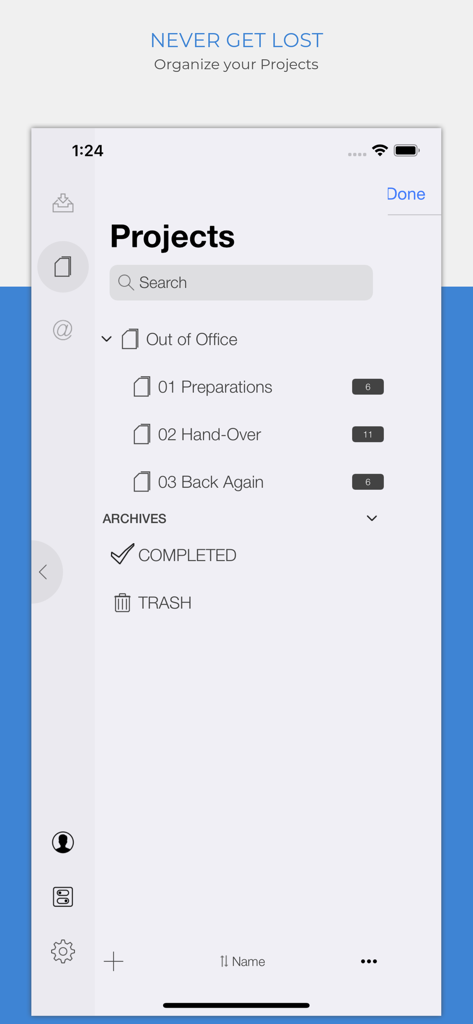
Mobile interface of Organize Me app showing the Projects screen with categorized sub projects and task counts

Mobile interface of Organize Me app showing the Projects screen with categorized sub projects and task counts

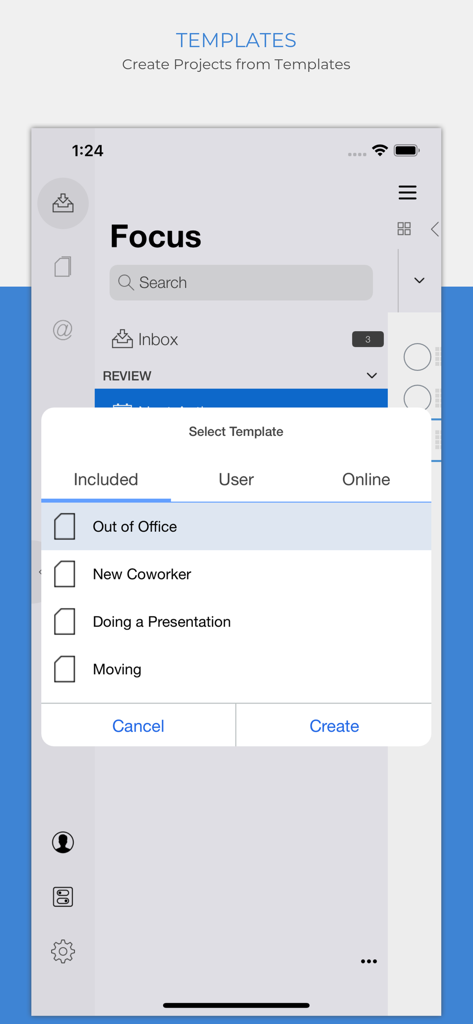
Organize Me app project template selection screen showing options like Out of Office and New Coworker

Organize Me app project template selection screen showing options like Out of Office and New Coworker

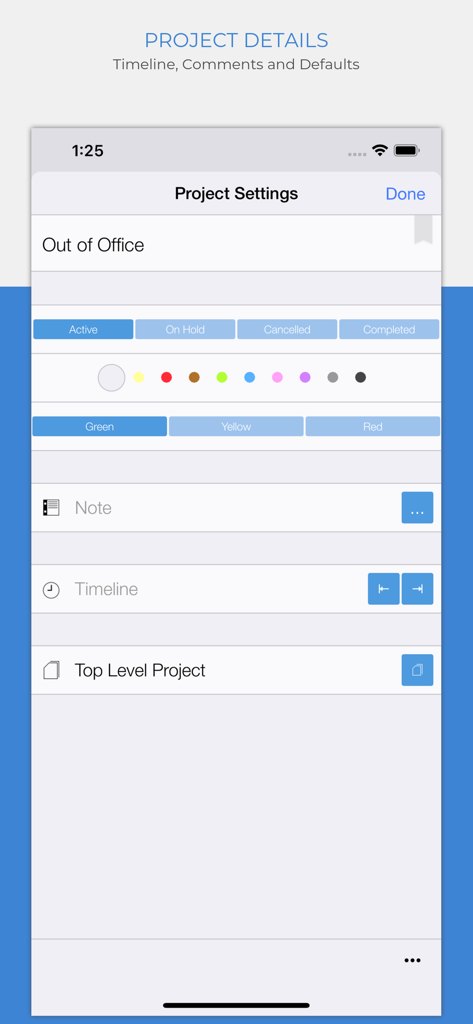
Project details screen in Organize Me app showing status options and traffic light priority indicators.

Project details screen in Organize Me app showing status options and traffic light priority indicators.

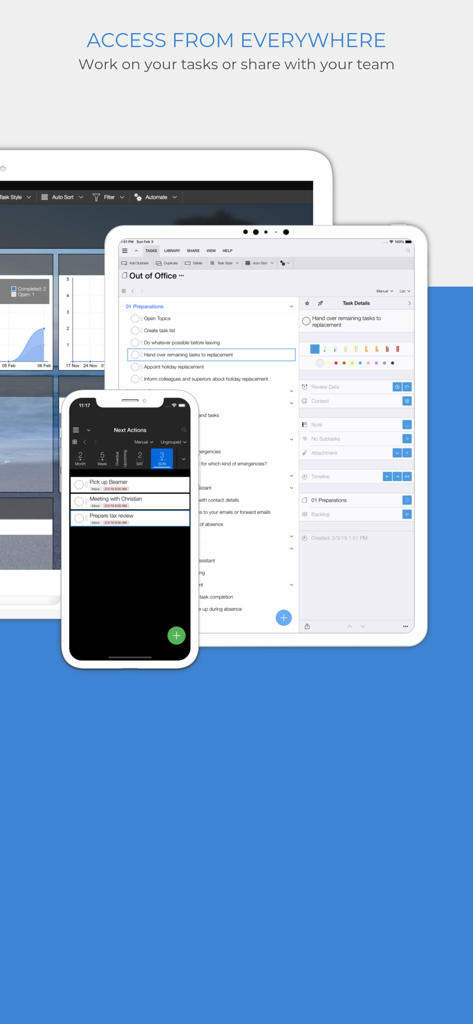
Organize Me To-Do app interface shown on iPhone iPad and desktop devices for cross platform task management

Organize Me To-Do app interface shown on iPhone iPad and desktop devices for cross platform task management

Master Your Daily Complexity

The tools that make this app stand out, trusted by 3K+ users.

🧠

Smart 3-Step Execution

Capture, Review, and Complete. Use our proven system to turn overwhelming backlogs into actionable, high-priority plans.

🚦

Visual Priority Tracking

Eliminate decision fatigue with traffic-light status indicators and color-coded projects for instant clarity on what matters most.

☁️

Sync & Context Anywhere

Filter tasks by location or event and sync seamlessly across desktop and mobile to keep your workflow fluid wherever you are.

About the app

Everything you need to know about Organize:Me To-Do's.

Description

Your personal task manager - if you need to handle more than just a simple list! Use it on all your devices - on all major mobile and desktop platforms, in your web browser and more. Organize:Me is easy to use for beginners and perfect for personal use. And if you need more, there's a whole family of products to support your business needs as well. Organize:Me helps you to cut complex situations down to what matters. With the built-in sync feature you can access your tasks with Organize:Me, Organize:Pro and Taskfabric for all major mobile and desktop platforms. Take back Control over your Tasks with a simple 3-Step System to Manage your Tasks: 1. Capture your ideas and tasks – quick and easy, wherever you are! 2. Review and process your tasks – prioritize, delegate or share your tasks 3. Complete your tasks – and keep track of the results Easily create new tasks • Quick-Add shortcuts to "just write down" your task list • Create subtasks by drag and drop • Manage repeating tasks • Add Images, Documents and Web Links to your tasks Organize your tasks • Create subtasks by drag and drop • Assign an unlimited number of contexts to each task • Color code special tasks • Unlimited number of subtasks Powerful review features • Powerful date based review • Review by date, project or context • Scope Bar to quickly filter by Project or Context Project Handling • Supports Projects, Meetings and Folders • Project Status: Active, On Hold, Cancelled, Completed • Traffic Light: Green, Yellow Red • Color code special Projects • Unlimited number of Subprojects Context Handling • Use Contexts to identify people, locations or events relevant for your tasks • Assign locations to your Contexts • Color code special Contexts • Unlimited number of Subcontexts • Easily convert Address Book entries into Contexts All the basics covered • Auto-sync with Organize:Me, Organize:Pro and Taskfabric for all major mobile and desktop platforms • Really fast search feature • Quick access to completed tasks • Multiple sorting options for projects, contexts and task lists • Choose from different interface themes and colors • Share task lists with others by Email, Print or Export • Password Protection for your Tasks • Supports notifications (reminders) Organize:Me easily handles your task lists. Straightforward and really simple to use. For a complete feature list for all Organize editions have a look at our web site.

Latest Version

4.10.59

Size

69.2 MB

First Released

Nov 21, 2012

Ready to Take Back Control of Your Day?

Join thousands of professionals who use our proven 3-step system to capture, review, and complete tasks seamlessly across all your devices. Start organizing your success today.

Download on App Store

App information, icons, screenshots, and descriptions displayed on this page are sourced from the Apple App Store and are the property of their respective developers. Download estimates and rankings are based on MWM's proprietary models and may not reflect actual figures. This page is provided for informational and analytical purposes only.

Believe this page infringes your intellectual property? File a dispute