
This page is not an official page of the app or its developer, but an independent editorial publication created for informational and commentary purposes. Unless expressly stated otherwise, neither the app nor its developer is affiliated with, endorsed by, sponsored by, authorized by, or otherwise officially connected with MWM, Apple, Google Play, the app publisher, or the app's developer, and nothing on this page implies that the app was developed using MWM's services. Any trademarks, logos, screenshots, and other content remain the property of their respective owners.


Pages: Create Documents
Dull documents are obsolete. This app transforms mere text into compelling, AI-enhanced creations, ready for any screen.
Downloads
12.5M+User Rating
Total Ratings
1.7MPublisher
Category
ProductivityLocales
33Latest Version
15.1.1Size
605.2 MBFirst Released
Apr 1, 2010Key Features: Pages: Create Documents
An analytical overview of core functionalities and their impact on Apple ecosystem users.
AI-Powered Content Creation
The app provides advanced AI writing tools for proofreading, rewriting, summarizing, and composing text, alongside AI image generation capabilities for enhanced visual content.
Universal Device Accessibility
It allows users to create, edit, and access documents across all Apple devices (iPhone, iPad, Mac) and even on a PC via iCloud.com, ensuring productivity on any platform.
Real-time Collaboration & Tracking
This tool features robust collaboration options, enabling users to share documents, track changes, add comments, and engage in threaded conversations with others in real-time.
Rich Multimedia & Design Toolkit
The app allows for the integration of various media types like images, videos, and audio, and offers powerful graphic tools, including image background removal, to create visually stunning documents.
Professional Templates & Formatting
It provides a wide array of Apple-designed templates for various document types, along with comprehensive formatting options and the ability to create custom page templates for consistent design.
Broad File Compatibility
The app supports importing and editing Microsoft Word files and offers extensive export options, including EPUB, PDF, and RTF, ensuring wide compatibility with other platforms and formats.
Apple Pencil Support
It allows users to draw, write, and annotate documents directly with Apple Pencil on iPad, providing a natural and intuitive way to interact with content.
Advanced Writing & Academic Features
The app includes tools for creating footnotes and endnotes, displaying document statistics, supporting mathematical equations with LaTeX/MathML, and offering EndNote integration for citations.
The following screenshots and description are sourced directly from the app's official store listing and are the property of the app developer.
App Store
Screenshots
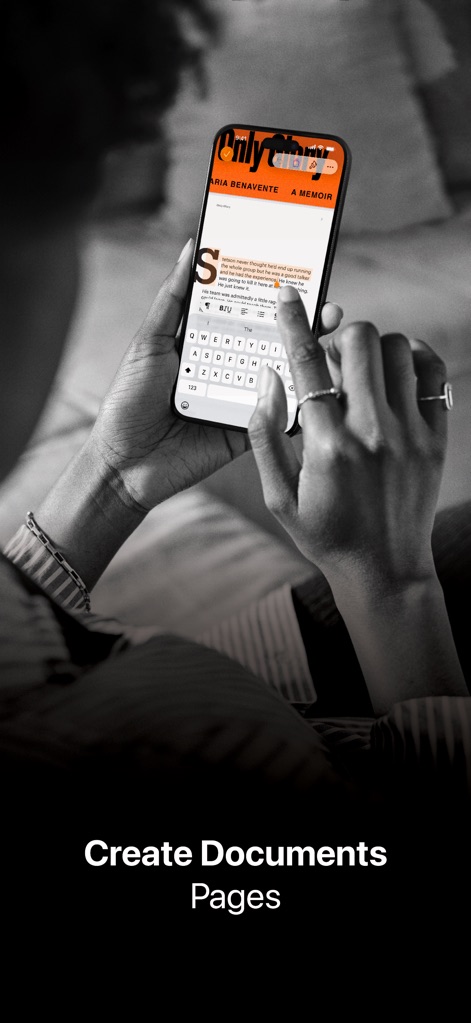
Mobile Document Editing
The app allows users to create and edit documents on the go, showcasing its intuitive on-screen keyboard and clear document editing interface.
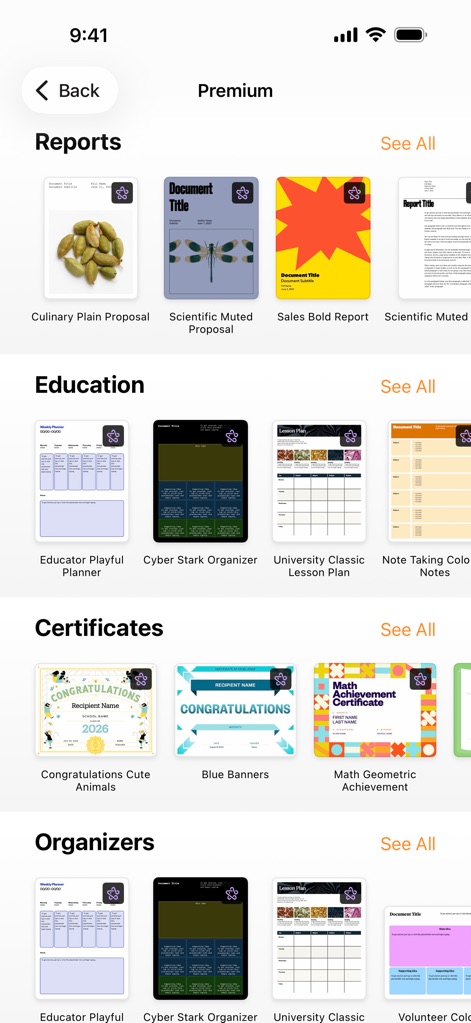
Rich Template Library
Discover a vast array of pre-designed templates, from organized reports to educational resources, providing users with a quick start for any project.
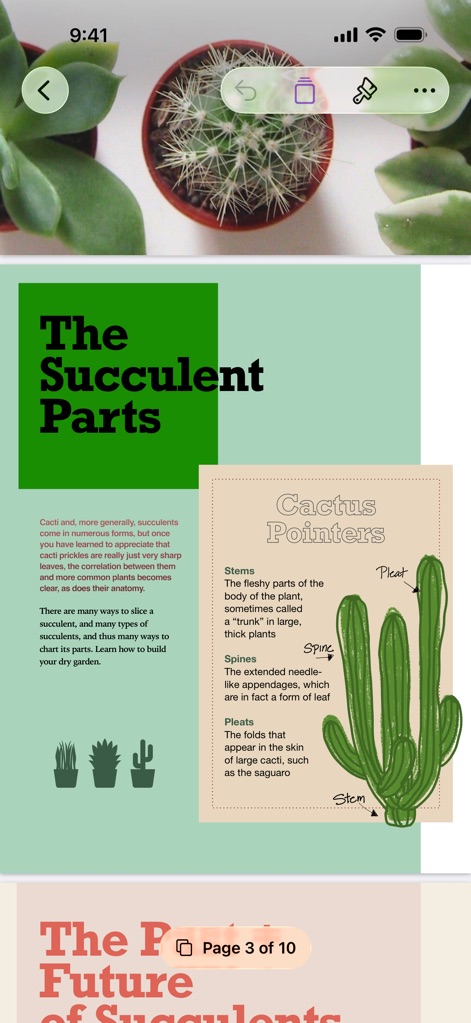
Dynamic Page Layouts
Explore how Pages creates visually rich documents with custom page layouts and the ability to navigate easily through multi-page content.
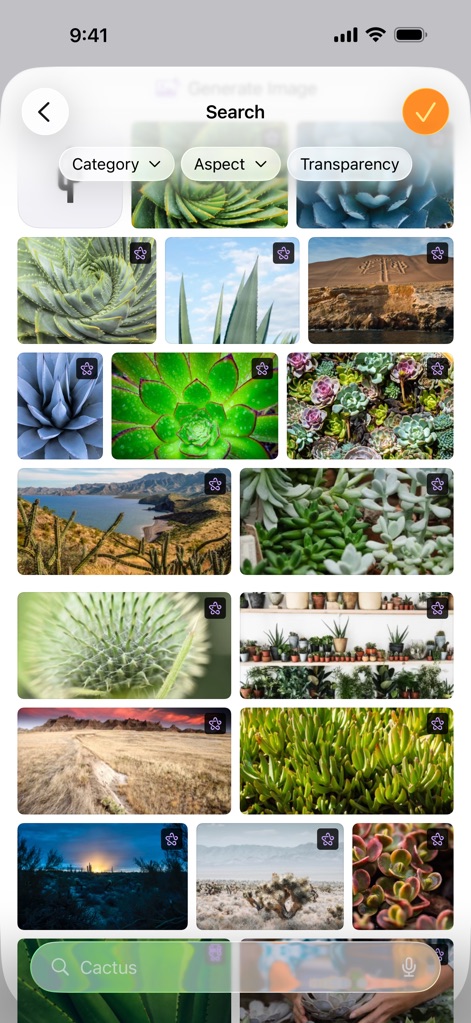
Integrated Image Search
Find the perfect visuals effortlessly with an integrated image search, offering powerful category and aspect filters to refine results.
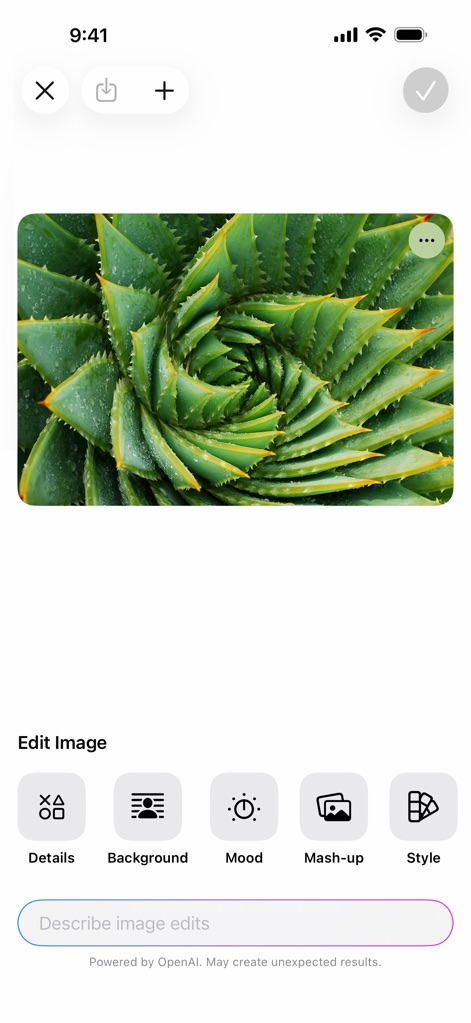
AI Image Editing
Transform visuals with advanced AI image editing tools, utilizing options like background removal and descriptive text input for precise adjustments.
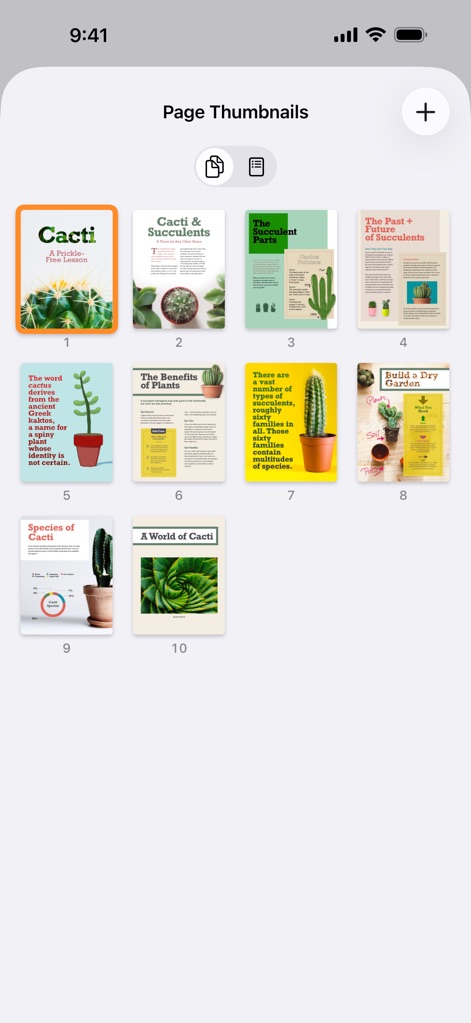
Document Navigation View
Easily navigate complex documents using the intuitive page navigation and get a comprehensive overview with detailed thumbnail previews.
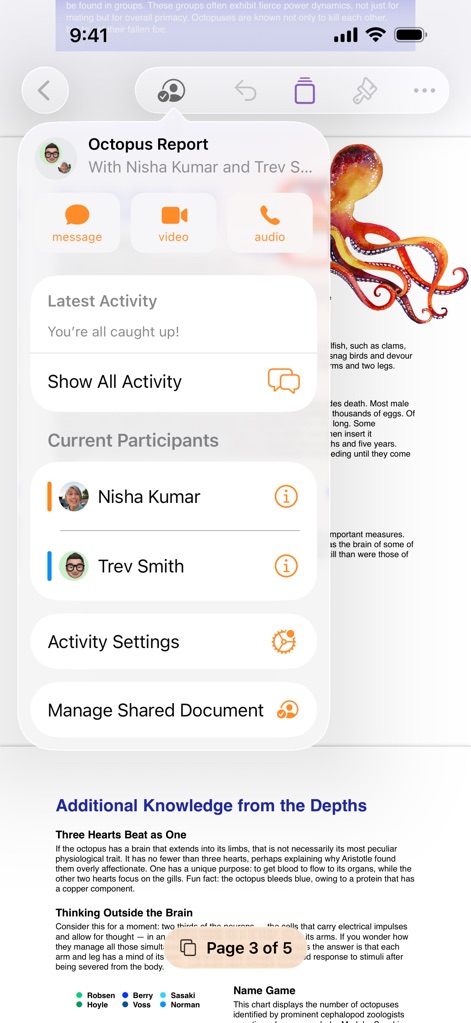
Real-time Collaboration
Facilitate seamless teamwork with real-time collaboration tools, featuring current participant lists and integrated message, video, and audio communication options.
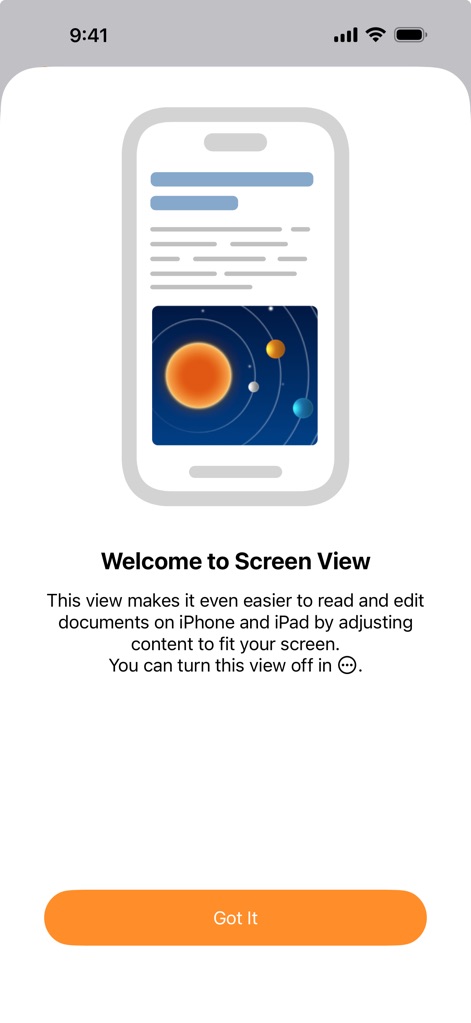
Optimized Screen View
The app introduces an optimized Screen View, intelligently adjusting content display for enhanced readability and effortless editing on any device.
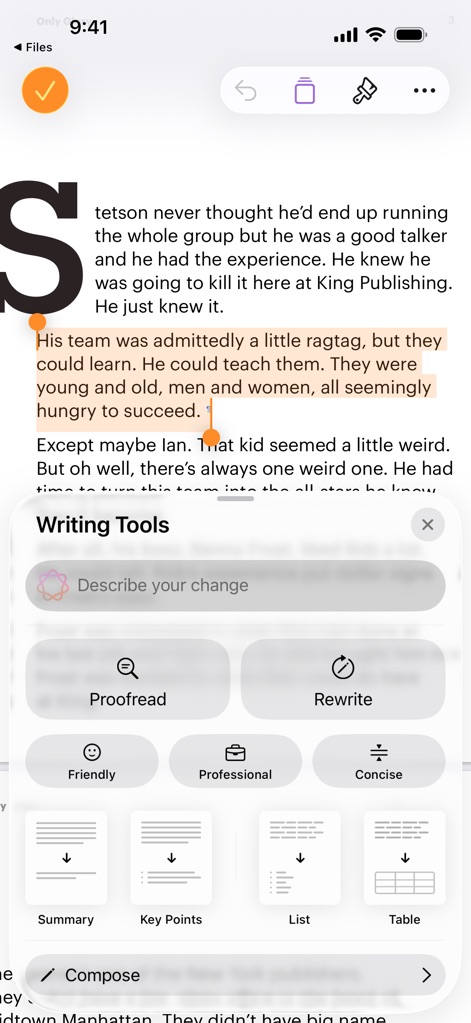
AI Writing Assistance
Enhance your prose with powerful AI Writing Tools, offering features like instant proofreading and intelligent text highlighting for comprehensive suggestions.
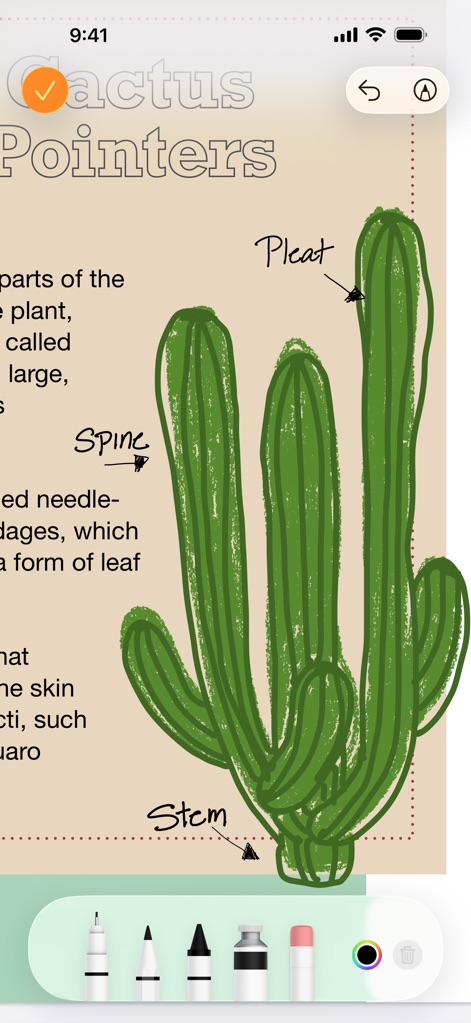
Precision Drawing Tools
Unleash creativity with precision drawing tools and Apple Pencil support, allowing users to add detailed annotations and custom illustrations to documents.
Description
Download
More Like This
Apps with similar features and user experience

Affinity Publisher 2 for iPad
Serif (Europe) Ltd.

Brochure Maker, Pamphlet Maker
Bhavesh Gabani

Zine - Enjoy Writing
Aura Marker Studio Co., Ltd.

Price List & Menu Maker
Desygner Pty Ltd

Story Creator - Easy Story Book Maker for Kids
Innovative Mobile Apps Ltd

Book Creator for iPad
Tools for Schools Limited

Book Creator One
Tools for Schools Limited
This page is not an official page of the app or its developer, but an independent editorial publication created for informational and commentary purposes. Unless expressly stated otherwise, neither the app nor its developer is affiliated with, endorsed by, sponsored by, authorized by, or otherwise officially connected with MWM, Apple, Google Play, the app publisher, or the app's developer, and nothing on this page implies that the app was developed using MWM's services. Any trademarks, logos, screenshots, and other content remain the property of their respective owners.