
This page is not an official page of the app or its developer, but an independent editorial publication created for informational and commentary purposes. Unless expressly stated otherwise, neither the app nor its developer is affiliated with, endorsed by, sponsored by, authorized by, or otherwise officially connected with MWM, Apple, Google Play, the app publisher, or the app's developer, and nothing on this page implies that the app was developed using MWM's services. Any trademarks, logos, screenshots, and other content remain the property of their respective owners.

Parallel Space ~ App Cloning
Juggling digital identities? This app hands you the keys to unlimited digital lives. Users unlock a new level of control, multiplying their presence without compromise.
Downloads
100k+User Rating
Total Ratings
3.0KPublisher
Category
UtilitiesLocales
8Latest Version
8.0Size
55.0 MBFirst Released
Dec 23, 2024Key features and their impact on multi-account management and digital privacy.
App Analysis: Parallel Space ~ App Cloning
Simultaneous Multiple Account Login
The app allows users to log into multiple instances of the same application simultaneously, enabling the management of distinct personal and professional profiles without constant switching.
Unified Social Media Handling
The app provides a unified platform to effortlessly manage numerous social media profiles, catering to users who maintain distinct online presences.
Secure & Private Web Browsing
The app provides a secure and private environment for web browsing, protecting sensitive information and user activities from tracking.
Work-Life Balance Facilitation
It enables users to keep personal and work accounts simultaneously active, supporting efficient management of digital responsibilities and contributing to a better work-life balance.
Encrypted Secret Notes
This tool features encrypted note-taking capabilities, allowing users to securely store private information and sensitive thoughts within the app.
Intuitive User Interface
This tool features an intuitive and user-friendly interface, ensuring a seamless and efficient experience for all users.
Frequently Asked Questions
Everything you need to know about Parallel Space ~ App Cloning
What is Parallel Space ~ App Cloning?
Parallel Space ~ App Cloning is a digital toolkit that enables users to simultaneously log into multiple accounts for various apps on a single device, promoting work-life balance.
Does Parallel Space ~ App Cloning offer secure web browsing?
Yes, Parallel Space ~ App Cloning provides secure and private web browsing. It features a dedicated Private Browsing Mode that ensures users can browse without leaving a trace.
Can I keep private notes in Parallel Space ~ App Cloning?
Yes, Parallel Space ~ App Cloning includes encrypted secret notes for personal use. This feature allows users to securely save and manage their private information within the app.
Which apps are supported for cloning in Parallel Space?
Parallel Space ~ App Cloning supports cloning for a wide range of applications, including social media platforms like WhatsApp, Facebook, Instagram, and various other communication and gaming apps.
How does Parallel Space ~ App Cloning ensure data security?
Parallel Space ~ App Cloning ensures data security by stating that user data is secure, organized, and always accessible. It also provides encrypted secret notes for private information storage.
How can I manage work and personal accounts separately using Parallel Space?
Parallel Space ~ App Cloning allows users to manage work and personal accounts separately by keeping them active simultaneously. This feature helps maintain a good work-life balance with ease.
The following screenshots and description are sourced directly from the app's official store listing and are the property of the app developer.
App Store
Screenshots
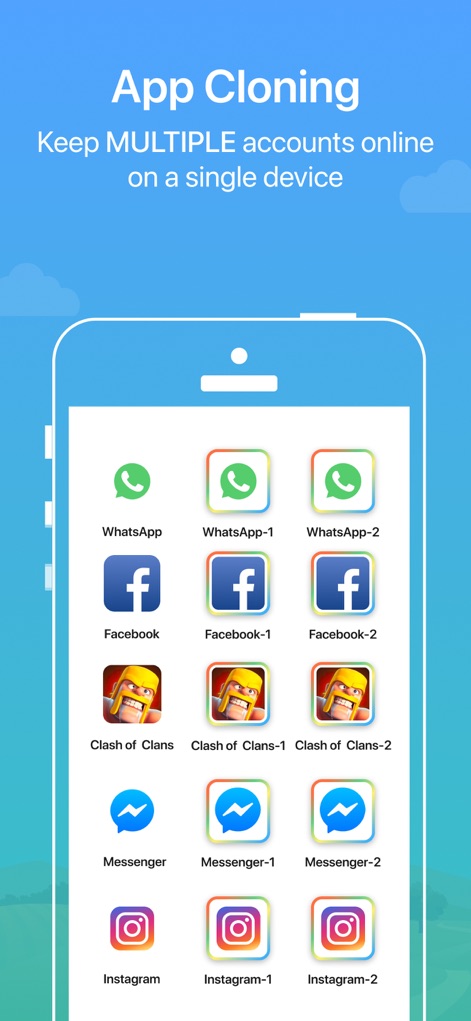
See how the app displays multiple cloned icons for popular platforms like WhatsApp and Facebook, enabling users to keep separate accounts active simultaneously.
App Cloning Power
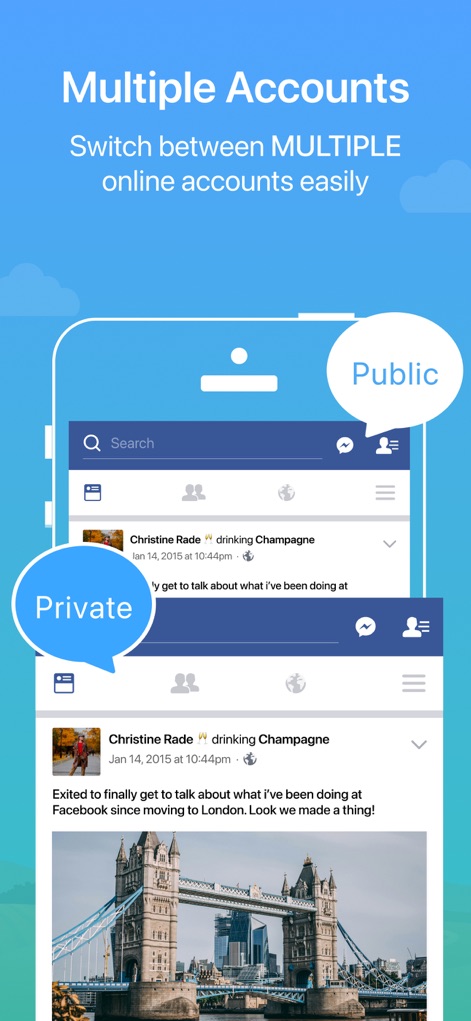
Observe the intuitive interface with 'Public' and 'Private' labels, demonstrating how users can effortlessly toggle between distinct social media profiles within the same app.
Seamless Account Switching
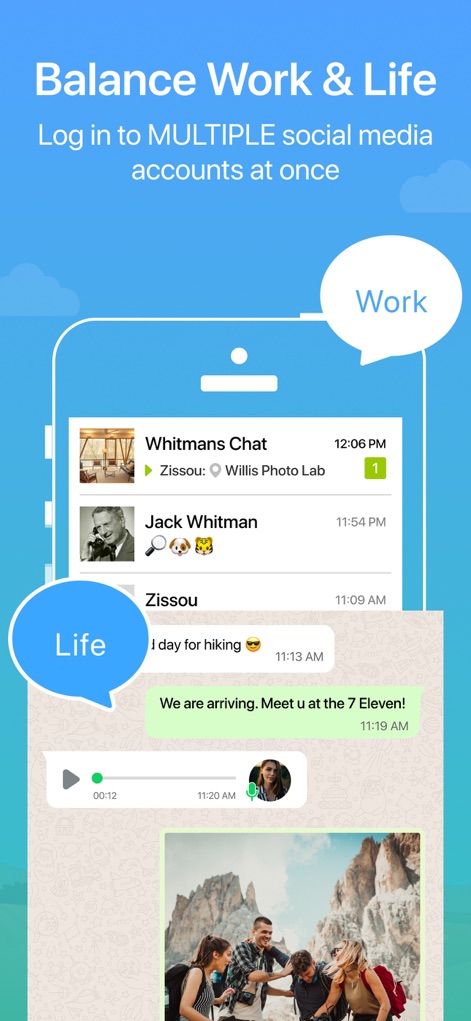
This image highlights the 'Work' and 'Life' chat bubbles, illustrating how the app helps users maintain clear boundaries between professional communications and personal interactions.
Work-Life Balance
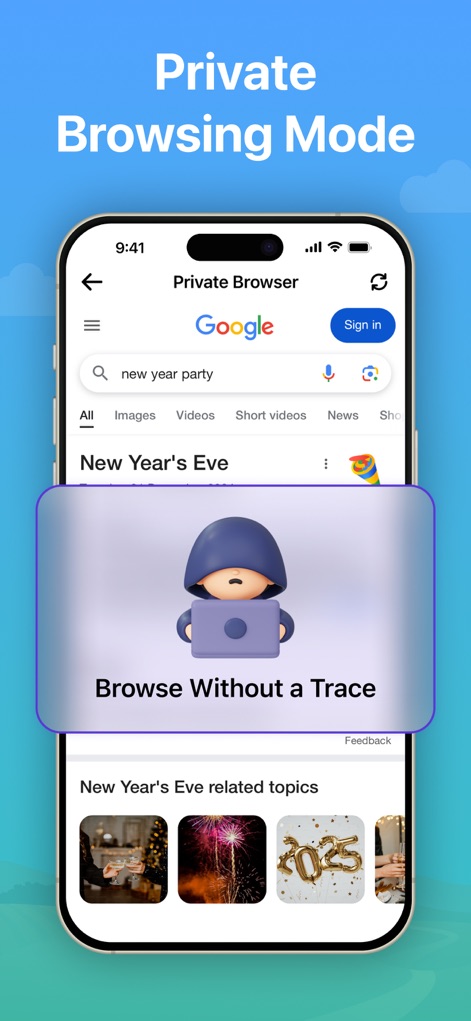
Discover the dedicated 'Private Browser' feature, complete with a 'Browse Without a Trace' prompt, ensuring user privacy and anonymity while online.
Secure Private Browsing
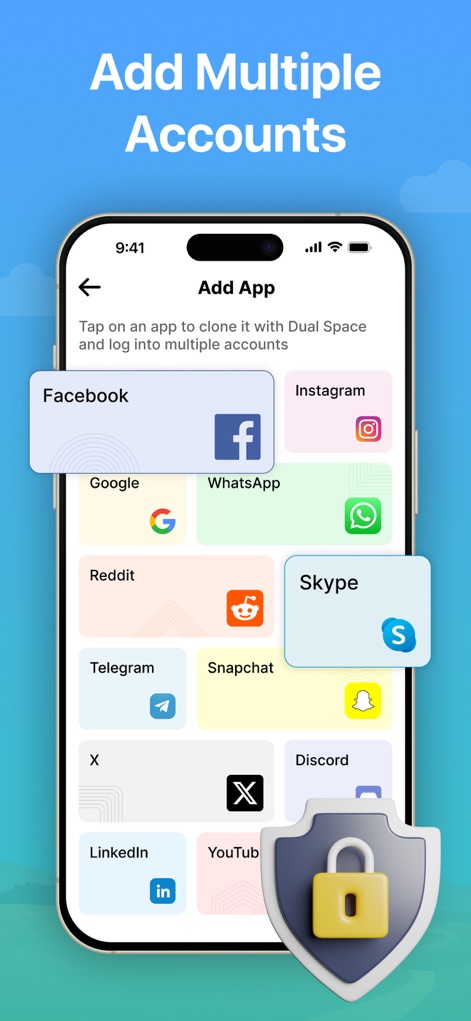
This view presents a comprehensive selection of apps, including Facebook and Instagram, that users can easily clone to create dual accounts, all protected by a prominent security shield icon.
Expand App Options
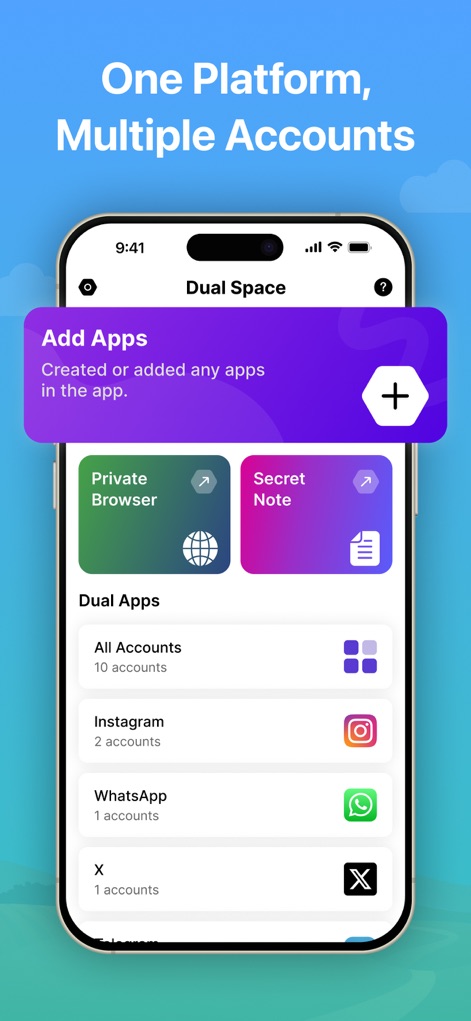
Explore the 'Dual Space' dashboard, which centralizes access to features like the 'Private Browser' and lists various 'Dual Apps' along with their respective account counts.
Unified App Management
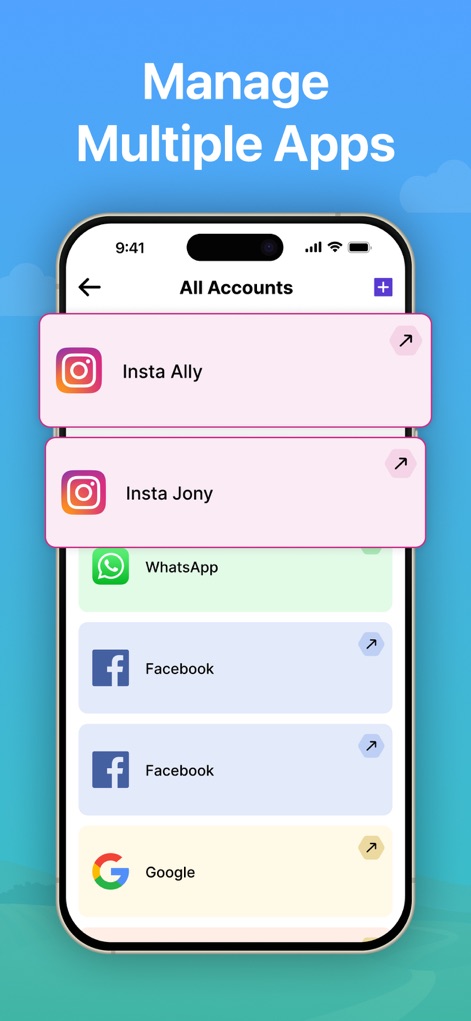
The 'All Accounts' screen clearly displays individual cloned instances for apps such as Instagram and WhatsApp, providing users with an organized view of their multiple logins.
Organized Account Overview
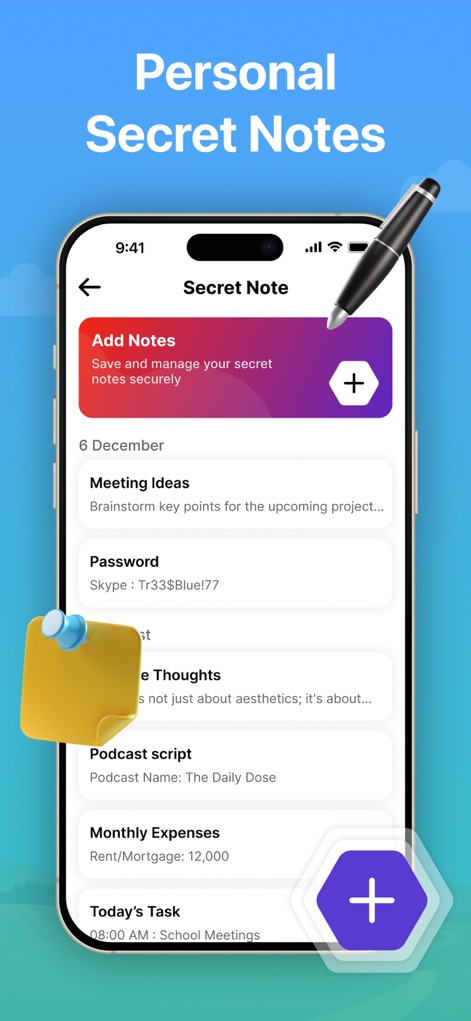
Examine the 'Secret Note' functionality, featuring entries like 'Meeting Ideas' and 'Password' stored securely, with a visual hint of a pen indicating quick note-taking capability.
Encrypted Secret Notes
Description
Download
More Like This
Apps with similar features and user experience

Dual Messenger, Whats Web Chat
中华 阳

Parallel Space: Dual Account
Huong Le Thi
WA Web - Dual Messenger ⁺
雨双 柯
WA Web - Dual Chat
碧 郑
Dual Web Chat for WhatsWA
SEAMOBI TECH PTE LTD

Parallel App ~ Dual Accounts
Shobhaben Ukani
Dual Messenger-Duo Web Chatapp
Changsha Liangchao Technology Co., Ltd.

Multiple Accounts: Dual Spaces
Kokila Ukani

Clone App - Multiple Accounts
Siddharth bhadani
This page is not an official page of the app or its developer, but an independent editorial publication created for informational and commentary purposes. Unless expressly stated otherwise, neither the app nor its developer is affiliated with, endorsed by, sponsored by, authorized by, or otherwise officially connected with MWM, Apple, Google Play, the app publisher, or the app's developer, and nothing on this page implies that the app was developed using MWM's services. Any trademarks, logos, screenshots, and other content remain the property of their respective owners.