
This page is not an official page of the app or its developer, but an independent editorial publication created for informational and commentary purposes. Unless expressly stated otherwise, neither the app nor its developer is affiliated with, endorsed by, sponsored by, authorized by, or otherwise officially connected with MWM, Apple, Google Play, the app publisher, or the app's developer, and nothing on this page implies that the app was developed using MWM's services. Any trademarks, logos, screenshots, and other content remain the property of their respective owners.


Parkedin™
Skip the kiosks with scan-to-pay, secure your spot in advance with mobile reservations, and power up your vehicle—all in one frictionless app.
Downloads
348K+User Rating
Total Ratings
500Publisher
Category
TravelLocales
1Latest Version
3.0.8Size
59.4 MBFirst Released
Jun 19, 2020Efficiency for Your Urban Journey
Stop wasting time at kiosks. Parkedin™ streamlines your commute with contactless payments, guaranteed spots, and integrated charging.
Contactless Scan-to-Pay
Skip the lines and the germs. Just scan the QR code to pay for your spot and get on with your day in seconds.
Guaranteed Reservations
Eliminate parking anxiety by booking your space in advance, ensuring your spot is waiting exactly when you arrive.
The following screenshots and description are sourced directly from the app's official store listing and are the property of the app developer.
App Store
Screenshots
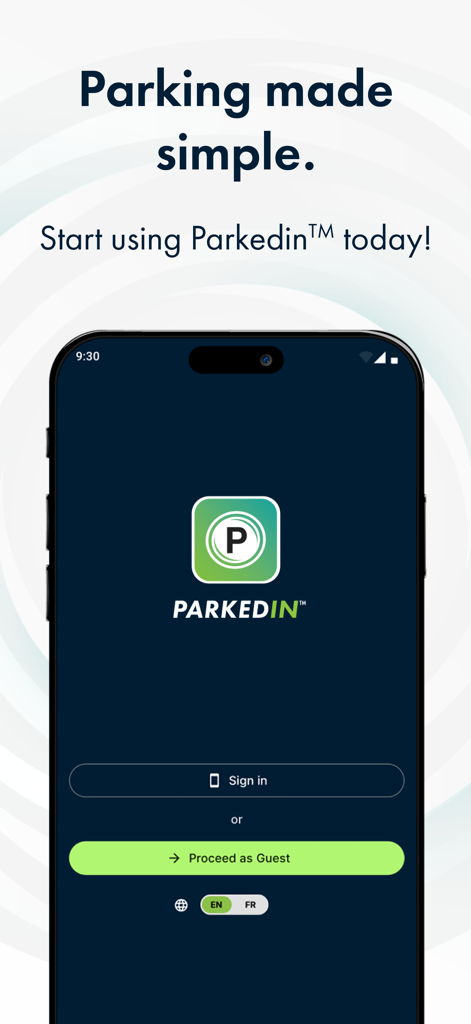
Parkedin mobile app landing page showing sign in and guest access options for simplified parking
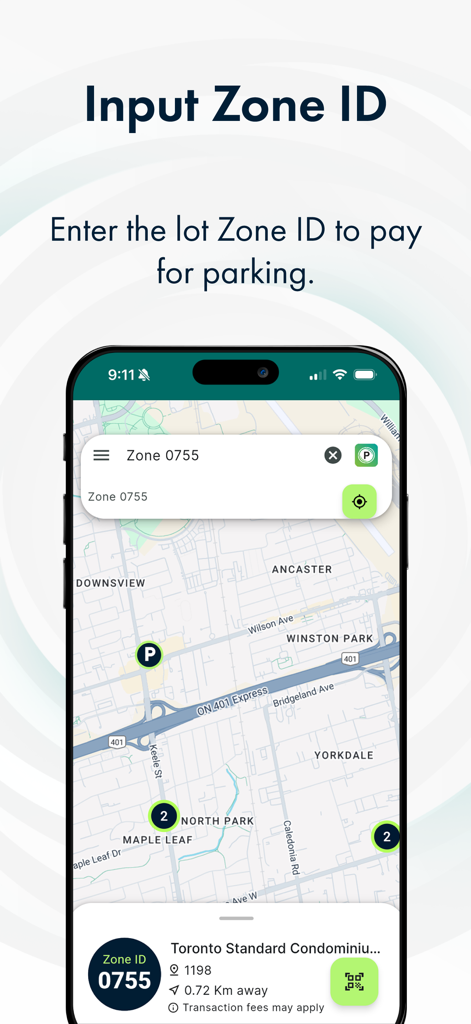
Parkedin app interface for entering a parking zone ID with an integrated map view
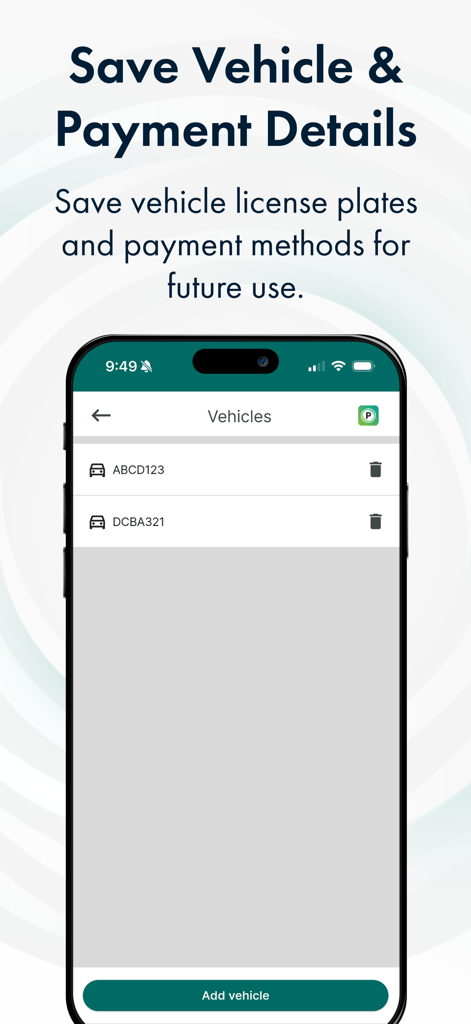
Interface of the Parkedin app showing a list of saved vehicle license plates and an add vehicle button
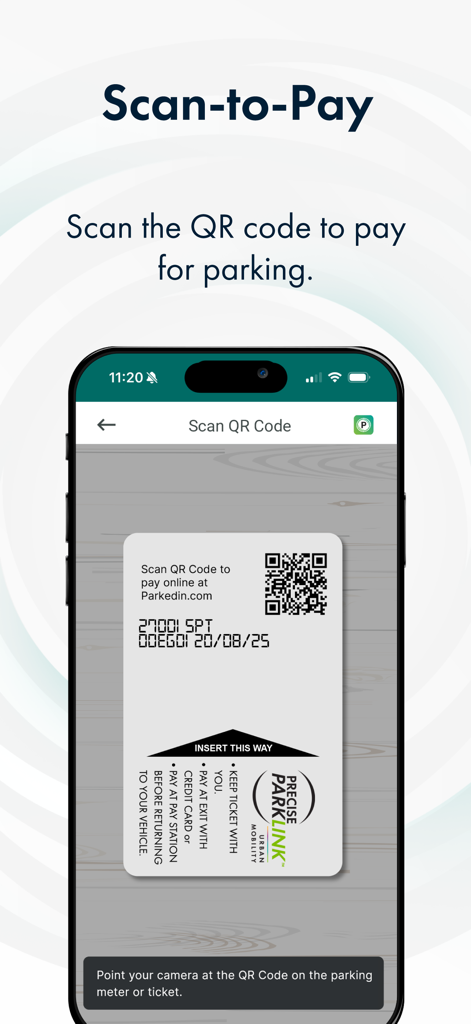
Parkedin app interface for scanning a parking ticket QR code to pay for parking
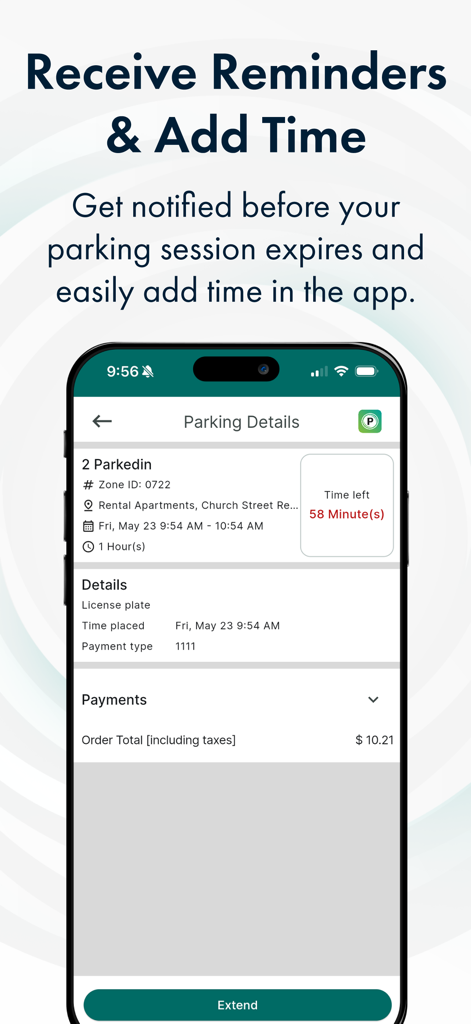
Parkedin app interface showing parking session time remaining and option to extend
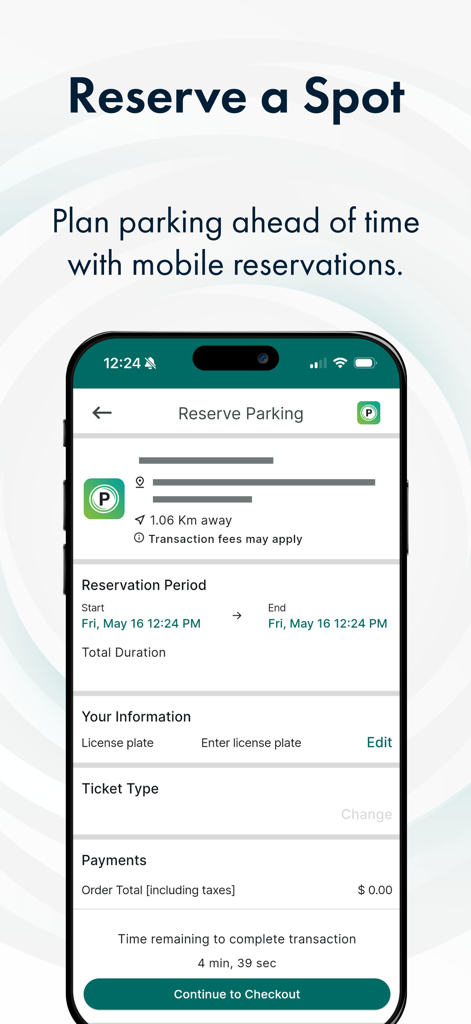
Mobile app screen for Parkedin showing the reserve a spot feature with reservation dates and license plate entry
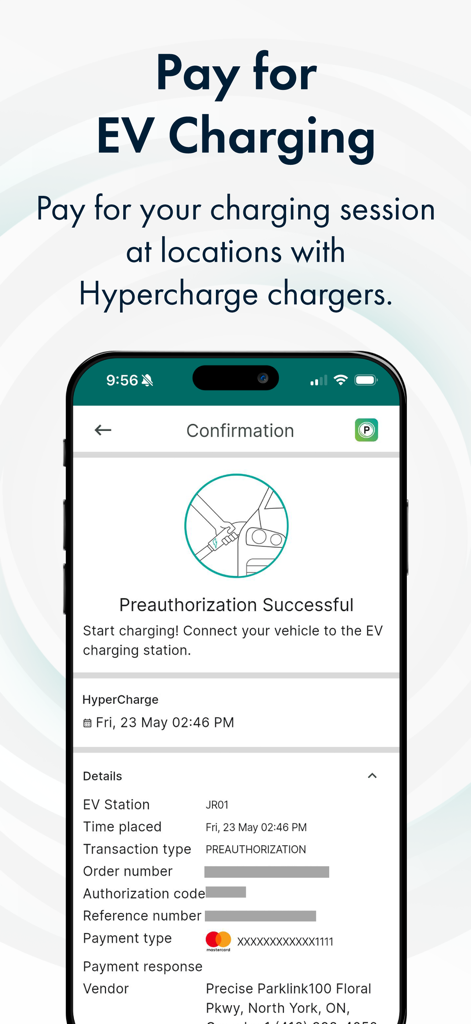
Parkedin app confirmation screen showing a successful preauthorization for an EV charging session.
Description
Download
More Like This
Apps with similar features and user experience

ParkMobile: Park. Pay. Go.
Parkmobile USA, Inc

EasyPark - Parking made easy
Easy Park AS
SpotHero: #1 Rated Parking App
SpotHero, Inc.

ParkWhiz - #1 Parking App
ParkWhiz, Inc.

Metropolis: Remarkable Parking
Metropolis Technologies, Inc.

RingGo: Mobile Car Parking App
RingGo Ltd

Mobicité
Agence de mobilite durable de Montreal

HandyParken München
SWM Services GmbH

Parking Kitty
City of Portland
This page is not an official page of the app or its developer, but an independent editorial publication created for informational and commentary purposes. Unless expressly stated otherwise, neither the app nor its developer is affiliated with, endorsed by, sponsored by, authorized by, or otherwise officially connected with MWM, Apple, Google Play, the app publisher, or the app's developer, and nothing on this page implies that the app was developed using MWM's services. Any trademarks, logos, screenshots, and other content remain the property of their respective owners.