Passwords & Passkeys-Safe

Passwords & Passkeys-Safe


Download on App StoreDownload on Google Play
Logo of Passwords & Passkeys-Safe
SafeInCloud: The All-in-One Password Manager You Truly Own

Take control of your digital security with military-grade encryption and built-in 2FA. No subscriptions, no proprietary clouds—just your data, synced your way.

Download on App Store

Publisher

SAFEINCLOUD SAS

Category

Productivity

Downloads

237K+

User Rating

4.7/5

Total Ratings

4K+

Locales

33

Your Digital Vault, Visualized

Discover the interface used by 237K+ users.
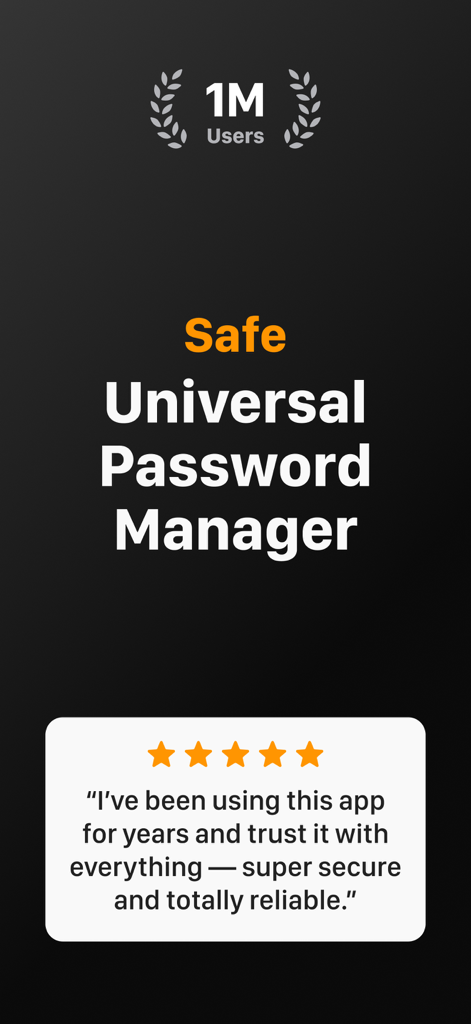
SafeInCloud app screenshot showing one million users and a five star user review

SafeInCloud app screenshot showing one million users and a five star user review

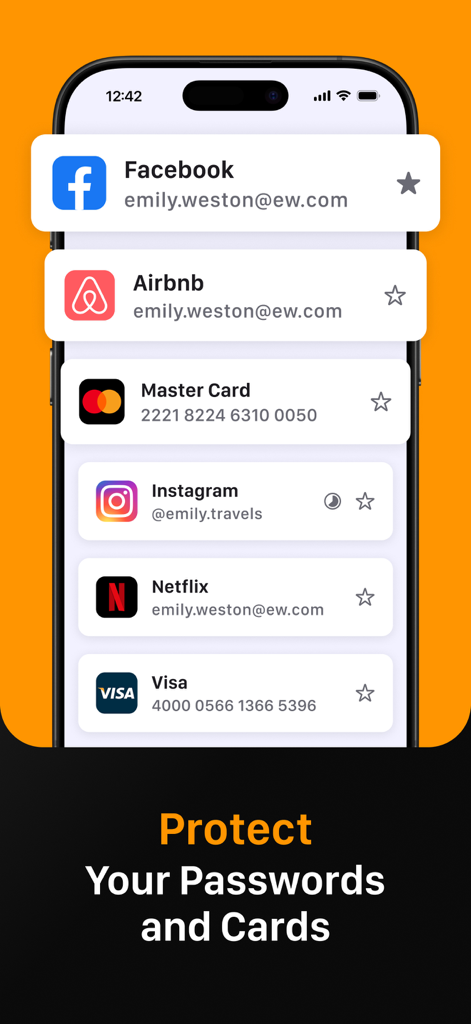
Smartphone screen showing SafeInCloud app managing secure logins for Facebook, Instagram, and credit card details

Smartphone screen showing SafeInCloud app managing secure logins for Facebook, Instagram, and credit card details

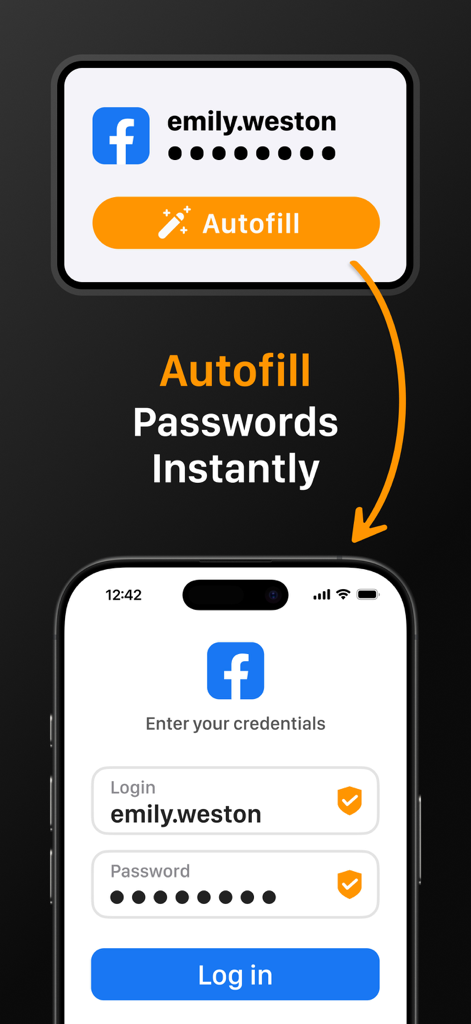
SafeInCloud app demonstrating instant password autofill on a mobile device login screen

SafeInCloud app demonstrating instant password autofill on a mobile device login screen

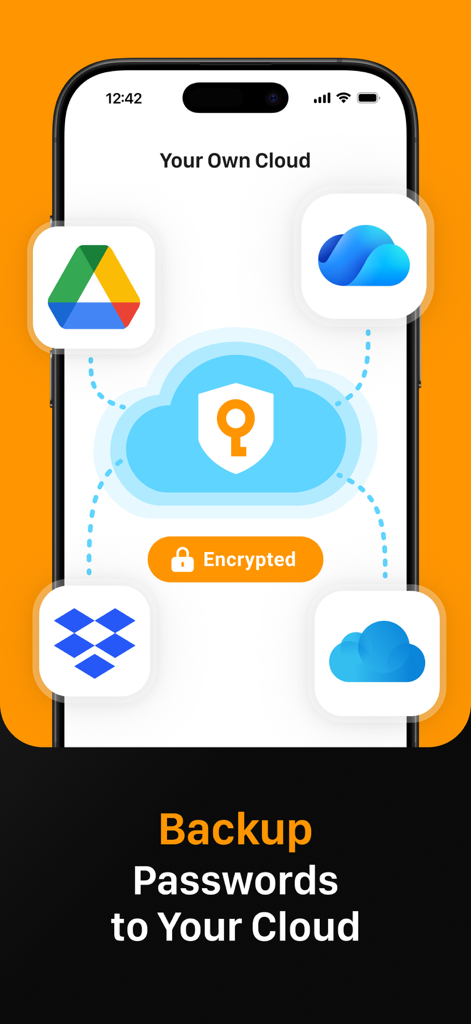
SafeInCloud app interface showing password backup and synchronization with personal cloud services like Google Drive and Dropbox

SafeInCloud app interface showing password backup and synchronization with personal cloud services like Google Drive and Dropbox

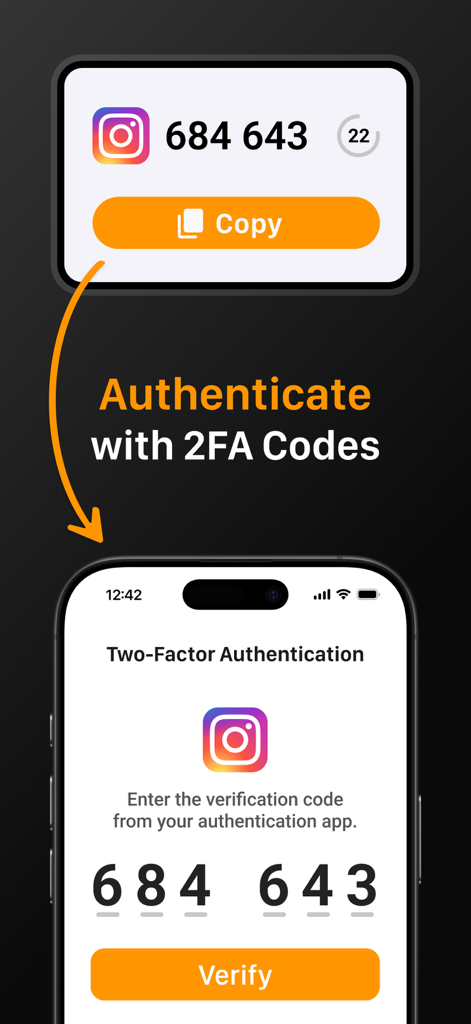
SafeInCloud interface showing how to authenticate with 2FA codes for an Instagram account

SafeInCloud interface showing how to authenticate with 2FA codes for an Instagram account

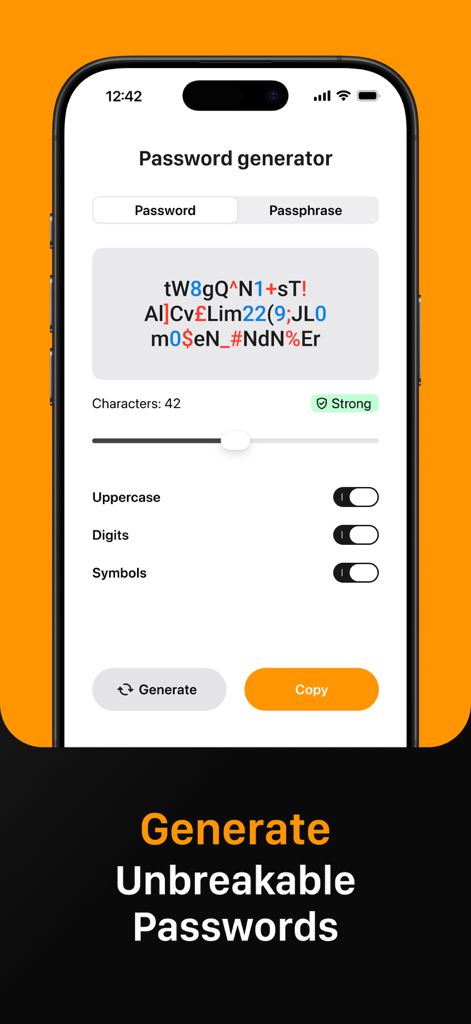
SafeInCloud app interface displaying the password generator feature for creating strong and unbreakable passwords

SafeInCloud app interface displaying the password generator feature for creating strong and unbreakable passwords

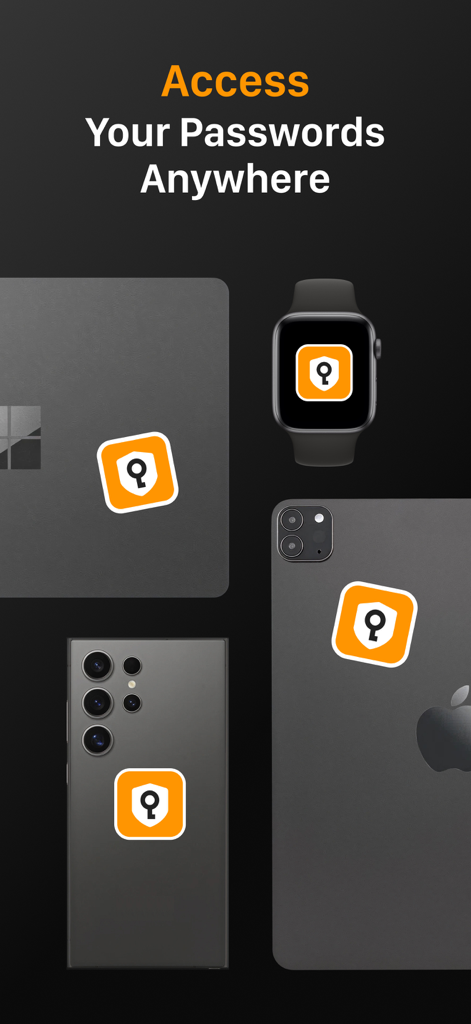
SafeInCloud app icon displayed on multiple devices including a laptop smartwatch and smartphones to demonstrate cross platform access

SafeInCloud app icon displayed on multiple devices including a laptop smartwatch and smartphones to demonstrate cross platform access

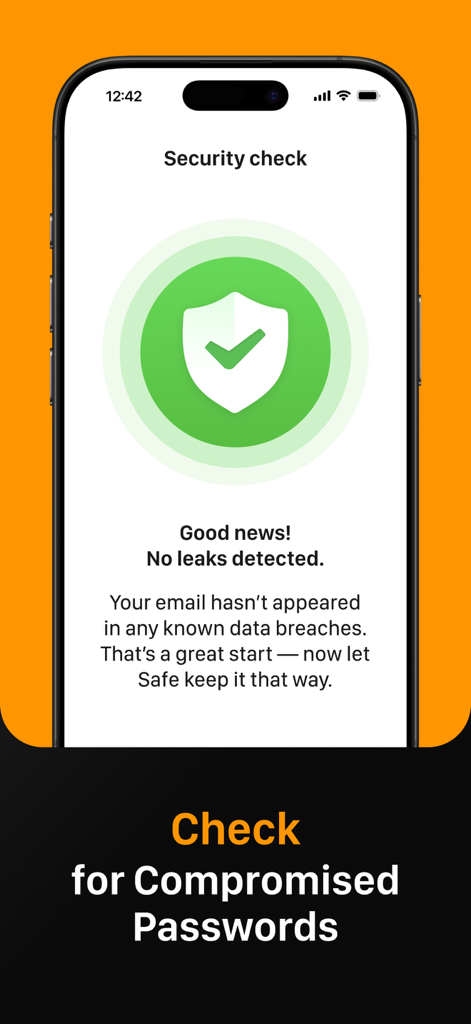
SafeInCloud security check screen showing no data leaks detected for compromised passwords.

SafeInCloud security check screen showing no data leaks detected for compromised passwords.

Secure Your World on Your Terms

The tools that make this app stand out, trusted by 237K+ users.

☁️

Total Data Sovereignty

Stay in control by syncing your encrypted vault through your own cloud account like iCloud, Google Drive, or Dropbox instead of third-party servers.

🔐

Built-in 2FA Authenticator

Simplify your workflow with an integrated authenticator that generates one-time codes, eliminating the need for separate verification apps.

Seamless Cross-Platform Access

Enjoy instant logins with Face ID, Touch ID, and system-wide autofill across your iPhone, iPad, Mac, and Windows PC with a free desktop companion.

About the app

Everything you need to know about Passwords & Passkeys-Safe.

Description

SafeInCloud Password Manager allows you to keep your logins, passwords, and other private info safe and secure in an encrypted database. You can synchronise your data with another phone, tablet, Mac or PC via your own cloud account. SafeInCloud is not just a password keeper, but also a 2FA authenticator that generates one-time codes for any website. This means you won't need a separate 2FA authenticator app. ALL-IN-ONE PASSWORD MANAGER ◆ Easy to Use ◆ Strong Encryption (256-bit Advanced Encryption Standard) ◆ Cloud Synchronisation (iCloud, Google Drive, Dropbox, Microsoft OneDrive, NAS, WebDAV) ◆ Login with Touch ID & Face ID ◆ Multiple Databases ◆ Autofill Passwords in Apps ◆ Password Strength Analysis ◆ Password Generator ◆ 2FA Authenticator (MFA, TOTP, OTP) ◆ Check for Compromised Passwords ◆ Free Desktop App (Windows & Mac) ◆ Automatic Data Import ◆ Apple Watch App ◆ Cross Platform EASY TO USE Try it yourself and enjoy an easy-to-use yet powerful user interface. STRONG ENCRYPTION Your data is always encrypted on a device and in a cloud with a strong 256-bit Advanced Encryption Standard (AES). CLOUD SYNCHRONISATION Your database is automatically synchronised with your own cloud account. Thus you can easily restore your entire database from a cloud to a new phone or computer (in case of a loss or an upgrade). LOGIN WITH TOUCH ID & FACE ID You can instantly unlock SafeInCloud with a fingerprint on devices with Touch ID. You can also unlock SafeInCloud by face recognition using Face ID technology. AUTOFILL PASSWORDS IN APPS You can autofill login and password fields into any app on your phone directly from SafeInCloud. You don't need to copy and paste them manually. PASSWORD STRENGTH ANALYSIS SafeInCloud analyses your password strengths and shows a strength indicator next to each password. PASSWORD GENERATOR The password generator helps you generating random and secure passwords. There is also an option to generate memorable, but still strong passwords. 2FA AUTHENTICATOR SafeInCloud supports two factor authentication (2FA, MFA, TOTP, OTP), providing an additional layer of security without the need for a separate verification app like Microsoft authenticator. CHECK FOR COMPROMISED PASSWORDS Hundreds of millions of real world passwords have previously been exposed in data breaches. Safely and anonymously check your passwords for being compromised. FREE DESKTOP APP Download a free Desktop application for Windows or Mac OS from www. AUTOMATIC DATA IMPORT The Desktop application can automatically import your passwords from another password manager like 1password or LastPass. You don't need to manually reenter all your passwords. APPLE WATCH APP You can put some selected cards on your wrist to easily access them on the run. These could be your credit card PINs, door and locker codes. Terms of Use: https://www.apple.com/legal/internet-services/itunes/dev/stdeula/

Latest Version

26.1.9

Size

76.6 MB

First Released

Oct 21, 2014

Take Full Control of Your Security Today

Join 237,000+ users who choose data sovereignty over subscriptions. Secure your passwords with AES-256 encryption using your own cloud account—no monthly fees, no compromises.

Download on App StoreDownload on Google Play

App information, icons, screenshots, and descriptions displayed on this page are sourced from the Apple App Store and are the property of their respective developers. Download estimates and rankings are based on MWM's proprietary models and may not reflect actual figures. This page is provided for informational and analytical purposes only.

Believe this page infringes your intellectual property? File a dispute