
This page is not an official page of the app or its developer, but an independent editorial publication created for informational and commentary purposes. Unless expressly stated otherwise, neither the app nor its developer is affiliated with, endorsed by, sponsored by, authorized by, or otherwise officially connected with MWM, Apple, Google Play, the app publisher, or the app's developer, and nothing on this page implies that the app was developed using MWM's services. Any trademarks, logos, screenshots, and other content remain the property of their respective owners.

PCB Toolkit
Streamline your hardware design workflow with IPC-compliant calculations for trace impedance, thermal resistance, and via properties—engineered for professionals who demand accuracy.
Downloads
2K+User Rating
Total Ratings
0Publisher
Category
ReferenceLocales
1Latest Version
1.16Size
126.9 MBFirst Released
Mar 7, 2023Precision Engineering in Your Pocket
Stop hunting through PDF manuals. Access industry-standard IPC calculations and manufacturing data for reliable PCB design and professional-grade prototyping.
IPC-Validated Trace Modeling
Calculate conductor impedance, width, and maximum length using precise Hammerstad/Jensen and IPC-2221 formulas to ensure signal integrity.
Thermal & Current Analysis
Estimate via thermal resistance and fusing current with Preece and Onderdonk models to build robust hardware that handles high-power loads.
The following screenshots and description are sourced directly from the app's official store listing and are the property of the app developer.
App Store
Screenshots
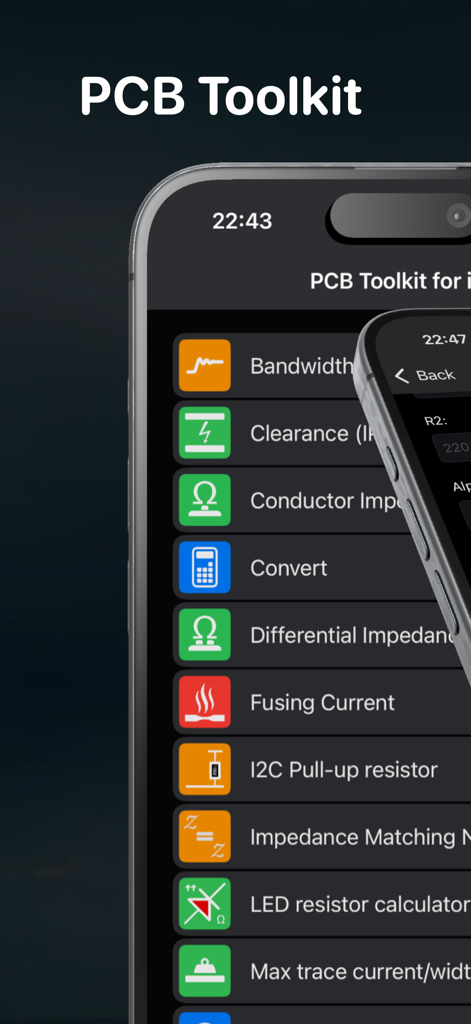
Main menu of the PCB Toolkit app displaying various electrical engineering calculation tools
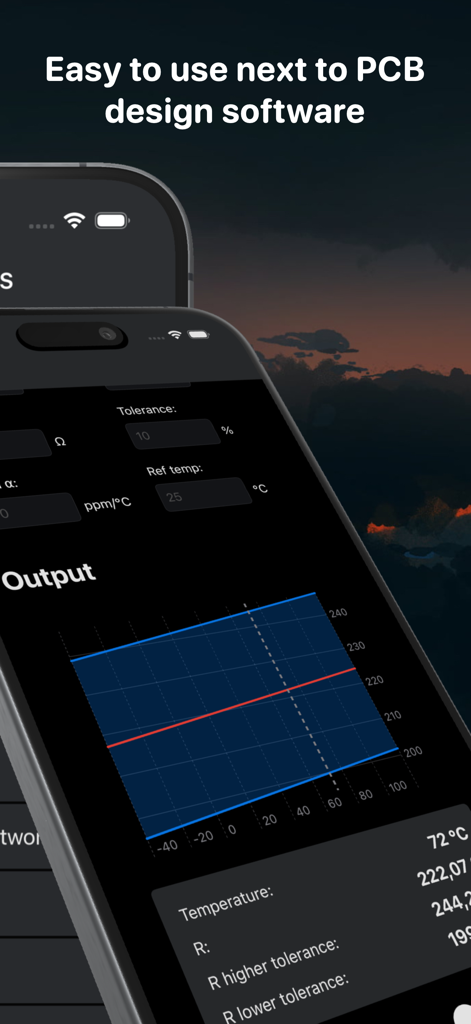
A mobile app screen showing a resistance and tolerance graph for PCB design calculations.
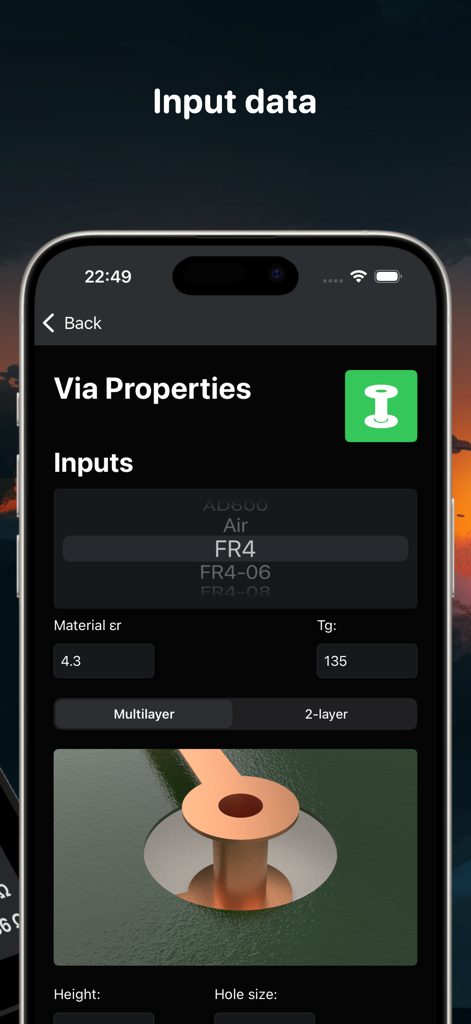
PCB Toolkit app interface showing via properties calculation with FR4 material selection and a 3D PCB via diagram.
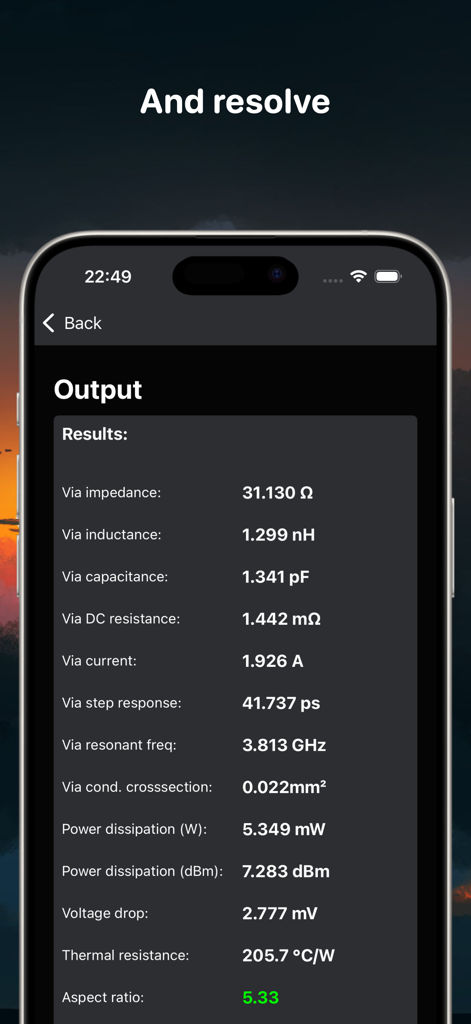
PCB Toolkit app output screen showing technical results for via impedance and thermal resistance
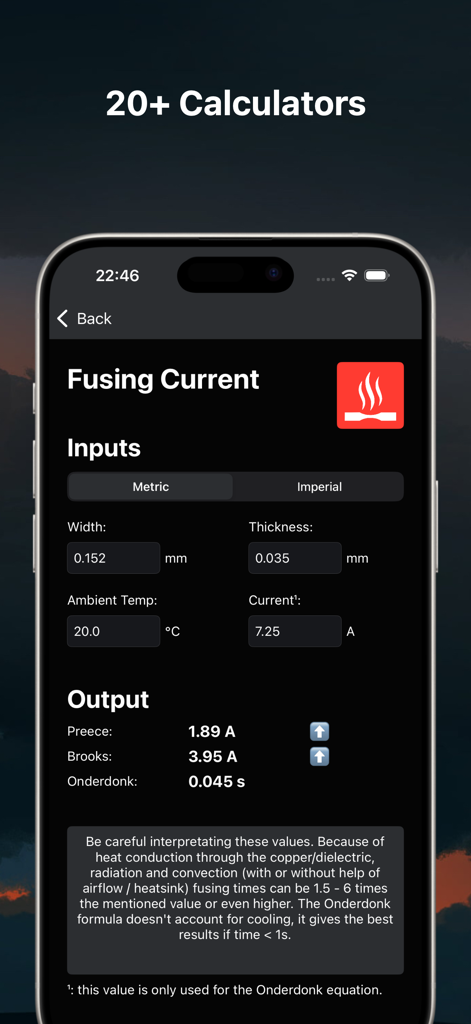
Fusing current calculator interface in the PCB Toolkit app showing Preece, Brooks, and Onderdonk calculations.
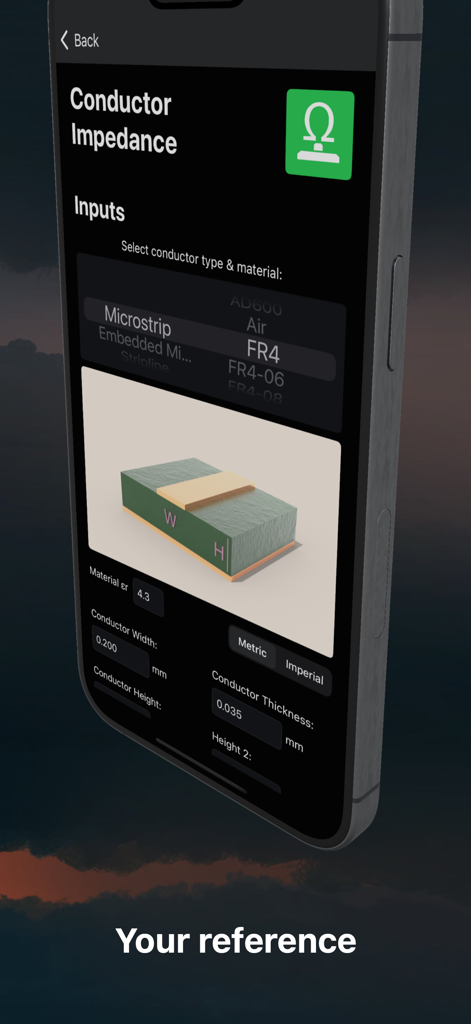
Screenshot of the PCB Toolkit app showing the conductor impedance calculator interface with a microstrip diagram and input fields for engineering parameters.
Description
Download
More Like This
Top-ranked apps in the same category

Google Translate
Google LLC

火箭沙盒
P2E CO., LTD.

Bible
Life.Church

Bible Chat: Daily Devotional
BookVitals APP SRL

Youdao Dictionary
Beijing NetEase Youdao Computer System Co.,Ltd

Translate Now - AI Translator
AIR APPS SYSTEMS, UNIPESSOAL, LDA

Naver Papago - AI Translator
NAVER Corp.

ΗiΤV - Endless Movies & Shows
学 张

Live Translator - AI Translate
DigitalSail (HK) Limited
This page is not an official page of the app or its developer, but an independent editorial publication created for informational and commentary purposes. Unless expressly stated otherwise, neither the app nor its developer is affiliated with, endorsed by, sponsored by, authorized by, or otherwise officially connected with MWM, Apple, Google Play, the app publisher, or the app's developer, and nothing on this page implies that the app was developed using MWM's services. Any trademarks, logos, screenshots, and other content remain the property of their respective owners.