
PDF AI: Editor, Scanner, Chat

Stop reading and start chatting. Edit text, scan documents, and get instant AI summaries with the fastest, most secure PDF toolkit designed for your mobile workflow.
Publisher
Category
ProductivityDownloads
33K+User Rating
Total Ratings
200Locales
27Discover the interface used by 33K+ users.
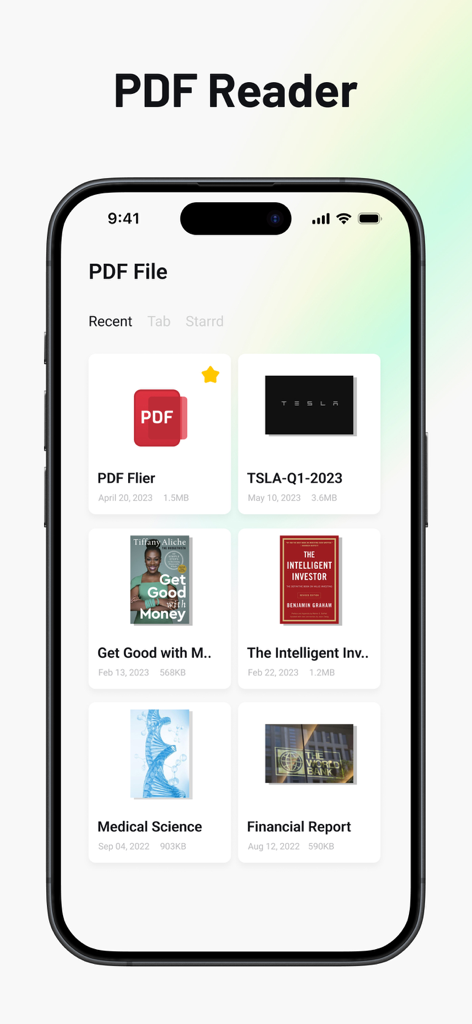
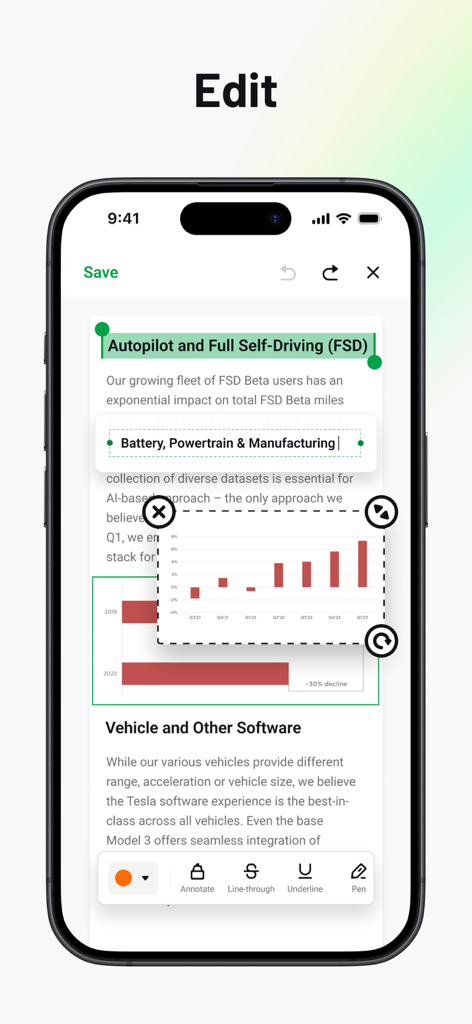
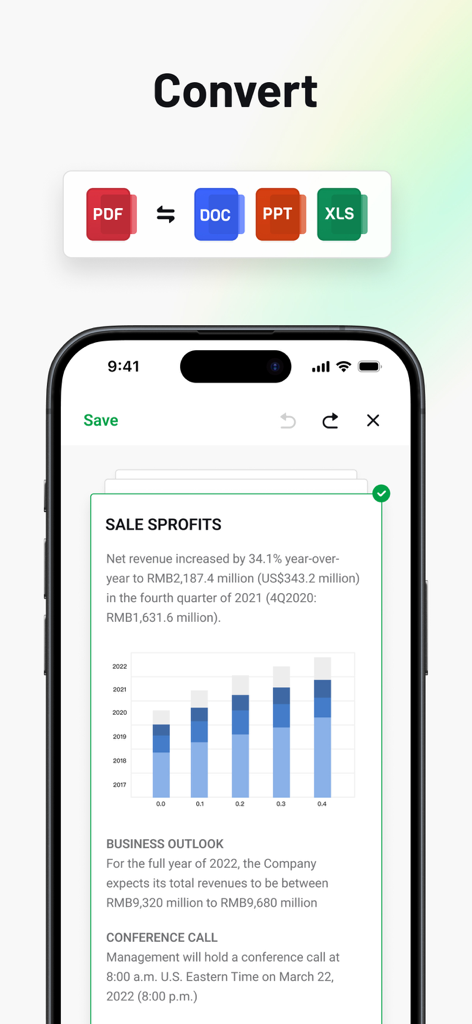
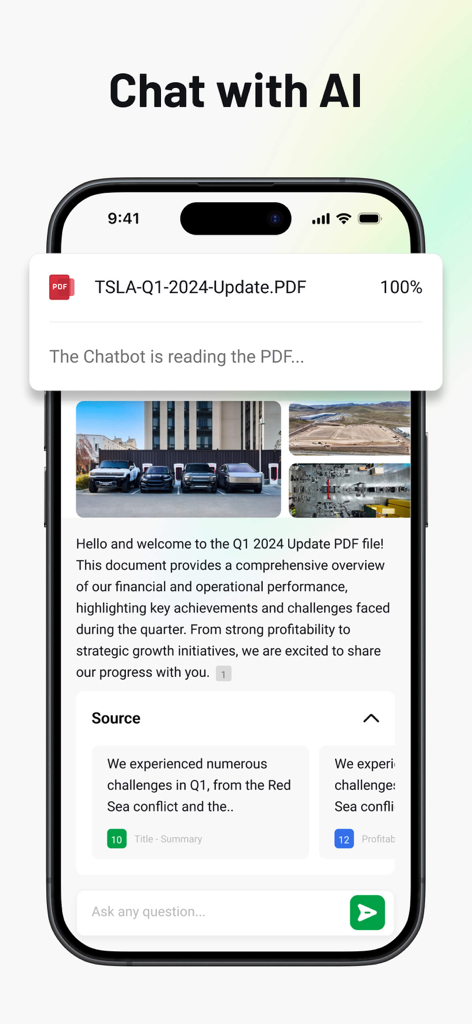
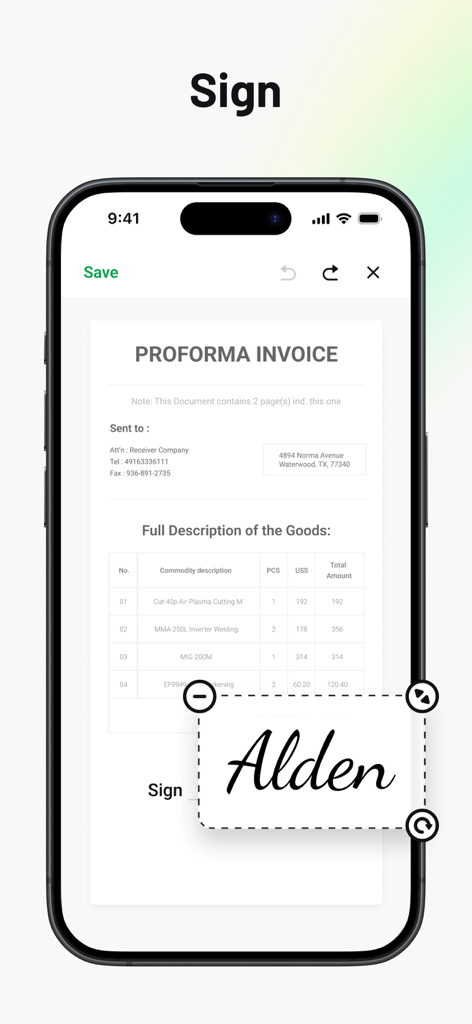
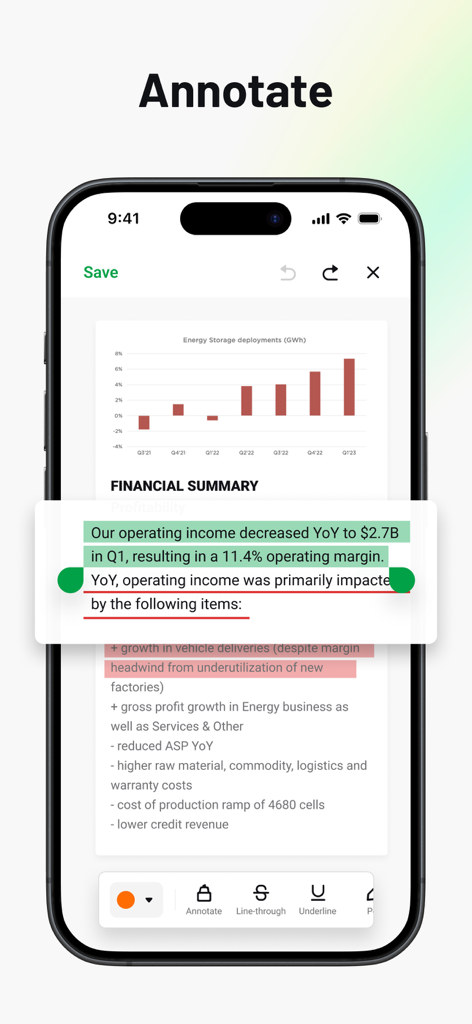
The tools that make this app stand out, trusted by 33K+ users.
Skip the information overload. Use AI to summarize 50-page reports, extract data, and find answers in seconds.
Handle sensitive contracts and research securely. Local processing ensures your confidential data never leaves your device.
Scan, edit text, and e-sign documents on the go. Professional results with zero watermarks for a polished, corporate finish.
Everything you need to know about PDF AI: Editor, Scanner, Chat.
Description
Latest Version
2.5.3
Size
166.4 MB
First Released
Aug 8, 2024
Join over 33,000 professionals using AI to scan, edit, and chat with their documents. Experience the ultimate privacy-first PDF toolkit today.
Everything you need to know about PDF AI: Editor, Scanner, Chat
PDF AI: Editor, Scanner, Chat allows users to edit, read, convert, annotate, fill, sign, scan, and organize PDF documents. It also provides AI summaries and a lightning-fast viewer.
Yes, PDF AI: Editor, Scanner, Chat uses AI for summaries, and it includes continuous updates with new AI capabilities. The app also features a "Chat with AI" function.
Yes, PDF AI: Editor, Scanner, Chat enables precise editing of text, images, and layout within PDF documents. Users can modify content directly.
PDF AI: Editor, Scanner, Chat converts PDFs to and from Word, Excel, PowerPoint, Images, and TXT formats with high fidelity.
Yes, PDF AI: Editor, Scanner, Chat is privacy-first, ensuring local processing and strong encryption for user data. It does not compromise privacy.
No, PDF AI: Editor, Scanner, Chat provides professional output with zero watermarks for subscribers. This ensures clean and professional documents.
PDF AI: Editor, Scanner, Chat offers VIP auto-renewable subscriptions with monthly or yearly plans. These plans unlock premium tools like advanced editing and full-text search.
Yes, PDF AI: Editor, Scanner, Chat allows users to fill interactive forms and e-sign documents on the go. This feature ensures mobility and convenience.
The privacy policy for PDF AI: Editor, Scanner, Chat is available at https://sophoninc.com/privacy.html. Users can access this link for detailed information.
Top-ranked apps in the same category

OpenAI OpCo, LLC

Google LLC

X.AI Corporation

Google LLC

Shanghai Zhixin Puhui Technology Co., Ltd.

Google LLC

Microsoft Corporation

Google LLC

Google LLC
App information, icons, screenshots, and descriptions displayed on this page are sourced from the Apple App Store and are the property of their respective developers. Download estimates and rankings are based on MWM's proprietary models and may not reflect actual figures. This page is provided for informational and analytical purposes only.
Believe this page infringes your intellectual property? File a dispute