PDF Compress - Size Compressor

PDF Compress - Size Compressor

Download on App Store
Logo of PDF Compress - Size Compressor

PDF Compress - Size Compressor: Shrink Documents by 95% Instantly

Stop struggling with "File Too Large" errors. Effortlessly compress, rename, and share PDFs for university portals, email attachments, and professional workflows—all from your iPhone or iPad.

Publisher

Mohamed Oufqir

Category

Productivity

Downloads

0

User Rating

4.6/5

Total Ratings

0

Locales

3

Efficiency in Focus

Discover the interface used by 0 users.
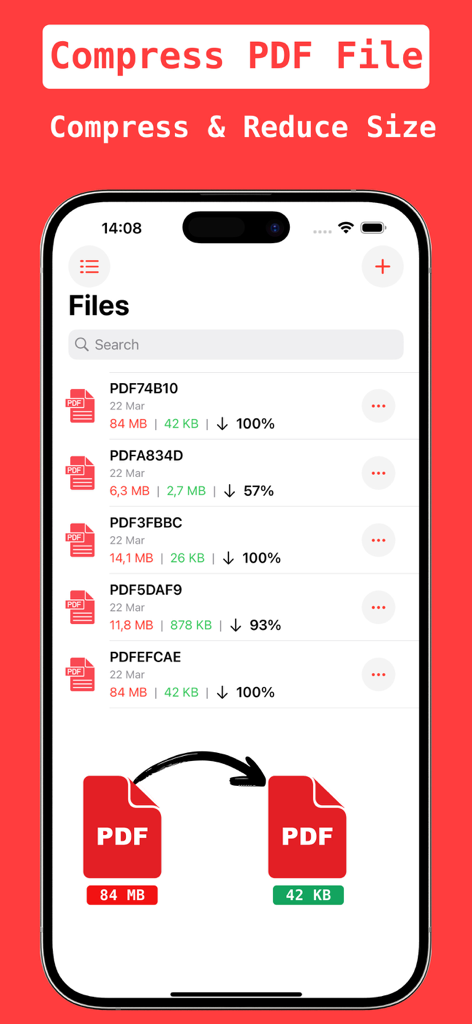
Mobile app screen showing a list of PDF files with original and compressed file sizes and reduction percentages

Mobile app screen showing a list of PDF files with original and compressed file sizes and reduction percentages

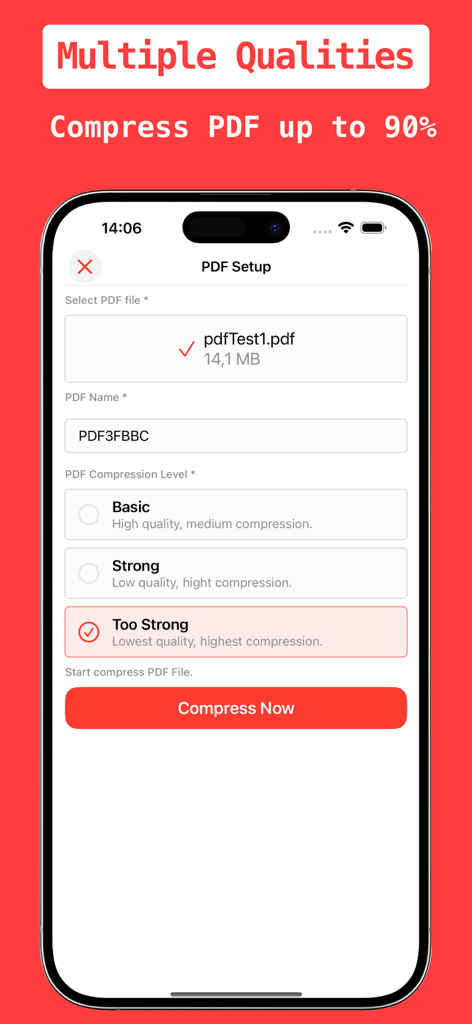
Mobile interface of PDF Compress app showing multiple quality levels to reduce file size

Mobile interface of PDF Compress app showing multiple quality levels to reduce file size

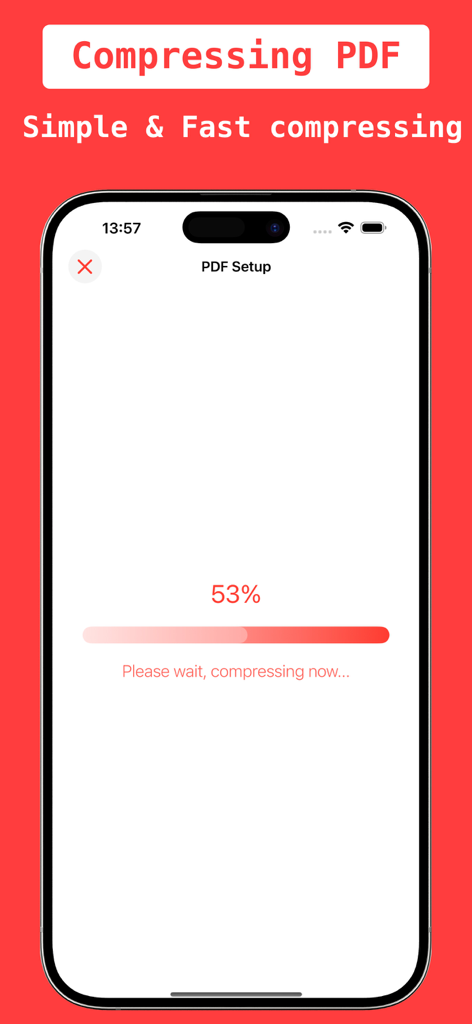
Smartphone screen showing a progress bar at fifty three percent while compressing a PDF document.

Smartphone screen showing a progress bar at fifty three percent while compressing a PDF document.

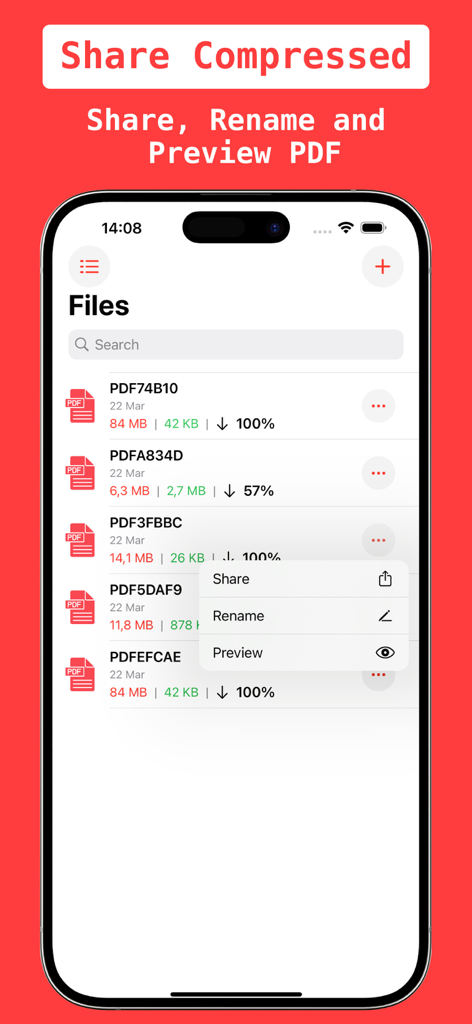
PDF Compress app interface for sharing and renaming compressed files

PDF Compress app interface for sharing and renaming compressed files

Efficiency Without Limits

The tools that make this app stand out, trusted by 0 users.

Massive 95% Compression

Bypass strict upload limits on university portals and corporate sites by shrinking heavy PDFs while maintaining professional clarity.

🚀

Pro Mobile Workflow

Compress, rename, and preview your documents in seconds. Built for busy freelancers and agents who need to close deals on the go.

📤

Seamless Sharing

Stop hitting email attachment caps. Send optimized documents via Slack, Gmail, or WhatsApp instantly to save time and data.

About the app

Everything you need to know about PDF Compress - Size Compressor.

Description

With our PDF Compressor - Small PDF Size app, you can compress large PDF files by up to 95%, significantly reducing their size. Simply select the PDF you want to compress and let the app handle the rest. Key features of Compress PDF, Small PDF include: • Compress PDF files to the desired size for easier sharing. • Multiple compression levels to suit your needs. • Sleek, user-friendly design. • Fast and easy-to-use interface. • Achieve compression rates of over 90%. • Easily share compressed PDF files. • Rename PDF file before or after compression • Preview PDF file before sharing, The PDF Compressor - Small PDF Size tool makes it simple to reduce the size of your PDF files, ensuring they are more manageable and easier to share. Some features are pro features within the app purchase plan: Week : 1.99$, Month : 4.99$, year :14.99$ Note: * Each subscription will be automatically renewed unless auto-renew is turned off at least 24 hours before the end of the current payment period. * Your iTunes account will be automatically charged at the same price for renewal within the 24-hour period prior to the end of the current payment period unless you change your subscription preferences in your iTunes Account Settings. * Payment will be charged to iTunes Account at confirmation of purchase. Any unused portion of a free trial period, if offered, will be forfeited when the user purchases a subscription to that publication, where applicable. Terms & Privacy URL https://www.appcreativitylab.com/compress-pdf-privacy-and-terms

Latest Version

1.3

Size

5.7 MB

First Released

Aug 19, 2024

Stop "File Too Large" Errors Today

Shrink your documents by up to 95% and share them instantly from your iPhone or iPad. Join thousands of students and professionals who compress and send PDFs on the go.

Download on App Store

App information, icons, screenshots, and descriptions displayed on this page are sourced from the Apple App Store and are the property of their respective developers. Download estimates and rankings are based on MWM's proprietary models and may not reflect actual figures. This page is provided for informational and analytical purposes only.

Believe this page infringes your intellectual property? File a dispute