PDF Converter - Doc to PDF

PDF Converter - Doc to PDF

Logo of PDF Converter - Doc to PDF

PDF Converter - Doc to PDF: Professional Productivity in Your Pocket

Effortlessly convert files, scan documents, and sign contracts in seconds. The all-in-one mobile solution designed for the on-the-go professional who needs results, not complexity.

Publisher

Pylonex OU

Category

Productivity

Downloads

1K+

User Rating

1.0/5

Total Ratings

0

Locales

7

Efficiency in Action

Discover the interface used by 1K+ users.
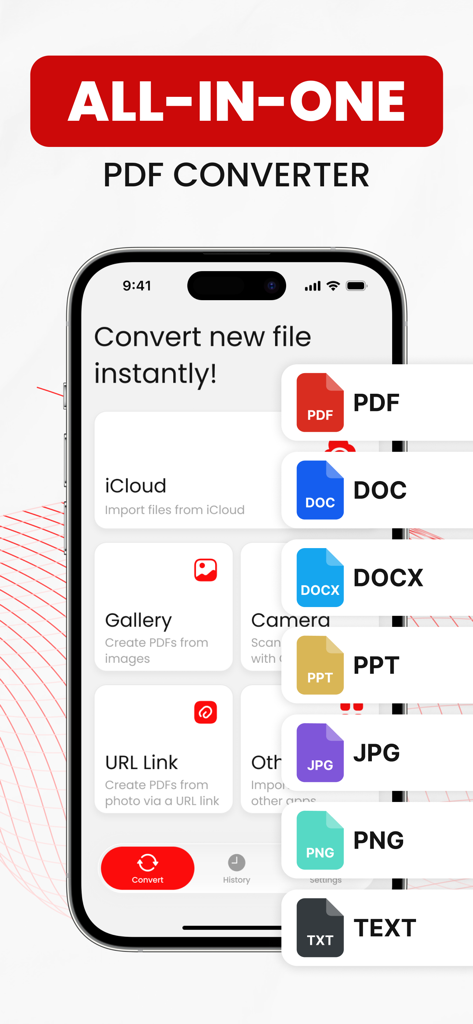
All-in-one PDF converter mobile app interface showing document format options and import sources

All-in-one PDF converter mobile app interface showing document format options and import sources

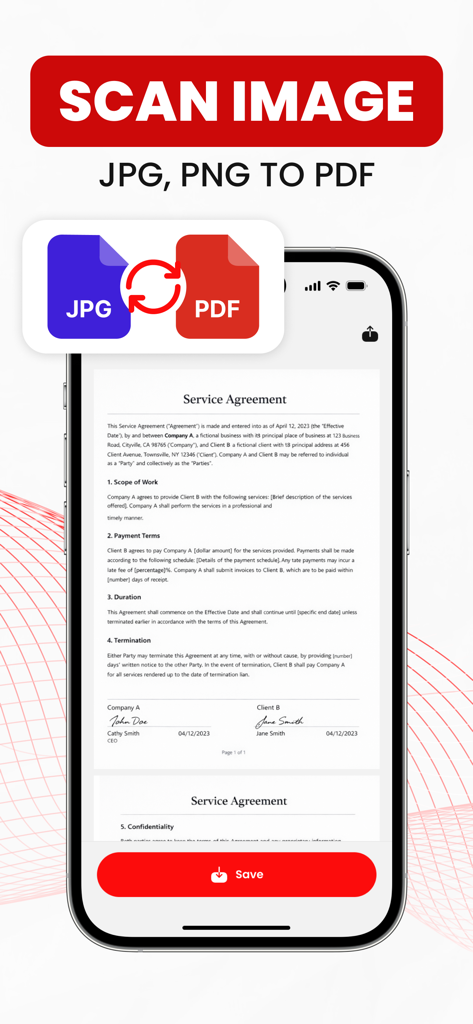
iPhone screen showing JPG to PDF conversion for a service agreement document

iPhone screen showing JPG to PDF conversion for a service agreement document

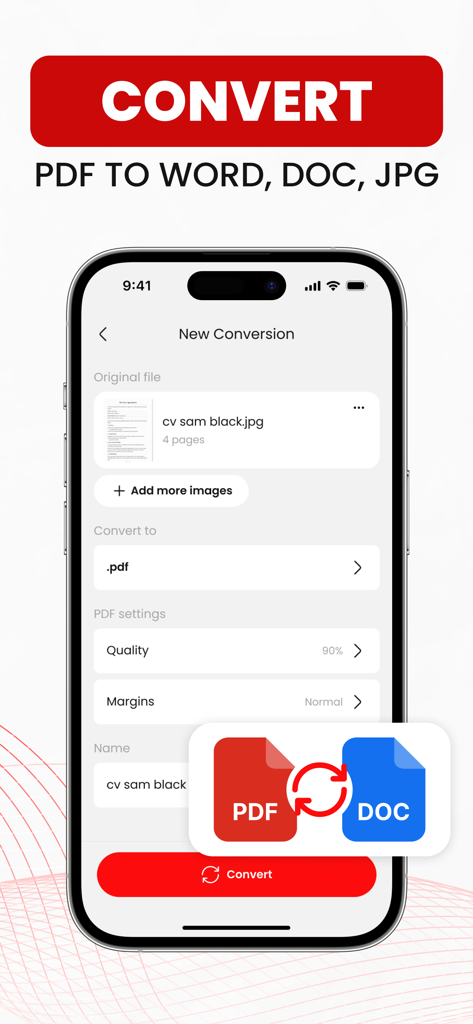
An iPhone screen showing the PDF conversion interface with options to convert a JPG file to PDF including quality and margin settings.

An iPhone screen showing the PDF conversion interface with options to convert a JPG file to PDF including quality and margin settings.

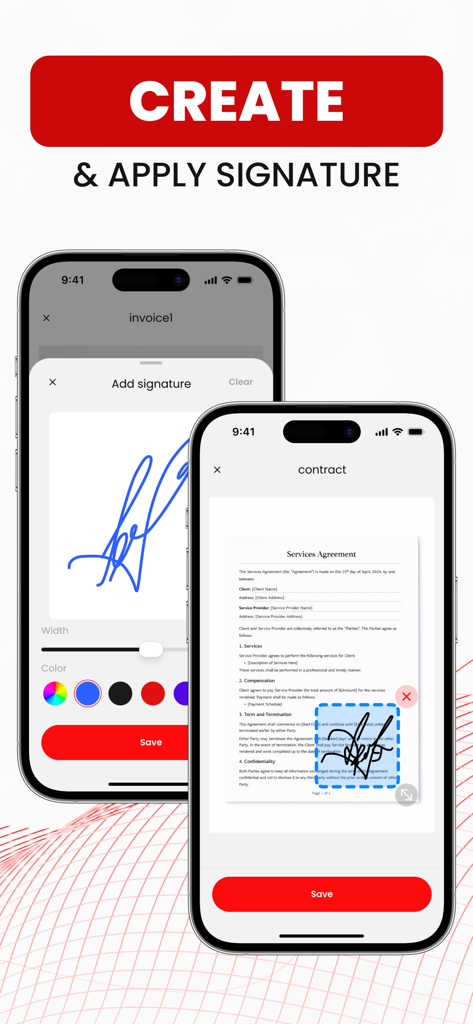
Interface of the PDF Converter app showing how to create and apply a digital signature to a mobile document

Interface of the PDF Converter app showing how to create and apply a digital signature to a mobile document

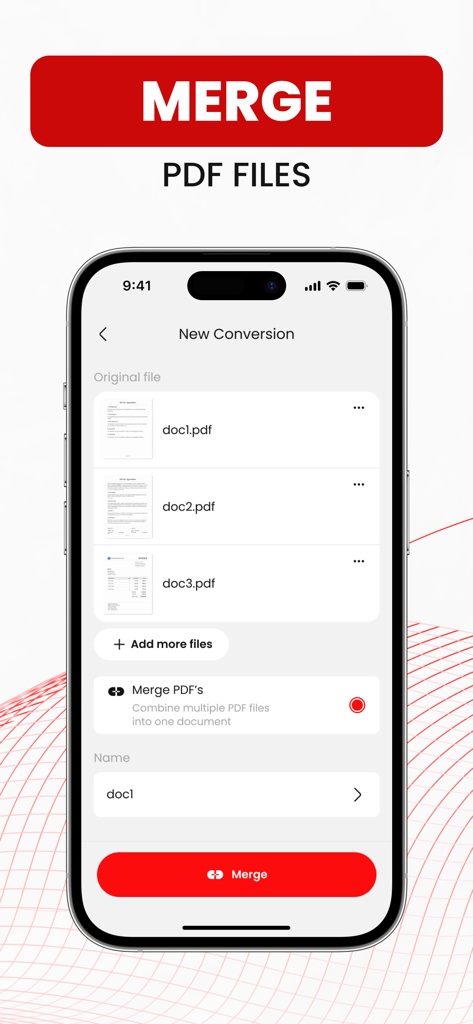
An iPhone screen displaying the merge PDF feature with a list of documents and a red merge button

An iPhone screen displaying the merge PDF feature with a list of documents and a red merge button

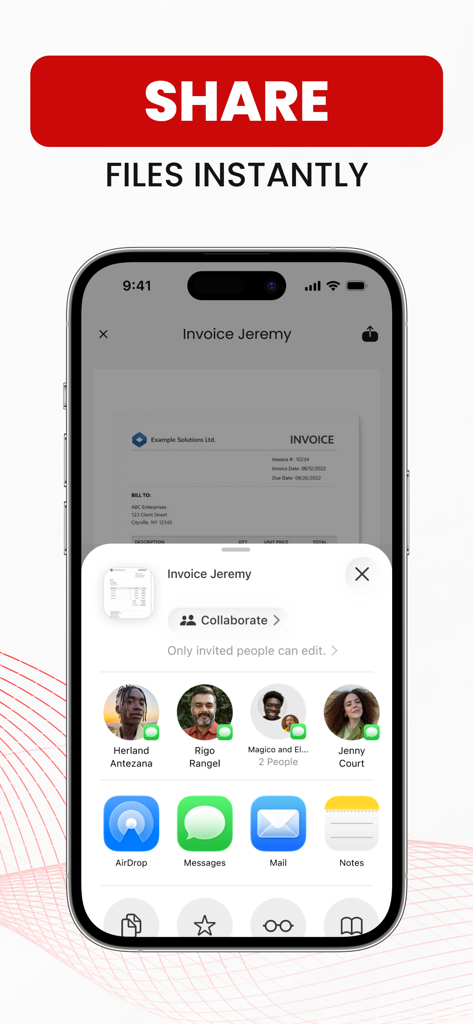
iPhone screen displaying the instant file sharing menu for a converted PDF document

iPhone screen displaying the instant file sharing menu for a converted PDF document

Maximize Your Mobile Productivity

The tools that make this app stand out, trusted by 1K+ users.

🔄

Universal Format Conversion

Quickly transform Photos, Word, or Excel files into professional PDFs and back again in seconds with no complex settings.

✍️

Integrated Digital Signature

Finalize contracts and forms on the move. Create your signature once and apply it to any document or scan instantly.

📸

Smart Scanner & Merger

Digitize paper documents using your camera and combine multiple pages into a single, organized PDF file ready for sharing.

About the app

Everything you need to know about PDF Converter - Doc to PDF.

Description

PDF Converter – Doc to PDF lets you quickly convert documents, photos, and files to PDF and back on your iPhone. Create PDFs, convert files to DOC or image formats, and manage everything in one simple app. Convert files in just a few taps. The app supports photos, scans, text files, and popular office formats. Scan documents with your camera, combine multiple pages into one PDF, or convert existing files easily. The process is simple. Select a file, choose the output format, and convert. Everything takes only a few seconds, with no complicated settings or unnecessary features. Import files from iCloud, the Photos gallery, or other apps, or scan new documents using your camera. Scanned pages can be merged and saved as a single PDF file. PDF Converter also includes a simple signature editor. Create and save your signature, then add it to documents or images. Sign scanned pages, photos, or PDF files directly inside the app. Share converted, scanned, or signed files instantly. Send them via iMessage, open them in other apps, print, or save to the Files app or iCloud. All converted files are stored in your history tab, where you can re-share, export again, or delete files you no longer need. Supported formats include PDF, JPG, PNG, DOC, DOCX, TXT, XLS, XLSX, PPT, and PPTX. Some format combinations may not be available. Some conversions are performed on secure cloud servers and require an internet connection. By using the app, you agree that files may be securely uploaded for processing. Payment will be charged to your iTunes Account at confirmation of purchase. Subscriptions renew automatically unless canceled at least 24 hours before the end of the current period. You can manage or cancel subscriptions in Account Settings. Prices may vary by location. Privacy Policy: https://pylonex.dev/privacy-policy-app Terms of Use: https://pylonex.dev/terms-of-use-app

Latest Version

1.1

Size

40.6 MB

First Released

Feb 15, 2026

Ready to Streamline Your Mobile Workflow?

Join thousands of professionals and students who convert, sign, and share documents in seconds. Get the all-in-one PDF toolkit for your iPhone today.

App information, icons, screenshots, and descriptions displayed on this page are sourced from the Apple App Store and are the property of their respective developers. Download estimates and rankings are based on MWM's proprietary models and may not reflect actual figures. This page is provided for informational and analytical purposes only.

Believe this page infringes your intellectual property? File a dispute