
PDF Projector

Seamlessly project your LaTeX Beamer and technical PDF slideshows to any external display. Control your talk with an Apple Watch remote and stay one step ahead with next-slide previews on your iPad.
Publisher
Category
ProductivityDownloads
9K+User Rating
Total Ratings
0Locales
1Discover the interface used by 9K+ users.
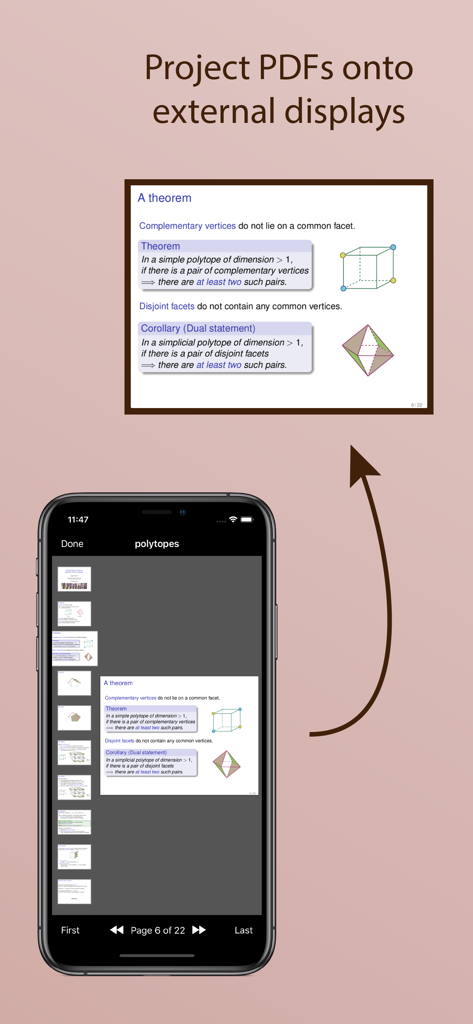
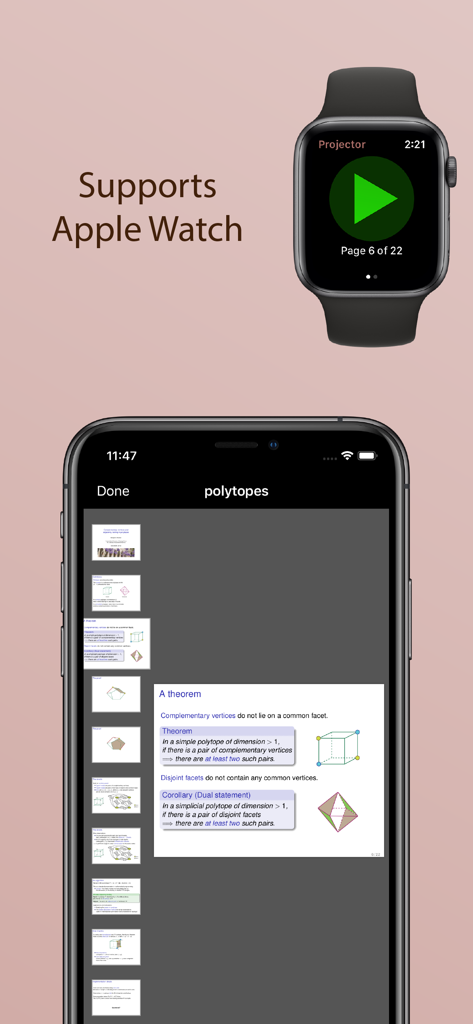
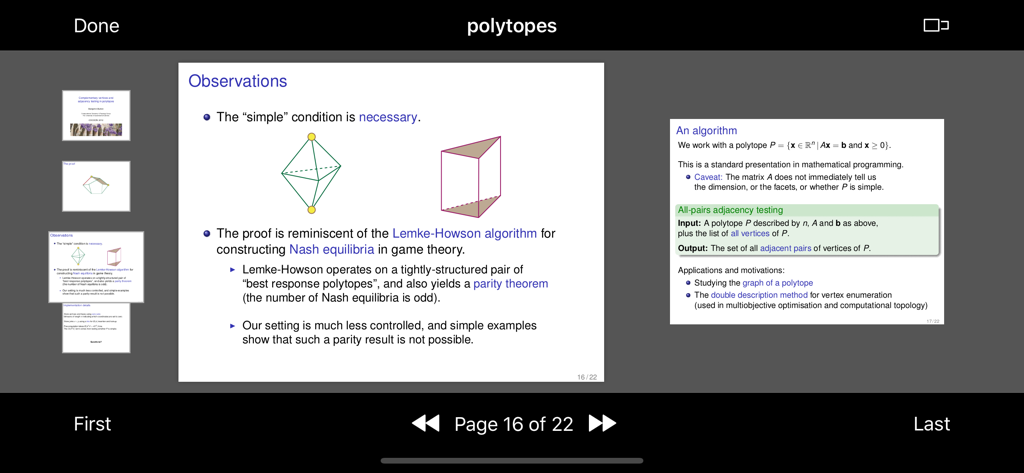
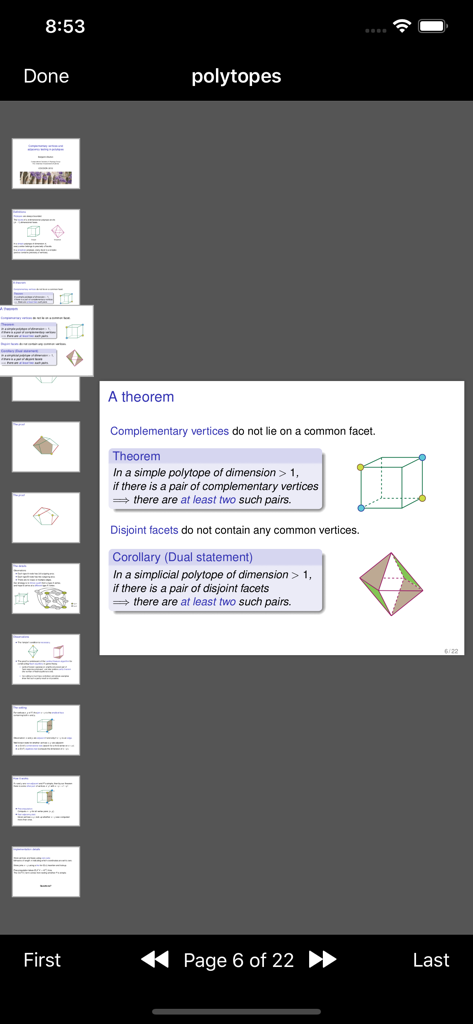
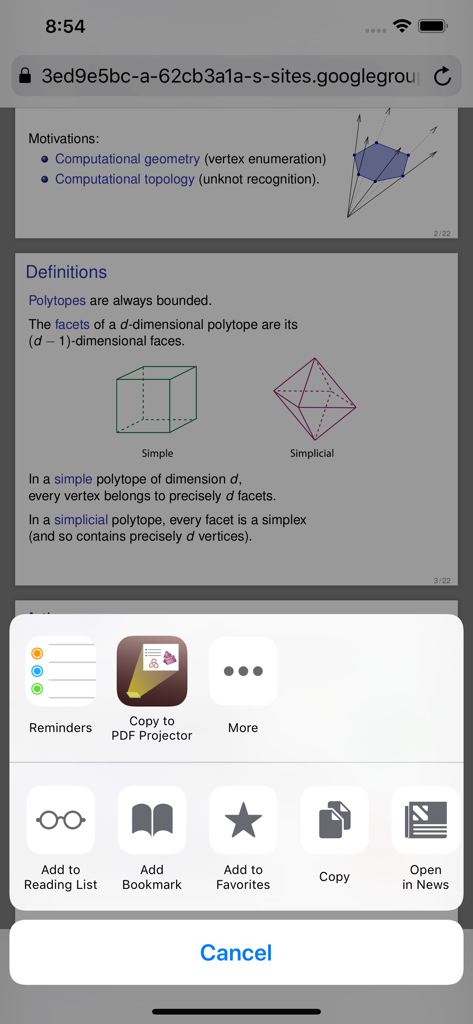
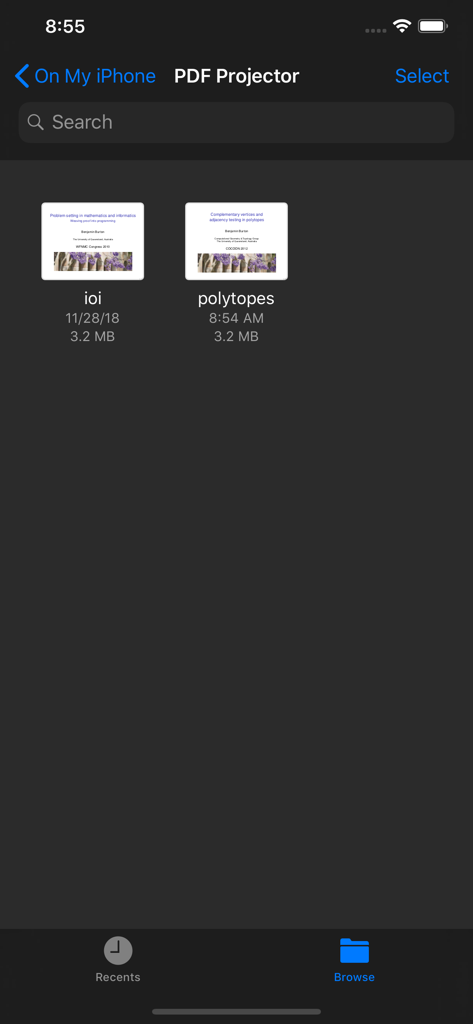
The tools that make this app stand out, trusted by 9K+ users.
Ditch the bulky clicker. Advance slides effortlessly from your Apple Watch, allowing you to move freely and engage your audience without being anchored to the podium.
Maintain perfect flow with a dedicated next-slide preview on your iPad or iPhone. See what's coming next while your audience sees only your high-resolution content.
Ensure your complex formulas and technical diagrams remain pixel-perfect. Built to handle high-fidelity PDFs that standard presentation software often struggles to render.
Everything you need to know about PDF Projector.
Description
Latest Version
1.7
Size
2.3 MB
First Released
Nov 28, 2018
Ditch the laptop and present with confidence. Control your LaTeX Beamer or technical slides directly from your iPad and Apple Watch.
Everything you need to know about PDF Projector
Yes, PDF Projector allows you to project PDF slideshows onto an external screen. It displays slides full-screen on the external display while providing navigation controls on your iPhone or iPad.
Yes, PDF Projector supports Apple Watch. You can use your Apple Watch as a remote control to navigate slides once a PDF is open in the iPhone app and connected to an external display.
PDF Projector enables opening PDFs by browsing your iCloud documents within the app. You can also share PDF files from your favorite applications directly into PDF Projector.
PDF Projector connects to external displays using various methods, including VGA, HDMI, USB-C, or AirPlay. Your slides will appear full-screen on the connected display.
You can navigate slides in PDF Projector by tapping, swiping, using toolbar buttons, or scrolling through thumbnails on your device. An external keyboard or Apple Watch remote also provides control.
Yes, PDF Projector displays a preview of the next page when your device is in landscape mode. You can toggle this next page preview feature on or off using the upper toolbar button.
PDF Projector supports PDF slideshows created by applications that export to PDF, such as LaTeX Beamer, LibreOffice Impress, or other similar presentation software.
To keep the PDF Projector app on your Apple Watch screen longer, configure the 'Settings / General / Wake Screen' option on your watch. This ensures continuous display during your presentation.
Top-ranked apps in the same category

OpenAI OpCo, LLC

Google LLC

X.AI Corporation

Google LLC

Shanghai Zhixin Puhui Technology Co., Ltd.

Google LLC

Microsoft Corporation

Google LLC

Google LLC
App information, icons, screenshots, and descriptions displayed on this page are sourced from the Apple App Store and are the property of their respective developers. Download estimates and rankings are based on MWM's proprietary models and may not reflect actual figures. This page is provided for informational and analytical purposes only.
Believe this page infringes your intellectual property? File a dispute