PDF Splitter Studio

PDF Splitter Studio

Logo of PDF Splitter Studio

PDF Splitter Studio: Secure, Offline PDF Splitting Without the Subscription

The privacy-first tool for students and professionals to extract pages and split documents instantly on your device. No cloud, no ads, and no monthly fees—just fast, secure productivity.

Publisher

StudyBridge LLC

Category

Productivity

Downloads

100+

User Rating

1.0/5

Total Ratings

0

Locales

1

A Closer Look

Discover the interface used by 100+ users.
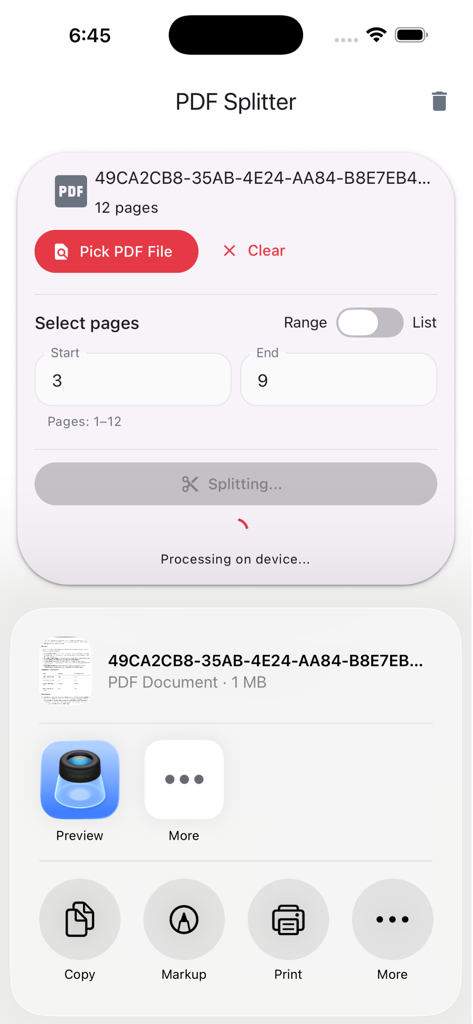
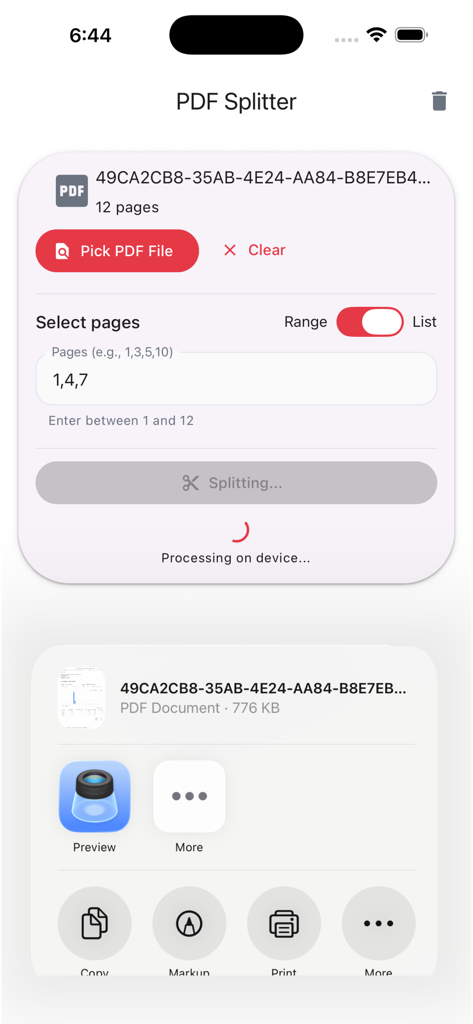
Interface of PDF Splitter Studio showing the offline splitting process for a specific page range on iPhone

Interface of PDF Splitter Studio showing the offline splitting process for a specific page range on iPhone

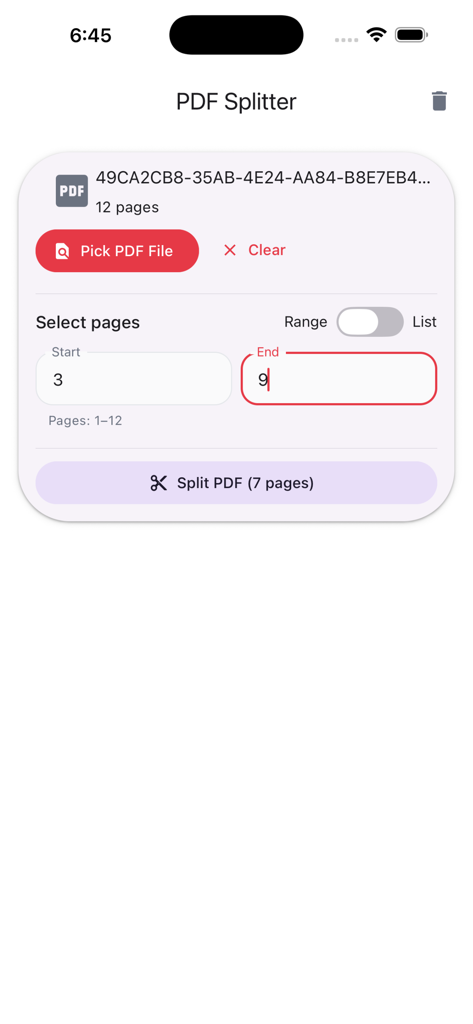
Interface of the PDF Splitter app showing how to select a specific page range for extraction.

Interface of the PDF Splitter app showing how to select a specific page range for extraction.

Mobile app interface for splitting PDF pages securely offline

Mobile app interface for splitting PDF pages securely offline

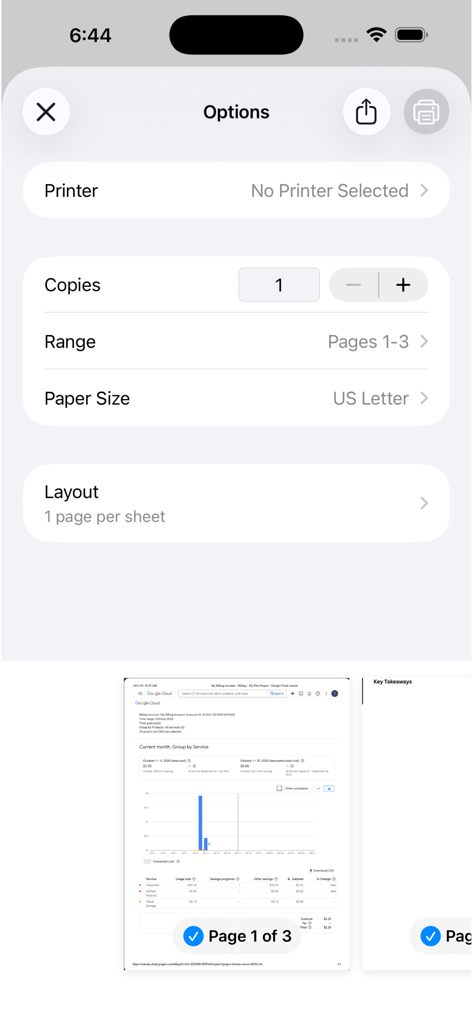
PDF Splitter Studio options menu for selecting page ranges and paper size

PDF Splitter Studio options menu for selecting page ranges and paper size

Powerful PDF Splitting, Simplified

The tools that make this app stand out, trusted by 100+ users.

🔒

100% Private & Offline

Your sensitive documents never leave your device. Process files securely without cloud uploads, data mining, or internet requirements.

✂️

Precision Page Extraction

Quickly extract specific page ranges or custom lists. Perfect for separating invoices, legal sections, or study materials in seconds.

🚫

Zero Ads, Zero Subscriptions

One-time purchase for lifetime access. Experience a distraction-free professional tool that works seamlessly with AirDrop and the Files app.

About the app

Everything you need to know about PDF Splitter Studio.

Description

PDF Splitter Studio is a powerful yet simple tool that lets you split PDF files directly on your device - no internet, no cloud processing, and no ads. Whether you need to extract specific pages, separate a long report, or save only selected sections, PDF Splitter Studio makes it effortless. Key Features: • Split PDFs by page range or custom page list. • All processing happens offline - your files stay private. • Open any PDF from your device storage or Files app. • Save results locally or share instantly via AirDrop or Mail. • Clean, modern interface for quick workflows. Why choose PDF Splitter Studio? • Privacy first - everything runs on your device. • Lightweight and optimized for speed. • No subscriptions, no hidden fees - a one-time purchase. Perfect for: Students, teachers, business professionals, and anyone who works with PDF documents daily. Experience the simplest way to split PDFs - fast, secure, and offline.

Latest Version

1.0.4

Size

28.0 MB

First Released

Nov 4, 2025

Ready for a Smarter Way to Split PDFs?

Join the professionals and students choosing privacy over subscriptions. No cloud, no ads—just a one-time purchase for total document control.

App information, icons, screenshots, and descriptions displayed on this page are sourced from the Apple App Store and are the property of their respective developers. Download estimates and rankings are based on MWM's proprietary models and may not reflect actual figures. This page is provided for informational and analytical purposes only.

Believe this page infringes your intellectual property? File a dispute