
PEA Smart Plus



The official app for Thai homeowners and expats in the US to pay bills securely via credit card, track usage, and report outages in real-time.
Publisher
Category
UtilitiesDownloads
3M+User Rating
Total Ratings
5K+Locales
1Discover the interface used by 3M+ users.
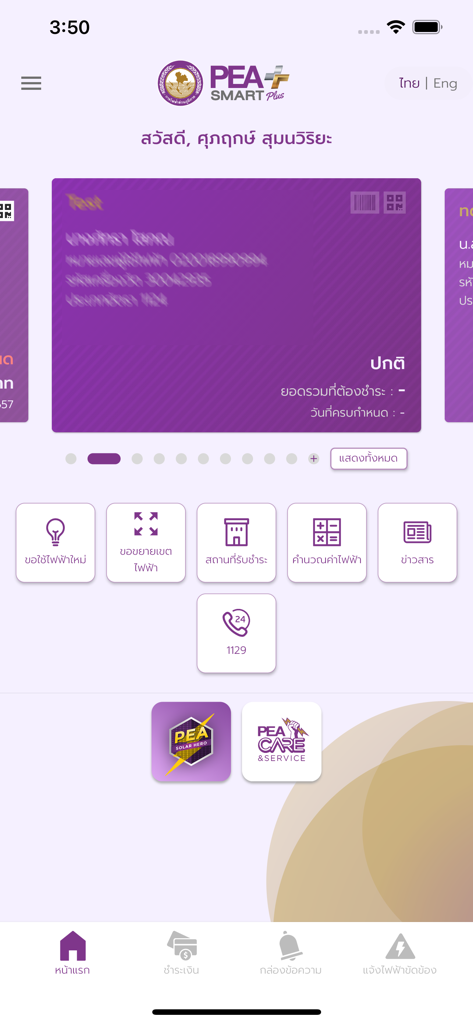
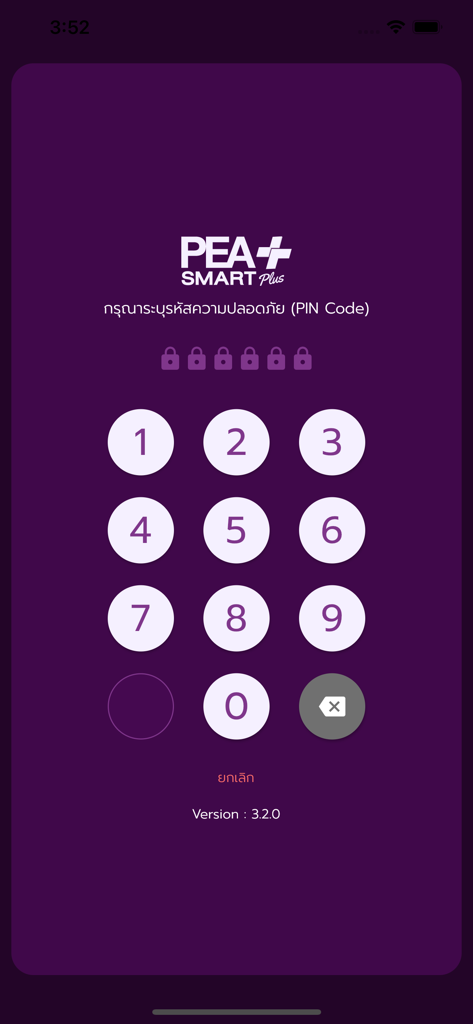
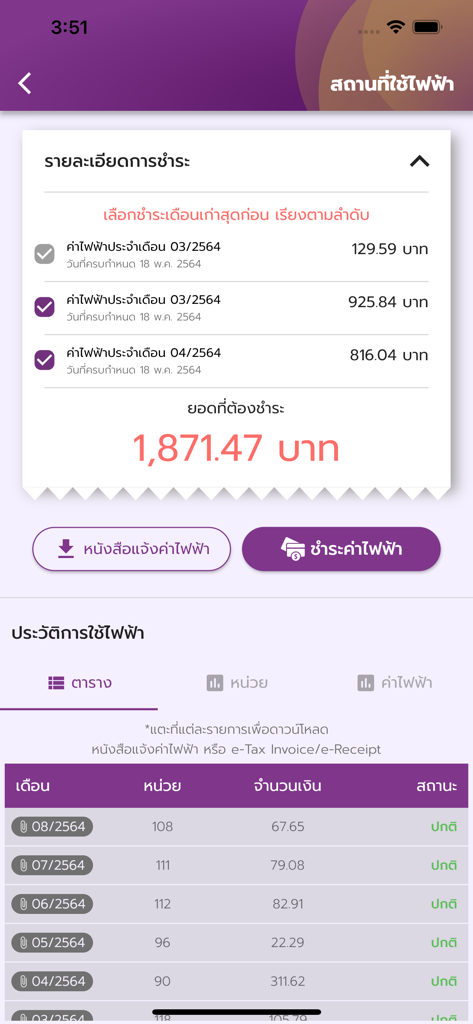
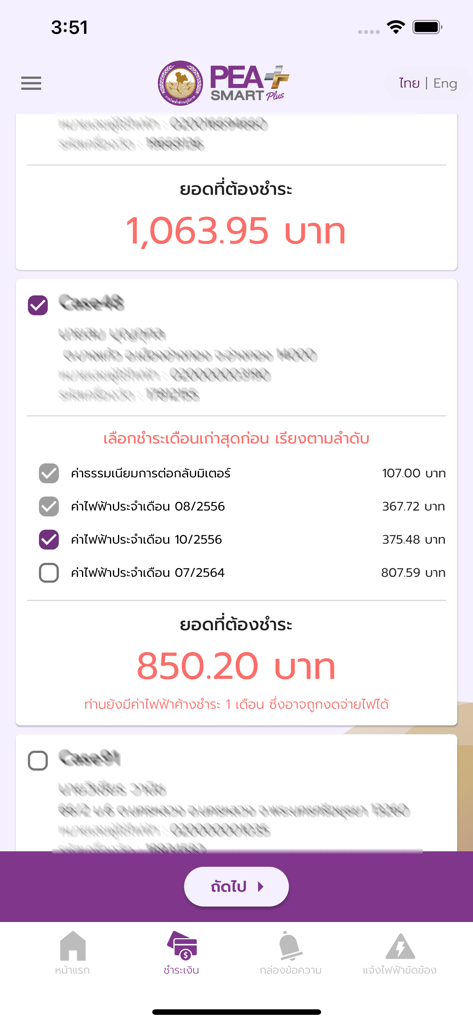
The tools that make this app stand out, trusted by 3M+ users.
Pay bills directly via credit card or bank transfer from the US. Avoid international transfer hurdles and keep your Thai accounts current from anywhere.
Check current bills and historical usage data at a glance. Perfect for remote property managers and caretakers supporting family in Thailand.
Never miss a deadline with automated SMS and app notifications sent two days before your payment is due, preventing service interruptions.
Insights from user reviews.
Sentiment Score
Summary
The app generally receives very negative feedback, with users frequently encountering severe performance issues such as extreme slowness, freezing, and persistent connectivity problems, leading to a frustrating experience. Critical functionalities like bill payment, reporting power outages, and viewing electricity usage often fail or are inaccessible. Many reviewers lament the app's lack of development over several years and call for significant improvements to its stability and features. Furthermore, specific problems include registration issues with CA REF numbers and user numbers, and difficulties with accessibility features on iPhones.
Common Themes
Everything you need to know about PEA Smart Plus.
Description
Latest Version
3.2.43
Size
81.7 MB
First Released
Dec 25, 2015
Join over 3 million users who trust PEA Smart Plus for secure bill payments, outage alerts, and 24/7 property management. Stay connected to your home and family in Thailand, right from your phone.
Everything you need to know about PEA Smart Plus
PEA Smart Plus allows users to check electricity bills, find payment locations, generate QR codes for payment, report power outages, and receive PEA news and activity updates.
Yes, PEA Smart Plus enables users to pay electricity bills directly within the app. Payment options include credit card and bank account transfers.
Yes, PEA Smart Plus allows users to report power outages directly through the application. Users can also send outage information to the PEA Call Center.
Yes, PEA Smart Plus displays electricity usage history. Users can view past monthly consumption and corresponding bill amounts within the app.
Yes, PEA Smart Plus incorporates a security measure. Users must enter a security PIN code to access the application.
Yes, PEA Smart Plus provides direct contact options. Users can reach PEA via e-mail, website, Facebook, Twitter, YouTube, and Instagram from within the app.
Yes, PEA Smart Plus allows users to generate QR Codes and Barcodes. These can be used to facilitate electricity bill payments at designated payment locations.
Yes, PEA Smart Plus enables users to subscribe or unsubscribe from PEA news and supplementary SMS services, such as bill notifications before due dates.
Apps with similar features and user experience

Octopus Energy Ltd

PLN (PERSERO), PT

Neoenergia SA

Duke Energy Corporation

Dominion Resources Services, Inc.

E.ON NEXT LIMITED

Egypt Pay

D.SOLUTIONS LLC

Public Service Enterprise Group Incorporated
App information, icons, screenshots, and descriptions displayed on this page are sourced from the Apple App Store and are the property of their respective developers. Download estimates and rankings are based on MWM's proprietary models and may not reflect actual figures. This page is provided for informational and analytical purposes only.
Believe this page infringes your intellectual property? File a dispute
