Phone Clone - Data Transfer

Phone Clone - Data Transfer

Download on App Store
Logo of Phone Clone - Data Transfer

Phone Clone - Data Transfer: The Fast, Private Way to Upgrade Your iPhone Without the Cloud

Skip the slow iCloud sync and data overages. Securely move your photos, videos, and contacts directly to your new device with a simple QR code scan—no internet required.

Download on App Store

Publisher

秀媚 严

Category

Productivity

Downloads

0

User Rating

4.4/5

Total Ratings

0

Locales

7

Experience Seamless Migration

Discover the interface used by 0 users.
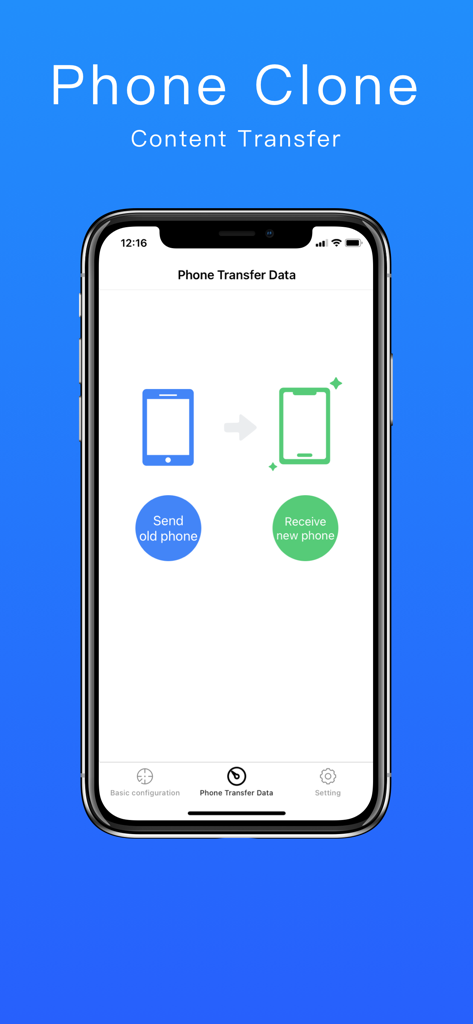
Phone Clone app screen showing buttons to send data from an old phone and receive it on a new phone

Phone Clone app screen showing buttons to send data from an old phone and receive it on a new phone

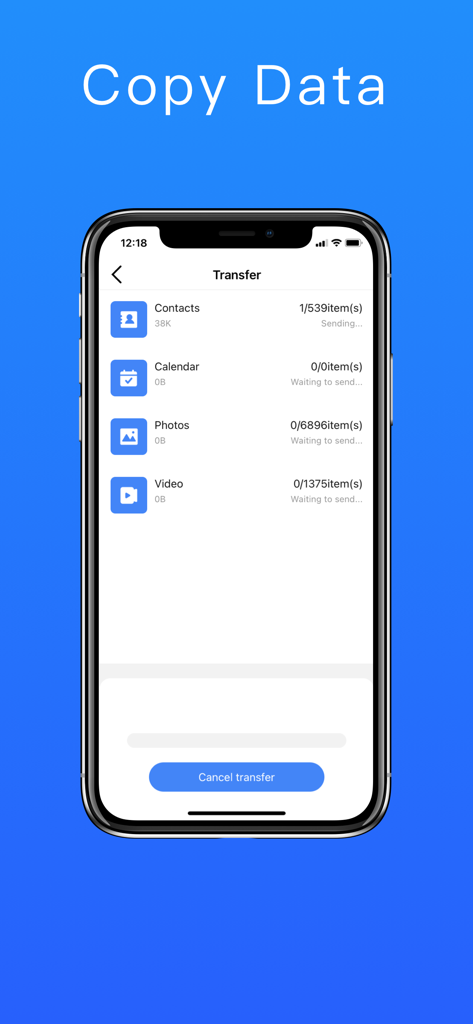
Screenshot of the Phone Clone app showing the progress of transferring contacts, photos, and videos between devices.

Screenshot of the Phone Clone app showing the progress of transferring contacts, photos, and videos between devices.

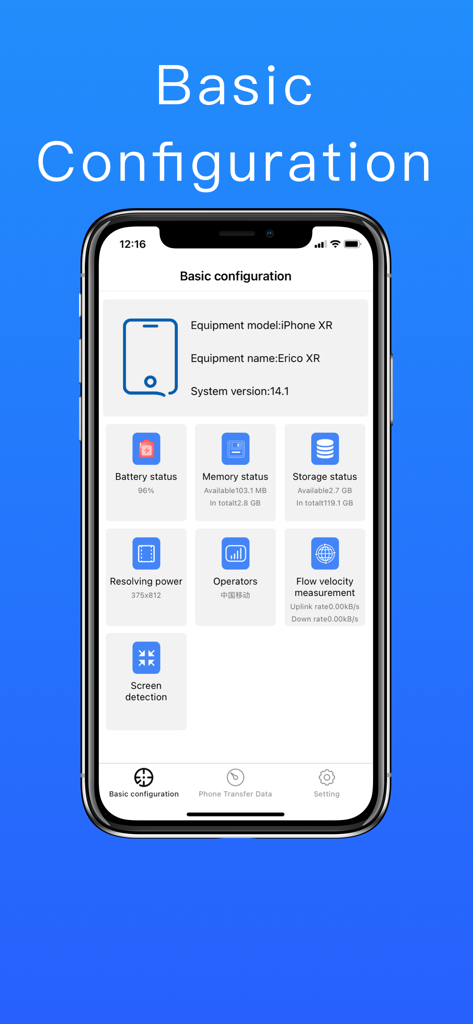
Screenshot of Phone Clone app showing basic configuration with iPhone XR system info and battery status

Screenshot of Phone Clone app showing basic configuration with iPhone XR system info and battery status

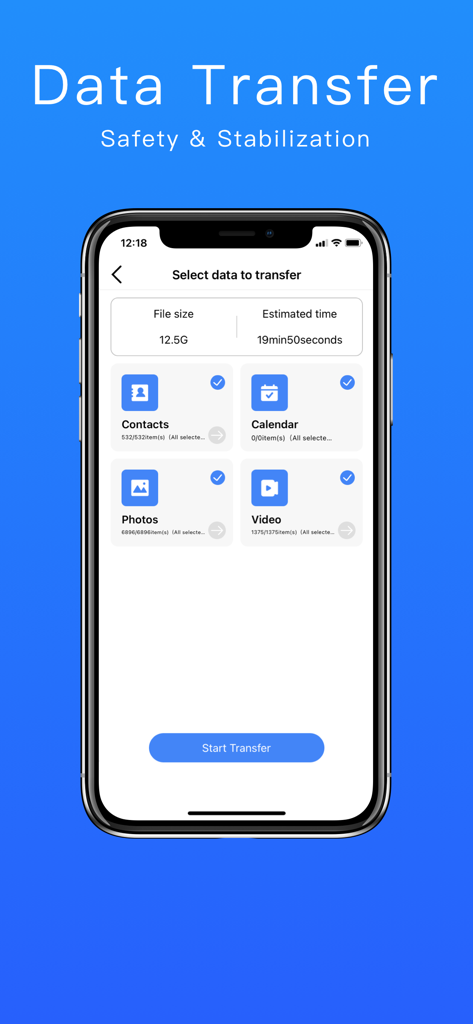
Phone Clone app interface showing options to select contacts calendar photos and videos for data transfer

Phone Clone app interface showing options to select contacts calendar photos and videos for data transfer

The Smartest Way to Switch iPhones

The tools that make this app stand out, trusted by 0 users.

🔒

Cloud-Free Privacy

Keep your personal data off the web. Transfer directly between devices without internet access, ensuring your privacy stays 100% local.

Hyper-Speed Migration

Don't wait hours for a cloud restore. Our high-speed local connection is optimized for large photo libraries and HD video transfers.

📲

One-Click QR Setup

No cables or complex PC backups required. Just scan a QR code to link your old and new iPhones and start moving data instantly.

About the app

Everything you need to know about Phone Clone - Data Transfer.

Description

Phone Transfer is a necessary tool for iPhone replacement. It can transfer the Contacts, Photos, Videos, Calendar and other data from the old device to the new device with one click. The operation is simple, no network is required, and no traffic is consumed, helping you to change the phone easily. Key to iPhone copy data. 【Software Features】 1. Solve the trouble for iPhone replacement Contacts, Photos, Videos, Calendars and other materials support all selection, batch data transmission. 2. Easily transfer data No network traffic, no data cable, easy scan QR code and fast connection. 3. Safe, stable and worry-free transmission The transmission process is safe, stable, without Internet, only dual-phone interconnection, to protect your iPhone privacy. 4. Ultra-fast speed data transmission Short-distance transmission, the speed is much faster than Bluetooth comparable to AirDrop, and data migration is faster. 【Support data type】 Contact, Photo, Video, Calendar. 【Precautions】 1. Ensure that both new and old iPhone are installed with the “Phone Transfer” app. 2. Ensure that the old and new iPhone are connected to the same Wi-Fi LAN.

Latest Version

1.1.1

Size

27.9 MB

First Released

Oct 11, 2022

Ready to Switch? Move Everything to Your New iPhone Instantly

Skip the iCloud storage limits and slow downloads. Use our secure, QR-based transfer to clone your data in minutes with zero data usage.

Download on App Store

App information, icons, screenshots, and descriptions displayed on this page are sourced from the Apple App Store and are the property of their respective developers. Download estimates and rankings are based on MWM's proprietary models and may not reflect actual figures. This page is provided for informational and analytical purposes only.

Believe this page infringes your intellectual property? File a dispute