
This page is not an official page of the app or its developer, but an independent editorial publication created for informational and commentary purposes. Unless expressly stated otherwise, neither the app nor its developer is affiliated with, endorsed by, sponsored by, authorized by, or otherwise officially connected with MWM, Apple, Google Play, the app publisher, or the app's developer, and nothing on this page implies that the app was developed using MWM's services. Any trademarks, logos, screenshots, and other content remain the property of their respective owners.

Photo Edit Studio++
Master your social feed with professional filters and real-time adjustment tools. Experience a streamlined, intuitive editor designed for the perfect look in seconds.
Downloads
1K+User Rating
Total Ratings
0Publisher
Category
Photo & VideoLocales
1Latest Version
1.0.1Size
20.6 MBFirst Released
Feb 25, 2026Edit Like a Pro, Post in Seconds
Ditch the complex software. Photo Edit Studio++ offers a streamlined toolkit designed for creators who value both high-quality aesthetics and their time.
One-Tap Aesthetics
Achieve the perfect vibe instantly with professional filters curated for the modern social grid, from film looks to vibrant lifestyle tones.
Real-Time Precision
Fine-tune brightness, contrast, and saturation with an intuitive interface that shows your edits in real-time—no waiting, just creating.
The following screenshots and description are sourced directly from the app's official store listing and are the property of the app developer.
App Store
Screenshots
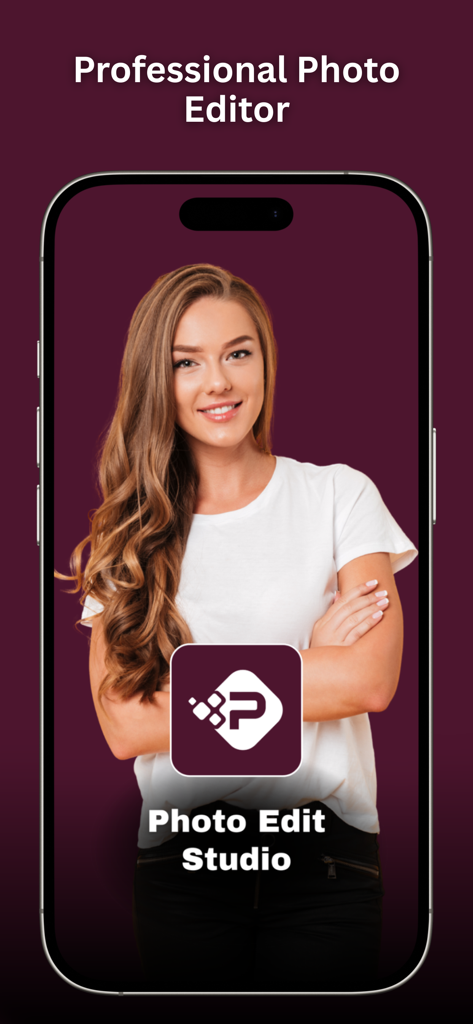
A smartphone screen displaying the Photo Edit Studio app with a professional photo editor title and a woman portrait
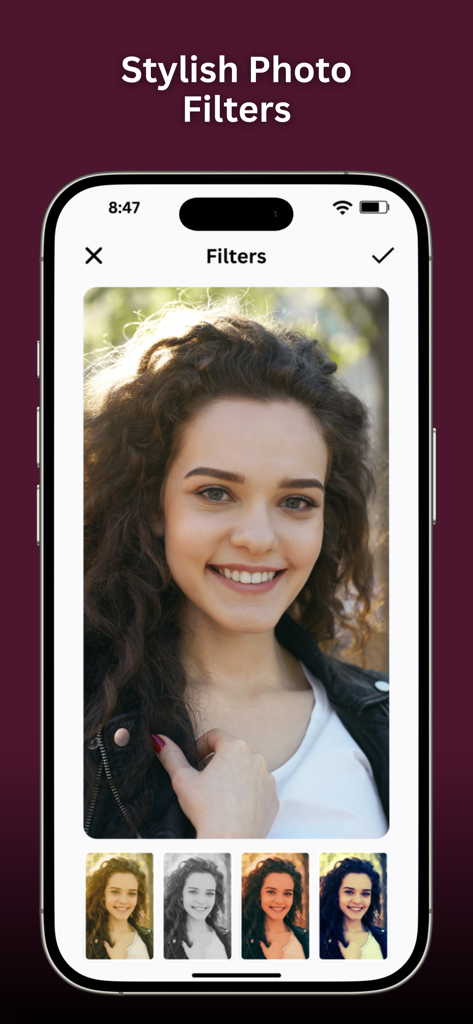
iPhone screen showing the stylish filters interface in Photo Edit Studio app
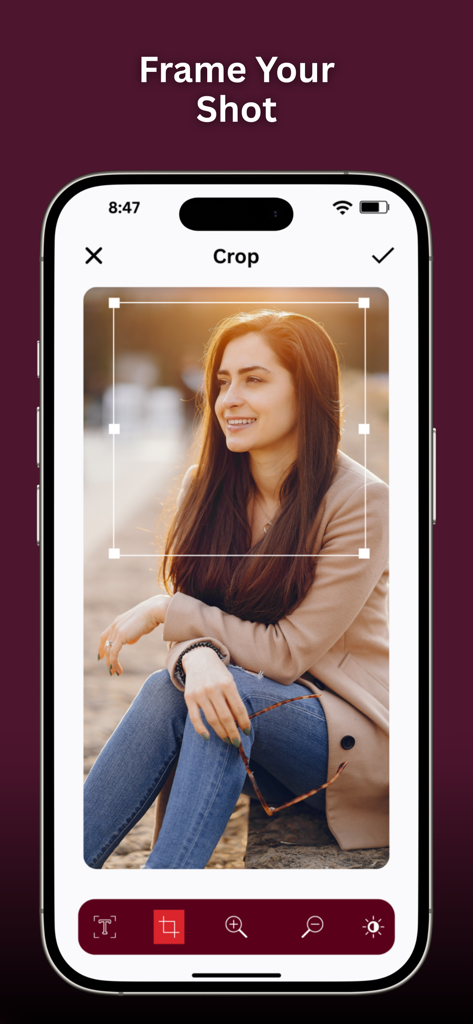
Interface of the Photo Edit Studio app showing the crop and frame tool on an iPhone
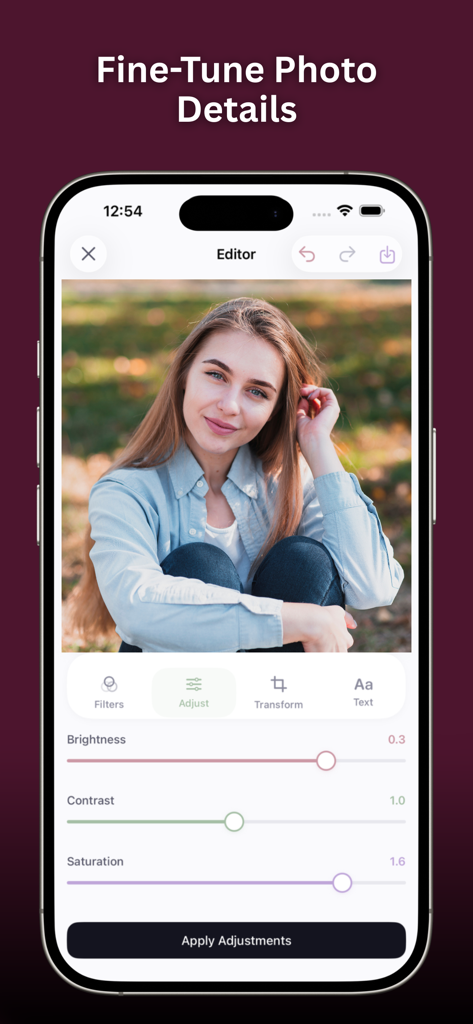
Interface of Photo Edit Studio plus plus app with sliders to adjust brightness contrast and saturation
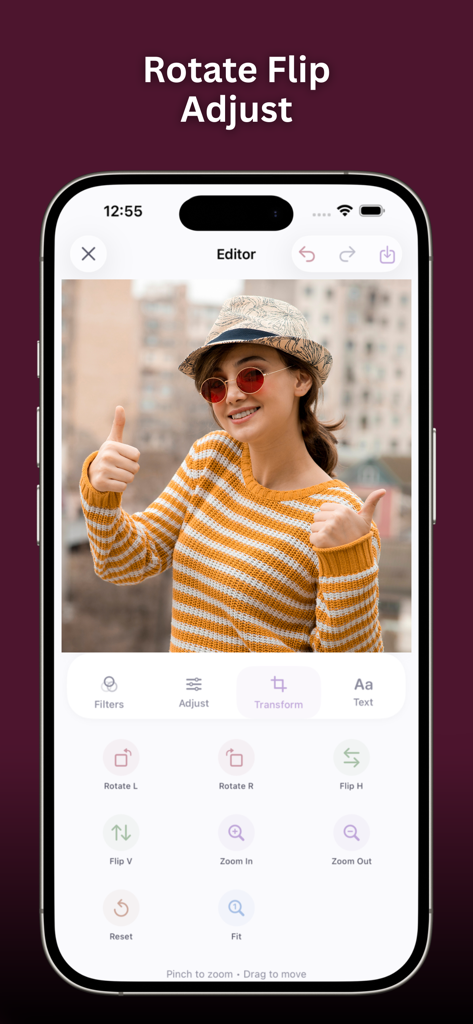
Screenshot of the Photo Edit Studio plus plus app showing transform features like rotate flip and zoom used on a portrait photo
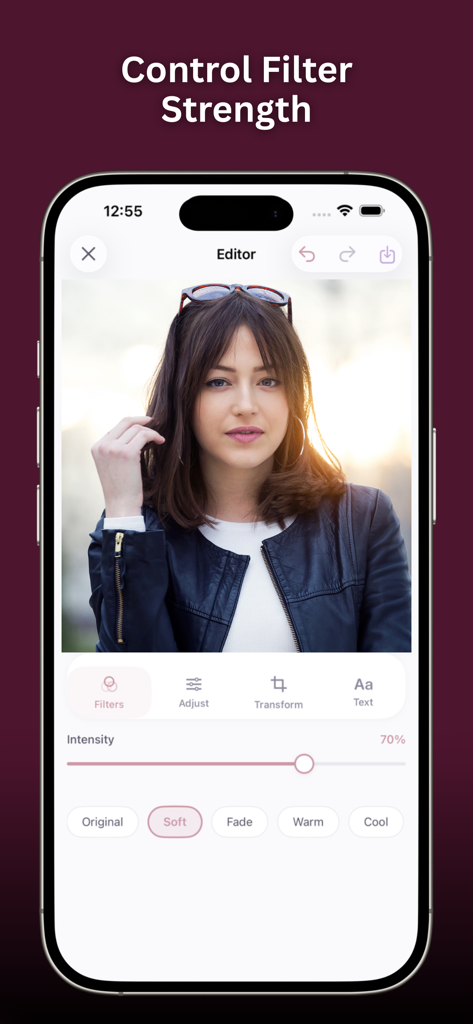
Interface of Photo Edit Studio showing how to control filter strength with a slider on a portrait.
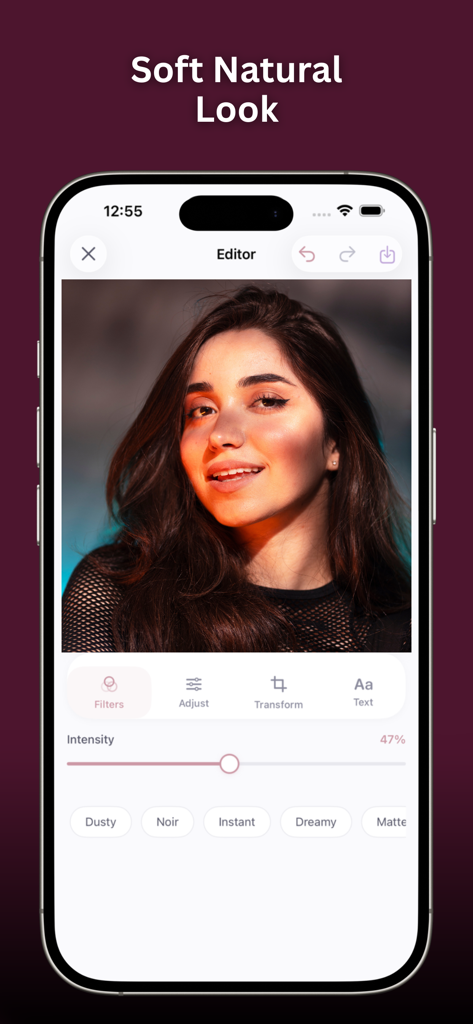
Interface of Photo Edit Studio plus plus app showing a portrait with a natural filter and intensity slider
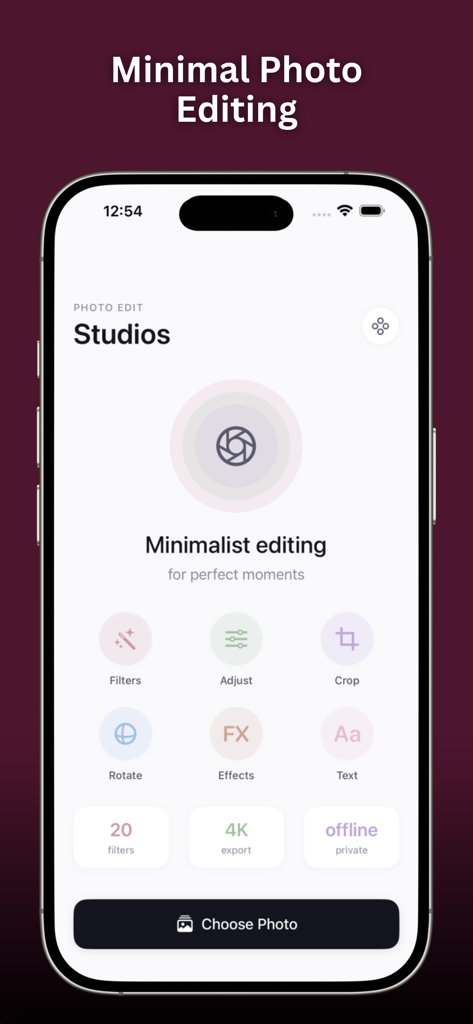
Minimalist user interface of the Photo Edit Studio app for iPhone
Description
Download
More Like This
Top-ranked apps in the same category

CapCut: Photo & Video Editor
BYTEDANCE PTE. LTD.

Instagram, Inc.

YouTube
Google LLC

Canva: AI Video & Photo Editor
Canva Pty Ltd

Snapchat
Snap, Inc.

Edits: Video Editor
Instagram, Inc.

快手
Beijing Kwai Technology Co., Ltd.

Meta AI - Vibes & AI Glasses
Meta Platforms, Inc.
Google Photos: Backup & Edit
Google LLC
This page is not an official page of the app or its developer, but an independent editorial publication created for informational and commentary purposes. Unless expressly stated otherwise, neither the app nor its developer is affiliated with, endorsed by, sponsored by, authorized by, or otherwise officially connected with MWM, Apple, Google Play, the app publisher, or the app's developer, and nothing on this page implies that the app was developed using MWM's services. Any trademarks, logos, screenshots, and other content remain the property of their respective owners.