
This page is not an official page of the app or its developer, but an independent editorial publication created for informational and commentary purposes. Unless expressly stated otherwise, neither the app nor its developer is affiliated with, endorsed by, sponsored by, authorized by, or otherwise officially connected with MWM, Apple, Google Play, the app publisher, or the app's developer, and nothing on this page implies that the app was developed using MWM's services. Any trademarks, logos, screenshots, and other content remain the property of their respective owners.


Photo Widget - WidGeek
Skip the social feed noise. Send live snaps, hilarious memes, and cute drawings directly to your favorite people and surprise them every time they unlock their phone.
Downloads
17K+User Rating
Total Ratings
300Publisher
Category
Social NetworkingLocales
10Latest Version
1.2.6Size
139.5 MBFirst Released
Oct 8, 2025Your Inner Circle, Right on Your Home Screen
Skip the social media noise. WidGeek lets you share real moments, doodles, and laughs directly with the people who matter most through an aesthetic, live widget.
Instant Photo Beaming
Snap a raw moment and watch it appear instantly on your besties' screens. It’s like a digital locket that updates in real-time without the pressure of a grid.
Sketch & Surprise
Get creative with custom drawing tools. Send handwritten notes and cute doodles to brighten their day every time they unlock their phone.
Frequently Asked Questions
Everything you need to know about Photo Widget - WidGeek
What is the Photo Widget - WidGeek app?
The Photo Widget - WidGeek app allows users to add a widget to their home screen. It instantly sends live photos, memes, and custom drawings to friends, updating automatically with new content.
How does the WidGeek photo widget update content?
The WidGeek photo widget updates automatically. Every time a friend sends a new snap, photo, meme, drawing, or note, it instantly refreshes on the recipient's home screen widget.
Can users create custom drawings in the WidGeek app?
Yes, WidGeek users can create custom drawings. The app provides drawing tools to create art, notes, and doodles, which can then be sent to friends' widgets to make them smile.
What types of content can be sent using the WidGeek app?
With the WidGeek app, users can send live photos, hilarious memes, and custom drawings. The app also supports sending notes and snaps captured directly through its camera.
Where can I find official support for the WidGeek app?
Official support for the WidGeek app is available through their website. Users can access support information by visiting the provided link: https://widgeek.com.
Does the WidGeek app use curated memes?
Yes, WidGeek curates hundreds of memes and popular culture content for entertainment purposes. Users can choose from these selections to send directly to their friends' widgets.
The following screenshots and description are sourced directly from the app's official store listing and are the property of the app developer.
App Store
Screenshots
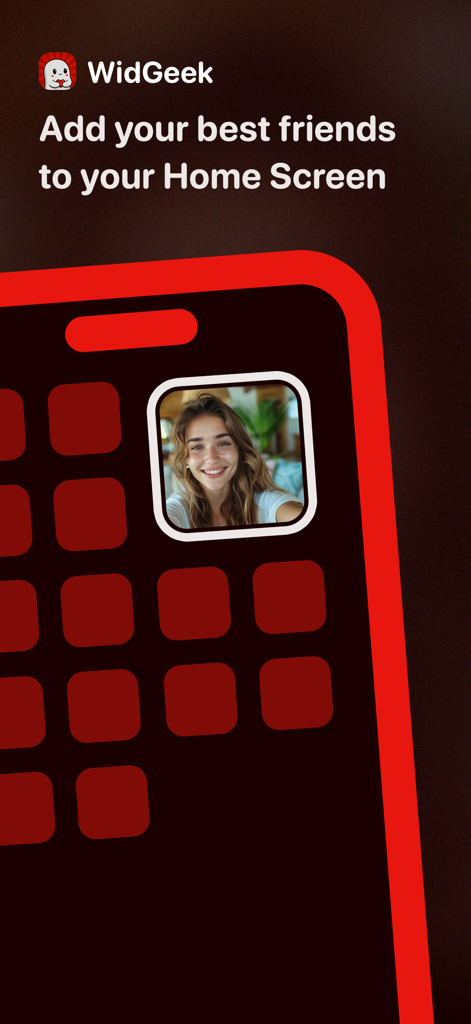
WidGeek app interface showing a photo widget featuring a friend on an iPhone home screen
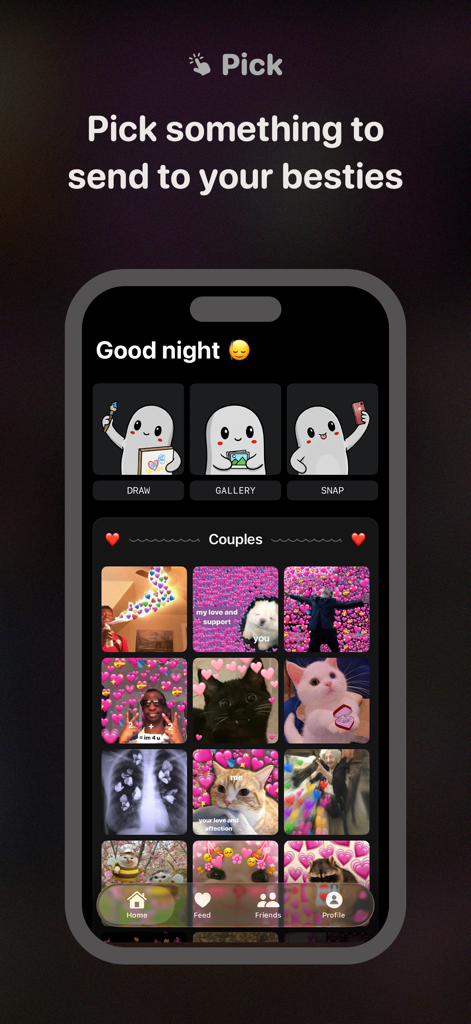
WidGeek app screen for choosing drawings photos or memes to send to friends
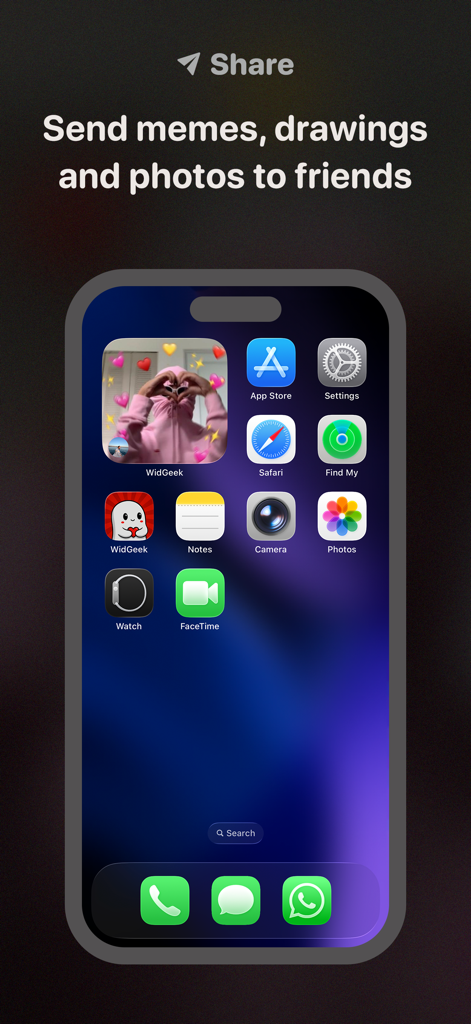
iPhone home screen showing a WidGeek photo widget with a person making a heart shape
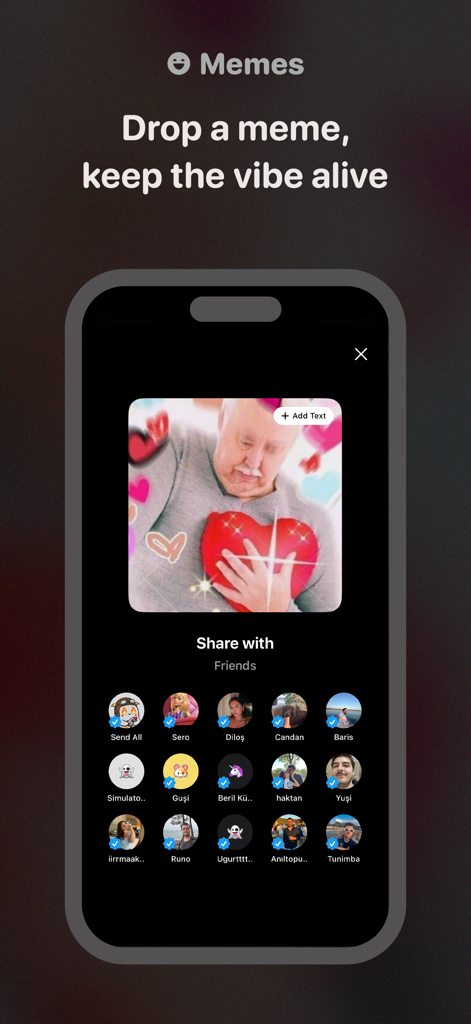
Interface of WidGeek app showing a meme being shared with a group of friends
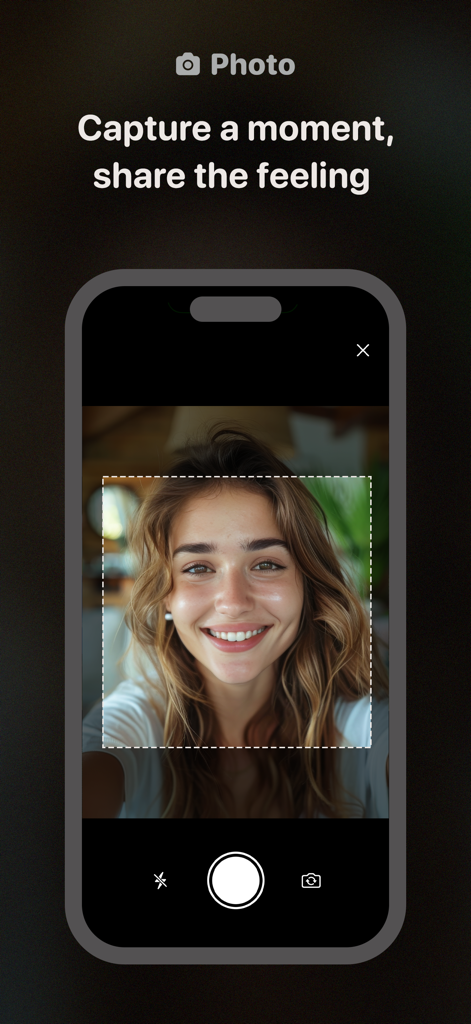
WidGeek app screen showing a woman taking a selfie with the text Capture a moment share the feeling.
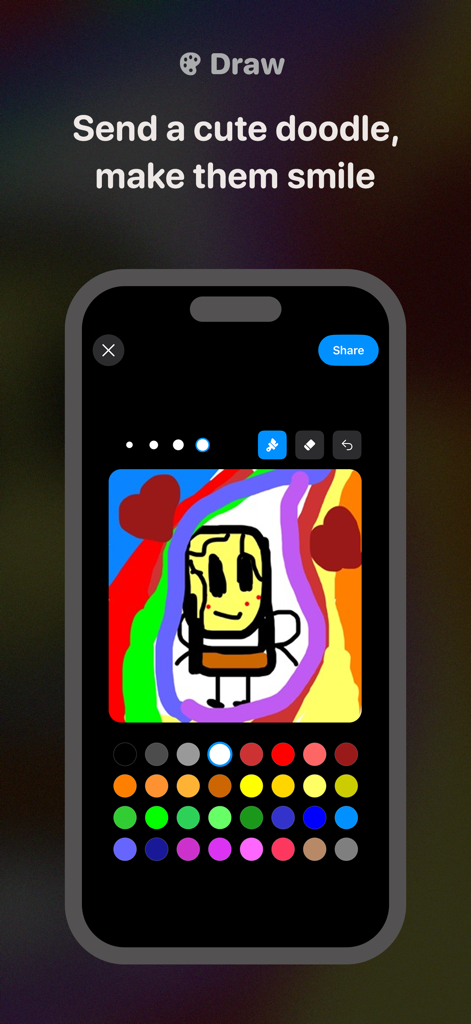
A colorful hand-drawn doodle of a character being created in the WidGeek app drawing interface.
Description
Download
More Like This
Apps with similar features and user experience

Widgetable: Besties & Couples
HAPPENY TECHNOLOGY PTE. LTD.

TapNow. Friends on homescreen.
Sango technologies Inc.

Locket Widget
Locket Labs, Inc.

yope: friends-only pics
Salo App, Inc.

noteit - bff widget
iconic hearts holdings, inc.

Bubbl Widget
Saif AL Essai

lovelee couples: love note app
jack ingram

Lovebox - Long Distance Love
LOVEBOX.LOVE

Comet: Live Friends Widget
APPWINGS Ltd
This page is not an official page of the app or its developer, but an independent editorial publication created for informational and commentary purposes. Unless expressly stated otherwise, neither the app nor its developer is affiliated with, endorsed by, sponsored by, authorized by, or otherwise officially connected with MWM, Apple, Google Play, the app publisher, or the app's developer, and nothing on this page implies that the app was developed using MWM's services. Any trademarks, logos, screenshots, and other content remain the property of their respective owners.