
This page is not an official page of the app or its developer, but an independent editorial publication created for informational and commentary purposes. Unless expressly stated otherwise, neither the app nor its developer is affiliated with, endorsed by, sponsored by, authorized by, or otherwise officially connected with MWM, Apple, Google Play, the app publisher, or the app's developer, and nothing on this page implies that the app was developed using MWM's services. Any trademarks, logos, screenshots, and other content remain the property of their respective owners.


PhotoSync – transfer photos
Seamlessly backup full-resolution photos and videos across iOS, Windows, Mac, and NAS. Experience total digital sovereignty with automated transfers, RAW support, and zero quality loss.
Downloads
1M+User Rating
Total Ratings
19K+Publisher
Category
Photo & VideoLocales
8Latest Version
4.9.7Size
97.5 MBFirst Released
Feb 18, 2011Professional Media Control, No Strings Attached
Take back ownership of your digital memories. PhotoSync provides high-speed, secure, and automated transfers that bridge the gap between your mobile devices, professional hardware, and local storage.
Unlimited Cross-Platform Freedom
Break out of the 'walled garden'. Move unlimited high-resolution photos and videos between iOS, Mac, Windows, Linux, and NAS without the need for cloud subscriptions or iTunes.
Professional-Grade Integrity
Zero compression. Full support for RAW and HEIC formats ensures your files stay pristine, while all EXIF, GPS, and IPTC metadata are preserved exactly as they were captured.
Frequently Asked Questions
Everything you need to know about PhotoSync – transfer photos
What is PhotoSync and what does it do?
PhotoSync is a cross-platform solution for wirelessly transferring, copying, backing up, and sharing photos and videos. It connects mobile devices, computers, NAS, and various cloud services without needing iTunes or the internet for direct transfers.
Does PhotoSync require internet or cloud services for transfers?
No, PhotoSync enables direct transfers between devices over local Wi-Fi, Bluetooth, or Personal Hotspot. Internet or cloud services are not required for these direct transfer methods.
Which devices and operating systems does PhotoSync support?
PhotoSync provides native apps for mobile devices, Windows, and Mac. It also functions on Linux, offering broad cross-platform compatibility for photo and video transfers.
Does PhotoSync transfer photos and videos in full resolution and preserve metadata?
Yes, PhotoSync transfers an unlimited number of photos and videos in full resolution. It supports HEIC and RAW formats and preserves all metadata, including EXIF and GPS.
What are the limitations of the free version of PhotoSync?
The free version of PhotoSync allows testing all transfer functionality. However, photos and videos transfer in low quality, and RAW/HEIC files convert to JPEG. Upgrading to PhotoSync Pro removes these limitations.
What is the Autotransfer feature in PhotoSync?
Autotransfer is a premium PhotoSync feature that automatically transfers new photos and videos in the background. It activates when arriving at pre-selected locations or when the device is charging, backing up to computers, NAS, or supported cloud services.
Does PhotoSync offer client-side encryption for photo and video transfers?
Yes, PhotoSync Premium includes Client-Side Encryption. This feature encrypts photos and videos before transfer, ensuring secure storage on NAS and file-based cloud services.
Which cloud and photo services does PhotoSync support for backups?
PhotoSync supports popular services like Dropbox, Google Drive, Google Photos, Flickr, OneDrive, PhotoPrism, SmugMug, Box, pCloud, and Zenfolio. Premium users also gain access to Amazon S3, Backblaze, and Wasabi.
Can PhotoSync connect directly to cameras for photo downloads?
Yes, PhotoSync Premium offers camera support for Wi-Fi and USB connections. It downloads photos from Canon, Nikon, Sony, Fujifilm, Olympus, and Lumix cameras, and supports wireless tethering and photo booth over AirPlay/HDMI.
How does PhotoSync help organize transferred photos and videos?
PhotoSync automatically organizes files into folders based on recording date, media type, album name, and metadata on the target device. Users can also customize file names for flexible organization.
What is the payment model for PhotoSync Premium features?
PhotoSync Premium features require an additional purchase. This can be a one-time purchase or a subscription with a free trial. Payment is processed through the iTunes account.
The following screenshots and description are sourced directly from the app's official store listing and are the property of the app developer.
App Store
Screenshots
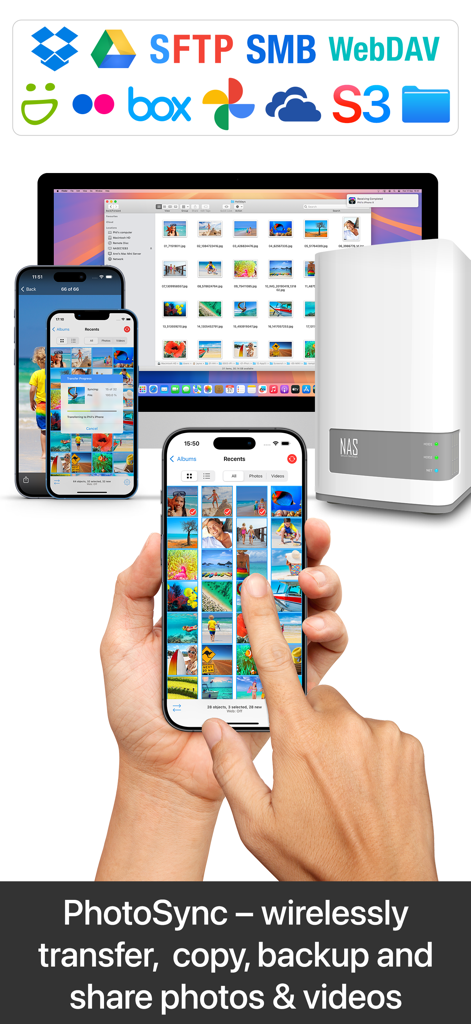
Wireless photo transfer and backup between iPhone Mac and NAS server
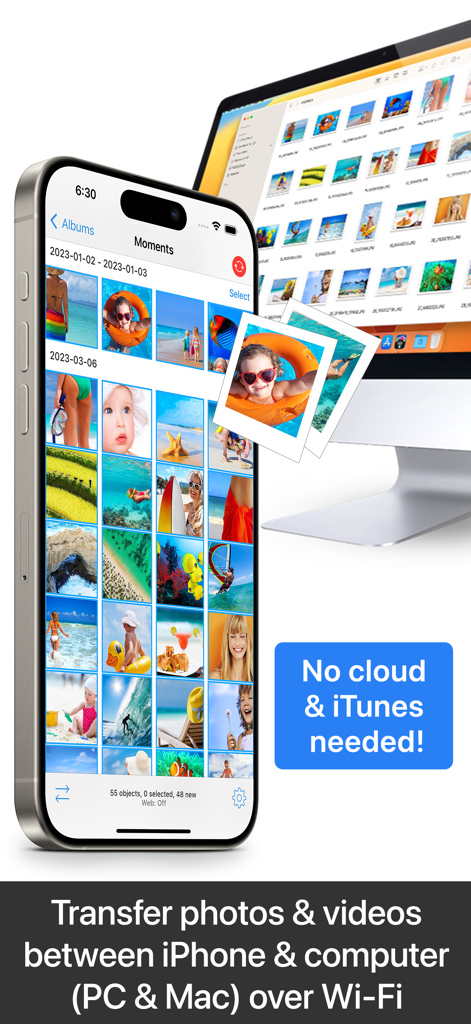
Wireless transfer of photos and videos between iPhone and computer over Wi-Fi without using cloud or iTunes
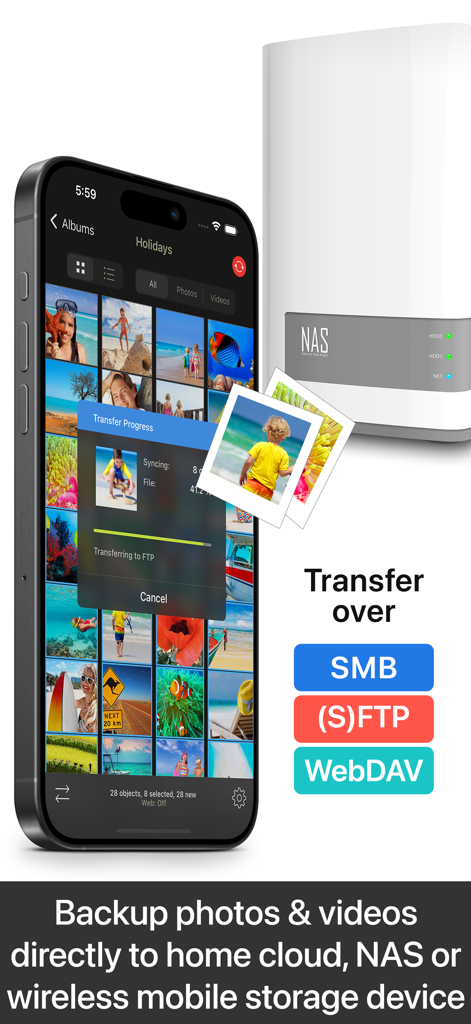
PhotoSync app transferring photos from an iPhone to a NAS storage device
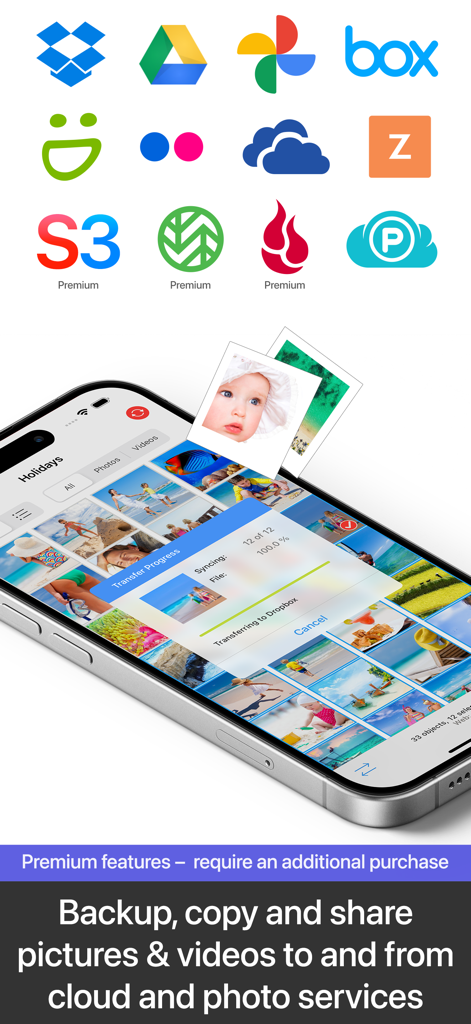
Smartphone screen showing the PhotoSync app transferring photos to Dropbox with logos for various cloud services like Google Drive and OneDrive.
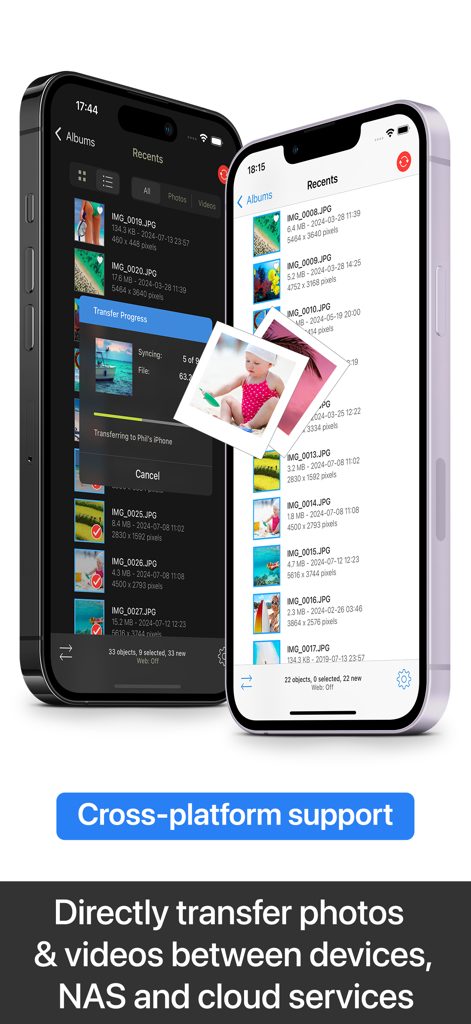
PhotoSync app interface on two iPhones showing cross-platform photo and video transfer features
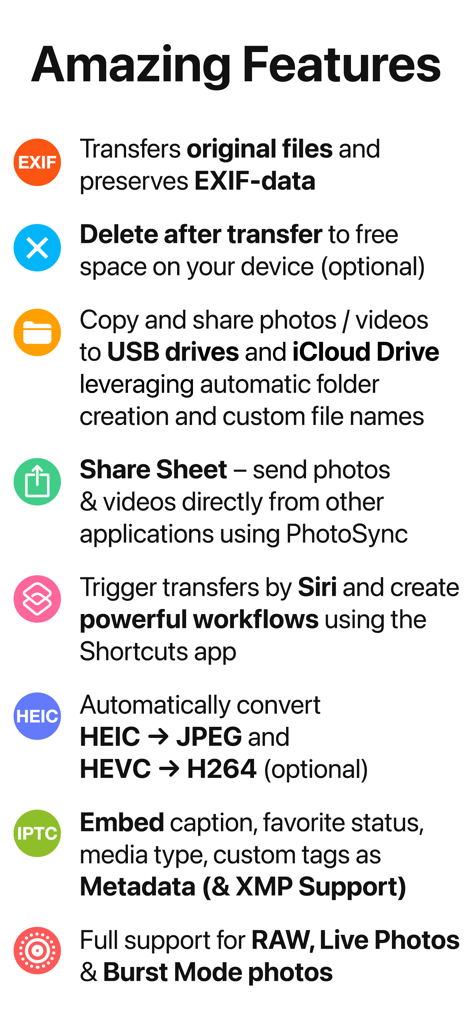
Summary of PhotoSync app features including EXIF data preservation, Siri shortcuts, and RAW file support
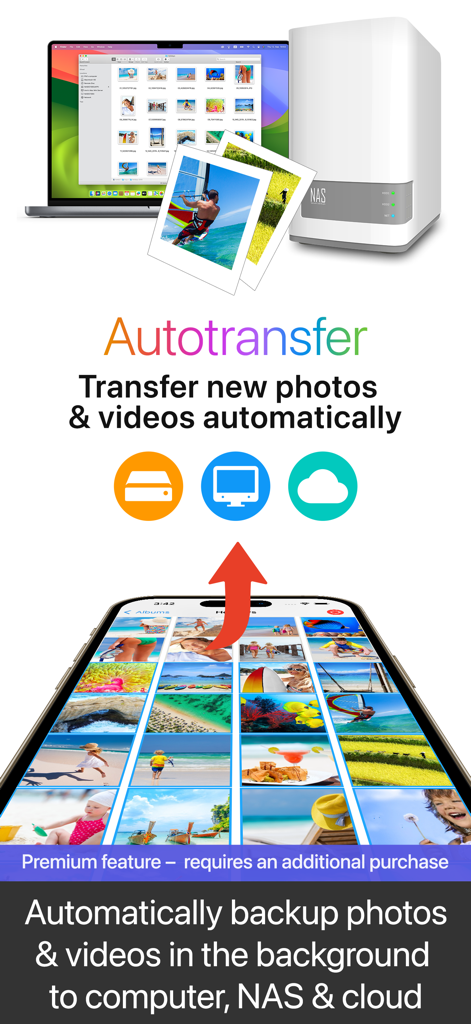
Automatic background photo and video backup from smartphone to computer NAS and cloud
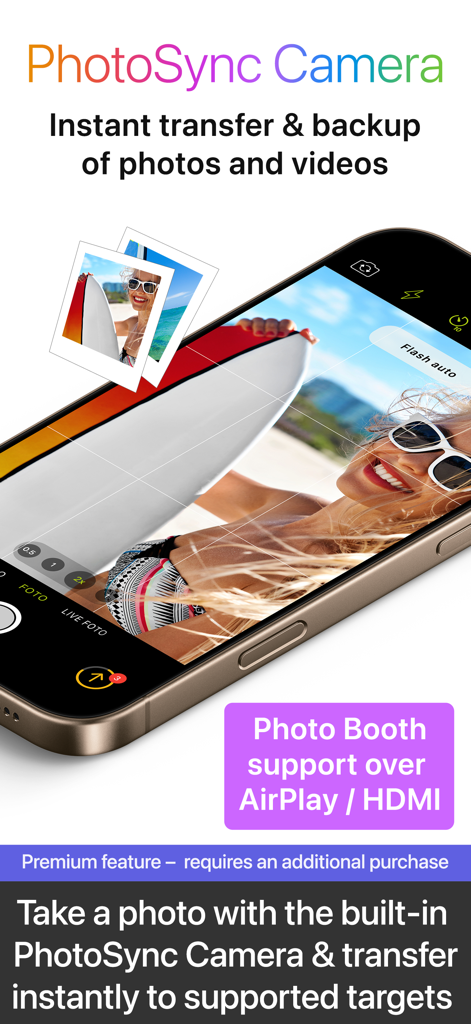
Interface of PhotoSync Camera feature for instant photo transfer and backup with AirPlay support
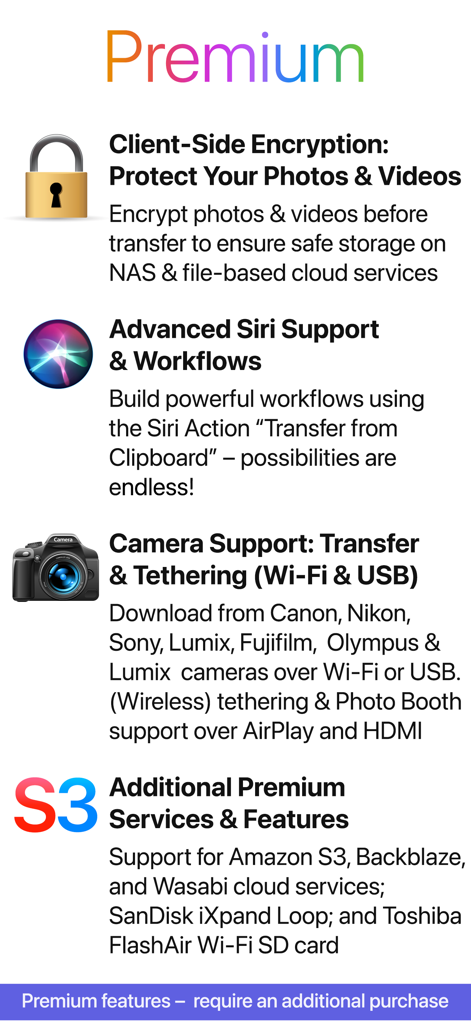
A list of PhotoSync premium features including client side encryption Siri support and camera tethering
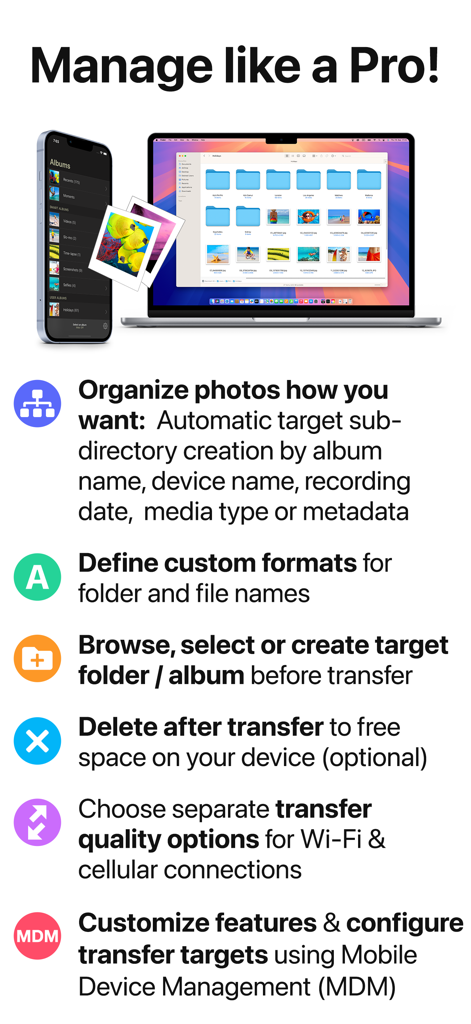
iPhone and MacBook displaying PhotoSync app features for professional photo organization and transfer
Description
Download
More Like This
Apps with similar features and user experience


This page is not an official page of the app or its developer, but an independent editorial publication created for informational and commentary purposes. Unless expressly stated otherwise, neither the app nor its developer is affiliated with, endorsed by, sponsored by, authorized by, or otherwise officially connected with MWM, Apple, Google Play, the app publisher, or the app's developer, and nothing on this page implies that the app was developed using MWM's services. Any trademarks, logos, screenshots, and other content remain the property of their respective owners.