
This page is not an official page of the app or its developer, but an independent editorial publication created for informational and commentary purposes. Unless expressly stated otherwise, neither the app nor its developer is affiliated with, endorsed by, sponsored by, authorized by, or otherwise officially connected with MWM, Apple, Google Play, the app publisher, or the app's developer, and nothing on this page implies that the app was developed using MWM's services. Any trademarks, logos, screenshots, and other content remain the property of their respective owners.


Picking List
Organize your life without the complexity. No internet required, no accounts to create, and works beautifully on your iPhone or iPad—even older models. Just open, list, and pick.
Downloads
100User Rating
Total Ratings
0Publisher
Category
LifestyleLocales
1Latest Version
1.0.6Size
9.1 MBFirst Released
Jun 9, 2020Simple Organization for Life’s Essentials
The reliable digital alternative to pen and paper—no internet, no accounts, and no unnecessary complexity.
Works Anywhere, Completely Private
No internet required. Perfect for cruise ships, rural grocery stores, or travel where signals are weak. Your data stays safely on your device.
Effortless Voice Entry
Avoid typing on small keyboards. Use 'Speech to Text' or a simple shake of your phone to add items to your list instantly.
Frequently Asked Questions
Everything you need to know about Picking List
What is the main purpose of the Picking List app?
The Picking List app helps users create and manage lists for shopping or packing. It allows users to select and mark items as 'Picked' without needing an internet connection.
Does the Picking List app require an internet connection?
No, the Picking List app does not require an internet connection to operate. It functions completely offline, ensuring user privacy.
What devices are compatible with the Picking List app?
The Picking List app is compatible with iPhone, iPad, iPod 5th generation, and all Apple Silicon devices. It requires iOS 12.0 or later.
How do I mark an item as 'Picked' in the Picking List app?
In the Picking List app, go to the 'Picked' tab. Touching an item in the list changes its color to Orange, indicating it has been 'Picked'.
Can I customize the pre-loaded templates in Picking List?
Yes, Picking List allows full customization of its templates. Users can add, edit, or delete items within existing templates and then save their modified versions.
How do I add new items to a list in Picking List?
To add an item in Picking List, tap the 'Menu' option. Select 'Add' to insert a new item or subtitle. New items appear with green '+' symbols below your selection.
What are the color codes used for items in the Picking List app?
Picking List uses color codes: White for Unselected, Green for Selected, Orange for Picked. Brown is Standard, Pink for Female, Blue for Male, and Yellow for Kids.
Does Picking List save my current list state automatically?
Yes, Picking List automatically saves your app state. You can close and reopen the app at any time, and it will continue exactly where you left off.
What is the "Shake function" in the Picking List app?
The "Shake function" in Picking List enables creation of a "Quick List." Shake your iPhone, then input items via typing or 'Speech to Text' into the description box.
How can I reorder items in a list using the Picking List app?
To reorder items in Picking List, tap 'Edit' at the top right. Drag any item to its desired new position. Confirm changes by tapping 'Done'.
Can I edit item details like quantity or type in Picking List?
Yes, in Picking List, long-touch an item to bring up the editing window. This allows you to change the description, quantity, or type/state of the item.
How do I contact support for the Picking List app?
Users can contact support for the Picking List app by emailing supportcaduk@icloud.com. This email is also for suggesting new templates or features.
What iOS version does the Picking List app require?
The Picking List app requires iOS 12.0 or later to run on iPad, iPod, iPhone, or macOS devices.
The following screenshots and description are sourced directly from the app's official store listing and are the property of the app developer.
App Store
Screenshots
Picking List app splash screen with a shopping cart and a vintage suitcase on a light blue background
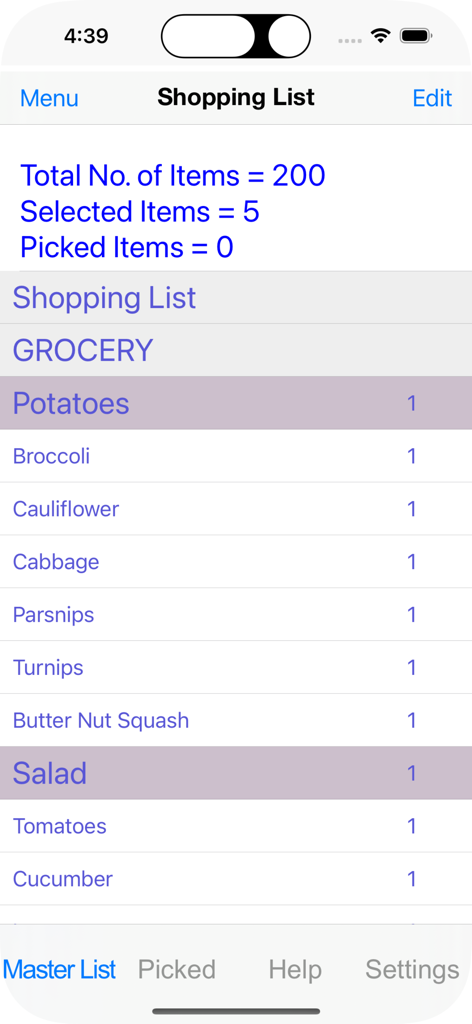
A simple digital grocery list within the Picking List app showing items like potatoes and broccoli with item counts.
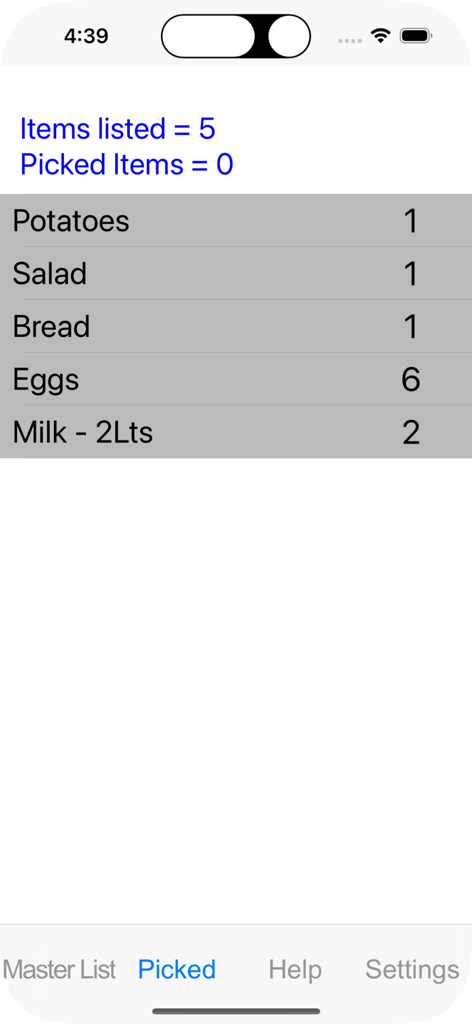
Screenshot of the Picking List app showing a list of grocery items like potatoes, bread, and milk with their quantities.
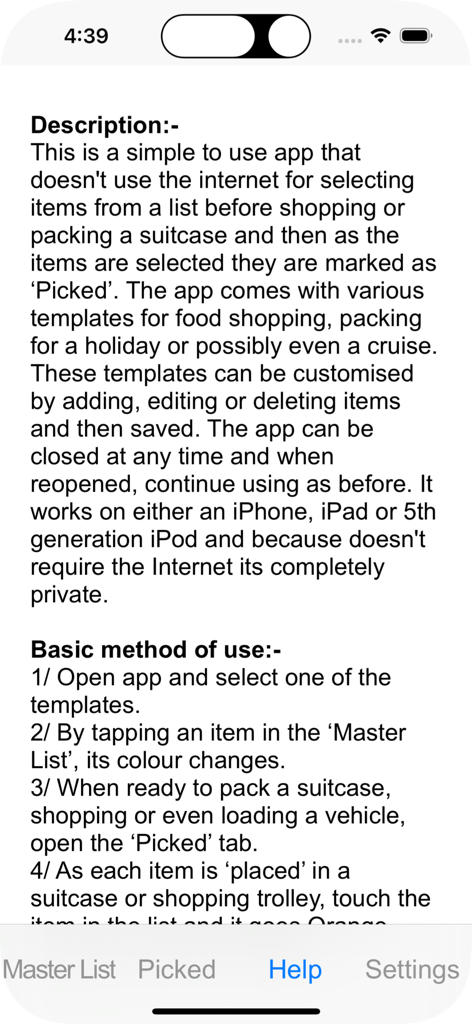
The help screen for the Picking List app displaying detailed instructions for using the offline shopping and packing list features
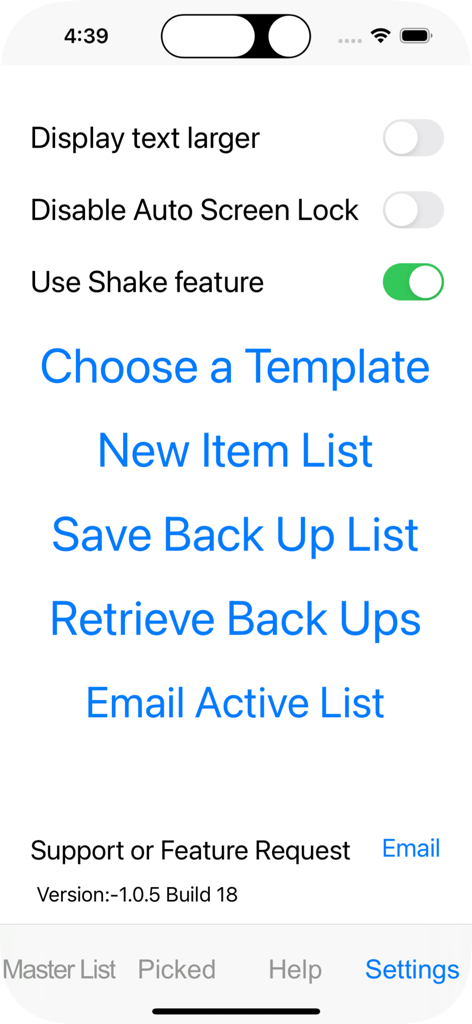
Settings menu of the Picking List app showing options for larger text and list management templates.
Description
Download
More Like This
Top-ranked apps in the same category

Pinterest, Inc.

Alipay - Simplify Your Life
Alipay (Hangzhou) Technology Co., Ltd.

Dianping: Discover Good Places
Hanhai Information Technology (Shanghai) Co.Ltd

美团-美好生活小帮手
Sankuai Technology Co., Ltd.

Lemon8 - Lifestyle Community
TIKTOK PTE. LTD.

Xiaomi Home
Beijing Xiaomi Co., Ltd

Tinder Dating App: Date & Chat
Tinder LLC

SmartThings
Samsung Electronics Co., Ltd.

VNeTraffic
GLOBAL TECHNOLOGY - TELECOMMUNICATIONS CORPORATION
This page is not an official page of the app or its developer, but an independent editorial publication created for informational and commentary purposes. Unless expressly stated otherwise, neither the app nor its developer is affiliated with, endorsed by, sponsored by, authorized by, or otherwise officially connected with MWM, Apple, Google Play, the app publisher, or the app's developer, and nothing on this page implies that the app was developed using MWM's services. Any trademarks, logos, screenshots, and other content remain the property of their respective owners.