
PingID



Streamline your professional access with frictionless multi-factor authentication and a secure digital wallet. Designed for efficiency-driven professionals who demand enterprise-grade security with the convenience of biometrics and offline support.
Publisher
Category
ProductivityDownloads
11M+User Rating
Total Ratings
2K+Locales
16Discover the interface used by 11M+ users.
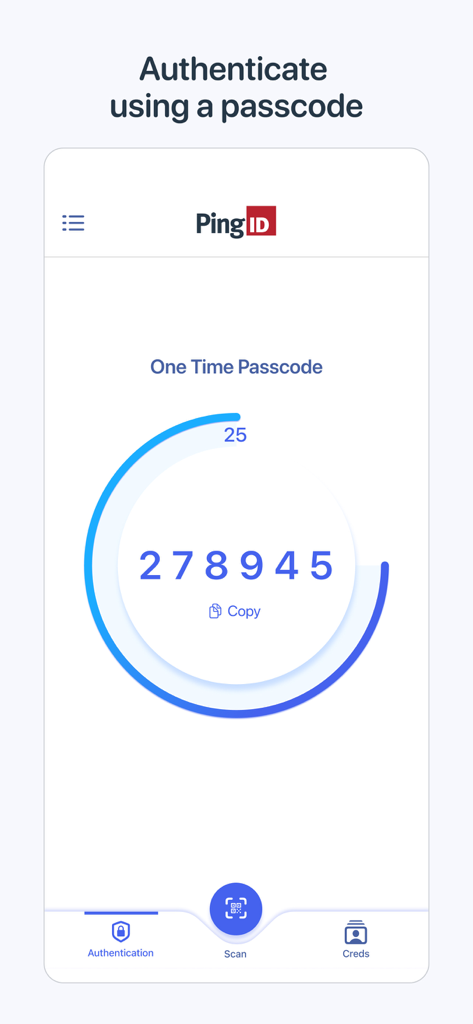
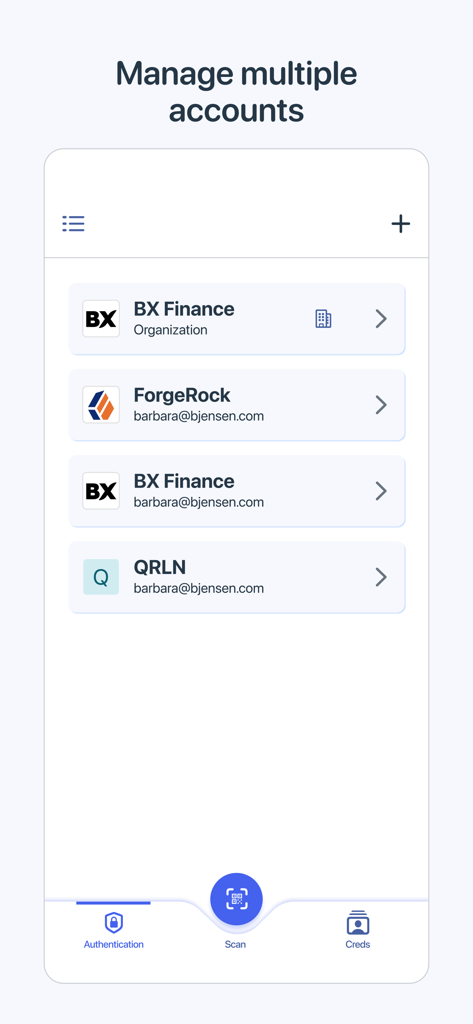
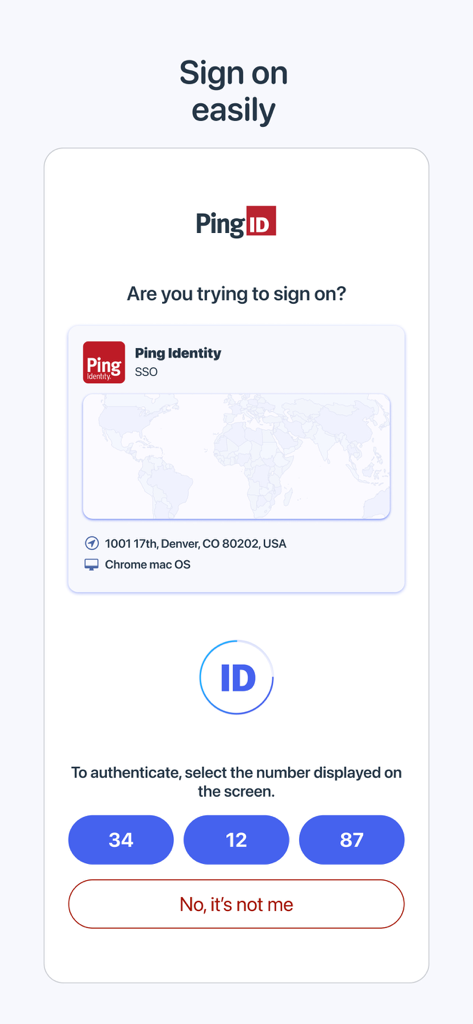
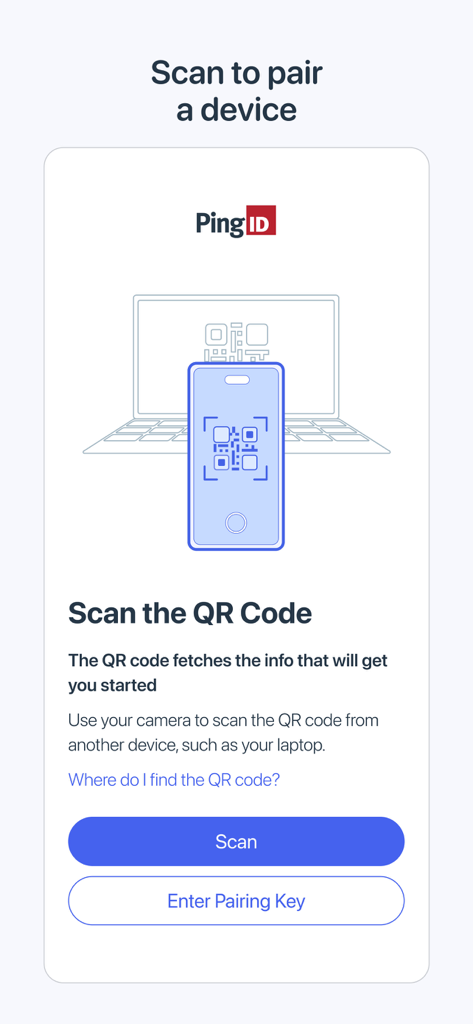
The tools that make this app stand out, trusted by 11M+ users.
Eliminate tedious manual codes with biometric login and swipe-to-approve technology for instant, secure access.
Authenticate securely even without a cellular signal, ensuring you stay connected while traveling or in remote job sites.
Securely store and manage your professional credentials and digital identity badges in one centralized, encrypted location.
Insights from user reviews.
Sentiment Score
Summary
The app receives overwhelmingly negative feedback, with most users finding it unreliable and frustrating. While one reviewer praised its ease of use and consistent performance, numerous complaints highlight issues with the complex setup and pairing process, often involving non-existent QR codes and login failures. Users frequently encounter slow performance, an awkward user interface, and excessive authentication steps, with some reporting problems with Face ID, camera functionality on newer iPhones (like the iPhone 17 Pro Max), and a notable absence of landscape mode. Recent updates, including iOS 18.3 and general app updates, have been cited as causes for account access problems, connectivity issues, and a general decline in functionality.
Common Themes
Everything you need to know about PingID.
Description
Latest Version
3.5.0
Size
124.4 MB
First Released
Jul 2, 2014
Join over 11 million professionals using PingID for frictionless, one-tap authentication. Secure your workday and manage your digital identity with ease, even offline.
Everything you need to know about PingID
The PingID mobile app is a user-friendly solution designed to enhance login security and verify end users' identities. It also serves as a digital wallet for secure storage and management of digital identities.
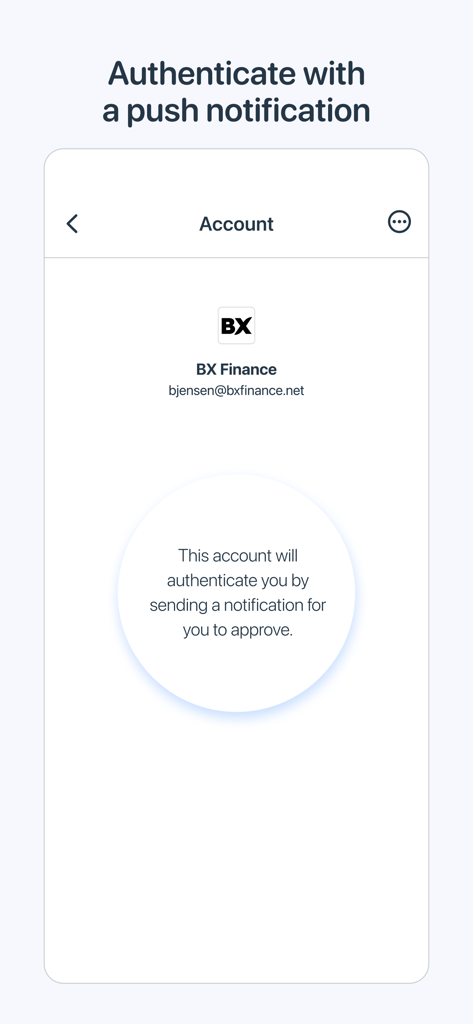
PingID enhances login security by providing robust authentication methods, including one-time passcodes and push notifications. It verifies end users' identities to ensure secure access to accounts and digital resources.
Yes, PingID can manage multiple accounts. The app allows users to organize and access different organizational and personal accounts from a single interface.
Yes, PingID supports offline authentication. The app provides offline support for scenarios where a device lacks an internet signal, ensuring continuous access to mission-critical security features.
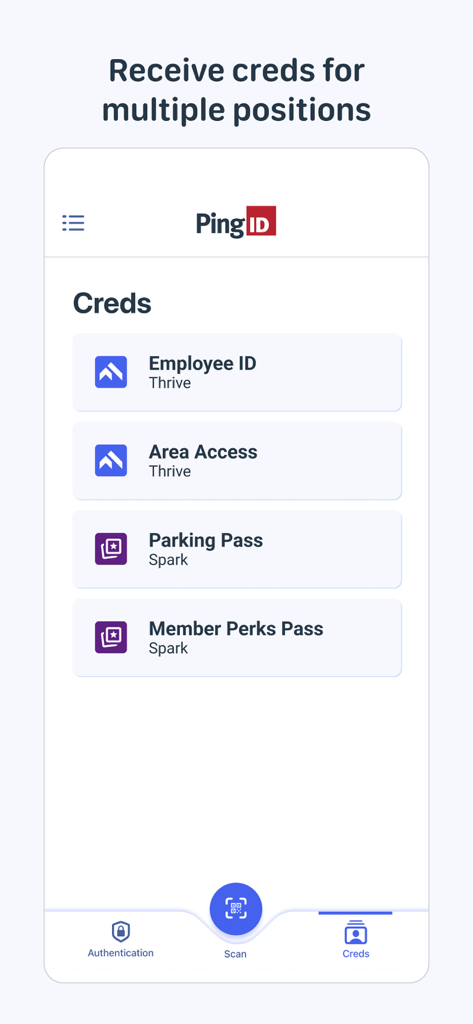
PingID functions as a digital wallet for various digital identities and credentials. These can include Employee IDs, Area Access passes, Parking Passes, and Member Perks Passes, as shown in the app.
Users pair a device with PingID by scanning a QR code using the app's camera. Alternatively, a pairing key can be entered manually to establish the connection between devices.
Yes, PingID integrates seamlessly with other Ping Identity products. It works with PingOne, PingFederate, PingOne Verify, and PingOne Credentials to provide a unified security experience.
Yes, PingID requires prior licensing. Organizations must have licensed PingID, PingOne Verify, or PingOne Credentials before users can install and utilize the PingID mobile app.
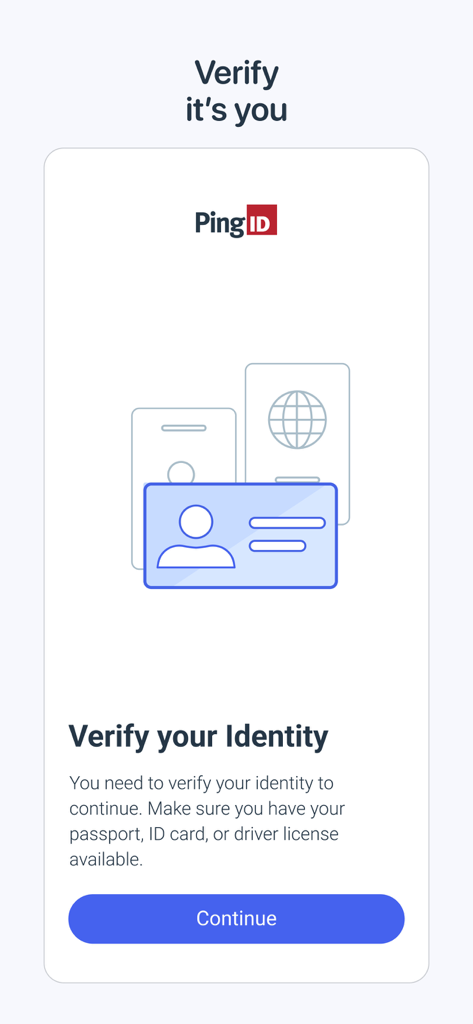
PingID verifies user identity by prompting users to present official documents. It uses passports, ID cards, or driver's licenses to confirm identity and ensure secure operations.
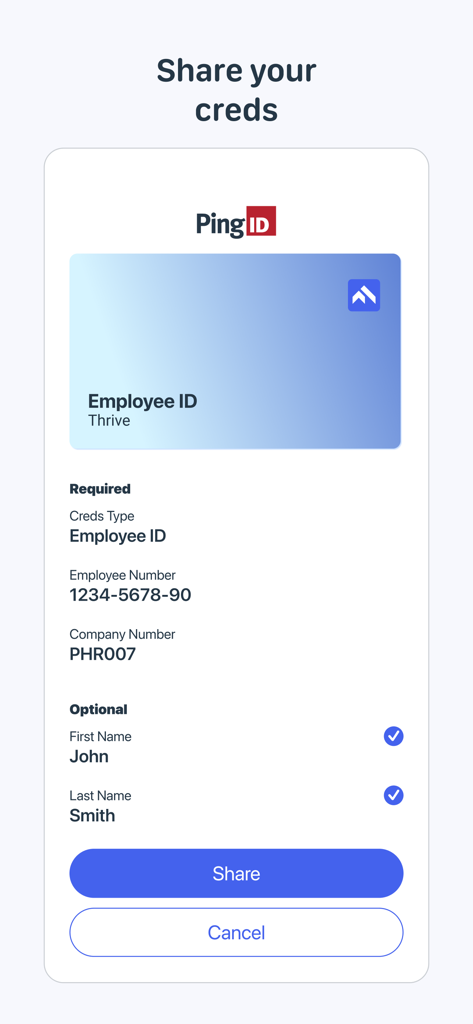
Yes, you can share credentials using the PingID app. The app allows for the secure sharing of stored credentials, such as an Employee ID, once identity verification is complete.
Apps with similar features and user experience

WatchGuard Technologies Inc.

MULTIFAKTOR, OOO

Acceptto Corporation

Tirender Wig

Aladdin R.D. ZAO

RSA Security

Google LLC

Fortinet, Inc

Closed Joint Stock Company"Trade House"Perekrestok
App information, icons, screenshots, and descriptions displayed on this page are sourced from the Apple App Store and are the property of their respective developers. Download estimates and rankings are based on MWM's proprietary models and may not reflect actual figures. This page is provided for informational and analytical purposes only.
Believe this page infringes your intellectual property? File a dispute
