Player & Playlist for Youtube

Player & Playlist for Youtube

Download on App Store
Logo of Player & Playlist for Youtube

Player & Playlist for Youtube: Ad-Free, Background Play, and Endless Loops

The ultimate video player for students and multi-taskers. Experience seamless background audio, continuous video looping, and zero ad interruptions—all for free on your iPhone and iPad.

Publisher

Do Tri

Category

Photo & Video

Downloads

147K+

User Rating

4.4/5

Total Ratings

2K+

Locales

1

Experience the Freedom

Discover the interface used by 147K+ users.
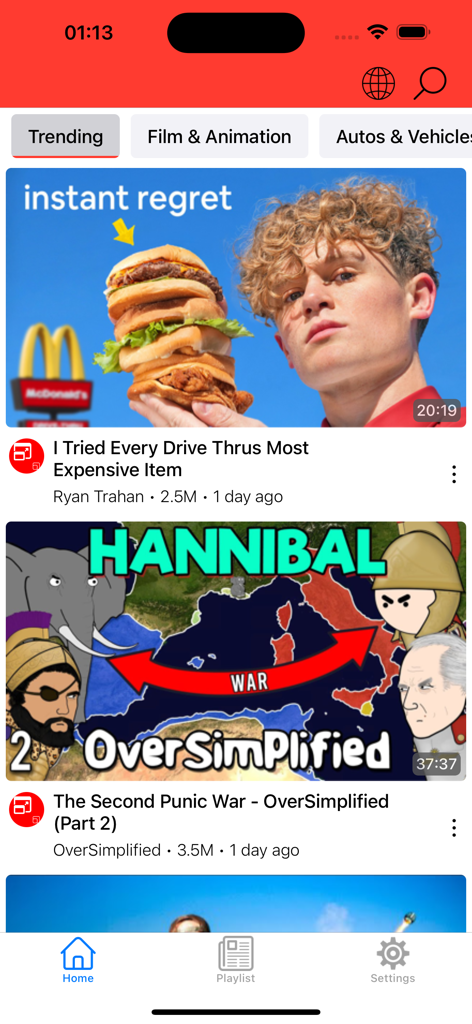
Mobile app home screen showing a feed of trending YouTube videos

Mobile app home screen showing a feed of trending YouTube videos

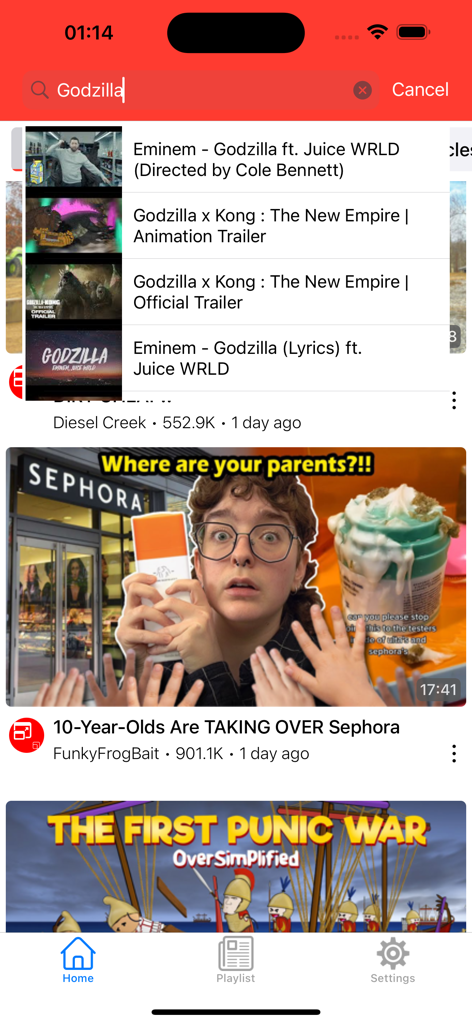
Home screen of the YouTube player app showing search suggestions for Godzilla and a list of recommended videos

Home screen of the YouTube player app showing search suggestions for Godzilla and a list of recommended videos

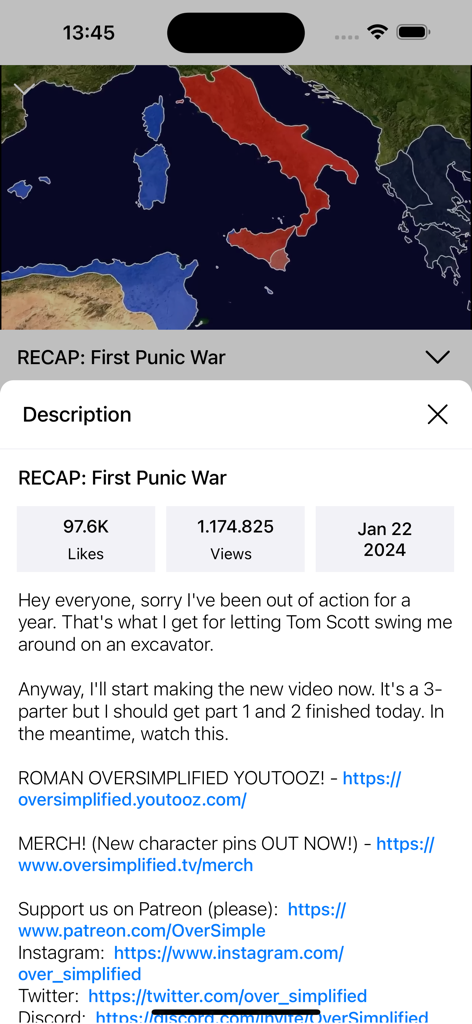
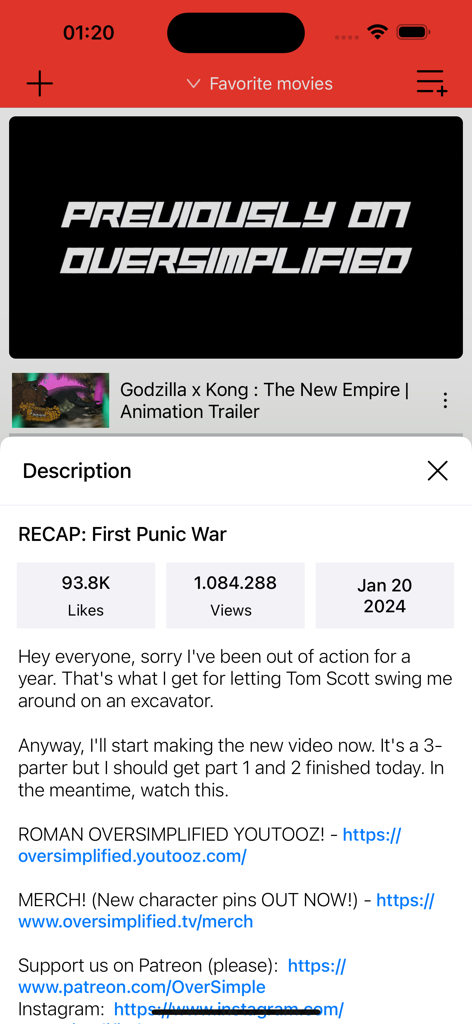
Screenshot of a video description and statistics page within the YouTube player app

Screenshot of a video description and statistics page within the YouTube player app

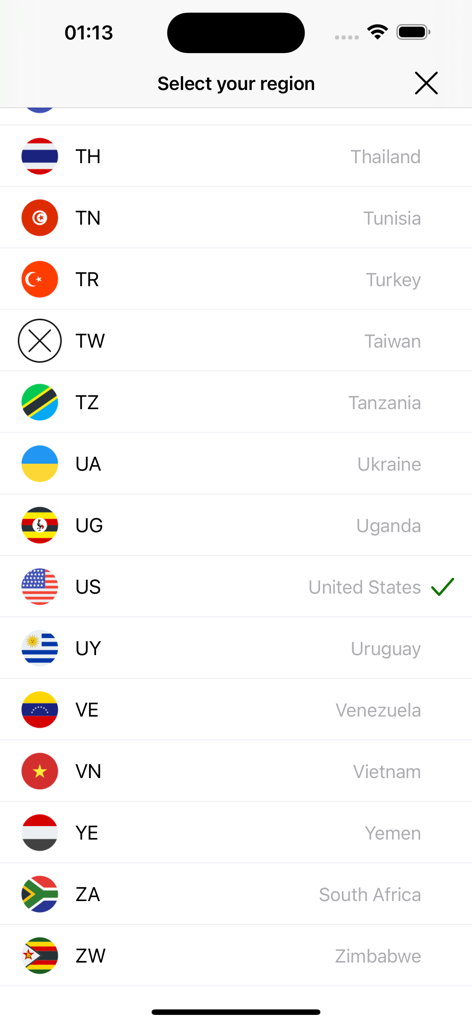
Region selection screen in the Player and Playlist for Youtube app showing a list of countries with the United States selected

Region selection screen in the Player and Playlist for Youtube app showing a list of countries with the United States selected

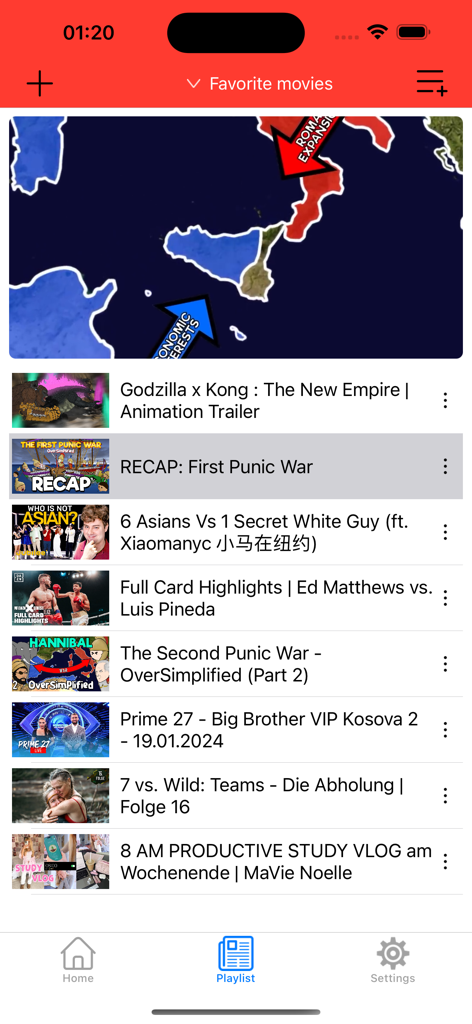
Interface of the Player and Playlist for Youtube app showing a video player and a list of videos in a custom playlist

Interface of the Player and Playlist for Youtube app showing a video player and a list of videos in a custom playlist

A mobile app interface for playing YouTube videos showing a video player and detailed video description with statistics

A mobile app interface for playing YouTube videos showing a video player and detailed video description with statistics

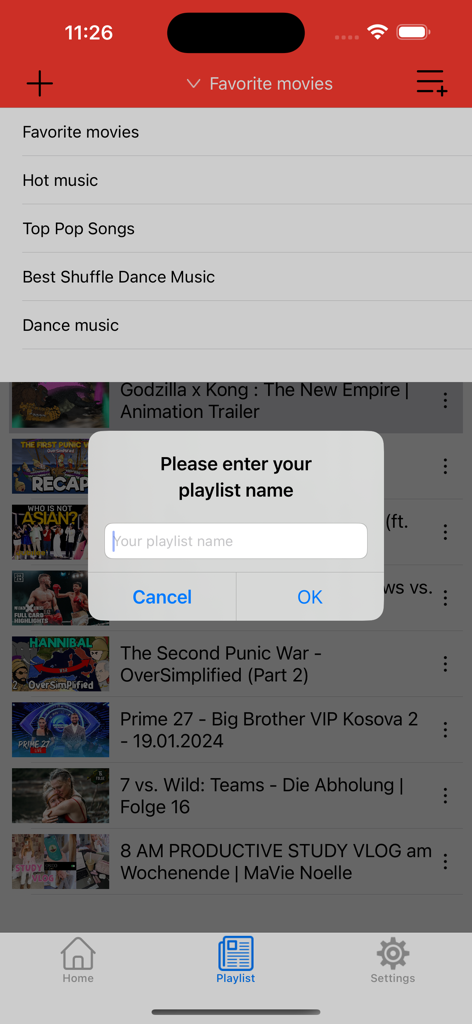
A mobile app interface showing a popup to enter a new playlist name on top of a video list.

A mobile app interface showing a popup to enter a new playlist name on top of a video list.

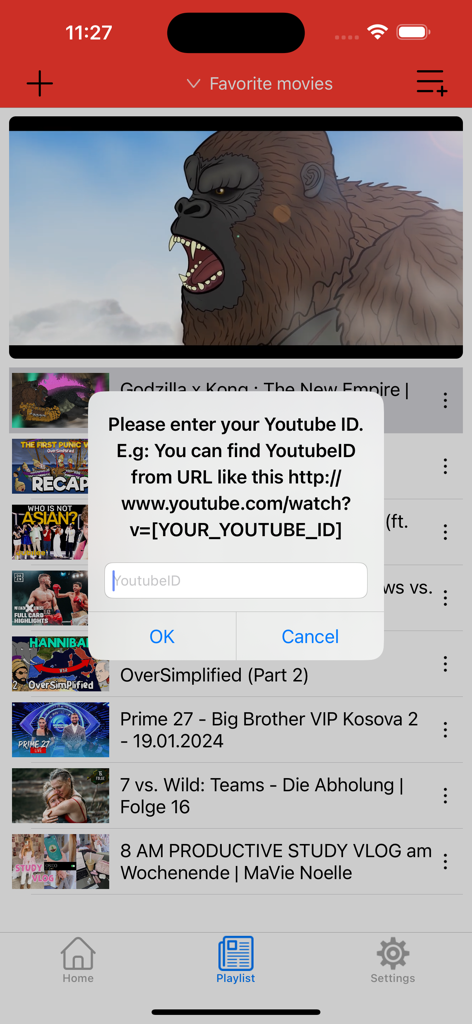
Mobile app screen showing a popup to enter a YouTube ID for adding videos to a personal playlist

Mobile app screen showing a popup to enter a YouTube ID for adding videos to a personal playlist

Unlock Your Ultimate YouTube Experience

The tools that make this app stand out, trusted by 147K+ users.

🎧

True Background Playback

Multitask like a pro. Keep the audio running while you text, study, or game—even when your screen is locked.

🔁

Ad-Free Infinite Loops

Enjoy non-stop videos without annoying ad breaks. Perfect for workout playlists, study beats, or children’s favorite shows.

📺

AirPlay & TV-Out Support

Move the party to the big screen. Effortlessly cast your custom playlists to your TV for a high-quality cinematic experience.

About the app

Everything you need to know about Player & Playlist for Youtube.

Description

Yt Player is designed to play YouTube videos one by one in a loop. This is the entertainment application for everyday use to see favorite video(s) in a loop without tapping play next and fullscreen button. You can create your favorite playlist and let it run in loop. You can easily do anything like you do on Youtube website, add your videos with only ONE CLICK. If you like one Youtube video and want to share with friends, long touch on one song and share it easily. Yt Player also supports AirPlay and TV-Out. Features include: * 100% FREE. - No Ads when playing video * Play videos continuously without EXITING full screen mode * Best Youtube player * Switch different countries to watch their trending videos * Long touch on one song in Playlist and share video link to any social network apps in your iPhone/iPad/iPod Touch devices. * YouTube video search * Watch your channels like you are on Youtube web (all functions on Youtube will available in this app) * AirPlay support * TV-Out support * Add videos from Youtube to your playlist and watch it in loop * Manage Your Playlist (swipe to delete any youtube link) * Universal app for iPhone and iPad * Use app in both Portrait and Landscape * Background Play - Play videos in background by closing app and using the multitasking music controls to resume playback. * View video info * Import all videos in the same playlist (Just open one video in the playlist and choose to import all) Video formats:  .mp4, .avi, .mkv, .mpeg  Tube it and enjoy! Thanks! All trademarks belong to their respective parties. YouTube, YouTube logo is used for informational purposes only. All rights reserved.

Latest Version

2.51

Size

56.7 MB

First Released

Apr 29, 2014

Stop Paying for YouTube Premium Features

Join 147K+ savvy users enjoying ad-free background play and unlimited loops. Get the ultimate YouTube experience on your iPhone and iPad today—completely free.

Download on App Store

App information, icons, screenshots, and descriptions displayed on this page are sourced from the Apple App Store and are the property of their respective developers. Download estimates and rankings are based on MWM's proprietary models and may not reflect actual figures. This page is provided for informational and analytical purposes only.

Believe this page infringes your intellectual property? File a dispute