
Print n Share Pro for iPhone


Stop struggling with AirPrint limitations. Print to any WiFi, USB, or Bluetooth printer, manage multiple cloud accounts, and secure your professional documents with private, multi-user storage—all in one powerful app designed for the mobile professional.
Publisher
Category
ProductivityDownloads
200K+User Rating
Total Ratings
500Locales
7Discover the interface used by 200K+ users.
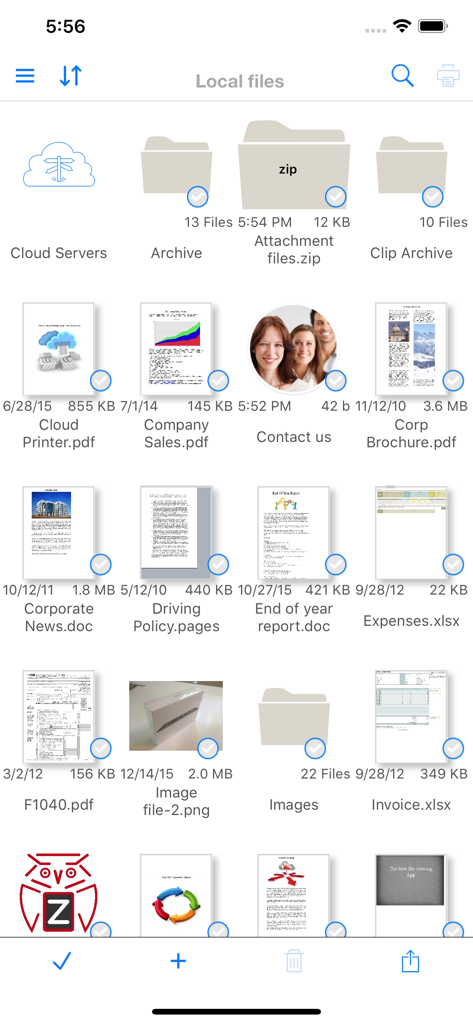
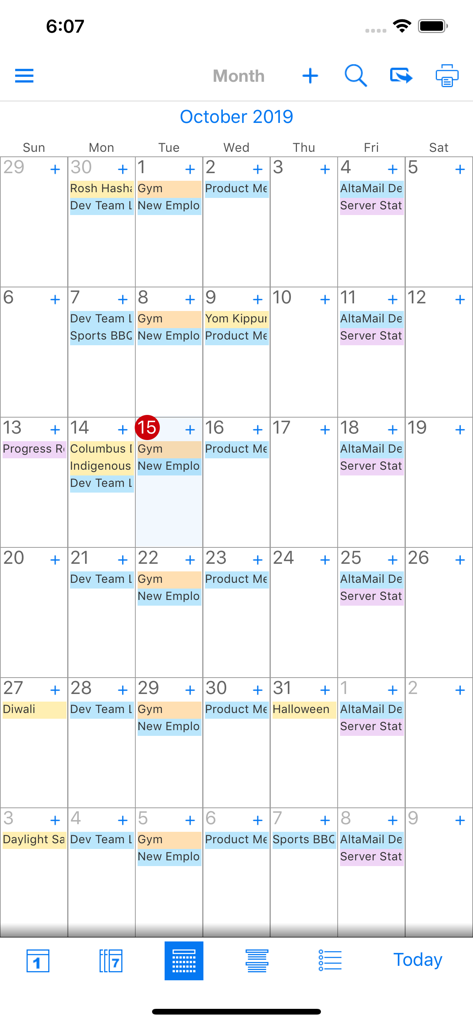
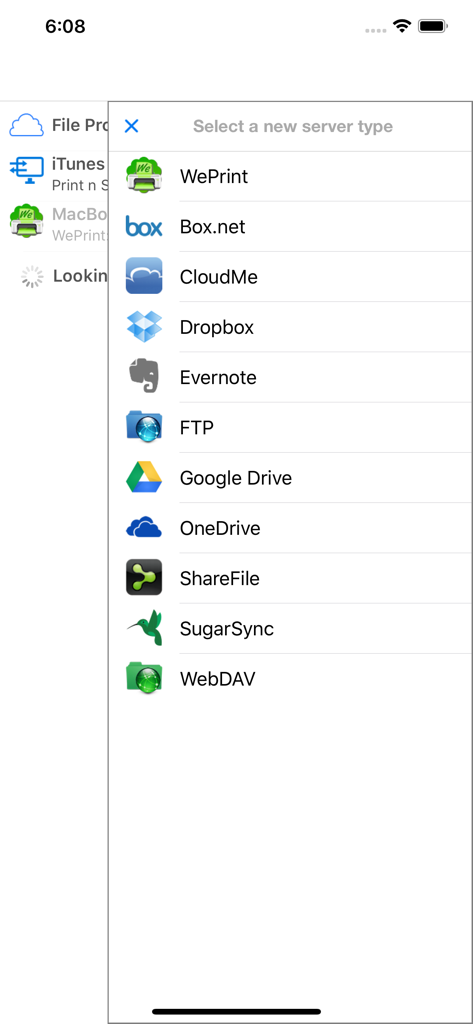
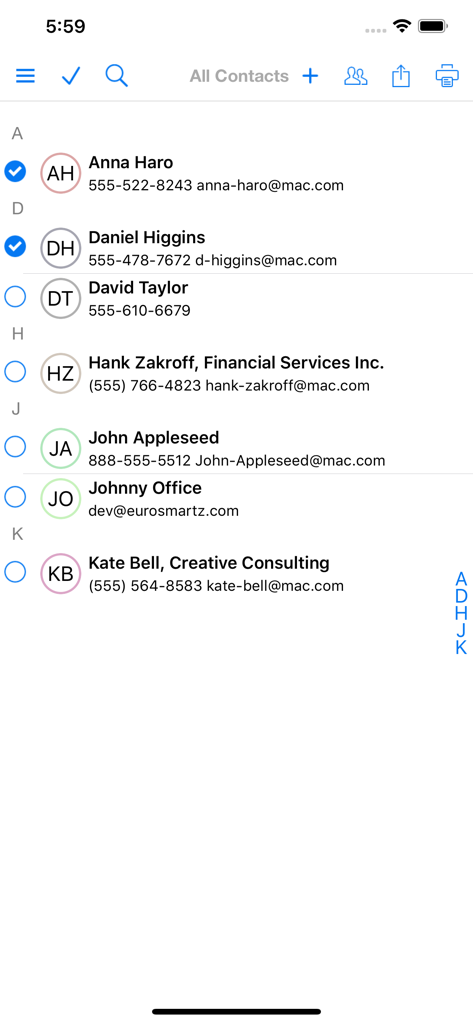
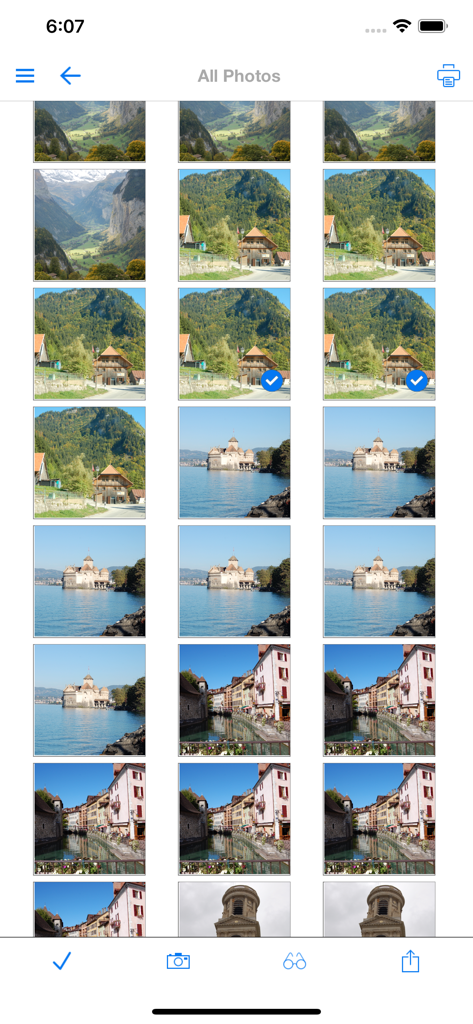
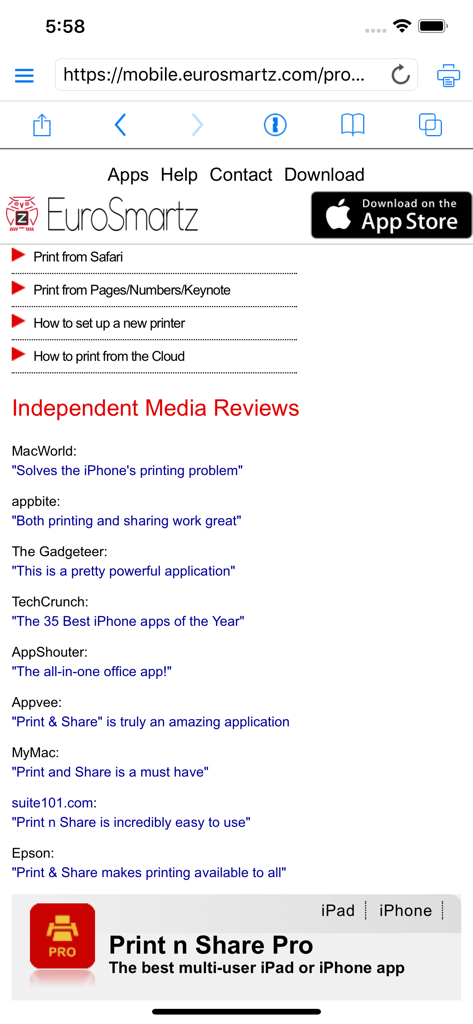
The tools that make this app stand out, trusted by 200K+ users.
Break free from AirPrint limitations. Print via WiFi, Bluetooth, or USB to any legacy or network printer, whether you are at home, in the office, or on the road.
Consolidate all your Cloud accounts into one hub. Convert documents to PDF, zip/unzip files, and manage attachments with a transparent file system that mimics your PC.
Secure your professional data on shared devices. Create password-protected profiles with private storage for sensitive emails, documents, and browsing history.
Everything you need to know about Print n Share Pro for iPhone.
Description
Latest Version
7.1
Size
55.2 MB
First Released
Oct 26, 2011
Join 200,000+ professionals and bridge the gap between your iPhone and any printer. Experience desktop-class file management and secure, private printing today.
Everything you need to know about Print n Share Pro for iPhone
Print n Share Pro for iPhone manages files and emails with private user storage, allows quick user switching, views large PDF, Office, and iWork files, and prints to various printers.
Yes, Print n Share Pro zips and unzips files directly on the iPhone or iPod.
Yes, Print n Share Pro converts files, documents, and web pages into PDF format.
Print n Share Pro integrates with cloud services including Box.net, CloudMe, Dropbox, Evernote, Google Drive, iCloud, OneDrive, ShareFile, and SugarSync.
Yes, Print n Share Pro allows wireless file transfer. Users can mount their iPhone/iPod as a disk and use drag-and-drop with Mac/PC.
Yes, Print n Share Pro supports Apple AirPrint printers. It also prints to network, WiFi, USB, and Bluetooth printers via a connected computer.
Yes, Print n Share Pro enables remote printing. This functionality works via 3G, 4G, or integrated cloud services.
Print n Share Pro offers email and attachment printing, sending/receiving emails, full field search across accounts, multiple account views, and emailing files, photos, and web pages.
Yes, Print n Share Pro integrates with Google Calendar and Exchange. Users view, print, and email existing calendar entries as PDFs.
Yes, Print n Share Pro supports multiple user profiles. Each profile has password-protected private storage for files, emails, web history, and bookmarks.
Print n Share Pro protects user data with private storage for each user. It includes password-protected access, ensuring individual access to personal files and emails.
Yes, Print n Share Pro allows users to select and print multiple photos directly from the application interface.
Yes, Print n Share Pro enables quick user switching to share a single iPhone. Each user maintains private storage for files and emails.
Print n Share Pro views, reads, and displays large PDFs, Office documents (like Word, Excel), iWork files (Pages, Numbers, Keynote), and many other file types.
Top-ranked apps in the same category

OpenAI OpCo, LLC

Google LLC

X.AI Corporation

Google LLC

Shanghai Zhixin Puhui Technology Co., Ltd.

Google LLC

Microsoft Corporation

Google LLC

Google LLC
App information, icons, screenshots, and descriptions displayed on this page are sourced from the Apple App Store and are the property of their respective developers. Download estimates and rankings are based on MWM's proprietary models and may not reflect actual figures. This page is provided for informational and analytical purposes only.
Believe this page infringes your intellectual property? File a dispute

