
This page is not an official page of the app or its developer, but an independent editorial publication created for informational and commentary purposes. Unless expressly stated otherwise, neither the app nor its developer is affiliated with, endorsed by, sponsored by, authorized by, or otherwise officially connected with MWM, Apple, Google Play, the app publisher, or the app's developer, and nothing on this page implies that the app was developed using MWM's services. Any trademarks, logos, screenshots, and other content remain the property of their respective owners.


Private Video Saver
Download, edit, and browse with total anonymity. Get AI summaries and manage your content behind an unbreakable passcode with automatic trace-clearing for ultimate peace of mind.
Downloads
290K+User Rating
Total Ratings
200Publisher
Category
EntertainmentLocales
21Latest Version
1.0.5Size
100.9 MBFirst Released
Oct 2, 2025Your Personal Stealth Command Center
The all-in-one utility to browse privately, save content securely, and edit on the fly—leaving zero trace behind.
Ghost Mode Protection
Your history, cookies, and cache auto-clear the moment you exit, keeping your browsing habits truly anonymous and private.
The Unbreakable Media Vault
Keep your secret clips and personal downloads behind a passcode-protected wall, completely separate from your main photo gallery.
Frequently Asked Questions
Everything you need to know about Private Video Saver
How does Private Video Saver protect private content?
Private Video Saver keeps your private content invisible behind an unbreakable vault. It uses passcode protection to secure discoveries and ensures privacy.
What video editing features does Private Video Saver offer?
Private Video Saver's built-in editor supports video reverse, conversion, volume adjustment, speed changes, and flip & rotate functions.
Does Private Video Saver automatically clear browsing data?
Yes, Private Video Saver automatically clears all traces, including history, cookies, and cache, after every session upon exit.
Can I access websites using QR codes in Private Video Saver?
Yes, Private Video Saver allows instant website access by scanning a QR code or entering a URL directly. This feature provides fast and seamless browsing.
What is the AI Summarize feature in Private Video Saver?
The AI Summarize feature in Private Video Saver quickly extracts AI-powered insights and summaries from online articles in seconds.
How do I save favorite sites in Private Video Saver?
Private Video Saver includes a Bookmark Manager function. Users save, organize, and revisit their favorite sites with a simple tap.
Does Private Video Saver have a photo identification feature?
Yes, Private Video Saver features a Photo Identifier & Search. It identifies, decodes, and searches the world using photos in seconds.
Does Private Video Saver collect personal information or passwords?
No, Private Video Saver explicitly states that it does not collect any personal information and does not obtain user passwords in any way.
The following screenshots and description are sourced directly from the app's official store listing and are the property of the app developer.
App Store
Screenshots
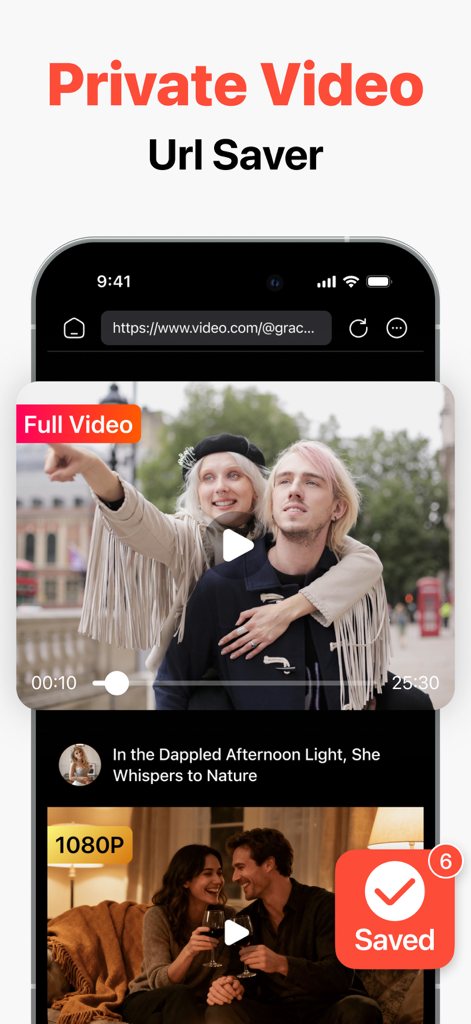
Interface of the Private Video Saver app showing a video being saved from a web browser.
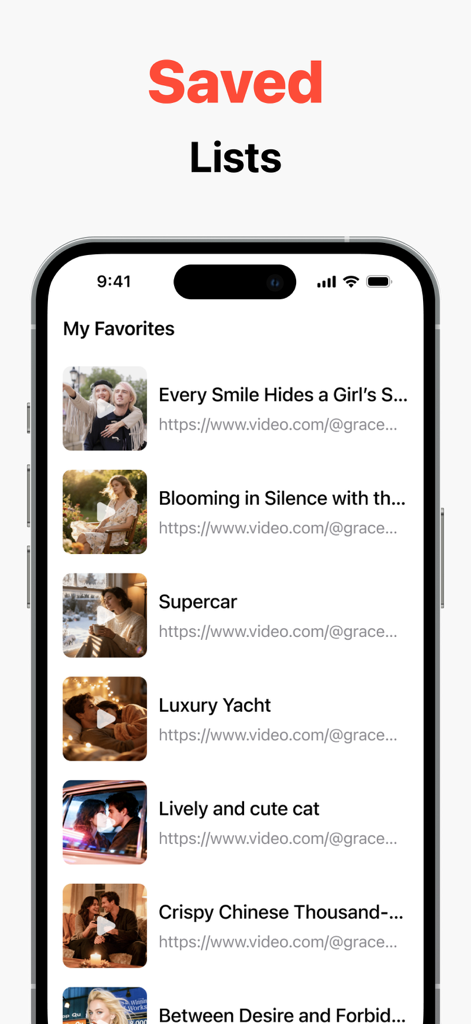
Smartphone screen showing a list of favorite saved videos with thumbnails and titles within the app.
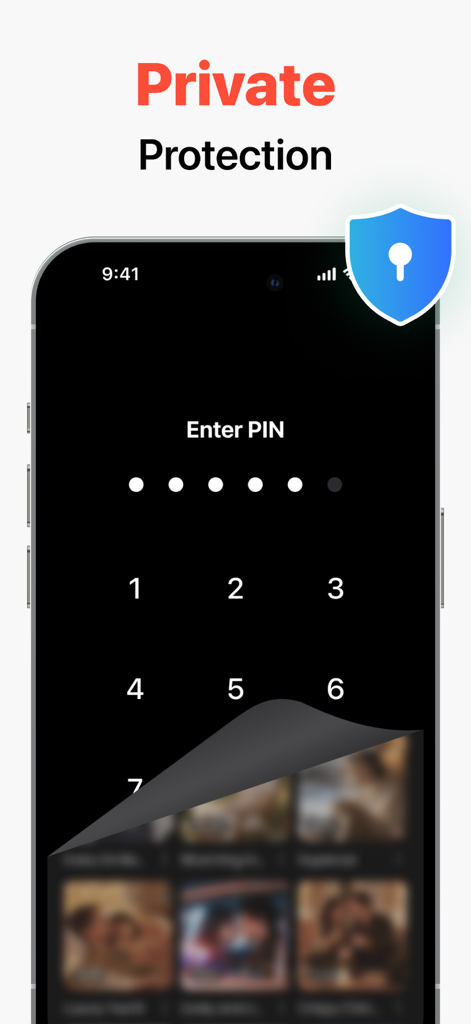
A smartphone interface showing a PIN entry screen for passcode protection in the Private Video Saver app.
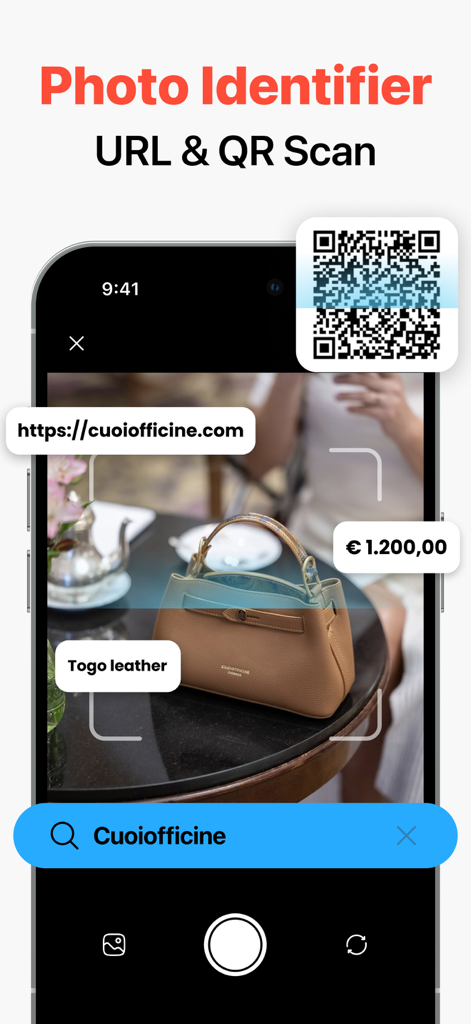
Mobile app interface showing photo identification of a leather handbag and a QR code scanner.
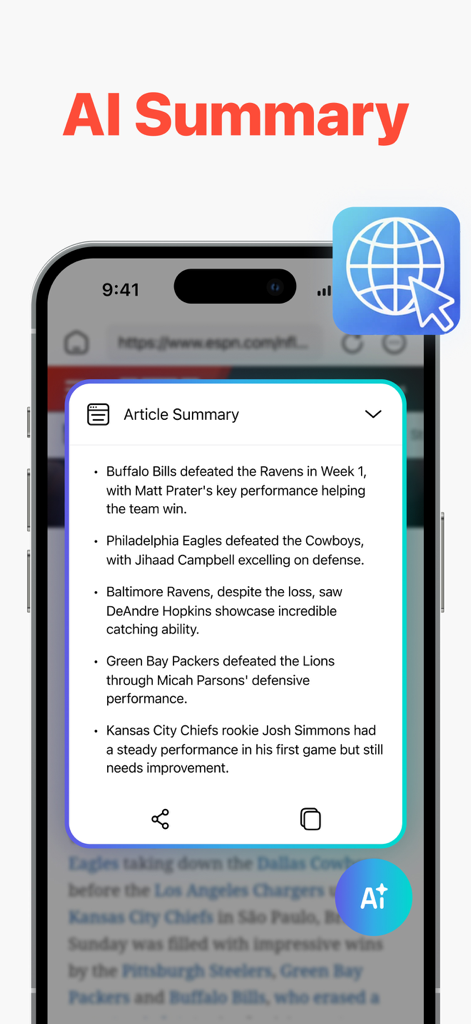
AI summary of a sports article on a mobile device within the Private Video Saver app
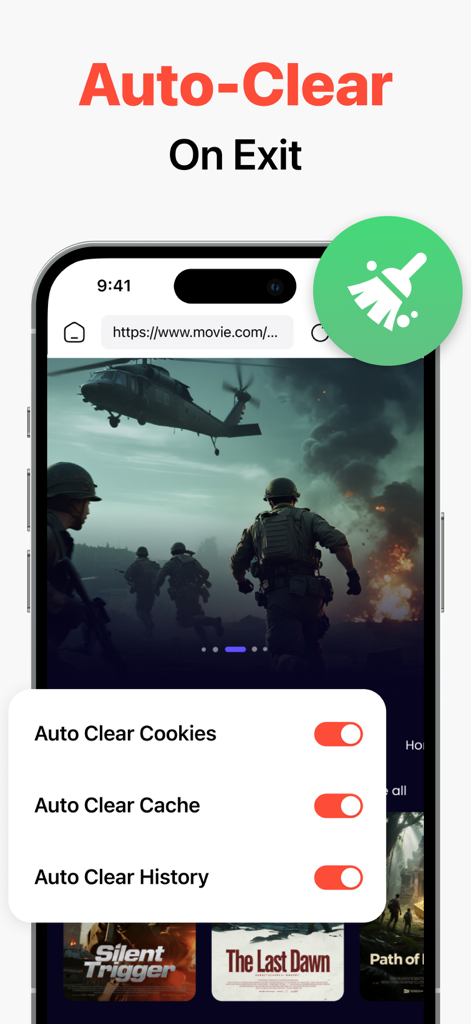
Private Video Saver app screen showing auto-clear settings for cookies cache and browsing history
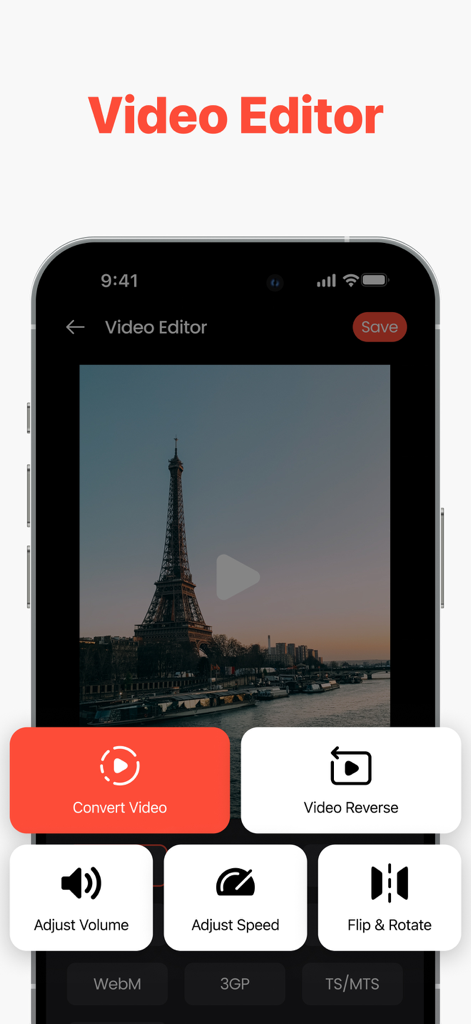
Interface of the Private Video Saver app showing video editing tools like convert, reverse, and adjust speed.
Description
Download
More Like This
Apps with similar features and user experience

Bolt Browser and Documents
Danyil Vasilenko

Offline: Files, Browser, VPN
SAEED ABDULLAH ALHAJRI

密盒-私密空间
Succulent Technology Chongqing Co., Ltd.

MyMusic - Audio Player
Liana Kelerman

X Browser PRO - Private & Safe
Sani Dhola

All Video Downloader -RingPlus
SOON BODYWERKZ AUTO PTE. LTD.

AdBlock for Private Browsing
Iurban Mob Limited

Advanced Security: Web Protect
TOKTAMYS-ZHARY, TOO

Norton Private Browser
Gen Digital Inc.
This page is not an official page of the app or its developer, but an independent editorial publication created for informational and commentary purposes. Unless expressly stated otherwise, neither the app nor its developer is affiliated with, endorsed by, sponsored by, authorized by, or otherwise officially connected with MWM, Apple, Google Play, the app publisher, or the app's developer, and nothing on this page implies that the app was developed using MWM's services. Any trademarks, logos, screenshots, and other content remain the property of their respective owners.