Prompt+ Teleprompter

Prompt+ Teleprompter


Download on App Store
Logo of Prompt+ Teleprompter

Prompt+ Teleprompter: Present with Confidence on Every Video and Call

The professional script reader for Zoom, creators, and executives. Maintain perfect eye contact with voice-synced scrolling and multitasking. No subscriptions—just a one-off purchase for total control.

Download on App Store

Publisher

Norton Five Ltd

Category

Photo & Video

Downloads

14K+

User Rating

4.6/5

Total Ratings

600

Locales

7

Professionalism in Every Frame

Discover the interface used by 14K+ users.
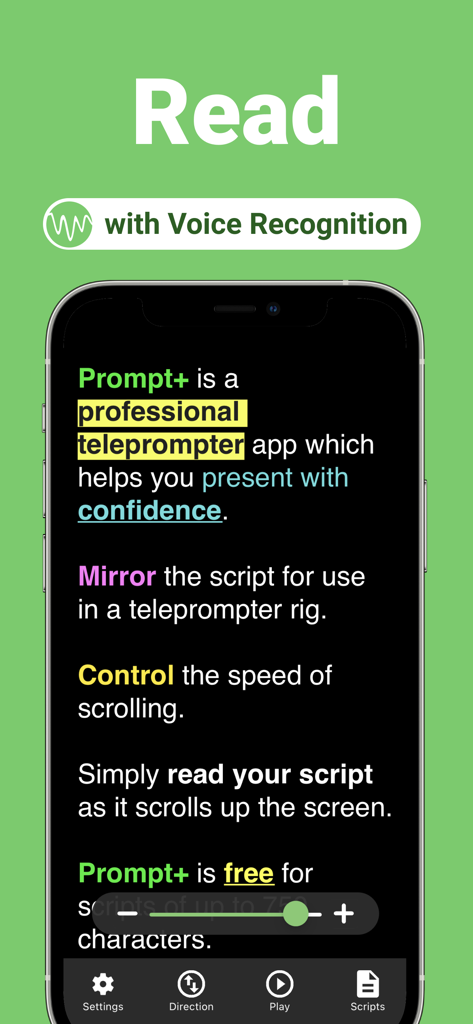
Smartphone screen showing the Prompt plus teleprompter app with voice recognition scrolling feature

Smartphone screen showing the Prompt plus teleprompter app with voice recognition scrolling feature

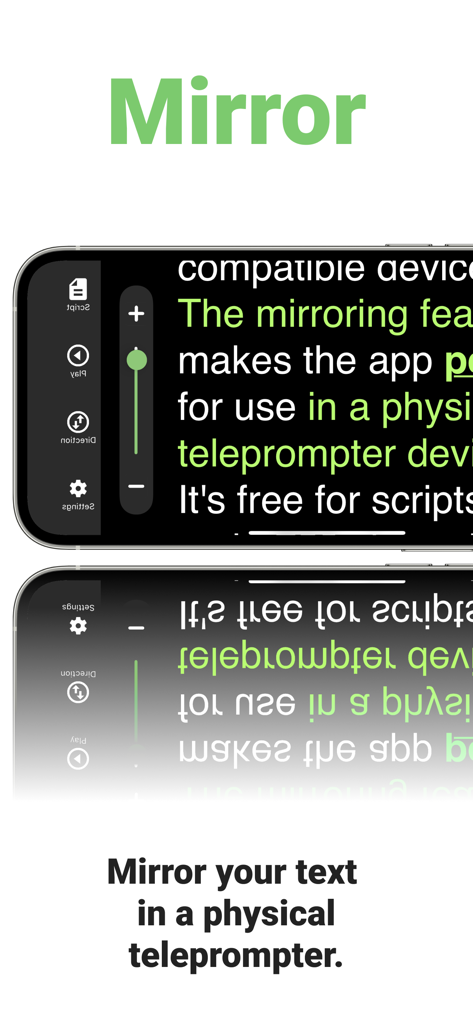
A smartphone screen displaying mirrored text for use in a physical teleprompter device with Prompt+ app.

A smartphone screen displaying mirrored text for use in a physical teleprompter device with Prompt+ app.

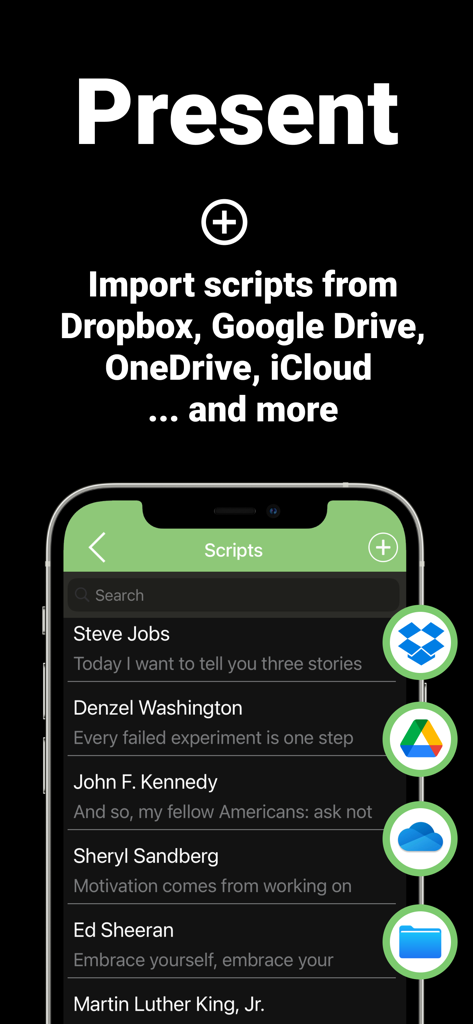
A mobile screen showing the Prompt Plus app interface with options to import scripts from cloud services like Dropbox and Google Drive

A mobile screen showing the Prompt Plus app interface with options to import scripts from cloud services like Dropbox and Google Drive

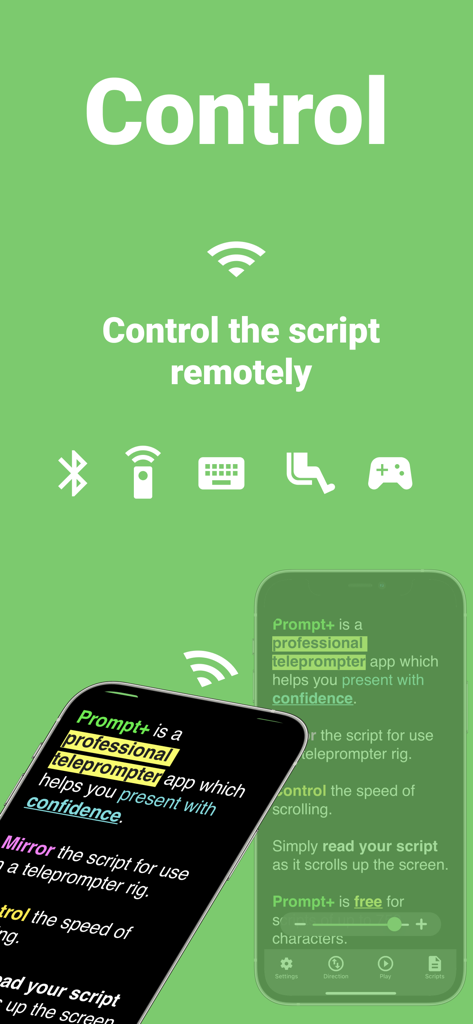
Prompt plus teleprompter app interface showing remote control options like Bluetooth and foot pedals

Prompt plus teleprompter app interface showing remote control options like Bluetooth and foot pedals

Master Your On-Camera Presence

The tools that make this app stand out, trusted by 14K+ users.

🎥

Perfect Eye Contact on Zoom

Overlay your script directly over video calls on iPad. Engage your audience by looking straight at the camera while reading your notes seamlessly.

🎙️

Smart Voice-Track Scrolling

Speak at your own pace. Our advanced voice recognition automatically scrolls the text as you read, ensuring you never lose your place during a take.

💎

One-Time Pro Upgrade

Avoid the monthly drain of subscriptions. Pay once for professional features and unlimited scripts, respecting both your budget and your workflow.

About the app

Everything you need to know about Prompt+ Teleprompter.

Description

Prompt+ is a professional teleprompter app that helps you present with confidence. Simply read your script as it scrolls up the screen. Prompt+ can be used with the Zoom Video Conferencing app in multitasking mode on compatible iPad devices. Overlay your script on a Zoom call and read your script as it scrolls next to the camera. You will present with confidence and engage your audience with excellent eye contact. It's free for scripts of up to 750 characters and works across all iOS devices. For longer scripts, there is a one-off in-app purchase. This app does NOT require a monthly or annual subscription. * Scroll the teleprompter using voice recognition (iOS 13+) or speed control. * Mirror your text for use in a physical teleprompter device. * Display a clock to help you stick to time. * Import your scripts from Dropbox, Google Drive, iCloud or OneDrive in .doc, .docx, .txt, .rtf or .pdf format. * Add Rich Text formatting to make them easier to read. * Set a countdown to get into position. * Use in landscape and portrait orientation. * Adjust the font size, colours, text alignment, and width of the text area. * Control the script remotely using a Bluetooth presentation control, foot pedal, games controller, external keyboard or even another Mac or iOS device.

Latest Version

9.0.8

Size

55.0 MB

First Released

Mar 17, 2021

Speak with Confidence, Every Single Take

Join 14,000+ professionals and creators who have ditched the script memorization and the monthly subscriptions. Download Prompt+ today and own the camera.

Download on App Store

App information, icons, screenshots, and descriptions displayed on this page are sourced from the Apple App Store and are the property of their respective developers. Download estimates and rankings are based on MWM's proprietary models and may not reflect actual figures. This page is provided for informational and analytical purposes only.

Believe this page infringes your intellectual property? File a dispute