
Quick Share : File Sharing


The high-speed alternative to AirDrop. Effortlessly send 4K videos, bulk photos, and large documents between iOS devices in seconds—no cloud, no cables, and no data limits required.
Publisher
Category
UtilitiesDownloads
1M+User Rating
Total Ratings
24K+Locales
8Discover the interface used by 1M+ users.
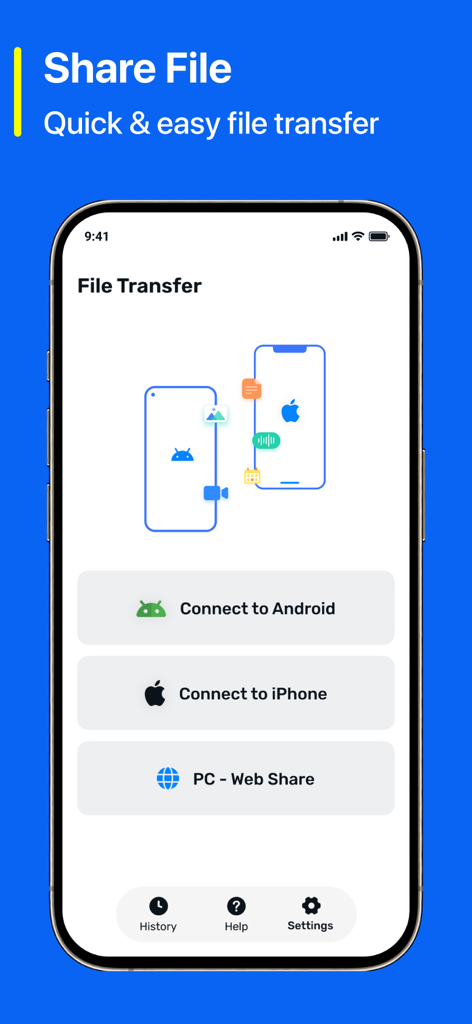
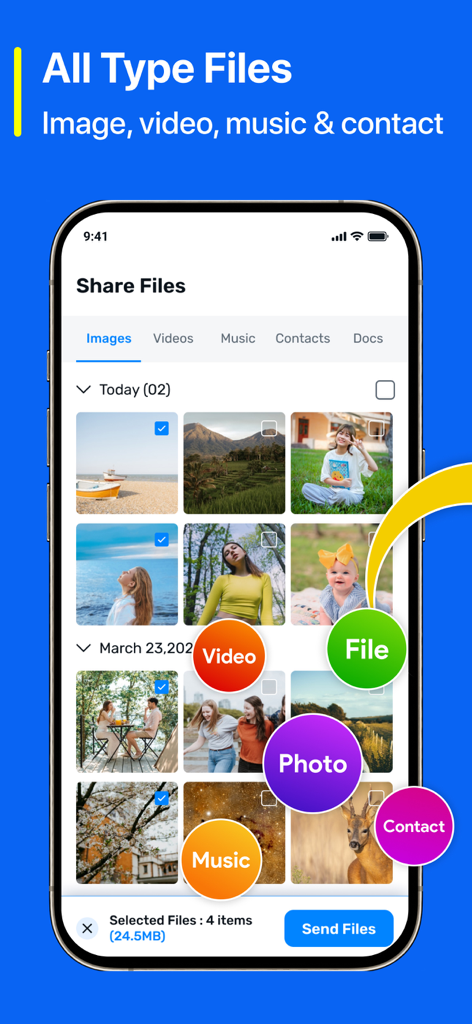
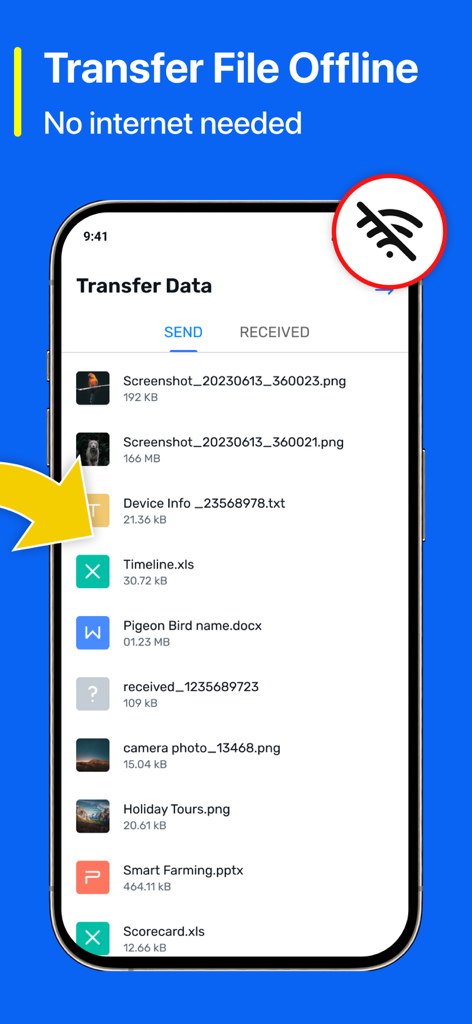
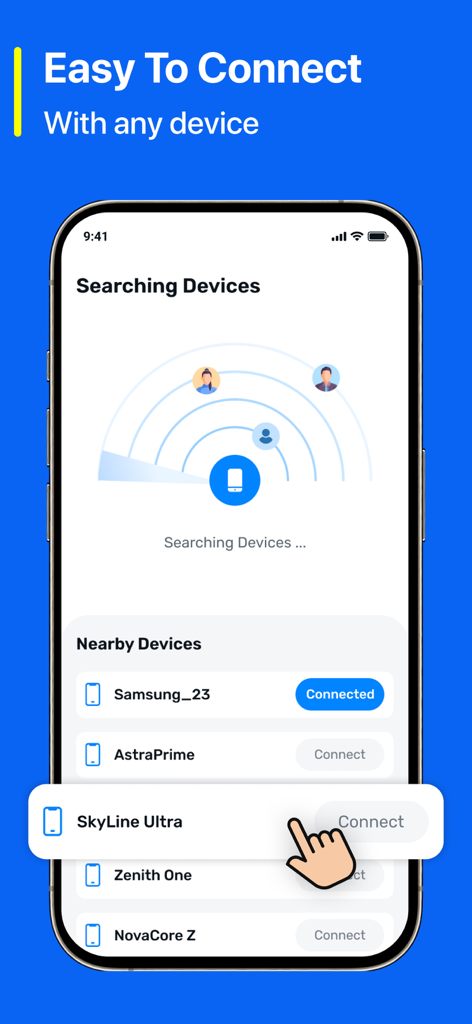
The tools that make this app stand out, trusted by 1M+ users.
Move 4K videos and massive assets in seconds using Wi-Fi Direct. Share anything anywhere, even in 'dead zones' without using your cellular data.
Skip the cloud and keep your data safe. Your files are fully encrypted and sent directly between devices, ensuring your private content stays private.
Ditch the AirDrop glitches. Select hundreds of photos or large project folders and send them with a single tap and a guaranteed success rate.
Insights from user reviews.
Sentiment Score
Summary
This mobile app receives overwhelmingly negative feedback, primarily due to an excessive and intrusive number of advertisements that often render it completely unusable and prevent access to core features. A significant portion of users report that the app's primary file sharing functionality is broken, failing to connect or transfer files, and several users have raised serious concerns about the app containing spyware or malware. Despite these widespread issues, a small number of users have successfully utilized the app for file transfers between Android and iOS devices, describing it as 'useful' and 'good'. Overall, the app's poor performance, aggressive advertising, and security concerns heavily outweigh its limited positive functionality.
Common Themes
Everything you need to know about Quick Share : File Sharing.
Description
Latest Version
3.0
Size
65.3 MB
First Released
Sep 5, 2024
Experience the fastest, most secure way to transfer photos and videos offline. Download Quick Share now and say goodbye to sharing limits and cloud fees.
Everything you need to know about Quick Share : File Sharing
Quick Share is an app that allows users to effortlessly share photos, videos, documents, and more across devices quickly and securely.
Yes, Quick Share supports offline file transfers. It uses Wi-Fi Direct or Bluetooth to transfer files without requiring an internet connection.
Yes, Quick Share ensures secure sharing. Files are encrypted and protected throughout the transfer process to maintain user privacy.
Quick Share allows users to share various file types, including images, videos, music, contacts, and documents.
Yes, Quick Share supports cross-platform compatibility. It facilitates file transfers between iOS devices and connections to Android devices.
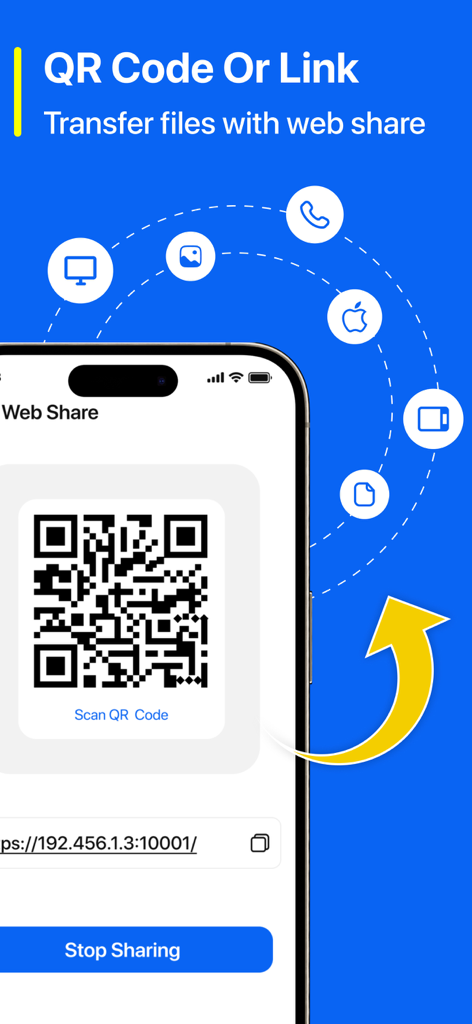
Quick Share enables file transfers via its web share feature using a QR Code or a direct link for connection.
No, Quick Share does not require cables or cloud services for file transfers. It offers instant transfers directly between devices.
Yes, Quick Share is designed to be easy to use. It features an intuitive interface that does not require technical expertise.
Apps with similar features and user experience

Wetransfer B.V.

Rakuten Symphony Korea, Inc.

Blip Studio Inc.

Lindong Network Technology(Beijing) Co.,Ltd.

梦洋 崔

Best Free and Fun Games, LLC

军甫 贺

Mobileware Studio SL

SHAREit Technologies Co. Ltd
App information, icons, screenshots, and descriptions displayed on this page are sourced from the Apple App Store and are the property of their respective developers. Download estimates and rankings are based on MWM's proprietary models and may not reflect actual figures. This page is provided for informational and analytical purposes only.
Believe this page infringes your intellectual property? File a dispute