
This page is not an official page of the app or its developer, but an independent editorial publication created for informational and commentary purposes. Unless expressly stated otherwise, neither the app nor its developer is affiliated with, endorsed by, sponsored by, authorized by, or otherwise officially connected with MWM, Apple, Google Play, the app publisher, or the app's developer, and nothing on this page implies that the app was developed using MWM's services. Any trademarks, logos, screenshots, and other content remain the property of their respective owners.


Files Transfer - Quick share
Transfer 4K videos and large files 100x faster than Bluetooth. Share original quality content instantly via local connection or encrypted remote links with total privacy.
Downloads
147K+User Rating
Total Ratings
200Publisher
Category
UtilitiesLocales
1Latest Version
2.3Size
68.1 MBFirst Released
Aug 26, 2025Share Everything, Sacrifice Nothing
The ultimate toolkit for creators and professionals to move high-res files instantly, whether across the room or across the globe.
Lightning-Fast Local Sharing
Transfer 4K videos and large docs 100x faster than Bluetooth without using any cellular data or Wi-Fi connectivity.
Zero-Compression Quality
Keep every pixel of your high-res content. Send original quality photos and lossless audio without the compression of messaging apps.
Frequently Asked Questions
Everything you need to know about Files Transfer - Quick share
What is Files Transfer - Quick share?
Files Transfer - Quick share is an efficient file transfer tool designed for simple and effective sharing. It eliminates the need for data cables, email attachments, and complex settings, redefining file transfer methods.
Does Files Transfer - Quick share require an internet connection for face-to-face transfers?
No, Files Transfer - Quick share does not require data usage or a network for face-to-face transfers. It establishes a direct connection with nearby devices for ultra-high-speed sharing.
How fast are face-to-face transfers with Files Transfer - Quick share?
Face-to-face transfers with Files Transfer - Quick share are a hundred times faster than Bluetooth. This allows for quick sharing of photos, videos, and large documents.
Is data secure when using Files Transfer - Quick share for face-to-face transfers?
Yes, Files Transfer - Quick share provides complete privacy protection for face-to-face transfers. All data transmits only between devices and is not uploaded to the cloud, ensuring security.
Can I share files remotely using Files Transfer - Quick share?
Yes, Files Transfer - Quick share allows remote file sharing by generating an encrypted download link. This link can be shared with friends or colleagues far away.
Can I set a password and expiry for remote sharing links in Files Transfer - Quick share?
Yes, Files Transfer - Quick share allows users to customize remote sharing links with a password and set a validity period. This ensures the security and controllability of private files.
What file formats does Files Transfer - Quick share support?
Files Transfer - Quick share supports files in any format, including work PPTs, design drafts, video collections, photos, and PDF documents. It handles all types without limitation.
Does Files Transfer - Quick share compress files during transfer?
No, Files Transfer - Quick share performs zero-compression transfers. Original quality videos, lossless audio files, and original documents are transmitted as they are, guaranteeing quality.
Does Files Transfer - Quick share keep a record of past transmissions?
Yes, Files Transfer - Quick share records every transmission. The app features a "Historical Records" section that displays sent, received, and downloaded files, along with expiry details.
How does Files Transfer - Quick share handle subscription renewals?
Subscriptions for Files Transfer - Quick share automatically renew unless auto-renew is turned off at least 24-hours before the current period ends. Payment is charged to the iTunes Account.
The following screenshots and description are sourced directly from the app's official store listing and are the property of the app developer.
App Store
Screenshots
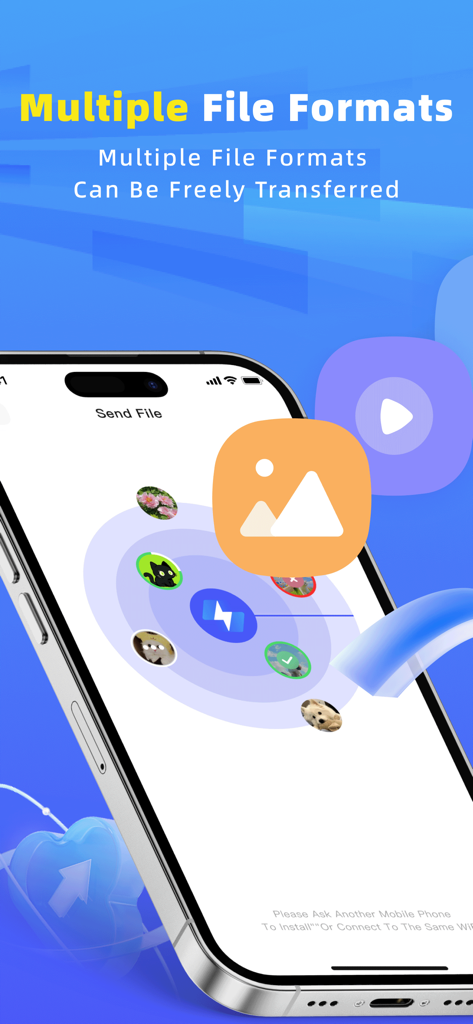
Files Transfer app interface showing high speed sharing of different file formats on an iPhone.
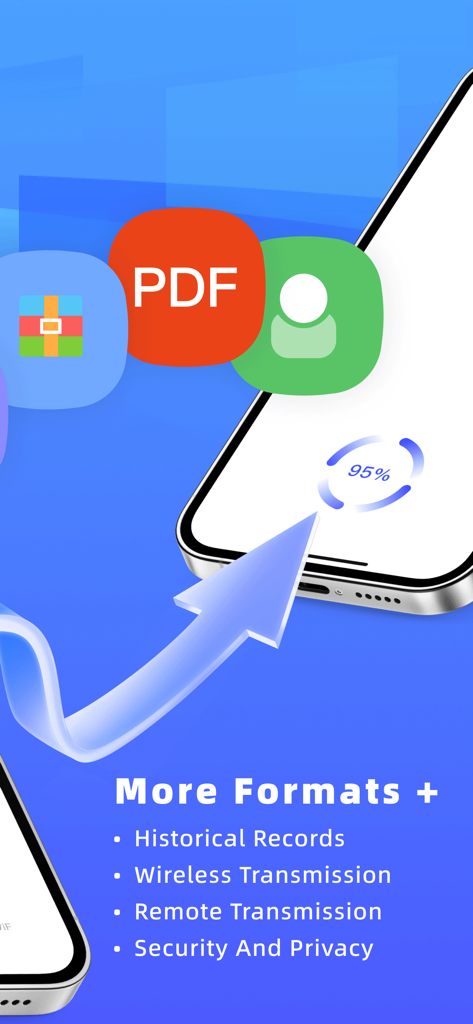
Files Transfer app interface showing wireless and remote transmission progress with multiple file format support
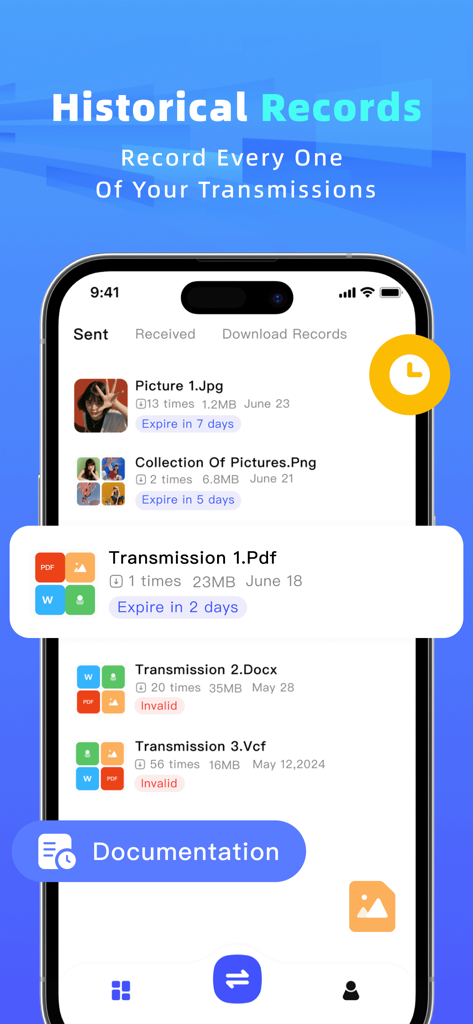
Historical records screen of the file sharing app showing a list of sent and received files with their expiration status
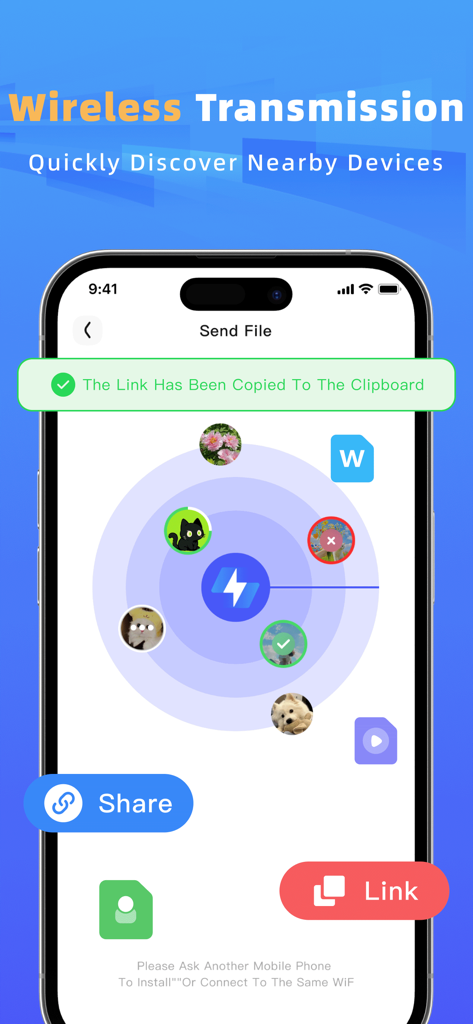
Interface showing a radar view for discovering nearby devices for wireless file transfer
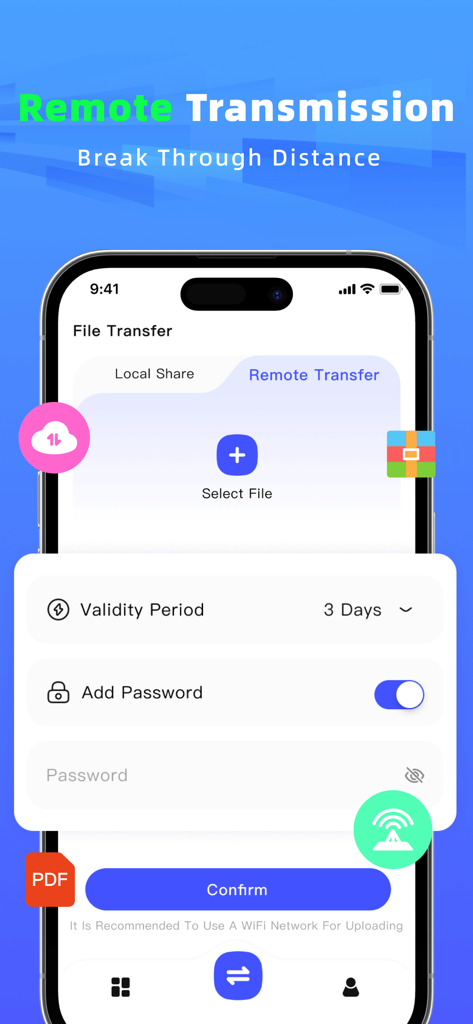
Mobile app interface for remote file sharing featuring password protection and custom link validity settings
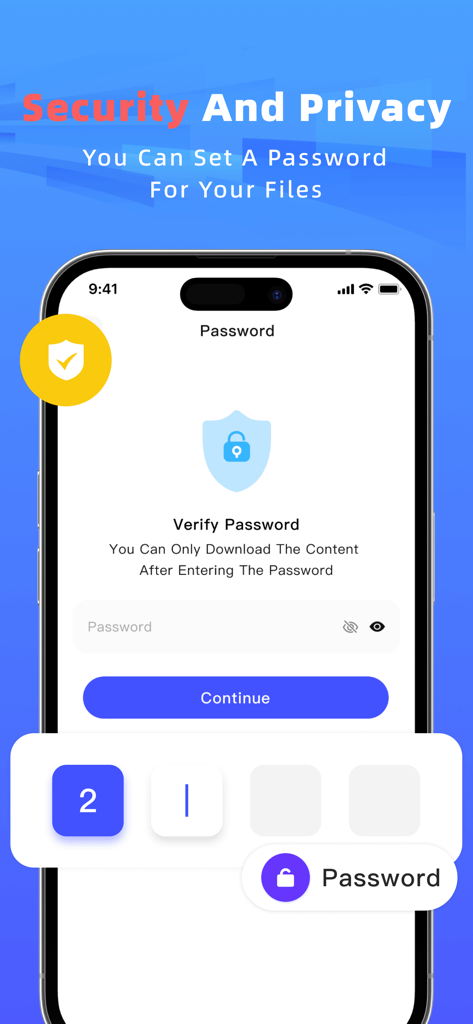
A smartphone screen showing the password protection feature for secure file sharing in the Files Transfer app
Description
Download
More Like This
Apps with similar features and user experience

WeTransfer: Transfer Files
Wetransfer B.V.

Send Anywhere - File Transfer
Rakuten Symphony Korea, Inc.

Blip: Send Files in a Click
Blip Studio Inc.

Zapya - File Sharing
Lindong Network Technology(Beijing) Co.,Ltd.

Air File Share & Drop
Best Free and Fun Games, LLC

手机克隆-极速换机助手免流量数据迁移
军甫 贺

Photo Transfer: Send via WiFi
Mobileware Studio SL

SHAREit: Transfer, Share Files
SHAREit Technologies Co. Ltd

LocalSend
Tien Do Nam
This page is not an official page of the app or its developer, but an independent editorial publication created for informational and commentary purposes. Unless expressly stated otherwise, neither the app nor its developer is affiliated with, endorsed by, sponsored by, authorized by, or otherwise officially connected with MWM, Apple, Google Play, the app publisher, or the app's developer, and nothing on this page implies that the app was developed using MWM's services. Any trademarks, logos, screenshots, and other content remain the property of their respective owners.