
This page is not an official page of the app or its developer, but an independent editorial publication created for informational and commentary purposes. Unless expressly stated otherwise, neither the app nor its developer is affiliated with, endorsed by, sponsored by, authorized by, or otherwise officially connected with MWM, Apple, Google Play, the app publisher, or the app's developer, and nothing on this page implies that the app was developed using MWM's services. Any trademarks, logos, screenshots, and other content remain the property of their respective owners.


WeTransfer: Transfer Files
File size limits vanish. This app equips professionals to move colossal assets with uncompromising quality and speed.
Downloads
25M+User Rating
Total Ratings
497.8KPublisher
Category
ProductivityLocales
16Latest Version
3.3.39Size
878.4 MBFirst Released
Oct 12, 2021Key Features of WeTransfer for Creative Professionals
An analysis of essential functionalities supporting large-scale file exchange and workflow efficiency.
Massive File Transfer Support
The app provides extensive file transfer capabilities, allowing users to send up to 200 GB in a single transfer, which is crucial for handling large creative assets like 4K videos or extensive design projects.
Preserve Original Quality & Metadata
It ensures that photos and videos are transferred in their original format, preserving essential EXIF metadata crucial for professional photography and video editing workflows.
Cross-Device Transfer Access
This tool features a seamless cross-device workflow, enabling users to access and share links for transfers initiated on a laptop directly from their mobile device, facilitating agile collaboration.
On-the-Go Transfer Management
It allows users to efficiently manage ongoing transfers directly from their smartphone, including checking download status, forwarding, and deleting files, enhancing on-the-go productivity.
Real-time Upload Progress
The app offers real-time upload notifications via Live Activity, keeping users informed when large file transfers are complete, which optimizes multitasking and workflow efficiency.
Timely File Reception Alerts
It provides instant notifications upon receiving new files, allowing professionals to quickly preview or download critical assets from any location.
Frequently Asked Questions
Everything you need to know about WeTransfer: Transfer Files
What is WeTransfer and what does it do?
WeTransfer is an application designed for sending and receiving large files, including photos and videos, directly from mobile devices. It offers features like status tracking and secure transfer options.
What is the maximum file size I can transfer with WeTransfer?
Yes, WeTransfer allows users to transfer up to 200 GB in a single transfer. This capacity supports sending a large volume of data, such as numerous videos or high-resolution images.
Does WeTransfer maintain the original quality of photos and videos during transfer?
Yes, WeTransfer ensures that photos and videos are shared in their original format. It also preserves all important EXIF metadata that originated from the camera.
Can I track the upload status of my WeTransfer files?
Yes, WeTransfer utilizes Live Activity to notify users of the upload status. Users can check the progress of their latest transfer directly from their device's lock screen.
How do I share files using the WeTransfer app?
WeTransfer allows users to share files by generating a secure link or by sending them directly via email. Transfers can also be secured with an optional password.
Does WeTransfer notify me when I receive new files?
Yes, WeTransfer notifies users the moment they receive a new transfer. This enables immediate previewing or downloading of files from any location.
Can I manage my sent transfers within the WeTransfer app?
Yes, WeTransfer enables users to manage their transfers directly from the app. They can check download status, forward, resend, and delete transfers.
What file types can WeTransfer transfer?
Yes, WeTransfer supports a wide array of file types including photos, videos, and PDFs. The app is designed to transfer these files while preserving their original formats.
The following screenshots and description are sourced directly from the app's official store listing and are the property of the app developer.
App Store
Screenshots
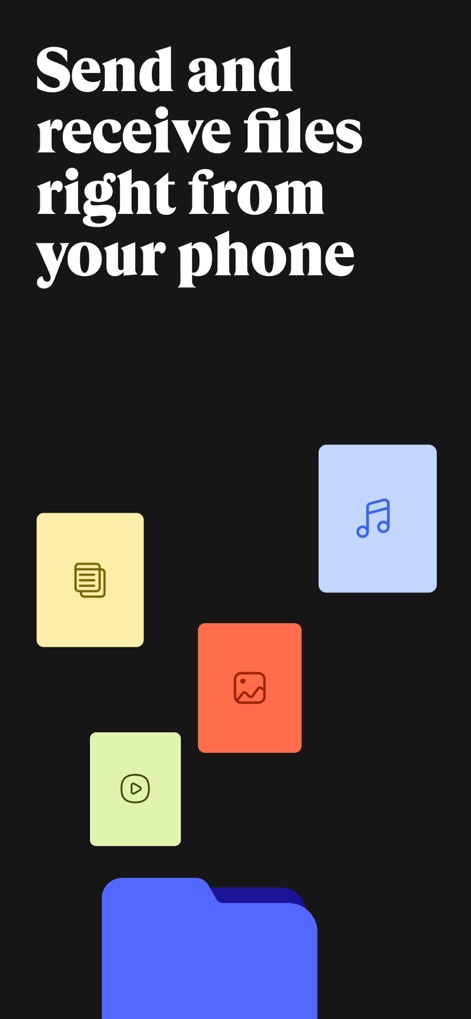
Mobile File Mastery
The app streamlines file management, enabling users to send and receive diverse file types such as documents and images directly from their mobile device.
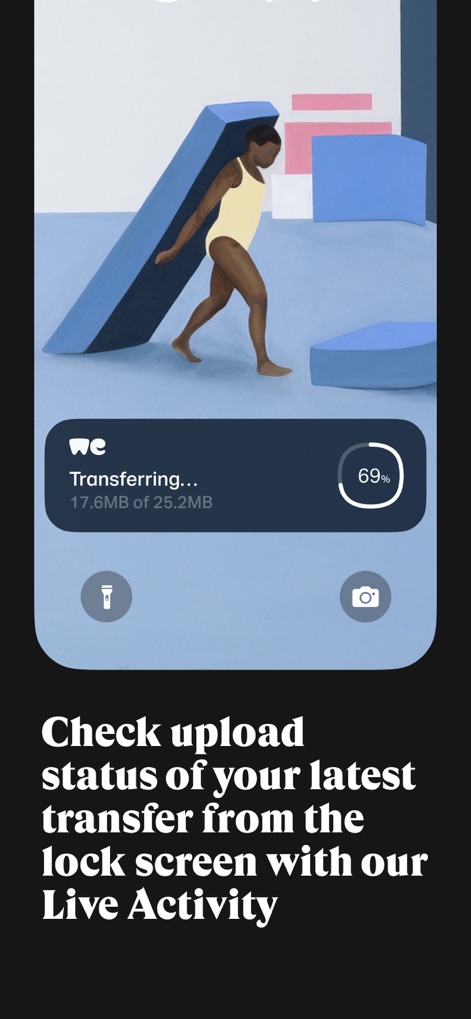
Real-Time Transfers
This tool provides immediate status updates on ongoing transfers through its Live Activity feature, showcasing progress percentages and a clear transfer indicator on the lock screen.
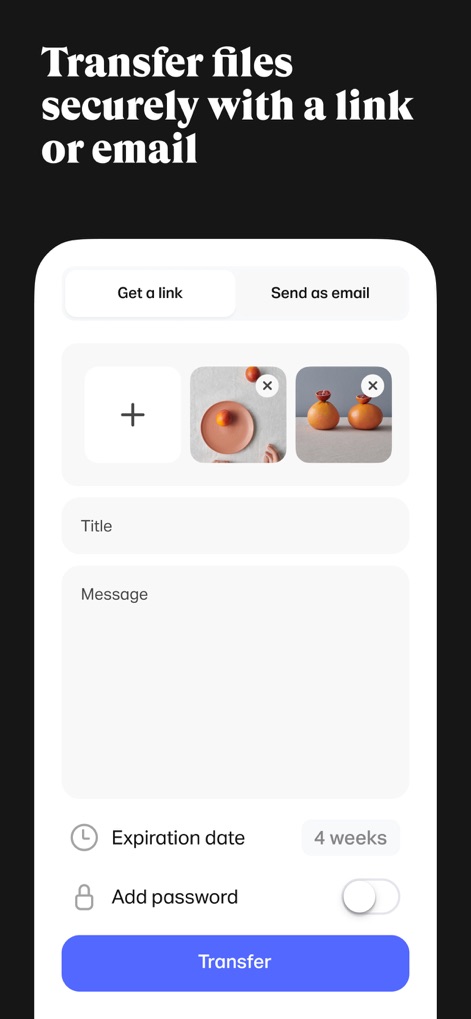
Secure Share Options
Users can secure their transfers with flexible options, including generating a shareable link or sending directly via email, along with setting an expiration date and adding password protection.
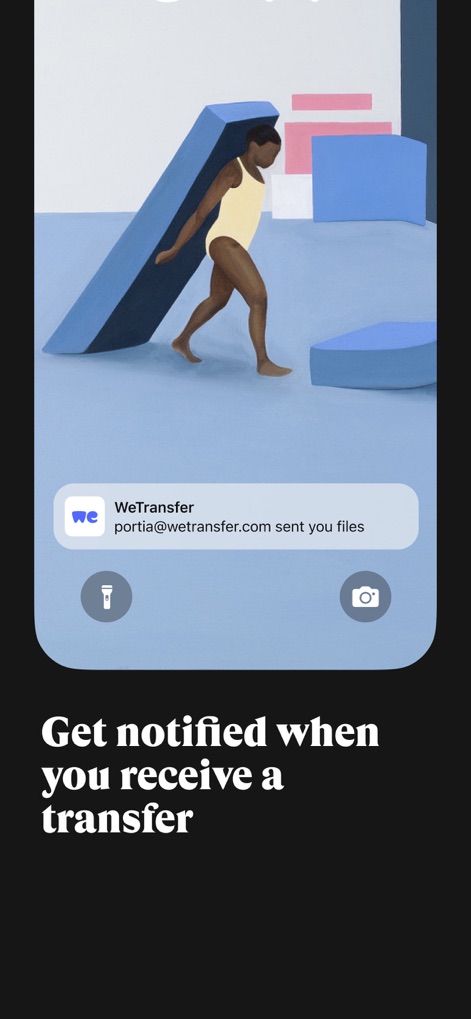
Instant Transfer Alerts
The app ensures users are promptly informed about incoming files, displaying a notification indicating a new transfer and sender details directly on the device's lock screen.
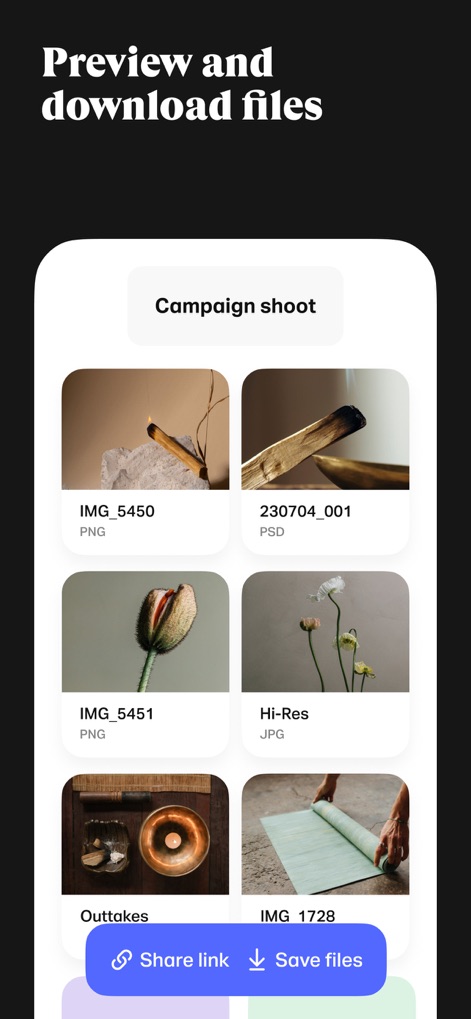
Visual File Review
This interface allows for a detailed preview of received files, presenting a clear grid of images with their respective file types (e.g., PNG, PSD) and offering options to share or save them.
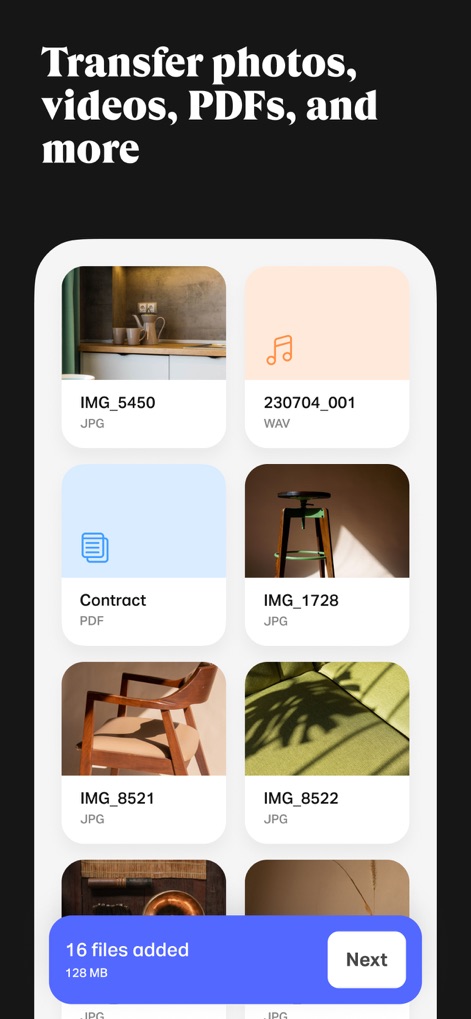
Diverse File Support
The app supports a wide array of file formats for transfer, visually organizing different types like JPGs and PDFs in a clear grid, and displaying the total number of files added.
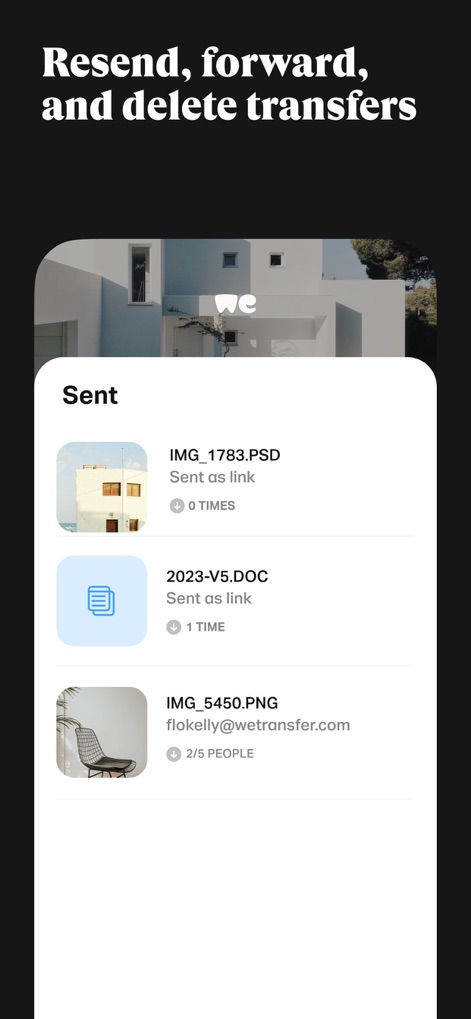
Transfer Management Hub
Users can efficiently manage their sent files through this dedicated section, which displays the status of each transfer (e.g., "Sent as link") and offers options to resend or delete them.
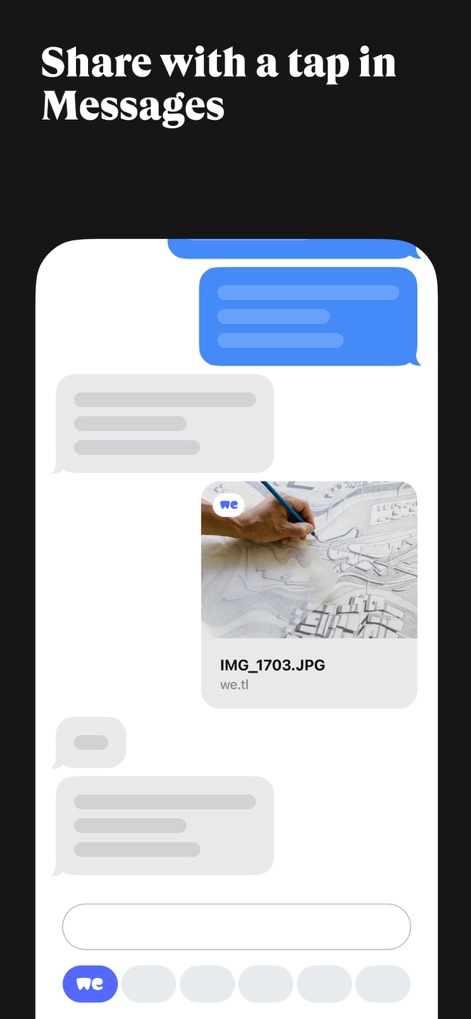
Seamless Message Integration
This tool integrates smoothly with messaging apps, allowing users to share file transfer links directly within conversations and providing a visual preview of the shared content.
Description
Download
More Like This
Apps with similar features and user experience

Send Anywhere - File Transfer
Rakuten Symphony Korea, Inc.

Blip: Send Files in a Click
Blip Studio Inc.

Zapya - File Sharing
Lindong Network Technology(Beijing) Co.,Ltd.

Files Transfer - Quick share
梦洋 崔

Air File Share & Drop
Best Free and Fun Games, LLC

手机克隆-极速换机助手免流量数据迁移
军甫 贺

Photo Transfer: Send via WiFi
Mobileware Studio SL

SHAREit: Transfer, Share Files
SHAREit Technologies Co. Ltd

LocalSend
Tien Do Nam
This page is not an official page of the app or its developer, but an independent editorial publication created for informational and commentary purposes. Unless expressly stated otherwise, neither the app nor its developer is affiliated with, endorsed by, sponsored by, authorized by, or otherwise officially connected with MWM, Apple, Google Play, the app publisher, or the app's developer, and nothing on this page implies that the app was developed using MWM's services. Any trademarks, logos, screenshots, and other content remain the property of their respective owners.