
QuickEditor - Text & Code


Master your code and configurations on the go with syntax highlighting, multi-tab support, and AI-powered assistance—seamlessly synced across iPhone, iPad, and Mac.
Publisher
Category
ProductivityDownloads
37K+User Rating
Total Ratings
100Locales
1Discover the interface used by 37K+ users.
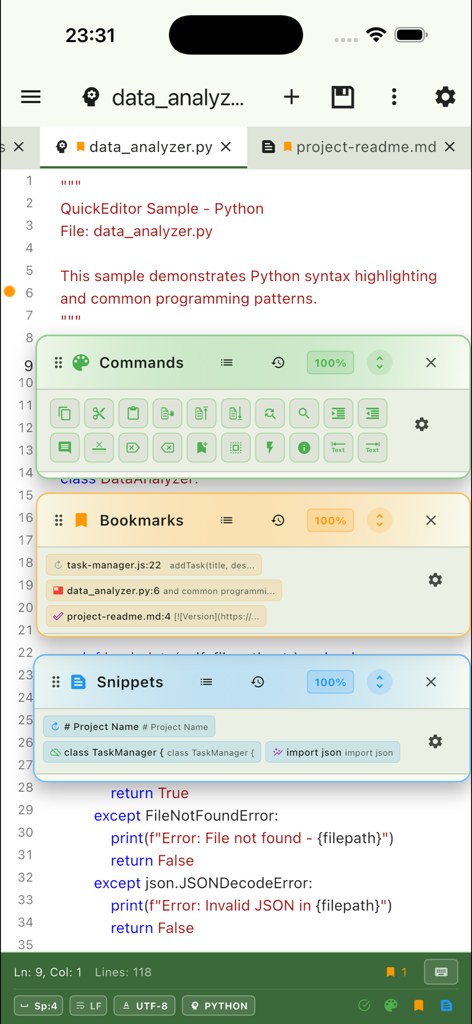
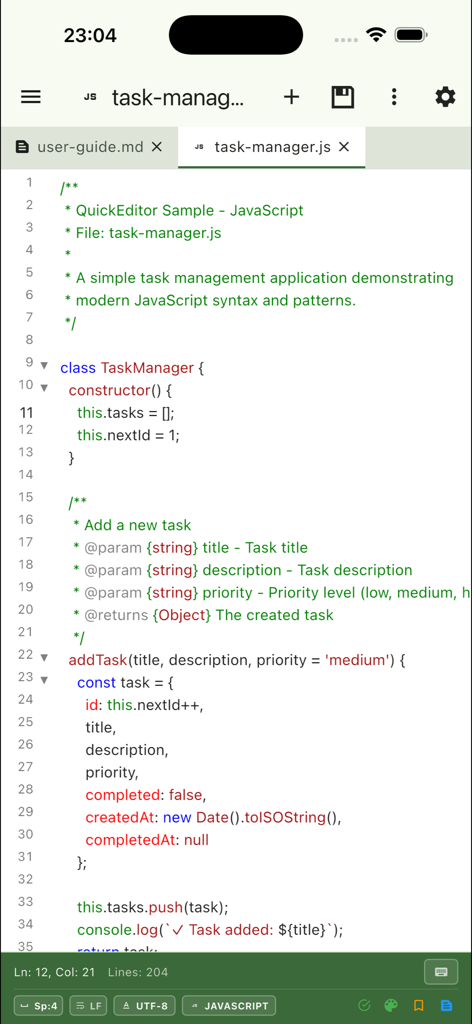
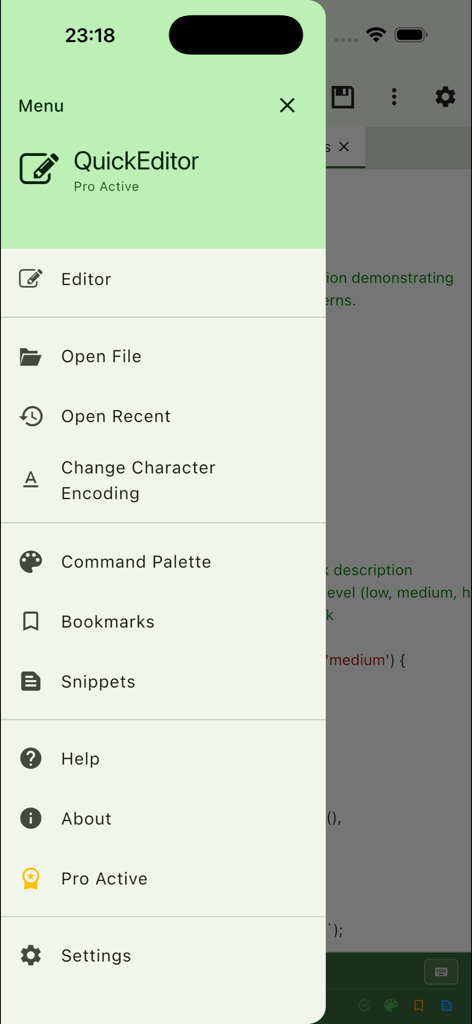
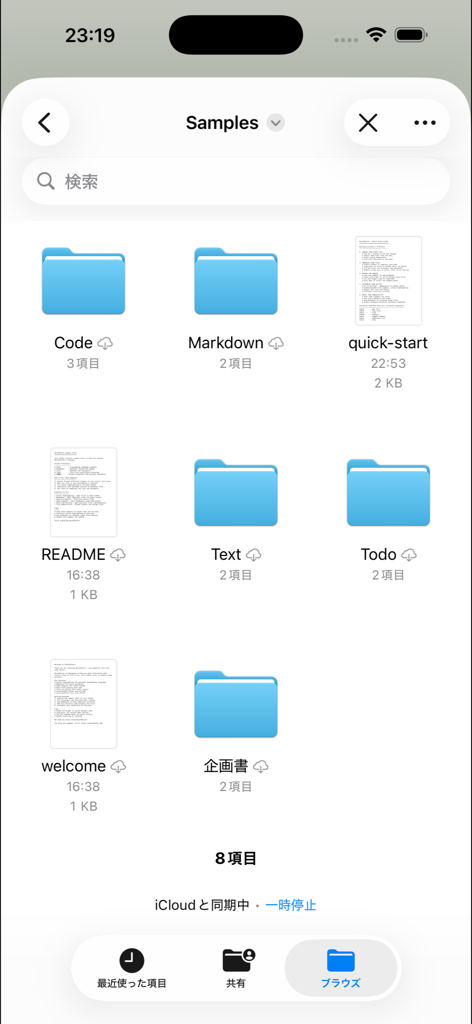
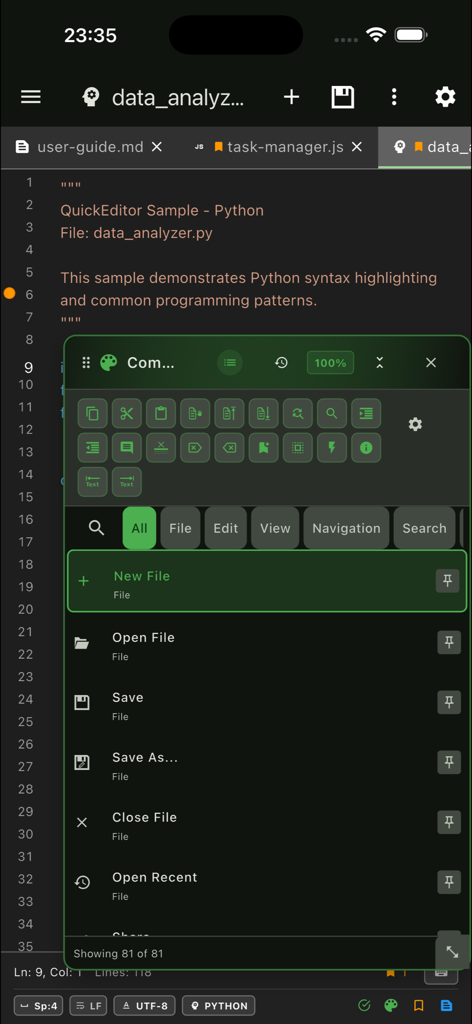
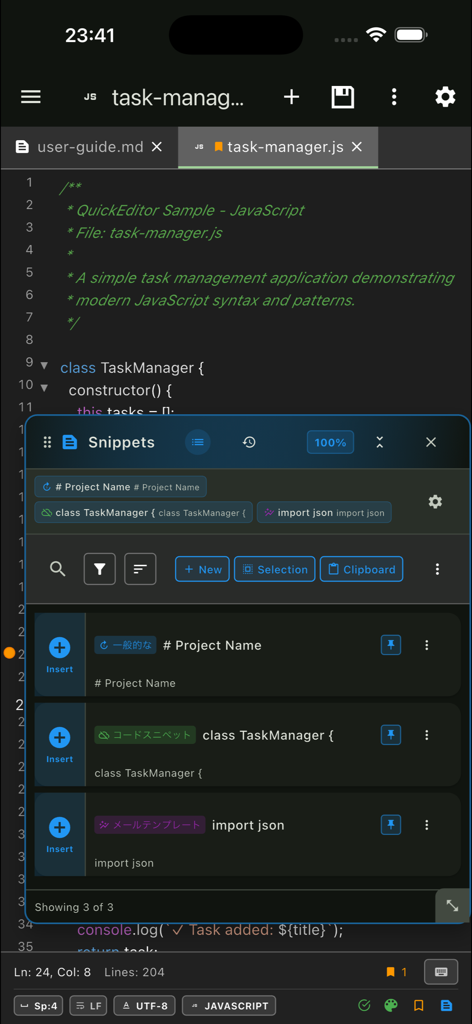
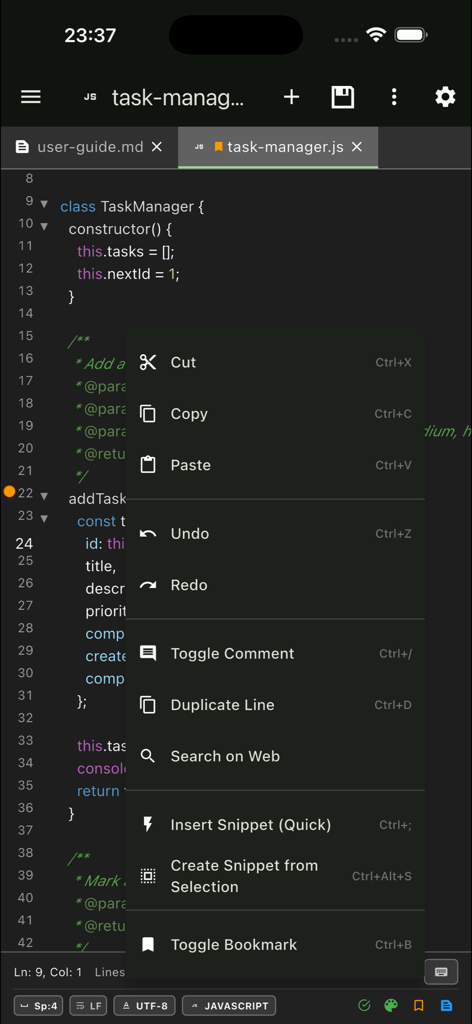
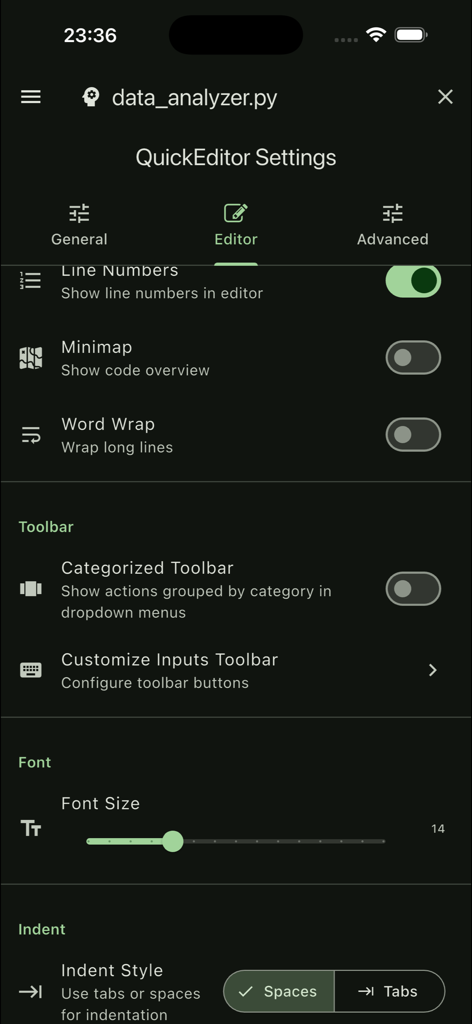
The tools that make this app stand out, trusted by 37K+ users.
Read and edit over 100 languages with precision highlighting and multi-tab management for a true pro-level experience on the go.
Maintain your flow across iPhone, iPad, and Mac with real-time iCloud integration that keeps your scripts and notes updated everywhere.
Leverage integrated AI assistants to debug code, summarize complex log files, and generate snippets without ever leaving your editor.
Everything you need to know about QuickEditor - Text & Code.
Description
Latest Version
4.3
Size
37.7 MB
First Released
Jan 28, 2019
Experience desktop-class coding and text editing on your iPhone, iPad, and Mac. Download QuickEditor and boost your productivity today.
Everything you need to know about QuickEditor - Text & Code
QuickEditor is a fast and powerful text editor for iOS and macOS. It is designed for coding, note-taking, configuration file editing, and quick text modifications.
Yes, QuickEditor supports working on several files simultaneously through its multiple tabs feature. This enhances productivity for users.
Yes, QuickEditor features syntax highlighting for popular programming languages. Examples include Python and JavaScript, making code easier to read and understand.
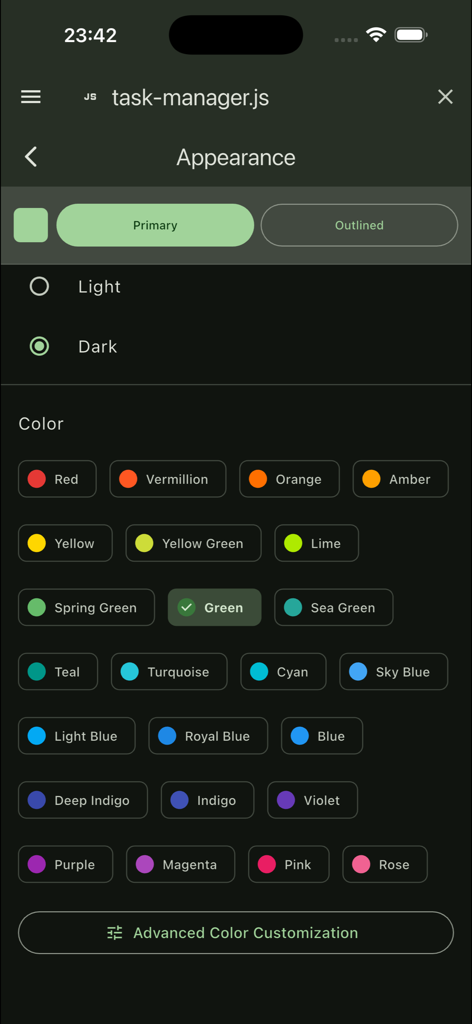
Yes, QuickEditor supports dark mode. Users can enable this feature for a comfortable viewing experience, especially in low-light conditions. Other appearance settings are also customizable.
QuickEditor allows users to organize projects efficiently using its multiple workspaces feature. This helps in managing different coding or writing tasks effectively within the app.
Yes, QuickEditor provides full-text search and replace capabilities. Users can search across all open files to quickly find and modify specific text instances.
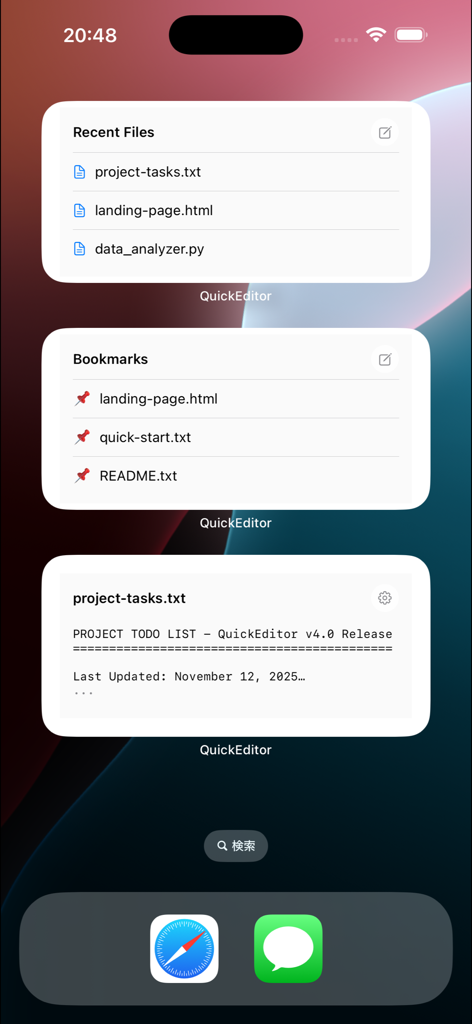
QuickEditor offers global bookmarks and home screen widgets for quick access to frequently used files. These features ensure users can navigate to important documents instantly.
Snippets in QuickEditor allow users to store and insert frequently used text. This feature speeds up typing and improves productivity for repetitive text entry tasks.
Yes, QuickEditor integrates with leading AI models. This AI assistant integration boosts productivity by providing enhanced functionalities directly within the editor environment.
Yes, QuickEditor is cross-platform. It offers a seamless experience on iPhone, iPad, and Mac, allowing users to work across all their Apple devices.
QuickEditor handles file synchronization through iCloud integration. This feature ensures users can access their files anywhere across all their synchronized devices seamlessly.
QuickEditor supports character encoding for over 50 encodings. This enables the handling of various text formats for more than 100 languages worldwide, ensuring broad compatibility.
QuickEditor Pro unlocks an ad-free experience, unlimited tabs, advanced text operations, and priority support. These features enhance the user's editing capabilities and overall experience.
Yes, QuickEditor Pro provides an ad-free experience. This ensures an uninterrupted workflow, allowing users to focus on their tasks without distractions.
Yes, QuickEditor allows customization of the editor's appearance. Users can choose between light or dark mode and select various accent colors to personalize their workspace.
Top-ranked apps in the same category

OpenAI OpCo, LLC

Google LLC

X.AI Corporation

Google LLC

Shanghai Zhixin Puhui Technology Co., Ltd.

Google LLC

Microsoft Corporation

Google LLC

Google LLC
App information, icons, screenshots, and descriptions displayed on this page are sourced from the Apple App Store and are the property of their respective developers. Download estimates and rankings are based on MWM's proprietary models and may not reflect actual figures. This page is provided for informational and analytical purposes only.
Believe this page infringes your intellectual property? File a dispute