
This page is not an official page of the app or its developer, but an independent editorial publication created for informational and commentary purposes. Unless expressly stated otherwise, neither the app nor its developer is affiliated with, endorsed by, sponsored by, authorized by, or otherwise officially connected with MWM, Apple, Google Play, the app publisher, or the app's developer, and nothing on this page implies that the app was developed using MWM's services. Any trademarks, logos, screenshots, and other content remain the property of their respective owners.


QWatch Pro
Get the most out of your smartwatch with seamless Apple Health sync, advanced sleep monitoring, and real-time notifications. The essential companion for staying active and connected without the premium price tag.
Downloads
243K+User Rating
Total Ratings
200Publisher
Category
Health & FitnessLocales
35Latest Version
1.1.9Size
293.9 MBFirst Released
Jun 20, 2021Maximize Your Health Without the Premium Price Tag
QWatch Pro bridges the gap between your favorite affordable wearable and your iPhone, providing the essential health insights and connectivity you need for an active lifestyle.
Comprehensive Activity Tracking
Turn every movement into progress. Track your daily steps, calories, heart rate, and distance to reach your fitness goals with data-driven confidence.
Advanced Sleep Analysis
Wake up refreshed by understanding your rest. Monitor your deep and light sleep cycles to improve your recovery and boost your daily energy levels.
Frequently Asked Questions
Everything you need to know about QWatch Pro
Does QWatch Pro integrate with Apple Health?
Yes, QWatch Pro synchronizes exercise data, steps, calories, exercise distance, heart rate, and sleep with the Apple Health application.
What exercise metrics does QWatch Pro track?
QWatch Pro tracks exercise steps, calories, heart rate, exercise distance, and time. It also supports outdoor running and walking with GPS.
Does QWatch Pro monitor sleep patterns?
Yes, QWatch Pro monitors sleep status, including deep sleep time and light sleep time, providing comprehensive insights into your sleep health.
Does QWatch Pro display phone notifications?
Yes, QWatch Pro provides real-time synchronization for phone messages and call notifications directly to the connected smartwatch device.
Can QWatch Pro set smart alarms?
Yes, QWatch Pro includes an alarm reminder feature. Users set smart watch alarms for daily life and work reminders.
Does QWatch Pro have GPS for outdoor activities?
Yes, QWatch Pro uses GPS to track outdoor activities like running and walking, recording distance and displaying the route on a map.
The following screenshots and description are sourced directly from the app's official store listing and are the property of the app developer.
App Store
Screenshots
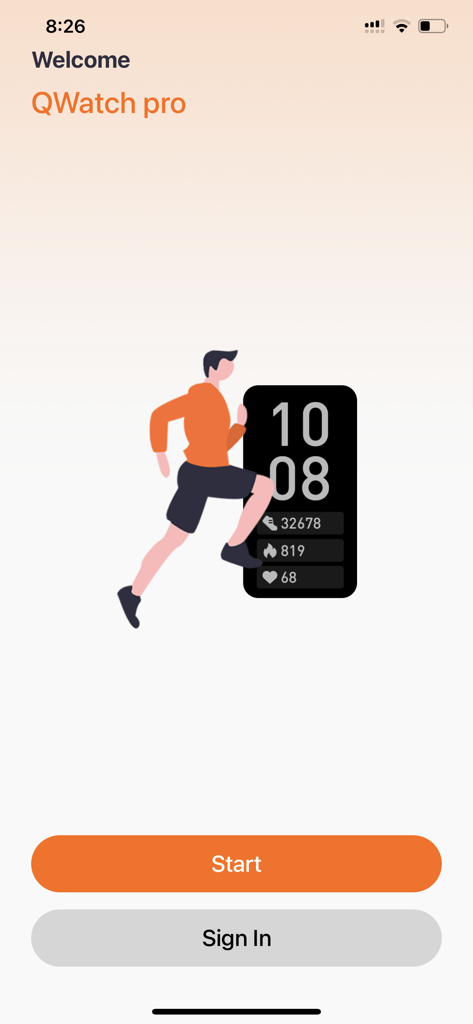
Welcome screen of QWatch Pro showing a runner and activity tracker metrics
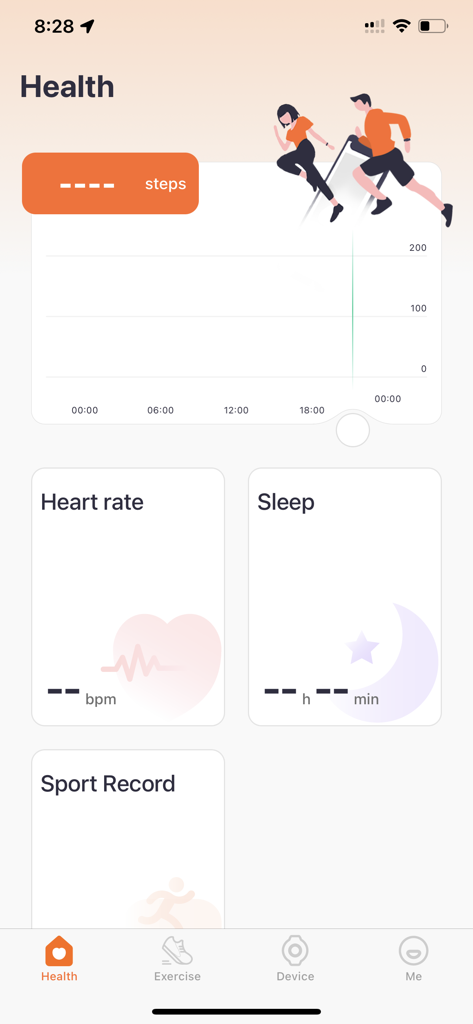
Health dashboard in the QWatch Pro app showing steps heart rate and sleep tracking
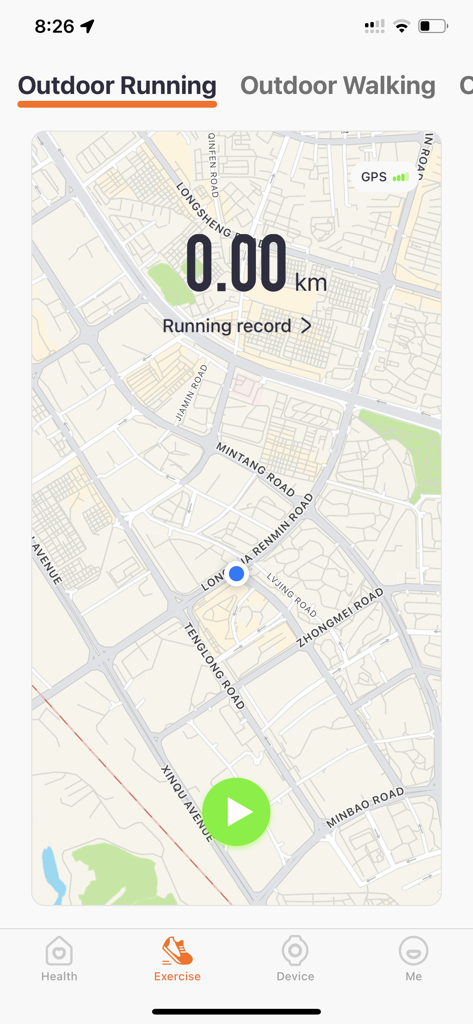
QWatch Pro app interface showing outdoor running GPS tracking with a map and start button
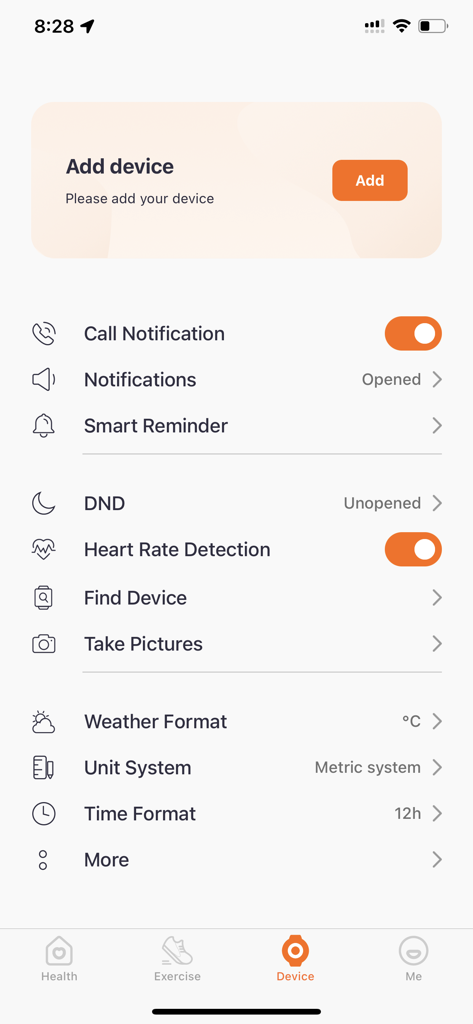
QWatch Pro app device management screen with options for notifications and heart rate detection
Description
Download
More Like This
Apps with similar features and user experience

Mi Fitness (Xiaomi Wear Lite)
Beijing Xiaomi Co., Ltd

HUAWEI Health
Huawei Software Technologies Co., Ltd.

Oura
Oura Health Oy

iHealth MyVitals
iHealth Labs Inc.

Da Fit
MO YOUNG LIMITED

Zepp
Zepp Inc.

OMRON connect US/CAN/EMEA
Omron Healthcare, Inc.
CASIO WATCHES
CASIO COMPUTER CO., LTD.

NoiseFit: Health & Fitness
NEXXBASE MARKETING PRIVATE LIMITED
This page is not an official page of the app or its developer, but an independent editorial publication created for informational and commentary purposes. Unless expressly stated otherwise, neither the app nor its developer is affiliated with, endorsed by, sponsored by, authorized by, or otherwise officially connected with MWM, Apple, Google Play, the app publisher, or the app's developer, and nothing on this page implies that the app was developed using MWM's services. Any trademarks, logos, screenshots, and other content remain the property of their respective owners.