
This page is not an official page of the app or its developer, but an independent editorial publication created for informational and commentary purposes. Unless expressly stated otherwise, neither the app nor its developer is affiliated with, endorsed by, sponsored by, authorized by, or otherwise officially connected with MWM, Apple, Google Play, the app publisher, or the app's developer, and nothing on this page implies that the app was developed using MWM's services. Any trademarks, logos, screenshots, and other content remain the property of their respective owners.


Rarevision VHS: Retro Cam
Ditch the digital perfection. Join the world's top creators and celebrities to capture authentic, glitchy, and nostalgic 80s-style videos directly on your phone.
Downloads
922K+User Rating
Total Ratings
13K+Publisher
Category
Photo & VideoLocales
4Latest Version
1.7.1Size
31.2 MBFirst Released
Aug 17, 2015Capture the Ultimate Retro Vibe
Stop settling for sterile 4K. Transform your videos into authentic 80s and 90s masterpieces with the original VHS simulator used by global icons.
Authentic Analog Texture
We simulate real tape glitches, color bleed, and that iconic lo-fi audio to give your content genuine nostalgic soul.
The Celebrity Choice
Join the ranks of Kendall Jenner, BTS, and Ariana Grande. Get the professional 'found footage' look seen in top music videos and TV shows.
Frequently Asked Questions
Everything you need to know about Rarevision VHS: Retro Cam
How does Rarevision VHS create retro videos?
Rarevision VHS creates videos that replicate the look and sound of old retro video tapes from 30 years ago. It simulates glitches, allowing users to make authentic-looking throwback content.
Can Rarevision VHS import existing videos for retro effects?
Yes, Rarevision VHS allows users to import existing videos. It then applies the signature VHS retro look and feel to the imported footage, simulating old videotape recordings.
How do you add custom titles in Rarevision VHS?
Rarevision VHS allows users to create custom animated titles for their videos. This feature enhances the retro aesthetic, providing an ultimate on-screen awesomeness effect.
Does Rarevision VHS allow changing the on-screen date?
Yes, Rarevision VHS includes a feature to change the on-screen date. Users can adjust this date to trick friends or create a specific temporal illusion for their videos.
What picture adjustments are available in Rarevision VHS?
Rarevision VHS offers an old-school picture adjustment menu. Users can modify contrast, saturation, and detail to create a unique signature retro look for their videos.
Can Rarevision VHS videos be glitched during recording?
Yes, Rarevision VHS allows users to glitch the picture during recording. This is achievable by shaking the device or by using a finger to interact with the screen.
What is the maximum recording quality for Rarevision VHS?
Rarevision VHS supports up to 60p recording. This feature provides a more accurate VHS video look, depending on the device's specific capabilities.
Who uses the Rarevision VHS app?
Celebrities including Kendall Jenner, Snoop Dogg, BTS, and Ariana Grande use Rarevision VHS. It is also featured on SNL and in various TV shows and music videos.
Is Rarevision VHS developed by a US-based company?
Yes, Rarevision is a US-based company. It holds copyright for Rarevision LLC from 2015-2025, confirming its origin and intellectual property ownership.
The following screenshots and description are sourced directly from the app's official store listing and are the property of the app developer.
App Store
Screenshots
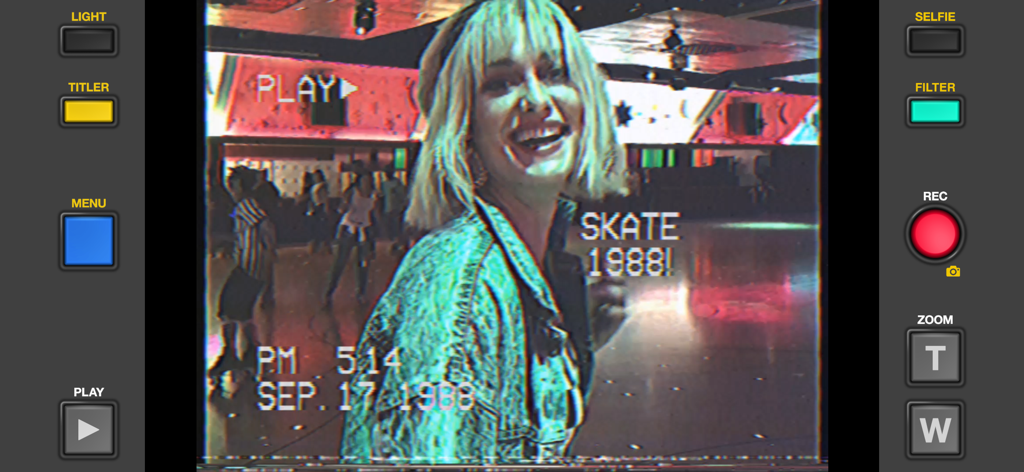
Interface of the Rarevision VHS app showing a retro 1980s video filter with a timestamp and glitch effects on a scene at a roller rink.
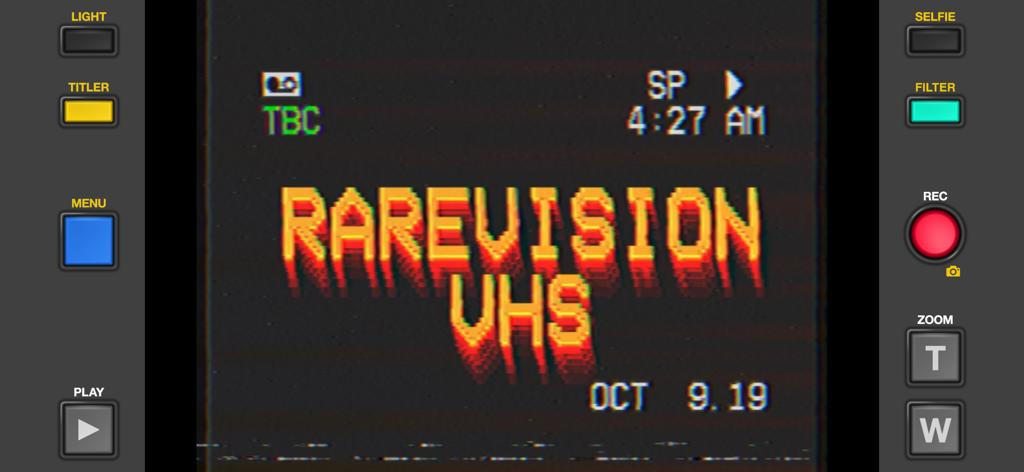
Interface of the Rarevision VHS app featuring a retro camcorder display with a glitchy title and analog date stamp
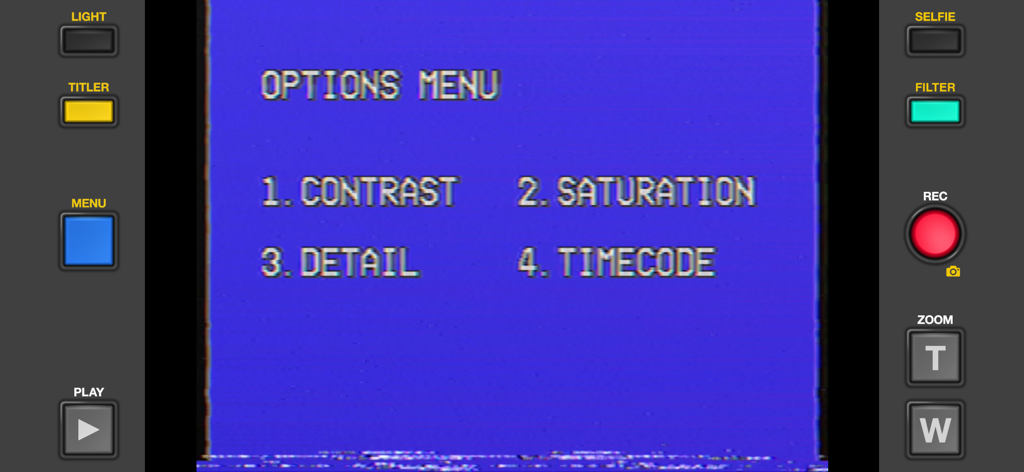
Rarevision VHS app interface showing an options menu on a retro blue screen with vintage camcorder buttons
A retro VHS cassette tape label design featuring colorful stripes and Rarevision branding
Description
Download
More Like This
Apps with similar features and user experience

Dazz Cam - Vintage Camera
DAZZ PTE. LTD.

Kapi - Vintage Film Camera
Shanghai Yuhuan Technology Co., Ltd.
ProCCD - Digital Film Camera
秉妍 蔡

Fomz - Vintage Analog Camera
Guangzhou Mengdong Information Technology Co., Ltd.

Liit - Photo & Video Editor
DAZZ PTE. LTD.
1998 Cam - Vintage Camera
Huu Nguyen Chi

y2k: 2000s photo editor
Abel Thomas Noble

Uplens: Photo & Video Editor
MPGAMES LTD

Buttercam
Beijing Muke Technology Co., Ltd.
This page is not an official page of the app or its developer, but an independent editorial publication created for informational and commentary purposes. Unless expressly stated otherwise, neither the app nor its developer is affiliated with, endorsed by, sponsored by, authorized by, or otherwise officially connected with MWM, Apple, Google Play, the app publisher, or the app's developer, and nothing on this page implies that the app was developed using MWM's services. Any trademarks, logos, screenshots, and other content remain the property of their respective owners.