
This page is not an official page of the app or its developer, but an independent editorial publication created for informational and commentary purposes. Unless expressly stated otherwise, neither the app nor its developer is affiliated with, endorsed by, sponsored by, authorized by, or otherwise officially connected with MWM, Apple, Google Play, the app publisher, or the app's developer, and nothing on this page implies that the app was developed using MWM's services. Any trademarks, logos, screenshots, and other content remain the property of their respective owners.

RayControl
Transform your iPad into a mobile command center. Wirelessly control your Axiom, e, c, or eS Series MFD and monitor sonar, radar, and thermal night vision with the convenience of a touch interface.
Downloads
117K+User Rating
Total Ratings
100Publisher
Category
NavigationLocales
1Latest Version
1.3.8Size
23.4 MBFirst Released
May 10, 2012Master Your Maritime Tech
RayControl brings the power of your Raymarine MFD to your iPad, giving you the freedom to monitor sonar, radar, and charts from anywhere on board.
Total Remote Command
Use the virtual keypad and uni-controller to navigate menus and adjust settings exactly like your physical display.
Mobile Sonar & Radar
Keep an eye on fish-finding sonar or weather radar feeds from the deck, the galley, or the flybridge.
The following screenshots and description are sourced directly from the app's official store listing and are the property of the app developer.
App Store
Screenshots
RayControl app splash screen with Raymarine logo and a sunny sea view
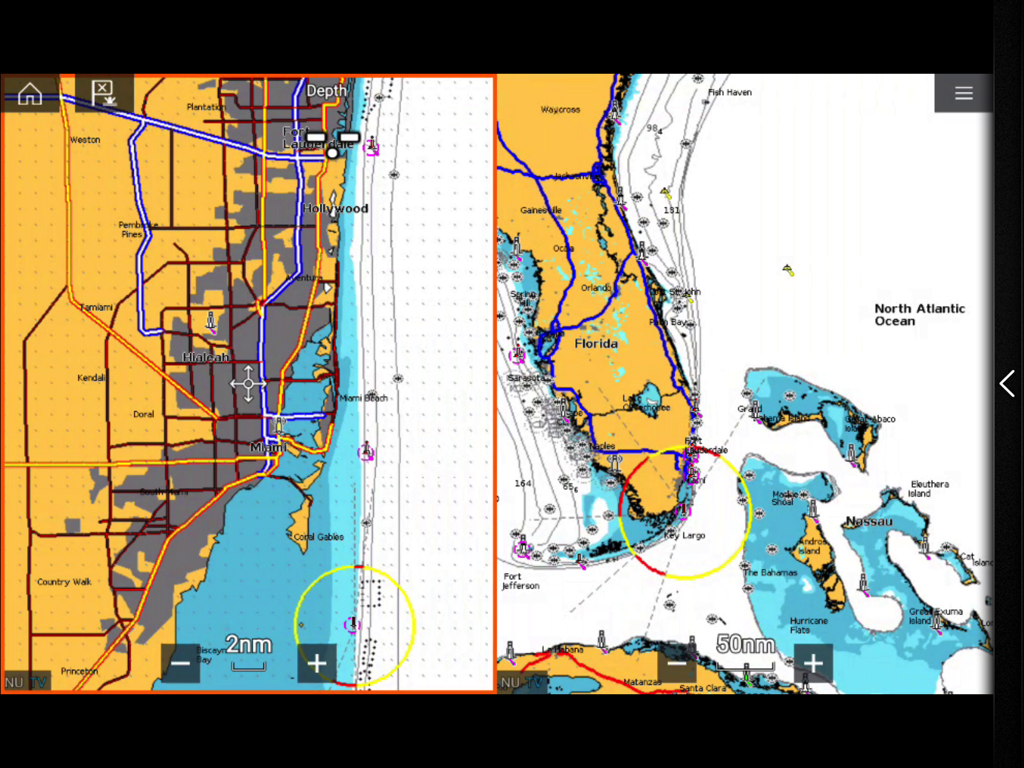
RayControl marine navigation app displaying split-screen charts of Florida and Miami coastline
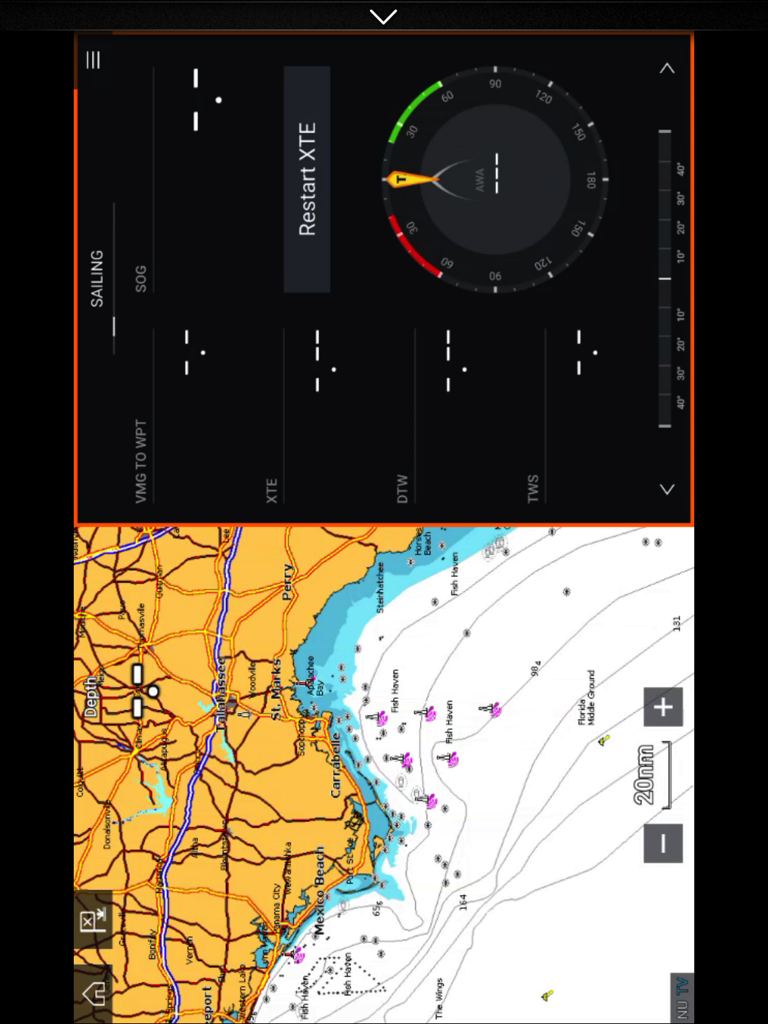
Split screen view of the RayControl app on an iPad displaying a coastal navigation map and a sailing instrument dashboard.
Description
Download
More Like This
Apps with similar features and user experience

dēzl™
Garmin International

Lowrance: app for anglers
Navico Norway AS

ActiveCaptain®
Garmin International

Fusion Audio
Garmin International

NMEAremote
zapfware

One-Boat Network
Johnson Outdoors Inc

iAIS
Digital Yacht Ltd

Raymarine
Raymarine UK Limited
Boat Instruments
Imray, Laurie, Norie & Wilson LTD
This page is not an official page of the app or its developer, but an independent editorial publication created for informational and commentary purposes. Unless expressly stated otherwise, neither the app nor its developer is affiliated with, endorsed by, sponsored by, authorized by, or otherwise officially connected with MWM, Apple, Google Play, the app publisher, or the app's developer, and nothing on this page implies that the app was developed using MWM's services. Any trademarks, logos, screenshots, and other content remain the property of their respective owners.