
This page is not an official page of the app or its developer, but an independent editorial publication created for informational and commentary purposes. Unless expressly stated otherwise, neither the app nor its developer is affiliated with, endorsed by, sponsored by, authorized by, or otherwise officially connected with MWM, Apple, Google Play, the app publisher, or the app's developer, and nothing on this page implies that the app was developed using MWM's services. Any trademarks, logos, screenshots, and other content remain the property of their respective owners.

RCam Pro - Manual Camera & RAW
Break free from automatic settings. Capture cinematic 4K video and ProRAW photos with precision tools like Focus Peaking, False Color, and 100Mb/s encoding for ultimate creative freedom.
Downloads
0User Rating
Total Ratings
0Publisher
Category
Photo & VideoLocales
5Latest Version
2.5.9Size
182.1 MBFirst Released
Dec 5, 2017Master Your Mobile Cinematography
Break free from basic auto-modes. RCam Pro gives you the professional manual tools and high-bitrate RAW formats needed to create world-class content right from your iPhone.
Precision Manual Control
Take total command of ISO, Shutter Speed, and White Balance with a high-speed interface designed for professionals who demand perfect exposure.
Cinema-Grade Video Assets
Record in 4K with bitrates up to 100Mb/s and Log profiles, ensuring your footage has the dynamic range needed for high-end color grading.
The following screenshots and description are sourced directly from the app's official store listing and are the property of the app developer.
App Store
Screenshots
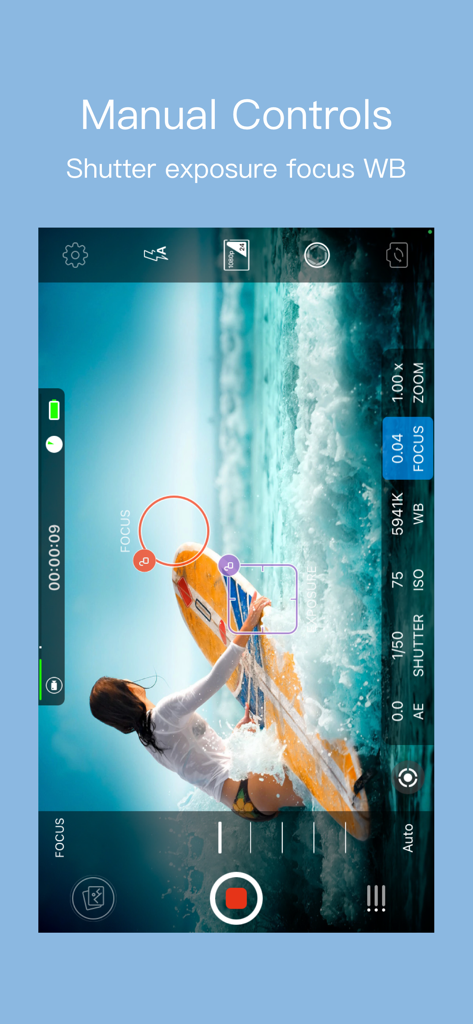
RCam Pro manual camera interface showing controls for shutter speed, exposure, focus, and white balance.
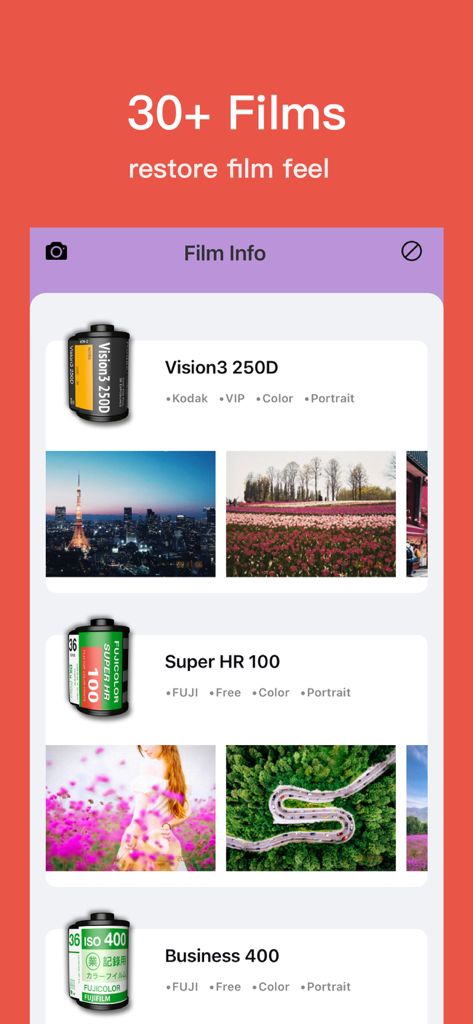
Interface of RCam Pro showing vintage film stock filters including Kodak Vision3 and Fuji Super HR
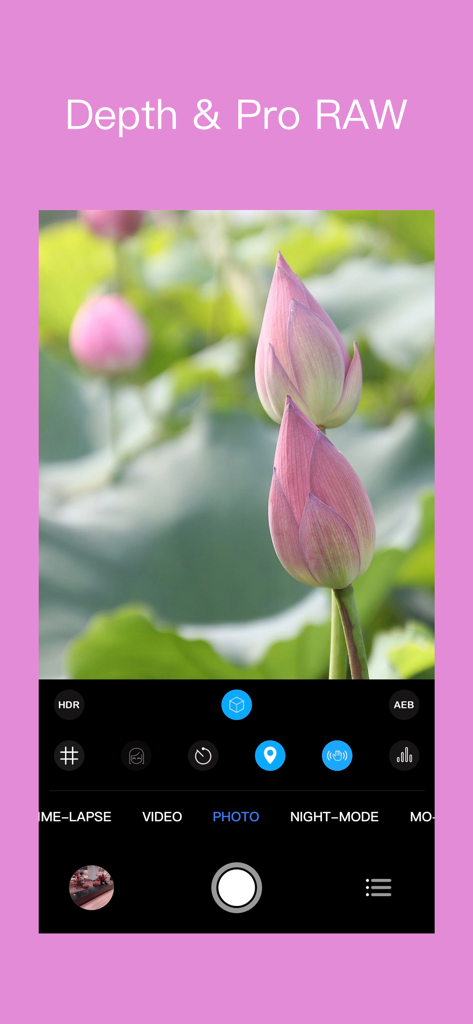
RCam Pro mobile app interface showing Depth and Pro RAW photography modes with a photo of lotus buds.
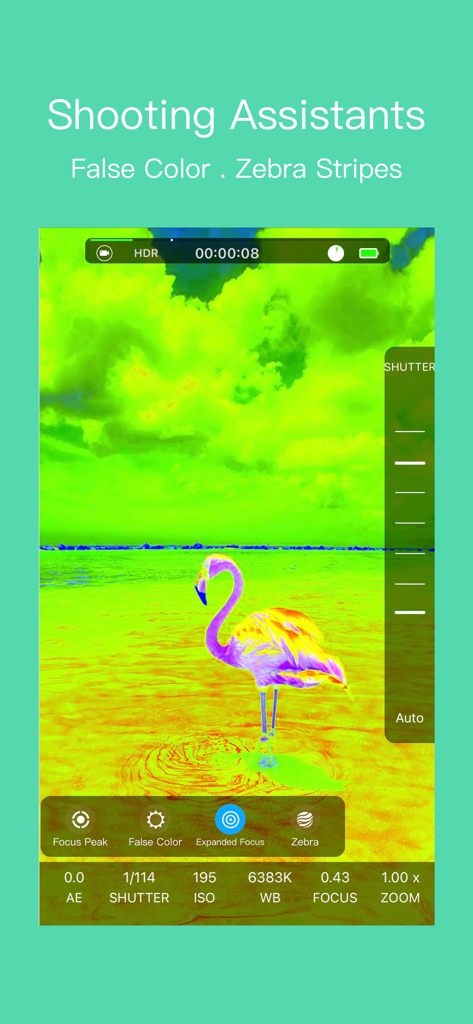
Interface of RCam Pro camera app displaying false color exposure assistant on a flamingo
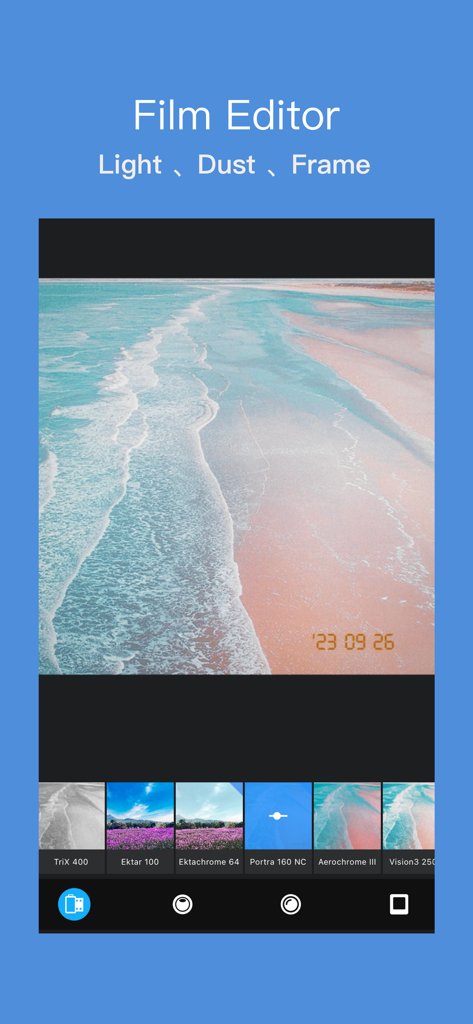
RCam Pro app film editor screen showing vintage film stock filters and a beach photo with a date stamp.
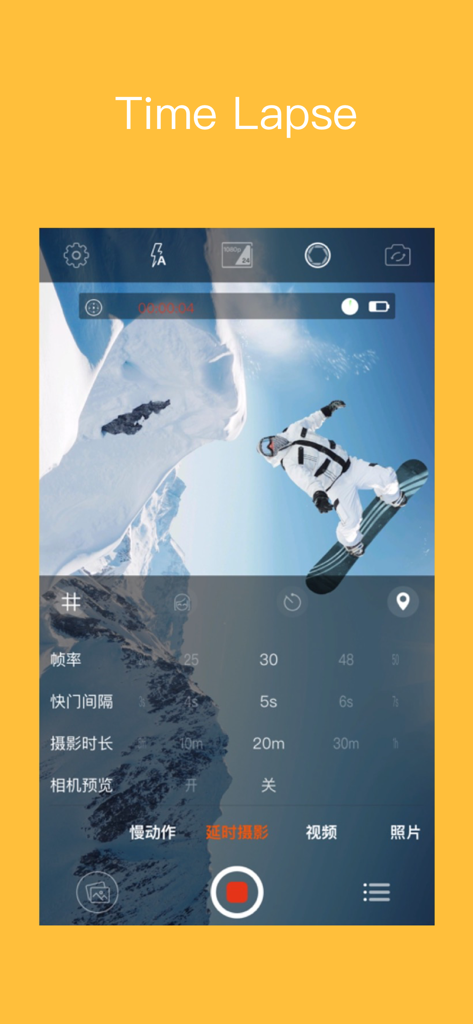
RCam Pro app interface showing the Time Lapse mode with manual settings for frame rate and shooting duration over a photo of a snowboarder
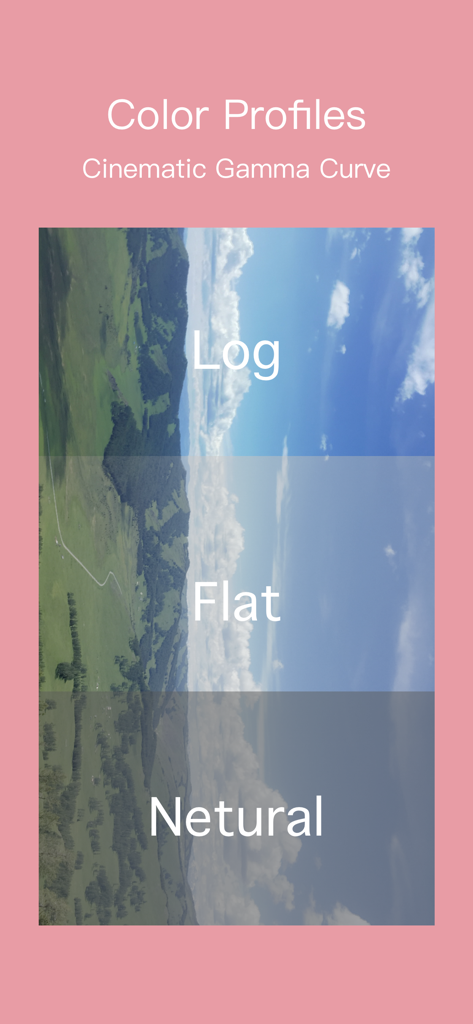
RCam Pro screen displaying cinematic gamma curve options including Log and Flat color profiles
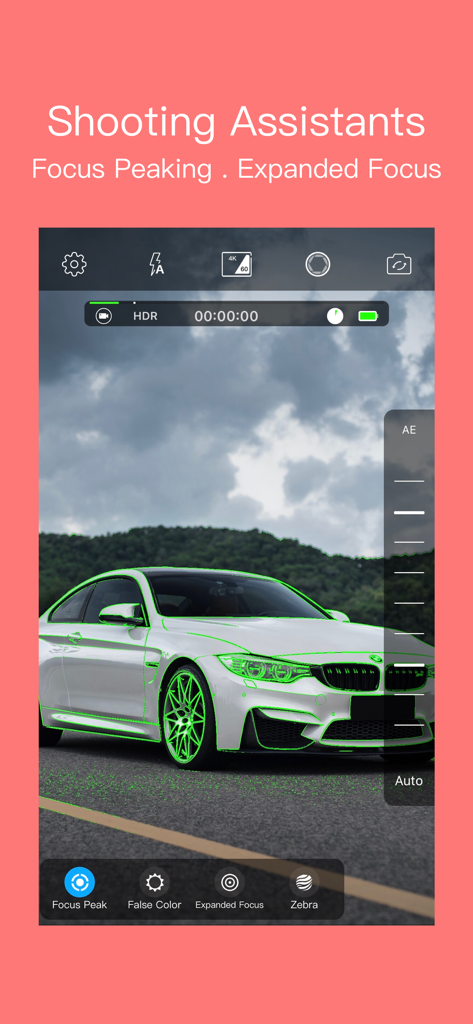
RCam Pro app interface showing the focus peaking shooting assistant on a white car
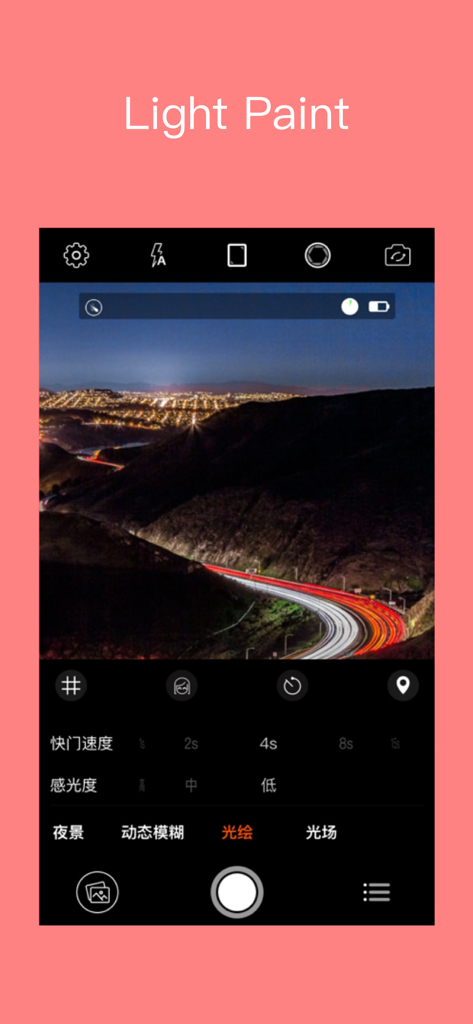
RCam Pro app interface showing light paint mode with a long exposure night shot of car taillights on a winding road.
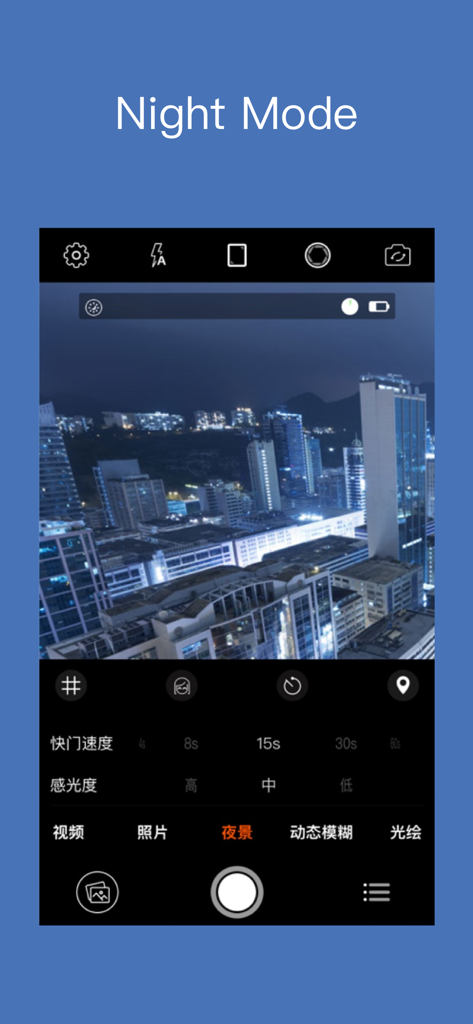
RCam Pro app interface showing the Night Mode feature with manual settings for city skyline photography
Description
Download
More Like This
Top-ranked apps in the same category

CapCut: Photo & Video Editor
BYTEDANCE PTE. LTD.

Instagram, Inc.

YouTube
Google LLC

Canva: AI Photo & Video Editor
Canva Pty Ltd

Snapchat
Snap, Inc.

快手
Beijing Kwai Technology Co., Ltd.

Edits: Video Editor
Instagram, Inc.
Meta AI - Vibes & AI Glasses
Meta Platforms, Inc.

Google Photos: Backup & Edit
Google LLC
This page is not an official page of the app or its developer, but an independent editorial publication created for informational and commentary purposes. Unless expressly stated otherwise, neither the app nor its developer is affiliated with, endorsed by, sponsored by, authorized by, or otherwise officially connected with MWM, Apple, Google Play, the app publisher, or the app's developer, and nothing on this page implies that the app was developed using MWM's services. Any trademarks, logos, screenshots, and other content remain the property of their respective owners.