
This page is not an official page of the app or its developer, but an independent editorial publication created for informational and commentary purposes. Unless expressly stated otherwise, neither the app nor its developer is affiliated with, endorsed by, sponsored by, authorized by, or otherwise officially connected with MWM, Apple, Google Play, the app publisher, or the app's developer, and nothing on this page implies that the app was developed using MWM's services. Any trademarks, logos, screenshots, and other content remain the property of their respective owners.


Record3D — 3D Videos
Transform your iPhone into a high-fidelity 3D camera. Capture, stream, and export volumetric videos to FBX, OBJ, or Spatial Video formats for professional 3D pipelines and immersive AR/VR experiences—with 100% on-device privacy.
Downloads
21K+User Rating
Total Ratings
100Publisher
Category
Photo & VideoLocales
1Latest Version
1.10.6Size
24.1 MBFirst Released
Sep 6, 2019Pro-Level Volumetric Capture for Creators
Bridge the gap between mobile hardware and professional 3D production. Record3D empowers artists and developers to capture, stream, and export high-fidelity spatial content.
Cinema-Quality 3D Recording
Harness the power of LiDAR and FaceID to record immersive volumetric videos that leap off the screen with our specialized True3D viewer.
Production-Ready Exports
Integrate directly into your pipeline. Export to FBX, glTF, and Alembic, or create Spatial Videos for Apple Vision Pro and Meta Quest.
The following screenshots and description are sourced directly from the app's official store listing and are the property of the app developer.
App Store
Screenshots
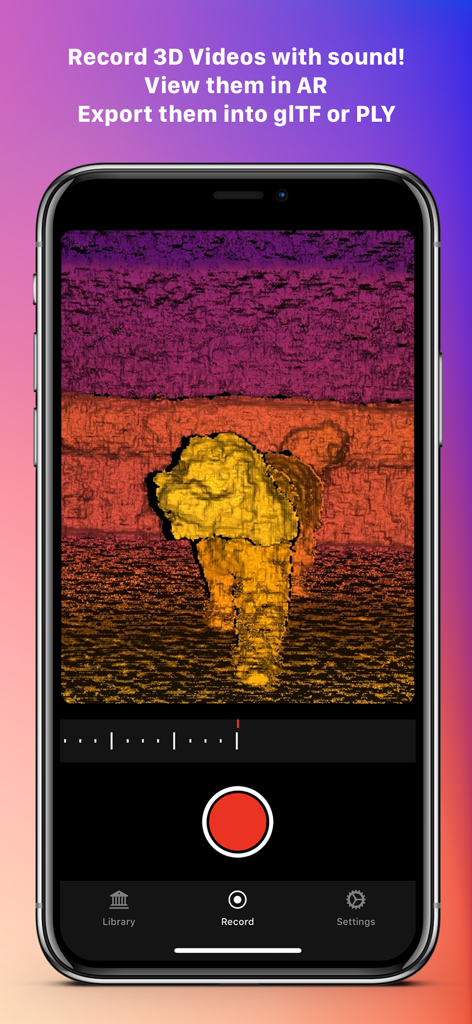
A smartphone displaying the Record3D app interface while capturing a volumetric 3D video of a dog using depth mapping.
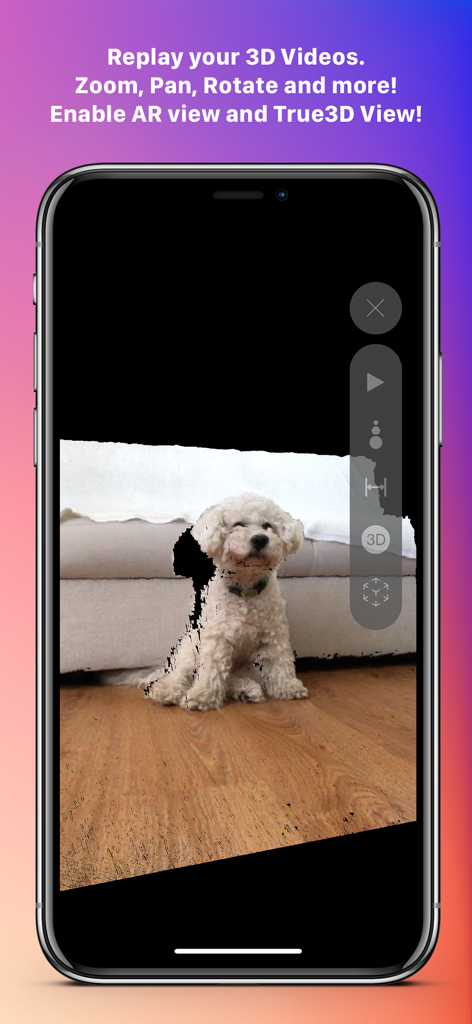
Record3D app interface showing a 3D volumetric video replay of a small white dog on an iPhone
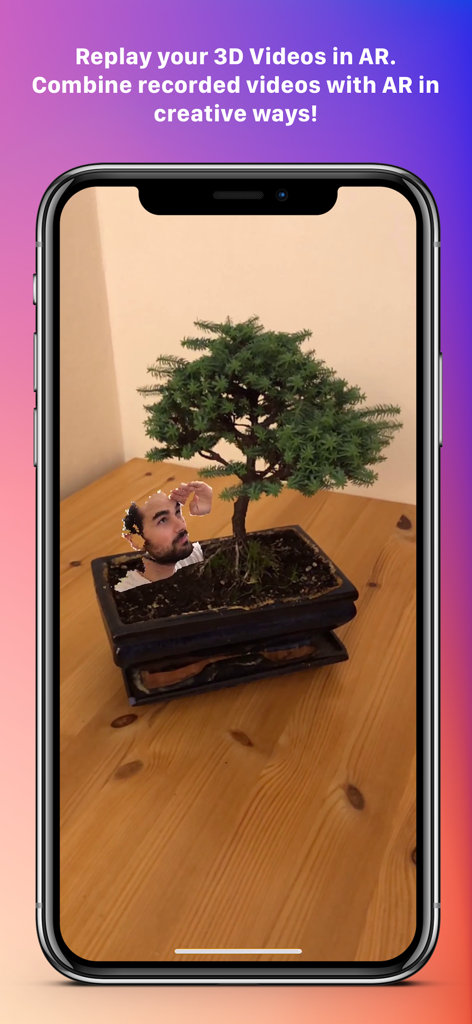
A 3D video of a person's head integrated into a real-world bonsai tree using augmented reality
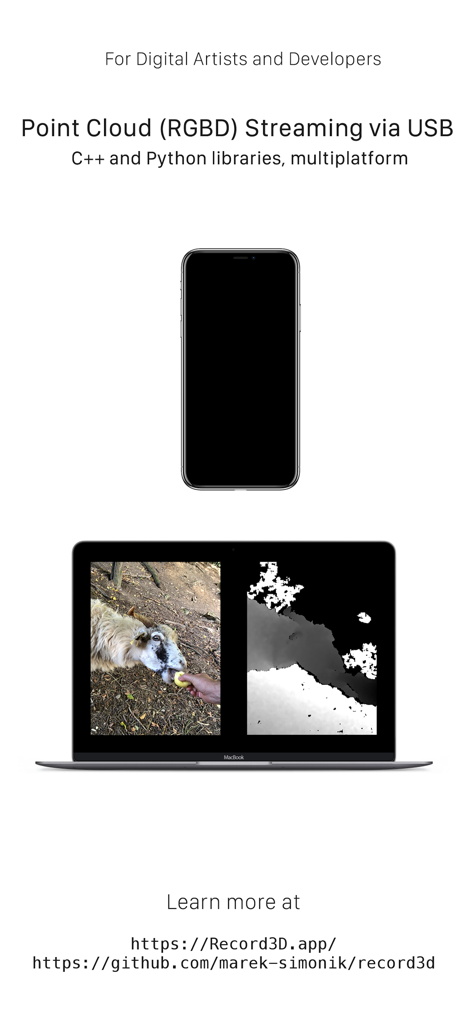
iPhone streaming RGBD point cloud video data to a laptop using Record3D for developer use
Description
Download
More Like This
Top-ranked apps in the same category

CapCut: Photo & Video Editor
BYTEDANCE PTE. LTD.

Instagram, Inc.

YouTube
Google LLC

Canva: AI Photo & Video Editor
Canva Pty Ltd

快手
Beijing Kwai Technology Co., Ltd.

Snapchat
Snap, Inc.

Edits: Video Editor
Instagram, Inc.

Google Photos: Backup & Edit
Google LLC

Meta AI - Vibes & AI Glasses
Meta Platforms, Inc.
This page is not an official page of the app or its developer, but an independent editorial publication created for informational and commentary purposes. Unless expressly stated otherwise, neither the app nor its developer is affiliated with, endorsed by, sponsored by, authorized by, or otherwise officially connected with MWM, Apple, Google Play, the app publisher, or the app's developer, and nothing on this page implies that the app was developed using MWM's services. Any trademarks, logos, screenshots, and other content remain the property of their respective owners.