Remote App (PRO) - PC & Mac

Remote App (PRO) - PC & Mac

Download on App Store
Logo of Remote App (PRO) - PC & Mac

Remote App (PRO) - PC & Mac: The Ultimate Control Center for Your Desktop

Ditch the extra hardware and master your Mac or PC from your couch. Control Netflix, VLC, and system power with a premium, ad-free experience designed for your iPhone and Apple Watch.

Download on App Store

Publisher

Adarsh Urs

Category

Productivity

Downloads

0

User Rating

5.0/5

Total Ratings

0

Locales

8

Total Control, Reimagined

Discover the interface used by 0 users.
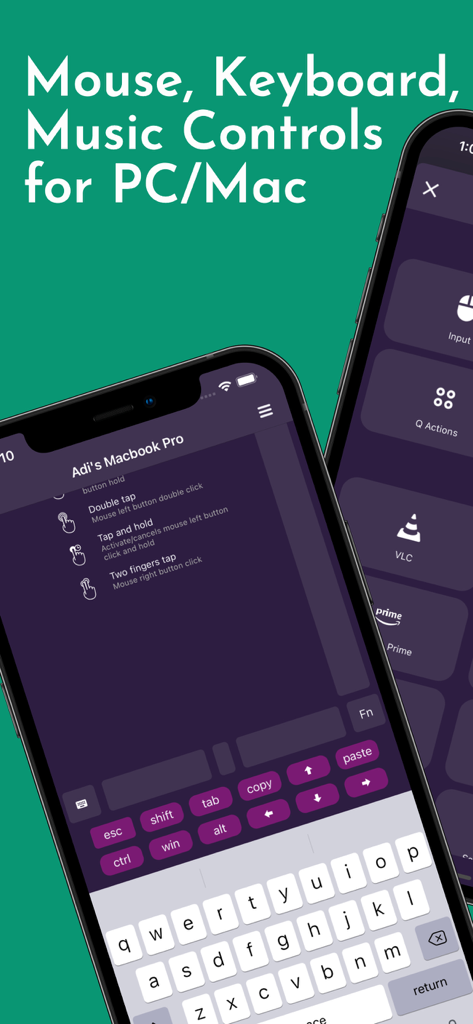
Interface of Remote App PRO showing keyboard and mouse controls for PC and Mac on iPhone

Interface of Remote App PRO showing keyboard and mouse controls for PC and Mac on iPhone

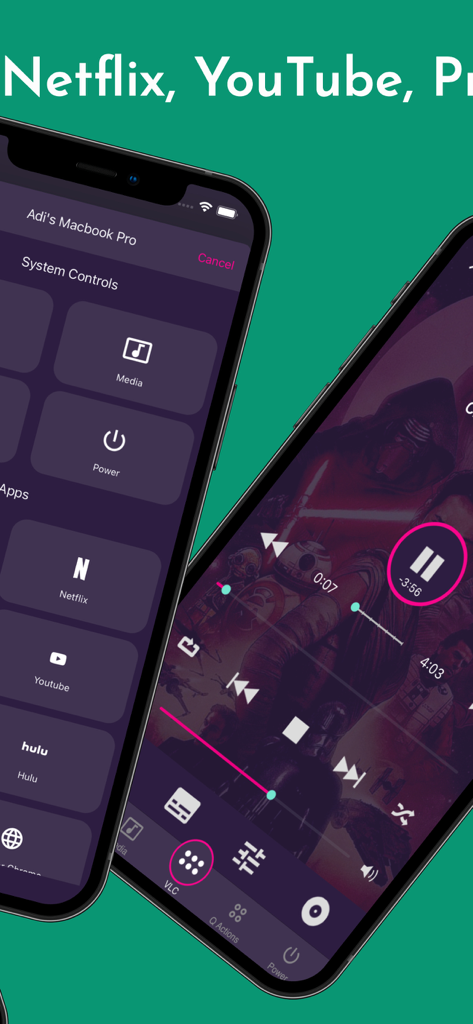
Iphone interface showing remote controls for Mac and PC including Netflix Youtube and media playback buttons

Iphone interface showing remote controls for Mac and PC including Netflix Youtube and media playback buttons

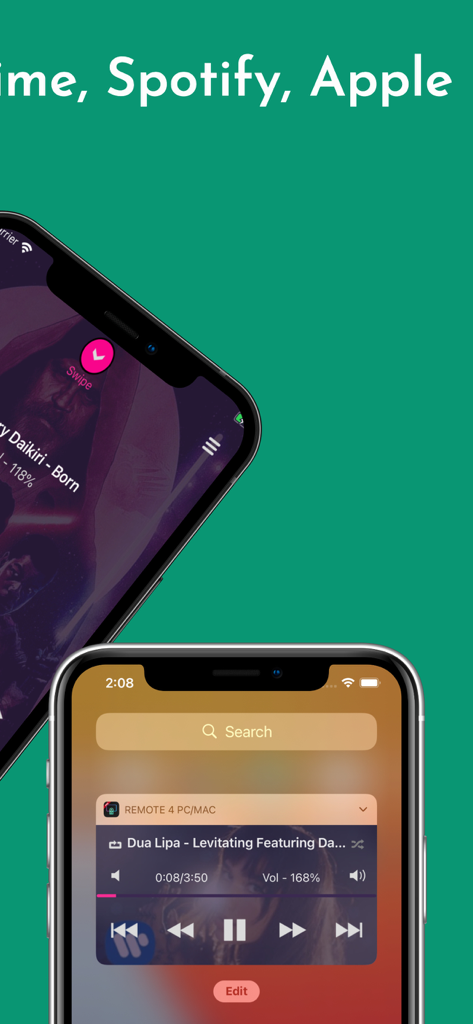
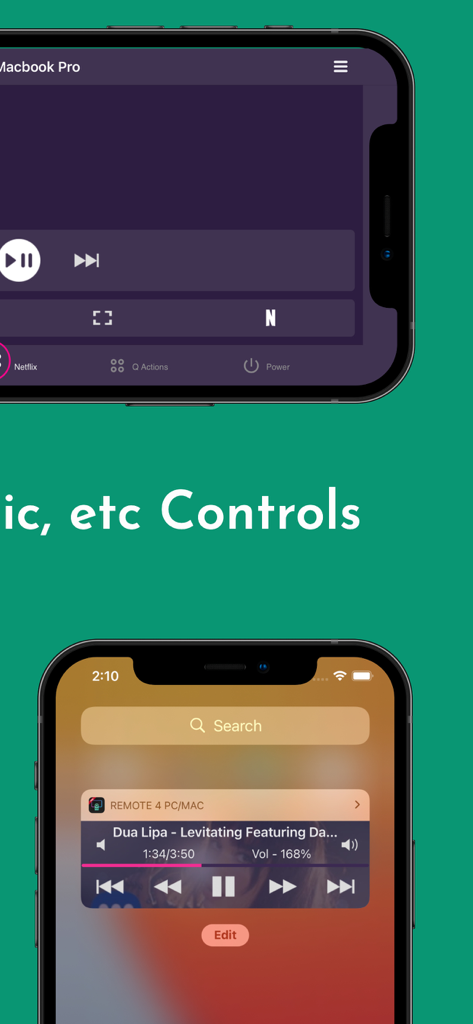
iPhone screens displaying media player interface and iOS home screen widget for Remote App PRO

iPhone screens displaying media player interface and iOS home screen widget for Remote App PRO

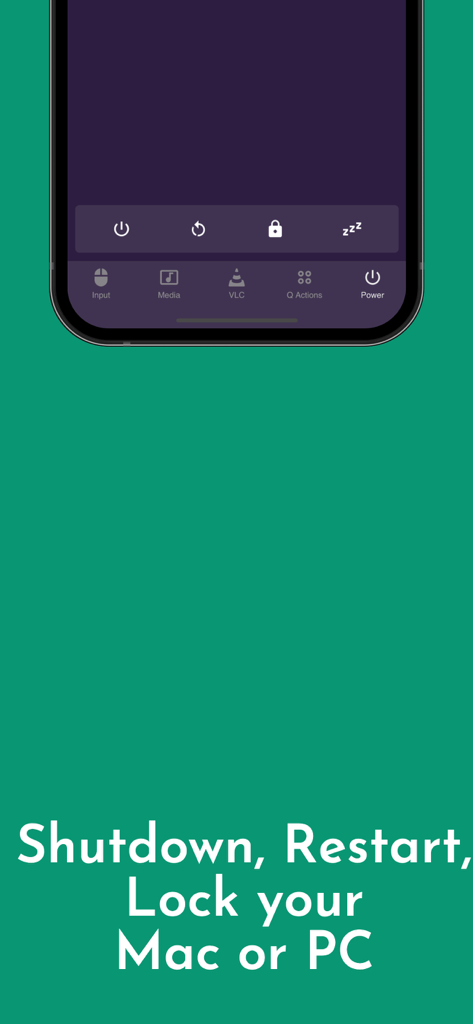
Screenshot of the Remote App showing power controls to shutdown restart and lock a Mac or PC

Screenshot of the Remote App showing power controls to shutdown restart and lock a Mac or PC

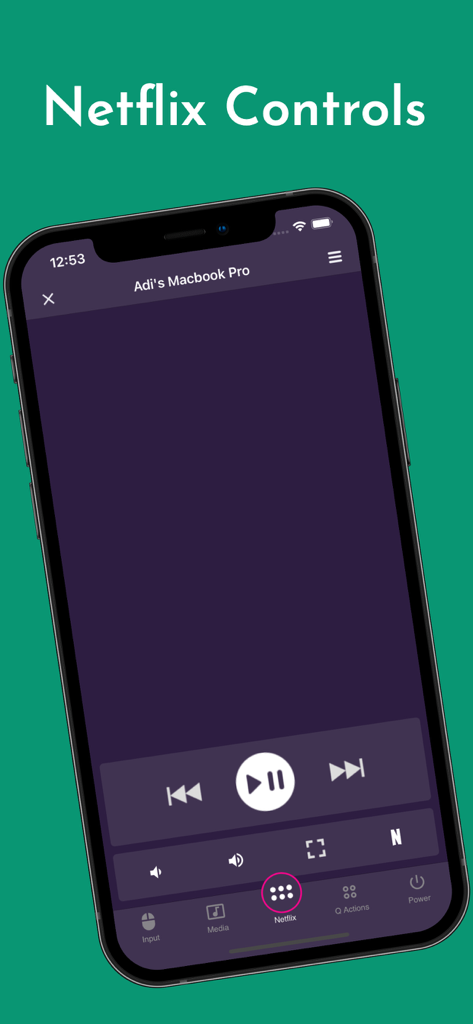
iPhone screen displaying Netflix remote control buttons for a connected MacBook Pro

iPhone screen displaying Netflix remote control buttons for a connected MacBook Pro

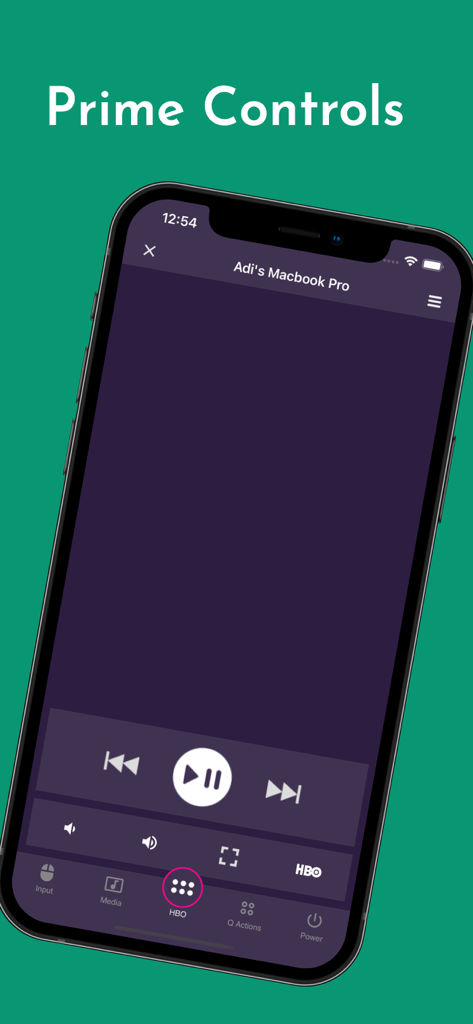
iPhone screen showing Remote App PRO media controls for a MacBook Pro including play pause and HBO options

iPhone screen showing Remote App PRO media controls for a MacBook Pro including play pause and HBO options

Interface of Remote App PRO showing media and volume controls for PC and Mac on iPhone

Interface of Remote App PRO showing media and volume controls for PC and Mac on iPhone

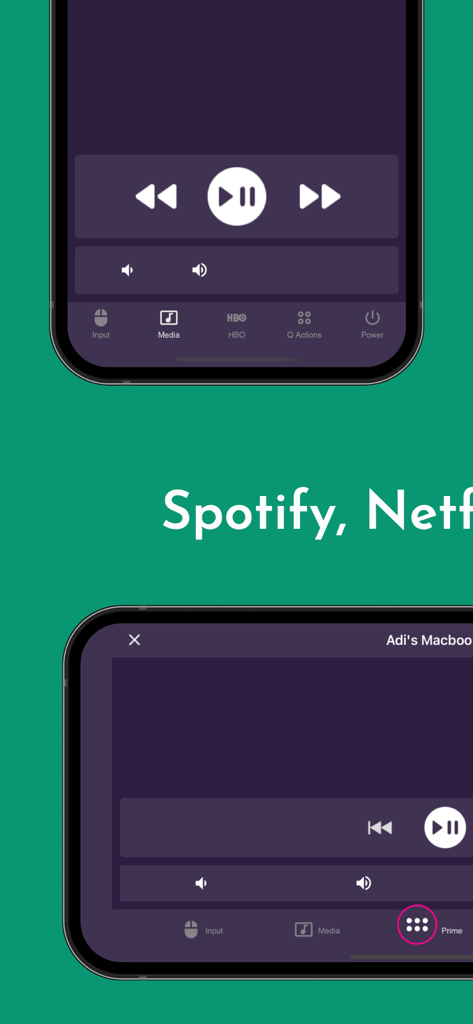
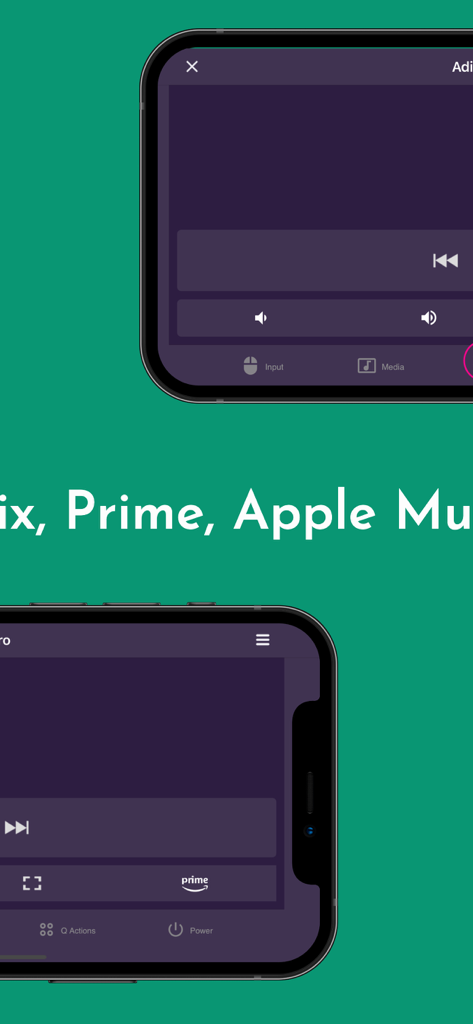
Interface of the Remote App PRO on two smartphones showing media playback controls for streaming services like Amazon Prime

Interface of the Remote App PRO on two smartphones showing media playback controls for streaming services like Amazon Prime

Interface of Remote App (PRO) on iPhone showing Netflix and music playback controls for PC and Mac.

Interface of Remote App (PRO) on iPhone showing Netflix and music playback controls for PC and Mac.

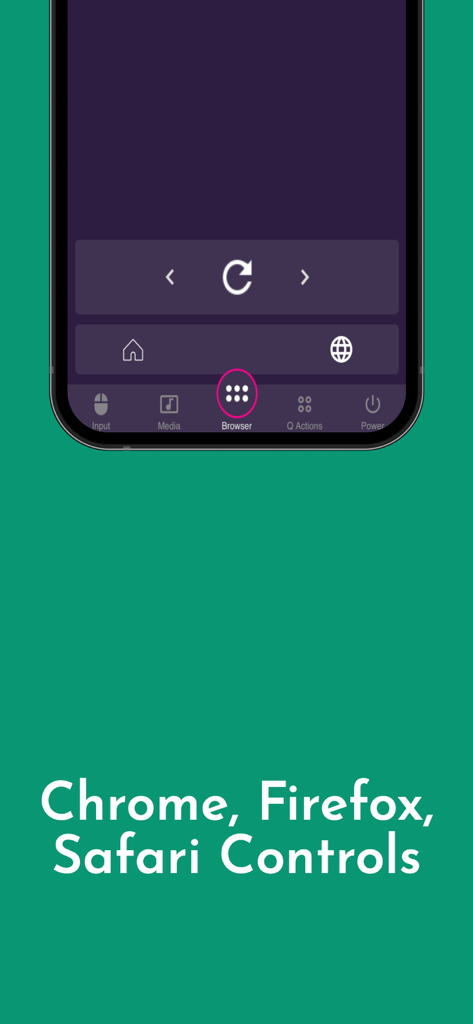
Web browser remote control interface for Chrome Firefox and Safari

Web browser remote control interface for Chrome Firefox and Safari

Take Total Command of Your PC and Mac

The tools that make this app stand out, trusted by 0 users.

🎬

Master Your Media & Streaming

Take full control of Netflix, YouTube, and Amazon Prime. Use dedicated buttons to browse, play, and adjust volume without ever leaving your seat.

🖱️

Precision Mouse & Keyboard

Turn your device into a high-performance trackpad and full-sized keyboard for seamless web browsing and application management across the room.

Smart Power & Watch Support

Manage system power like shutdown or sleep remotely, and enjoy the elite convenience of controlling your desktop directly from your Apple Watch.

About the app

Everything you need to know about Remote App (PRO) - PC & Mac.

Description

This is the paid version of the Remote App - Mouse, Keyboard. Before buying this app you can try the Remote App (Free) PC Remote & Mac Remote (Windows & Mac) With VMR Connect on your Windows PC or Mac, it works as a complete Remote for your PC or Mac. This app is the most convenient way to watch not only offline videos but also online videos from Netflix, YouTube, Amazon Prime, HBO, HotStar etc. + Easy to use and intuitive user interface + Mouse & Keyboard Remote + Media & Volume controls + System Power Control (Shutdown, restart, sleep etc) + Works as Netflix Remote, Amazon Prime Remote, YouTube Remote. + Remote control for any media player. + Launch and Control Chrome, Firefox or any other internet browser on your PC/Mac. + Open & quite any apps on your Mac/Windows from iPhone & iPad + Use device volume buttons to control Mac or Windows system volume + Supports Portrait & Landscape modes Remote for VLC This also works as a VLC Remote Control App and lets you control VLC Media Player on your desktop or laptop and allows you to browse, and play your computer files. + Stop, Play, and Pause + Control volume, next track, and previous track + Seek control, fast forward, and fast rewind + Toggle full-screen, Repeat, Shuffle, Loop, Aspect Ratio, Audio Track + Manage Subtitle, playback speed, crop + Manage playlist + Home Screen Widget & Notification controls + Control VLC from Apple Watches All You Need + Install VMR Connect to Windows PC or Mac from https://vlcmobileremote.com/download + Common local network (LAN or WiFi) connection between your phone & desktop or laptop Supported Operating Systems + Works with Windows, OSX/Mac OS operating systems. Visit our website for more info - https://vlcmobileremote.com/

Latest Version

1.2.58

Size

38.2 MB

First Released

Oct 19, 2020

Take Command of Your Mac & PC Like a Pro

Ditch the keyboard and mouse clutter. Get the ad-free PRO experience and control your entire digital world from the comfort of your couch or your Apple Watch.

Download on App Store

App information, icons, screenshots, and descriptions displayed on this page are sourced from the Apple App Store and are the property of their respective developers. Download estimates and rankings are based on MWM's proprietary models and may not reflect actual figures. This page is provided for informational and analytical purposes only.

Believe this page infringes your intellectual property? File a dispute