RemotePC Remote Desktop

RemotePC Remote Desktop


Download on App Store
Logo of RemotePC Remote Desktop

RemotePC Remote Desktop: Desktop-Class Performance in Your Pocket

Access your PC or Mac with blazing-fast 4K streaming at 60 FPS. From file transfers to remote printing, stay productive anywhere with the most powerful remote access tool for professionals.

Download on App Store

Publisher

IDrive Incorporated

Category

Productivity

Downloads

148K+

User Rating

4.6/5

Total Ratings

3K+

Locales

30

Your Workspace, Unbound

Discover the interface used by 148K+ users.
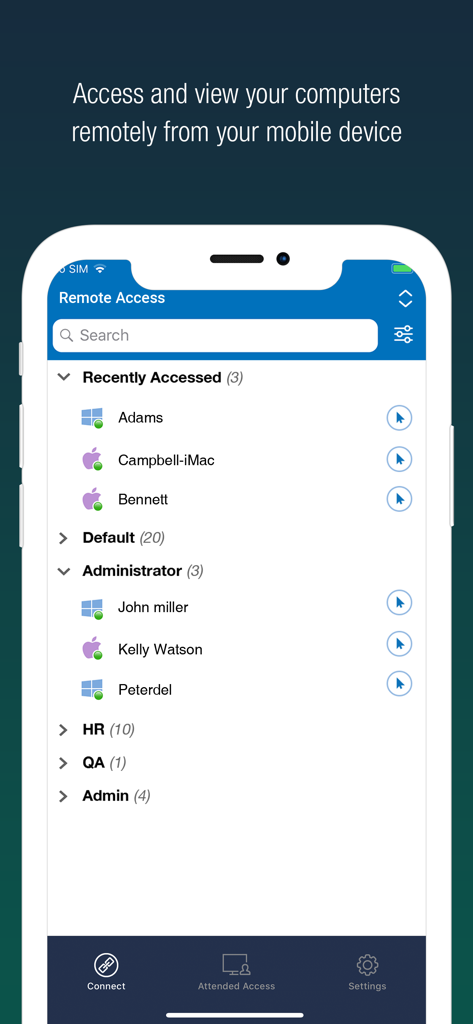
RemotePC mobile app showing a list of remote computers categorized by groups for quick access

RemotePC mobile app showing a list of remote computers categorized by groups for quick access

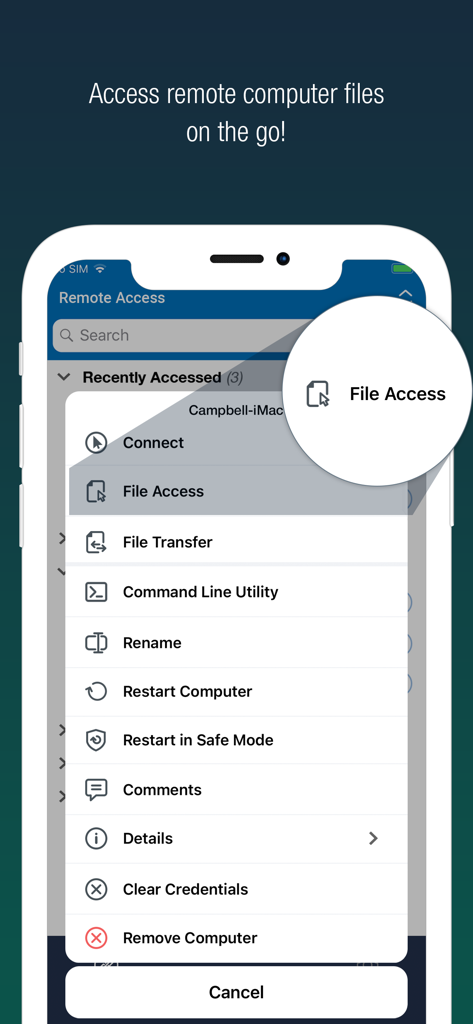
RemotePC mobile app interface showing a list of remote management tools with the file access option highlighted

RemotePC mobile app interface showing a list of remote management tools with the file access option highlighted

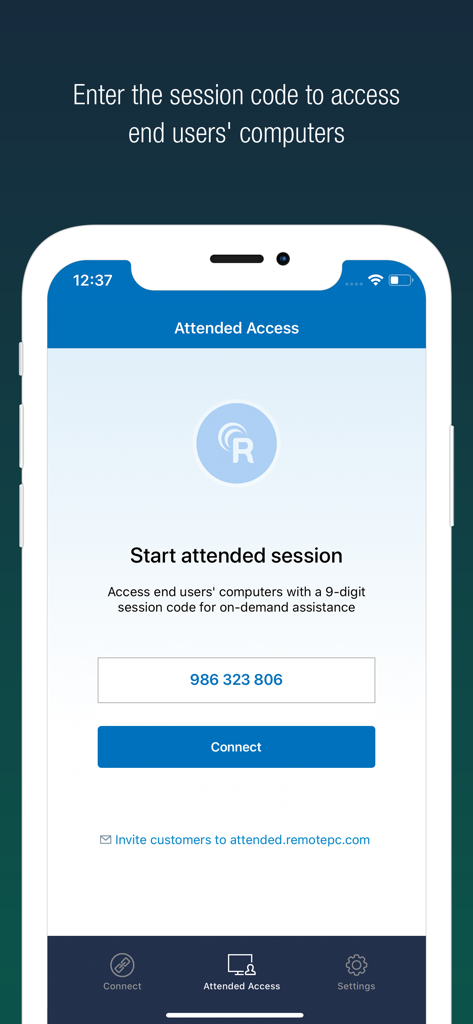
RemotePC mobile app interface showing the Attended Access screen to enter a 9-digit session code for remote assistance.

RemotePC mobile app interface showing the Attended Access screen to enter a 9-digit session code for remote assistance.

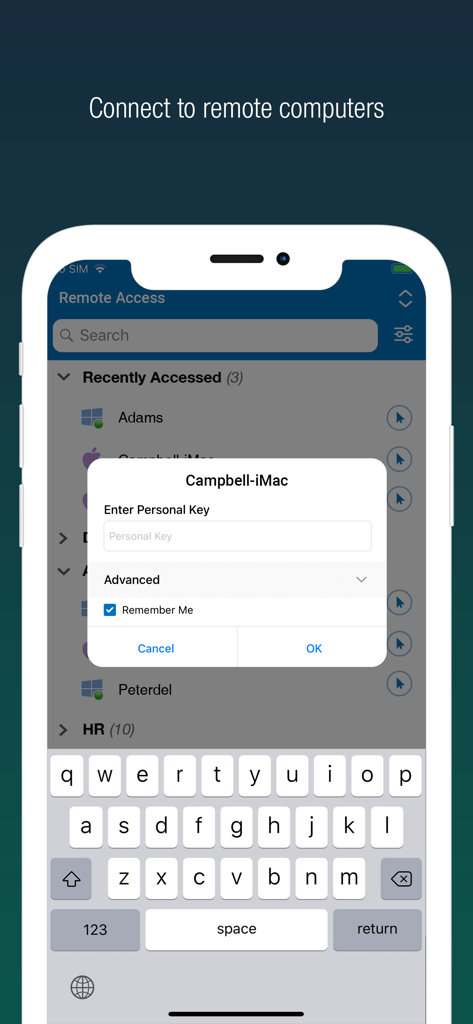
Secure login interface for RemotePC Remote Desktop on a smartphone showing a list of remote computers and a personal key prompt.

Secure login interface for RemotePC Remote Desktop on a smartphone showing a list of remote computers and a personal key prompt.

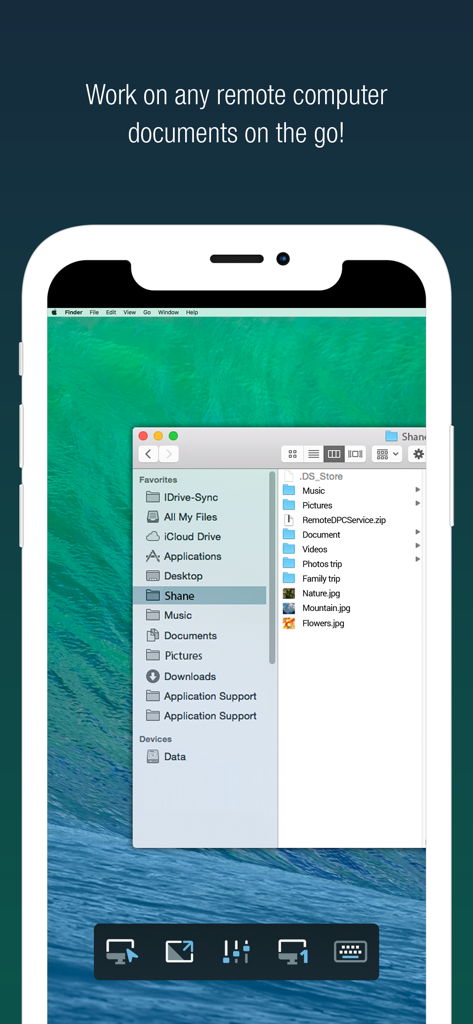
RemotePC app on iPhone showing a remote Mac desktop with file folders open

RemotePC app on iPhone showing a remote Mac desktop with file folders open

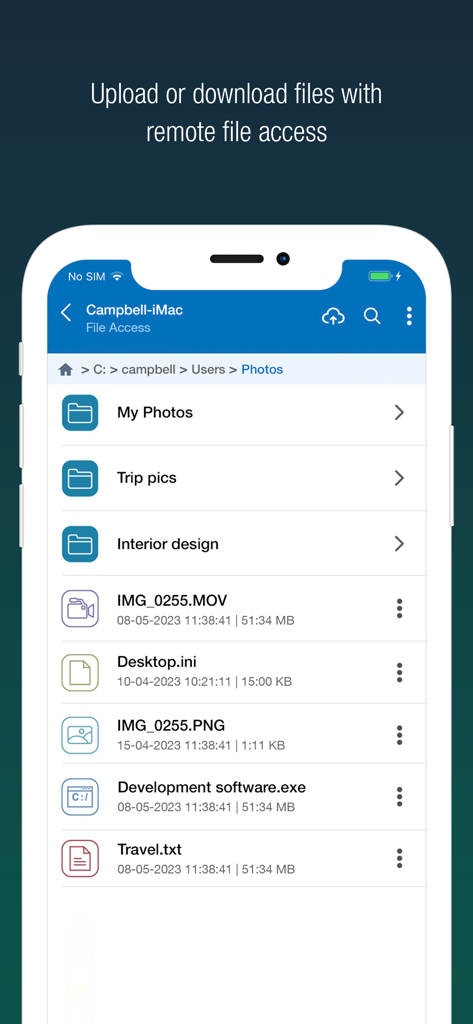
RemotePC mobile app interface showing remote file access and management options

RemotePC mobile app interface showing remote file access and management options

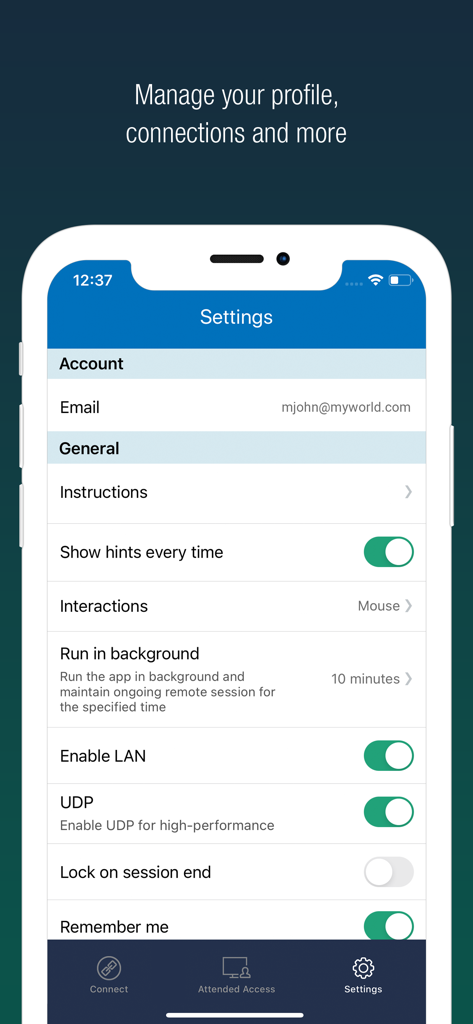
Settings interface of RemotePC app on iPhone showing performance and profile options.

Settings interface of RemotePC app on iPhone showing performance and profile options.

Desktop Performance, Mobile Freedom

The tools that make this app stand out, trusted by 148K+ users.

Pro-Grade 4K Performance

Work with zero lag thanks to 60 FPS streaming and 4K quality, perfect for video editing, design, or high-end gaming.

📁

Seamless Workflow Integration

Transfer files instantly, print documents to your local printer, and collaborate in real-time with built-in whiteboard tools.

🛡️

Enterprise-Class Security

Work privately anywhere with 'Blank Host Screen' mode, remote system locking, and multi-factor authentication for total peace of mind.

About the app

Everything you need to know about RemotePC Remote Desktop.

Description

Access remote computers anytime by installing the RemotePC application on your iOS devices. Connect to your office or home computers from anywhere with a speed of 60 FPS and 4K quality. Access files, folders, emails, and software applications on remote machines, whether it's after-hours or while on the go. Features: • Instant remote computer access, provided there is an active internet connection and RemotePC application installed on it •. Connect to multiple remote computers at the same time and manage each session independently. • Provides efficient team work with friends or colleagues by accessing their remote computers to work on presentations, documents, view/edit media files, etc. • Access PCs and MACs using your iOS devices. • Enhanced performance and low latency • Cross-platform compatibility • 60 FPS speed allowing 4K quality  • Faster remote streaming for gamers Functionalities: • Transfer files via your iOS devices and computers with/without remote session. • Access files/folders on remote computers from your iOS device. • Perform search, upload, and download operations on files while accessing them on remote computers. • Enable inactivity timeout to retain remote session running in the background for the specified time. • Lock the remote system via your iOS device. • Configure the display quality and speed of the remote session. • Modify the screen resolution of the remote display • Record remote sessions while accessing via iOS devices. • Control clipboard actions (copy and paste) from your iOS devices. • Access and manage logged off and locked devices remotely. • Remote printing of documents and images using a local printer. • Chat with the recipients for effective communication. • Enable ‘Trusted Devices’ for enhanced security of your RemotePC account. • Enable ‘Blank Host Screen’ to work privately on your remote device by turning the screen blank. • View multiple monitors at the same time for Enterprise accounts. • Restart your remote system via the iOS device in a safe mode. • Collaborate effectively by using Whiteboard to draw on the remote screen. • Multiple users can simultaneously access and work on a single remote machine. • Multitask during remote sessions by opening multiple iPad apps simultaneously

Latest Version

8.9.0

Size

42.0 MB

First Released

Dec 1, 2010

Take Command of Your Desktop from Anywhere

Join over 148,000 power users who demand 4K performance and total security on the go. Get RemotePC for your iOS device today.

Download on App Store

App information, icons, screenshots, and descriptions displayed on this page are sourced from the Apple App Store and are the property of their respective developers. Download estimates and rankings are based on MWM's proprietary models and may not reflect actual figures. This page is provided for informational and analytical purposes only.

Believe this page infringes your intellectual property? File a dispute