
This page is not an official page of the app or its developer, but an independent editorial publication created for informational and commentary purposes. Unless expressly stated otherwise, neither the app nor its developer is affiliated with, endorsed by, sponsored by, authorized by, or otherwise officially connected with MWM, Apple, Google Play, the app publisher, or the app's developer, and nothing on this page implies that the app was developed using MWM's services. Any trademarks, logos, screenshots, and other content remain the property of their respective owners.


Restaurant365
Empower your entire team with mobile tools to manage schedules, track inventory, and communicate securely—all from the palm of your hand.
Downloads
945K+User Rating
Total Ratings
39K+Publisher
Category
BusinessLocales
2Latest Version
11.4.0Size
75.6 MBFirst Released
Apr 17, 2019Master Your Shift and Your Store
The all-in-one mobile solution designed to give staff more flexibility and managers more floor time.
Effortless Scheduling
Check your hours, trade shifts, or request time off with a few taps—no more phone tag or paper schedules.
Mobile Inventory & Ops
Count stock in the walk-in and manage logs on the go, reducing desk time and increasing accuracy.
Frequently Asked Questions
Everything you need to know about Restaurant365
What is the Restaurant365 mobile app?
The Restaurant365 (R365) mobile app enables restaurant employees to manage schedules, request time off, view punches, and communicate. Managers handle logbook entries, scheduling, inventory, and accounts payable.
Who uses the Restaurant365 app?
The Restaurant365 app is for employees to see schedules, request time off, and communicate. Managers use it for logbook entries, scheduling requests, inventory, and accounts payable. It requires a Restaurant365 platform subscription.
How do employees manage their schedule with the Restaurant365 app?
Employees manage schedules by viewing shifts, requesting changes, and submitting time off requests through the Restaurant365 app. Screenshots demonstrate availability input and schedule viewing.
Can I chat with coworkers privately in the R365 app?
Yes, the R365 app allows secure communication between coworkers. Users can chat directly without exchanging personal phone numbers, ensuring privacy as shown in the app interface.
What management features does the R365 app offer?
The R365 app provides managers with tools for logbook entries, responding to employee scheduling requests, conducting inventory counts, and managing accounts payable tasks efficiently.
Does the Restaurant365 app include inventory management?
Yes, the Restaurant365 app supports inventory management. Managers can quickly count inventory items and view stock levels across various storage locations directly from the app.
How do managers handle accounts payable using the R365 app?
Managers handle accounts payable by reviewing and approving invoices within the R365 app. The interface displays "My approvals," "Overdue," "Due today," and "This week" statuses for efficient management.
Can employees view announcements in the Restaurant365 app?
Yes, employees can view important announcements directly within the Restaurant365 app dashboard. This keeps them informed about updates and information from their restaurant.
What kind of scheduling requests can employees make using the R365 app?
Employees can make several scheduling requests using the R365 app, including requesting shift changes and submitting time off requests. The app facilitates availability management.
The following screenshots and description are sourced directly from the app's official store listing and are the property of the app developer.
App Store
Screenshots
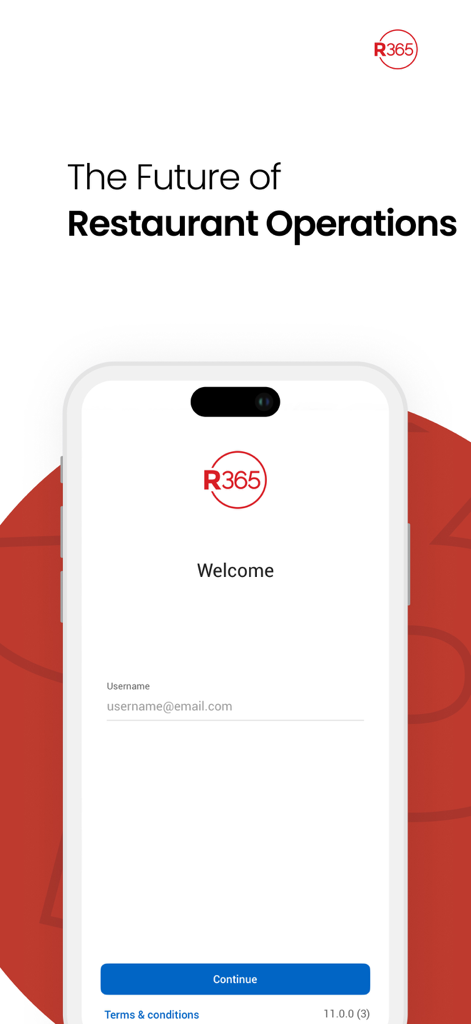
Restaurant365 mobile app welcome and login screen showing a username field and continue button
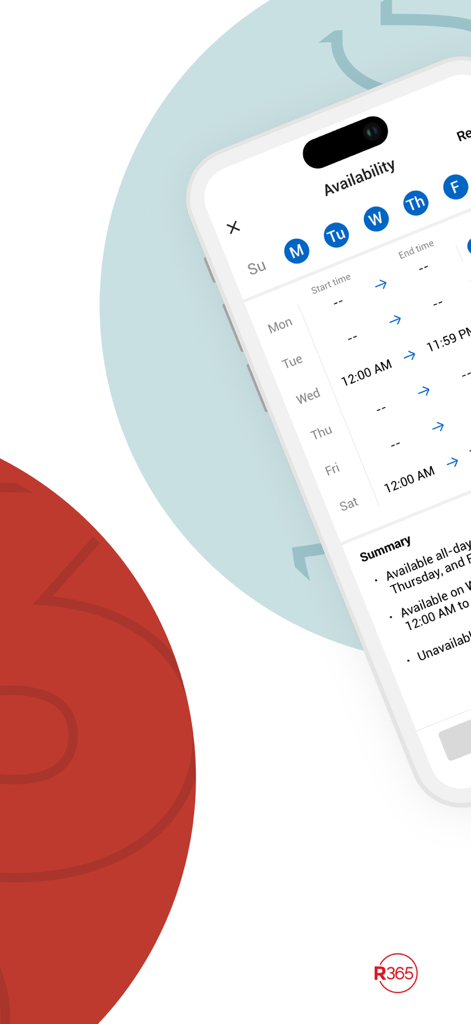
Restaurant365 app interface showing employee availability and weekly work schedule settings
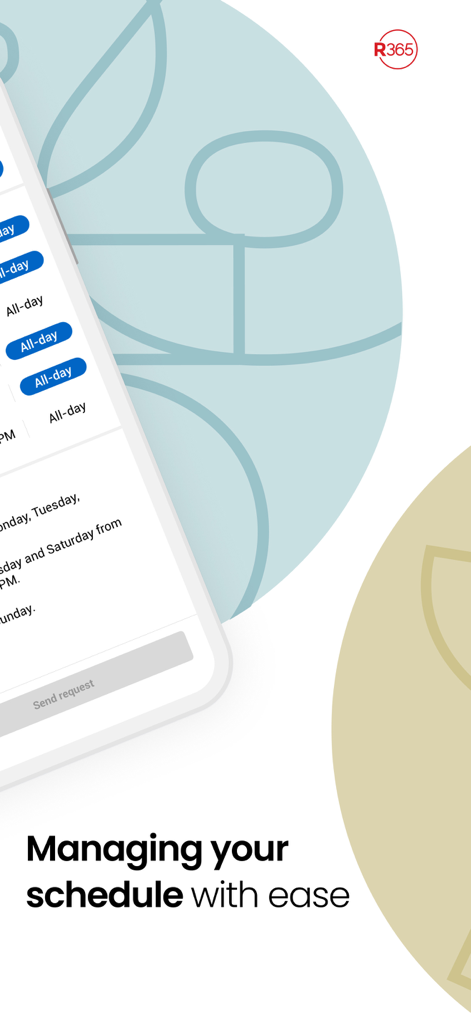
A close up view of the Restaurant365 mobile app interface showing scheduling features with the tagline managing your schedule with ease
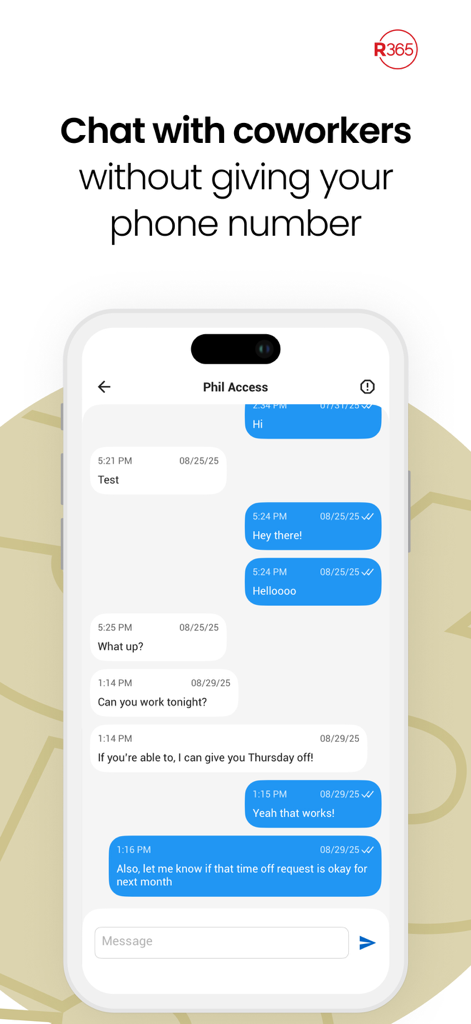
A mobile app interface of Restaurant365 showing a secure chat conversation between coworkers about shift schedules
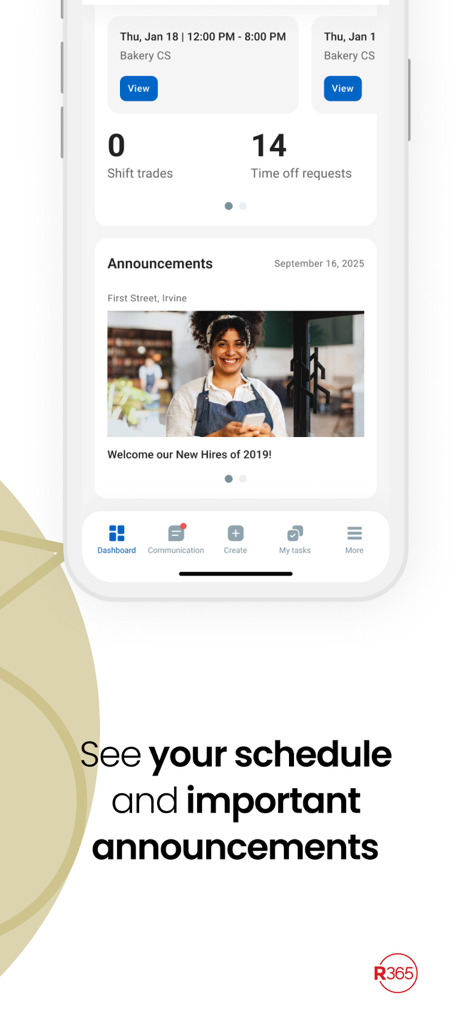
Restaurant365 app dashboard showing work schedule and company announcements
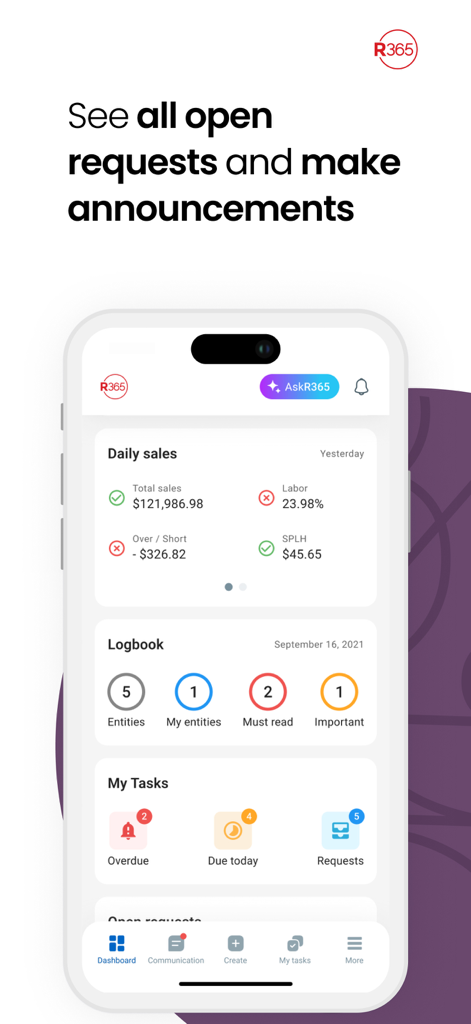
Restaurant365 mobile app dashboard showing daily sales metrics and task management features
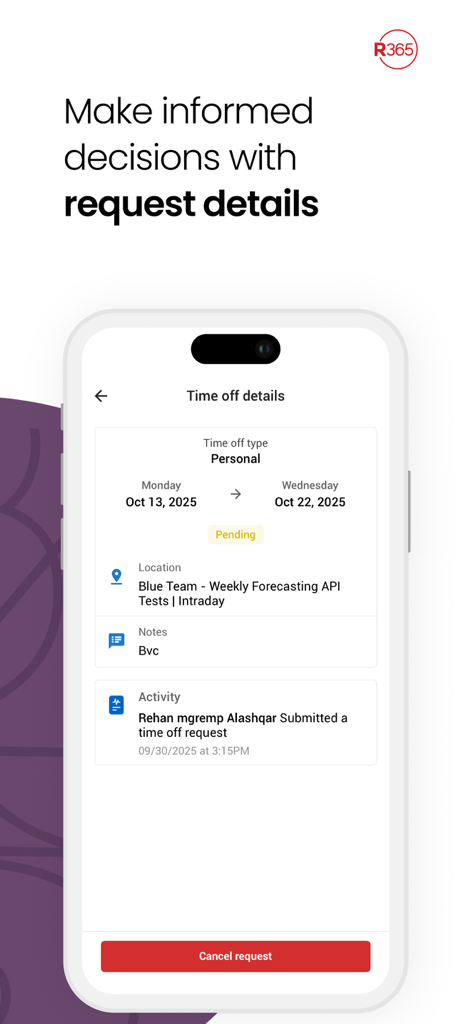
Restaurant365 mobile app displaying details for a pending time off request.
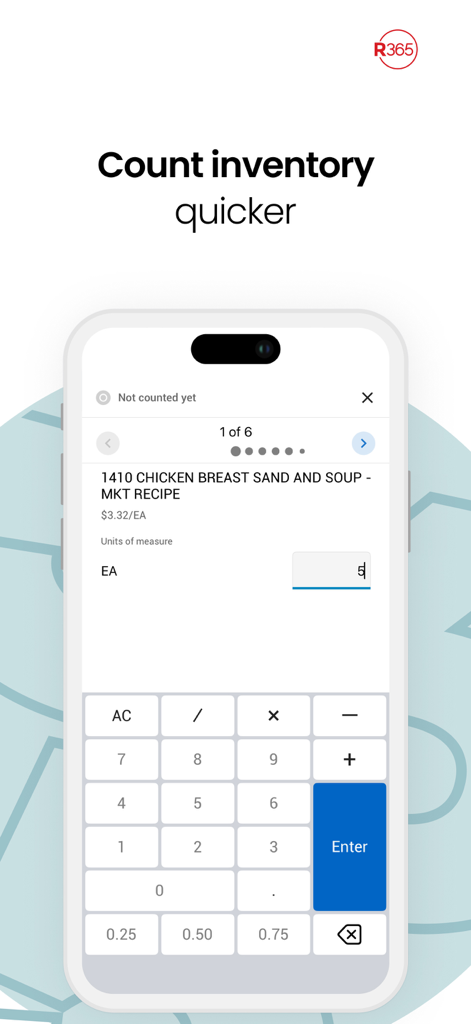
A mobile screen showing the Restaurant365 inventory counting feature with a digital keypad for easy data entry
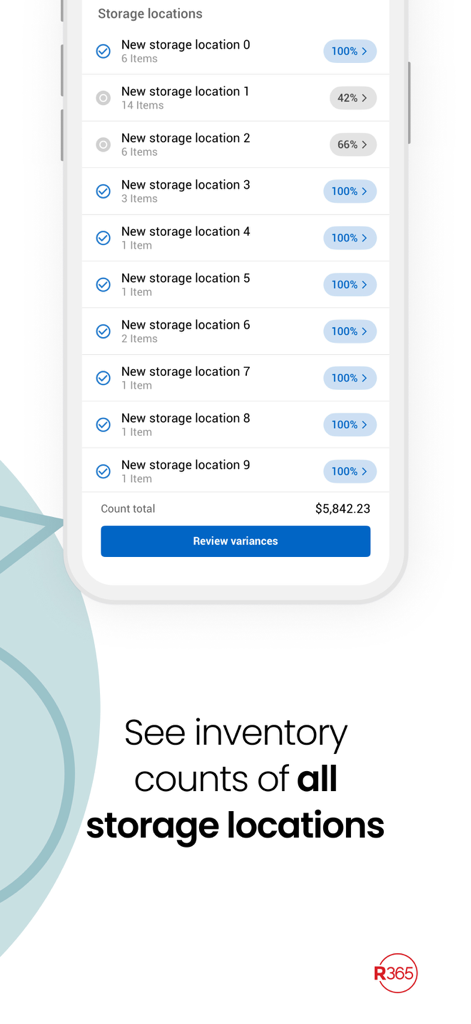
Restaurant365 app showing inventory counts across multiple storage locations
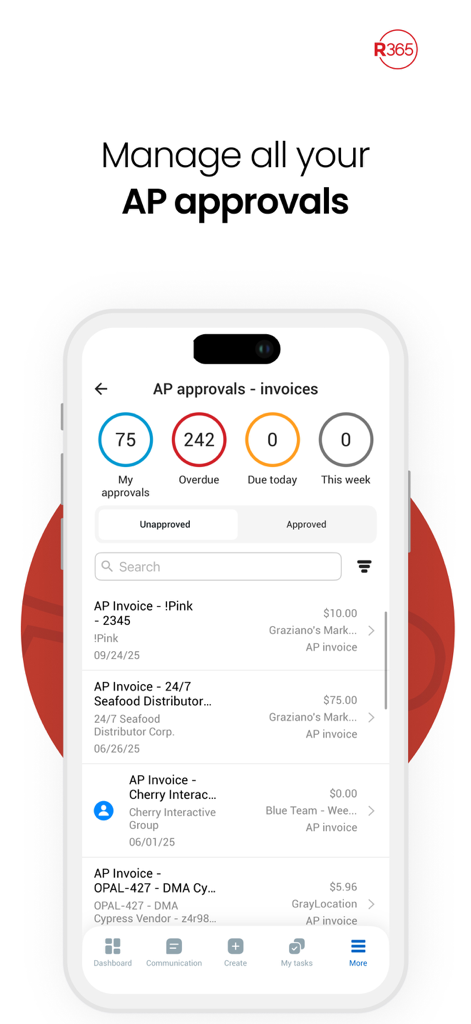
A mobile interface for managing accounts payable invoice approvals in the Restaurant365 app.
Description
Download
More Like This
Apps with similar features and user experience

Connecteam Team Management App
Connecteam, Inc.

Homebase: Team Management
Pioneer Works, Inc.

7shifts: Employee Scheduling
7shifts, Inc.

When I Work Staff Scheduling
When I Work, Inc.

Jibble: Attendance Tracker
Jibble Tech Sdn Bhd

Legion Workforce Engagement
Legion Technologies Inc.

Crunchtime Teamworx
CrunchTime Information Systems

AxisCare Mobile
Centex Axiscare Inc
Timesheet & Time Track: AtWork
Vien Tran Ngoc
This page is not an official page of the app or its developer, but an independent editorial publication created for informational and commentary purposes. Unless expressly stated otherwise, neither the app nor its developer is affiliated with, endorsed by, sponsored by, authorized by, or otherwise officially connected with MWM, Apple, Google Play, the app publisher, or the app's developer, and nothing on this page implies that the app was developed using MWM's services. Any trademarks, logos, screenshots, and other content remain the property of their respective owners.