
Reticpic


Elevate your visual storytelling with advanced HSL, precision curves, and professional-grade filters in a fast, intuitive workflow designed for iPhone and iPad.
Publisher
Category
Photo & VideoDownloads
900User Rating
Total Ratings
0Locales
1Discover the interface used by 900 users.
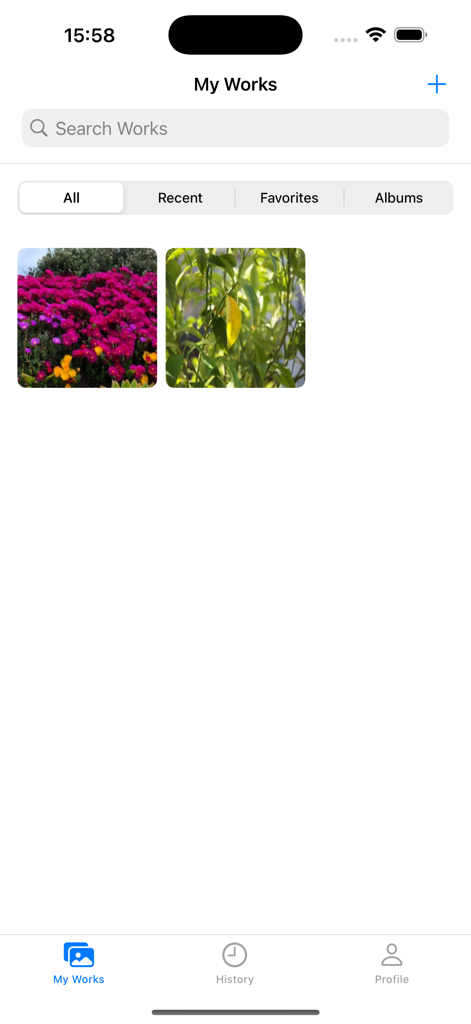
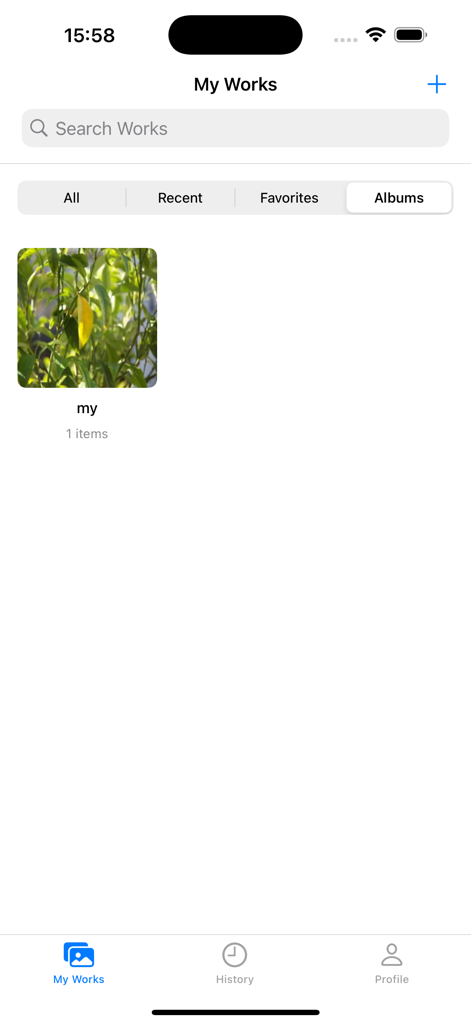
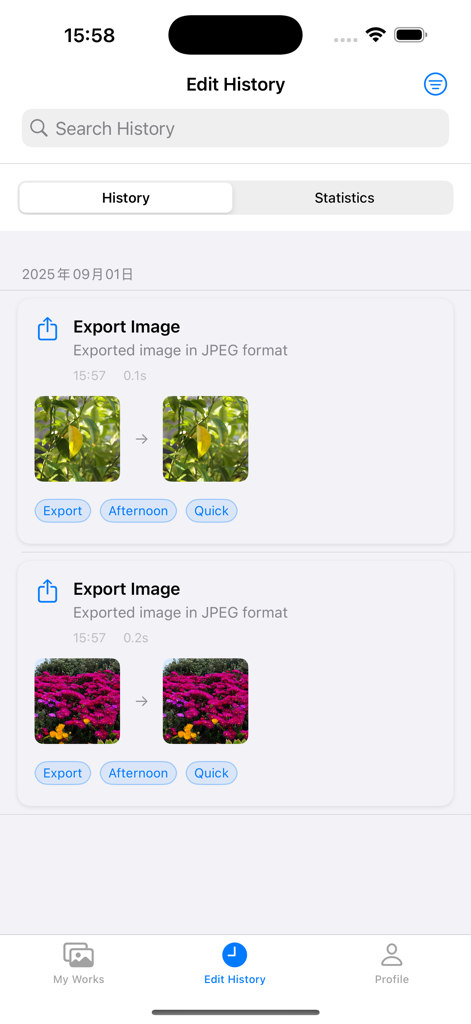
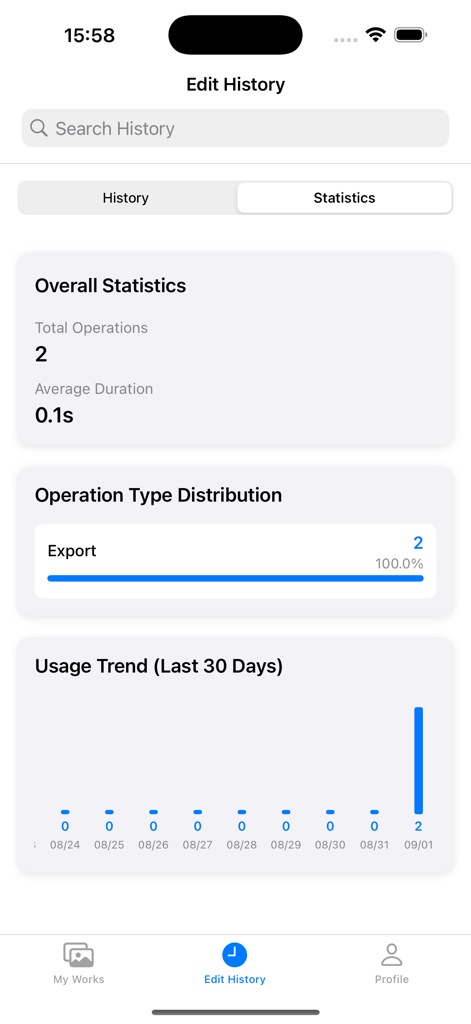
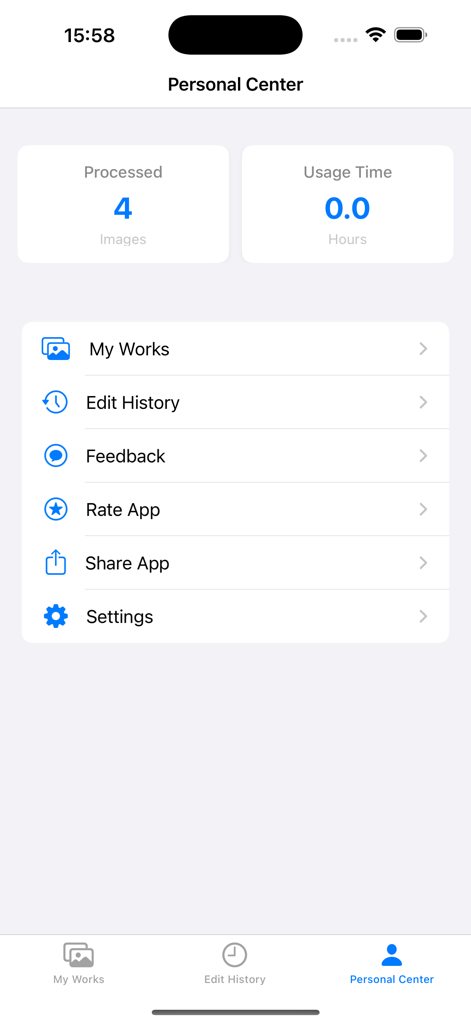
The tools that make this app stand out, trusted by 900 users.
Go beyond basic filters with professional HSL and Curve adjustments to create a unique, consistent brand aesthetic.
Instantly secure your original content with customizable watermarks to safeguard your work across social platforms.
Edit with confidence using unlimited undo/redo and a smart history system designed for high-volume content creation.
Everything you need to know about Reticpic.
Description
Latest Version
1.5.0
Size
48.0 MB
First Released
Sep 3, 2025
Join the next generation of creators using Reticpic for precise HSL control, professional curves, and a seamless mobile workflow. Download today and start crafting your signature look on iPhone and iPad.
Everything you need to know about Reticpic
Reticpic is a powerful and easy-to-use image editing application that provides a professional-grade photo processing experience. It caters to both photography enthusiasts and professional designers.
Yes, Reticpic offers rich filter effects. It includes multiple built-in professional filters with real-time preview and customizable intensity adjustments.
Yes, Reticpic provides precise image adjustment tools including HSL color adjustment, curve adjustment tools, and fine control over brightness, contrast, and exposure.
Yes, Reticpic supports smart cropping tools. These include free cropping, aspect ratio cropping, grid guidelines, and precise cropping control points for accurate edits.
Yes, Reticpic includes watermark features. Users can add text or image watermarks and customize their position and transparency within the application.
Yes, Reticpic supports both iPad and iPhone devices. It features an intuitive user interface with a clean, modern design and an easy-to-navigate feature layout across devices.
Yes, Reticpic automatically saves editing history. It also provides a complete editing history with unlimited undo/redo, detailed operation records, and visual editing step tracking.
Yes, Reticpic allows users to manage their edited works. It features work classification, a tagging system, smart album management, and quick search functionality.
Yes, Reticpic provides detailed editing statistics. The Edit History section includes overall statistics on total operations, average duration, operation type distribution, and usage trends.
Yes, Reticpic offers a search function for works. The "My Works" section includes a search bar labeled "Search Works" to quickly find specific projects.
Top-ranked apps in the same category

BYTEDANCE PTE. LTD.

Instagram, Inc.

Google LLC

Canva Pty Ltd

Snap, Inc.

Beijing Kwai Technology Co., Ltd.

Instagram, Inc.

Xiamen Meitu Technology Co., Ltd.

Google LLC
App information, icons, screenshots, and descriptions displayed on this page are sourced from the Apple App Store and are the property of their respective developers. Download estimates and rankings are based on MWM's proprietary models and may not reflect actual figures. This page is provided for informational and analytical purposes only.
Believe this page infringes your intellectual property? File a dispute