
This page is not an official page of the app or its developer, but an independent editorial publication created for informational and commentary purposes. Unless expressly stated otherwise, neither the app nor its developer is affiliated with, endorsed by, sponsored by, authorized by, or otherwise officially connected with MWM, Apple, Google Play, the app publisher, or the app's developer, and nothing on this page implies that the app was developed using MWM's services. Any trademarks, logos, screenshots, and other content remain the property of their respective owners.

Reverse Singing
Join over 346,000 creators making viral-ready clips with crazy effects like Alien, Chipmunk, and Autotune. Record, reverse, and share the laughs instantly.
Downloads
346K+User Rating
Total Ratings
4K+Publisher
Category
MusicLocales
2Latest Version
0.0.8Size
47.4 MBFirst Released
Aug 27, 2025Flip the Script on Your Voice
Turn every recording into a hilarious masterpiece with pro-level reverse tech and wild effects designed to break the internet and win the group chat.
The Backwards Challenge
Record yourself singing and flip it instantly to discover phonetic fails or try to master the art of singing in reverse for the ultimate viral clip.
Crazy Voice Morphing
Go from Alien to Chipmunk in one tap. Use Autotune, Vocoder, and Demon filters to create the 'cursed audio' your social feed has been waiting for.
Frequently Asked Questions
Everything you need to know about Reverse Singing
How does the Reverse Singing app work?
Reverse Singing allows users to record their voice, then reverse the audio and apply various voice changer effects. Users can then play back the recorded or reversed audio, save clips, or share them.
What voice effects are available in the Reverse Singing app?
Reverse Singing offers voice changer effects including alien, chipmunk, ghost, demon, giant voice, vocoder, and autotune. It also features a core reverse audio effect.
Is a subscription necessary to use all features in Reverse Singing?
Yes, a subscription is required to access premium effects and features within the Reverse Singing app. This unlocks the full range of voice transformation capabilities.
How do I record my voice in the Reverse Singing app?
To record your voice in Reverse Singing, tap the "TAP TO RECORD" button. This activates the built-in microphone to capture your audio.
Can I reverse my audio in Reverse Singing?
Yes, Reverse Singing allows you to reverse your audio. After recording, you can select the "PLAY REVERSE" option to hear your voice played backward.
What can Reverse Singing do for entertainment?
Reverse Singing transforms voices into hilarious creations. It is perfect for laughing with friends, making funny clips, or experimenting with microphone effects.
The following screenshots and description are sourced directly from the app's official store listing and are the property of the app developer.
App Store
Screenshots
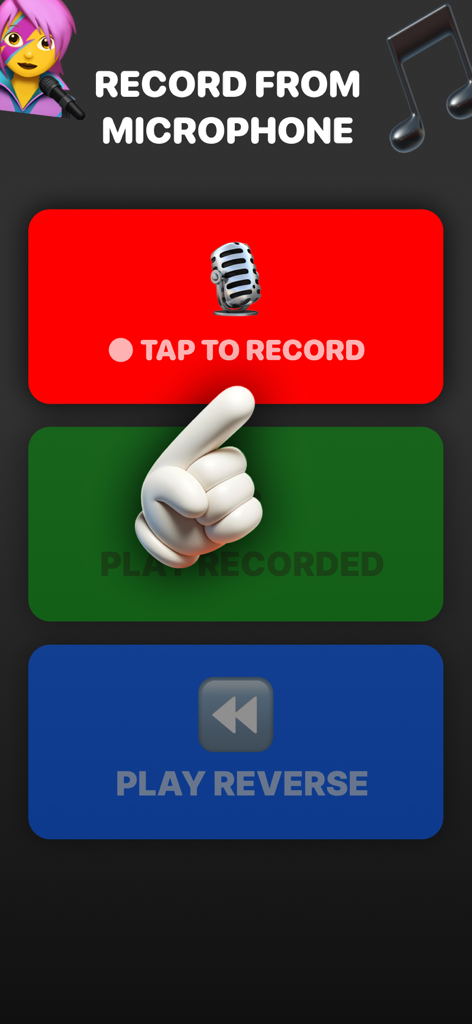
Mobile interface for Reverse Singing app with buttons to record play and reverse audio
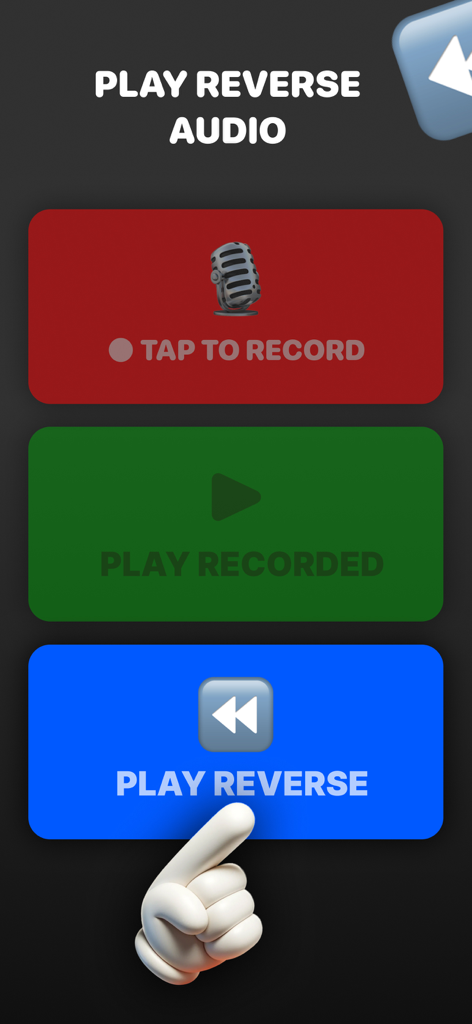
Interface of the Reverse Singing app showing buttons to record, play recorded clips, and play audio in reverse
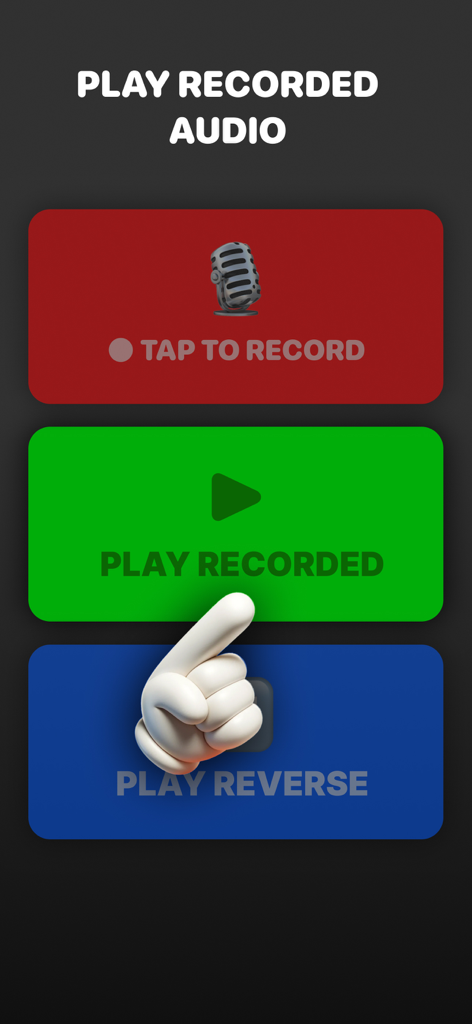
Mobile app interface with large colorful buttons to record and play audio in reverse
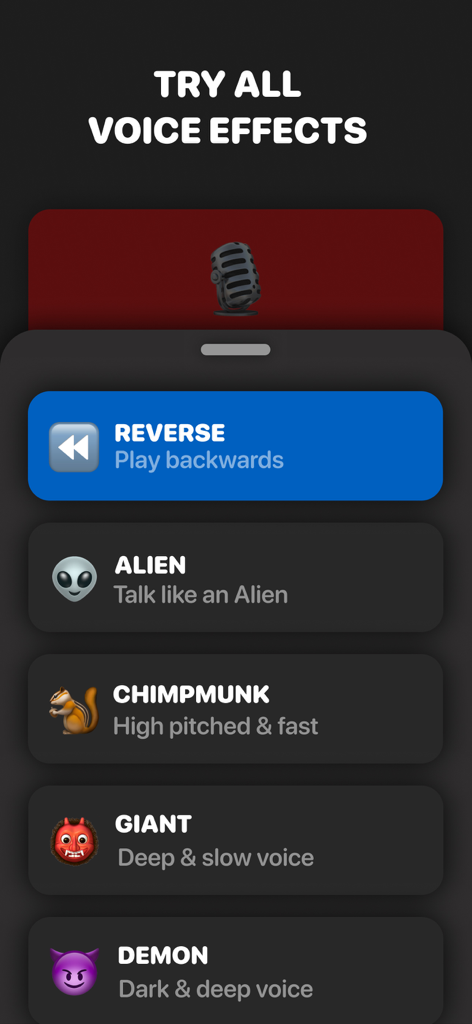
A menu of voice filters in the Reverse Singing app including reverse alien chipmunk giant and demon effects
Description
Download
More Like This
Apps with similar features and user experience
Reverse Audio
Nobutaka Yuasa
The Reverse Audio
Vida Apps Incorporated

Reverse Audio Play
Dino Apps OU

Reverse Singing Audio Play
Tech Consolidated INC.
Reverse Audio ™
Pretty Boa Media Ltd
Reverse Audio: Record & Play
芳 王
Reverse Singing & Audio
APPELIO DIGITAL SOLUTIONS - NIHAT DINC
Reverse Singing Fun Challenge
NGUYEN QUY SON
Reverse Audio Singing Trend
Oussama Chariffi
This page is not an official page of the app or its developer, but an independent editorial publication created for informational and commentary purposes. Unless expressly stated otherwise, neither the app nor its developer is affiliated with, endorsed by, sponsored by, authorized by, or otherwise officially connected with MWM, Apple, Google Play, the app publisher, or the app's developer, and nothing on this page implies that the app was developed using MWM's services. Any trademarks, logos, screenshots, and other content remain the property of their respective owners.