
This page is not an official page of the app or its developer, but an independent editorial publication created for informational and commentary purposes. Unless expressly stated otherwise, neither the app nor its developer is affiliated with, endorsed by, sponsored by, authorized by, or otherwise officially connected with MWM, Apple, Google Play, the app publisher, or the app's developer, and nothing on this page implies that the app was developed using MWM's services. Any trademarks, logos, screenshots, and other content remain the property of their respective owners.


Round Photo
Transform your pictures into precise circles for social media avatars, DIY stickers, or professional printing with exact measurements in inches, millimeters, or pixels.
Downloads
666K+User Rating
Total Ratings
1K+Publisher
Category
Photo & VideoLocales
33Latest Version
5.4Size
30.0 MBFirst Released
Dec 9, 2018Craft Your Perfect Circle
From professional social media profiles to DIY crafting projects, transform any image into a precise circular masterpiece with professional tools.
Precision for Every Project
Work with real-world measurements including inches, millimeters, and centimeters to ensure your photos fit physical lockets, buttons, or labels perfectly.
Pro Branding in Seconds
Create high-impact profile pictures for LinkedIn, Slack, or Instagram with custom colored borders that make your digital presence stand out.
The following screenshots and description are sourced directly from the app's official store listing and are the property of the app developer.
App Store
Screenshots
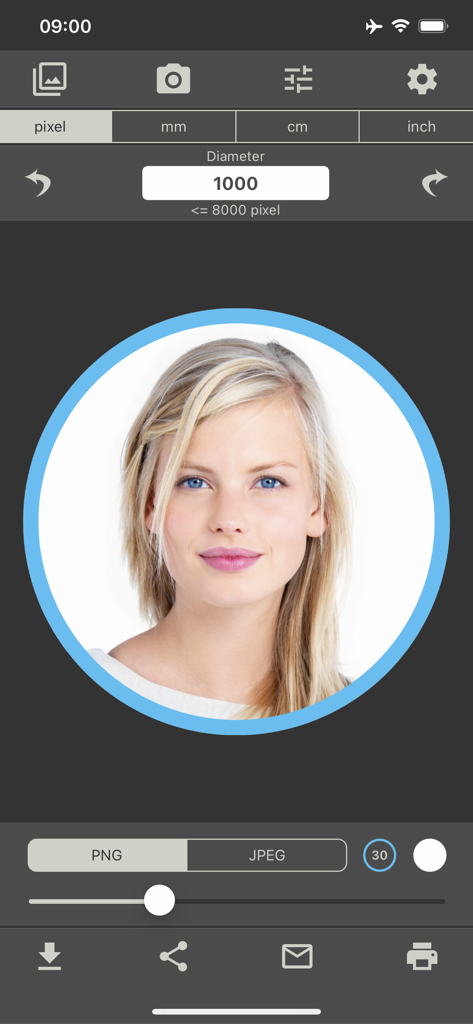
Interface of the Round Photo app showing a woman portrait in a circular frame with a blue border and diameter settings
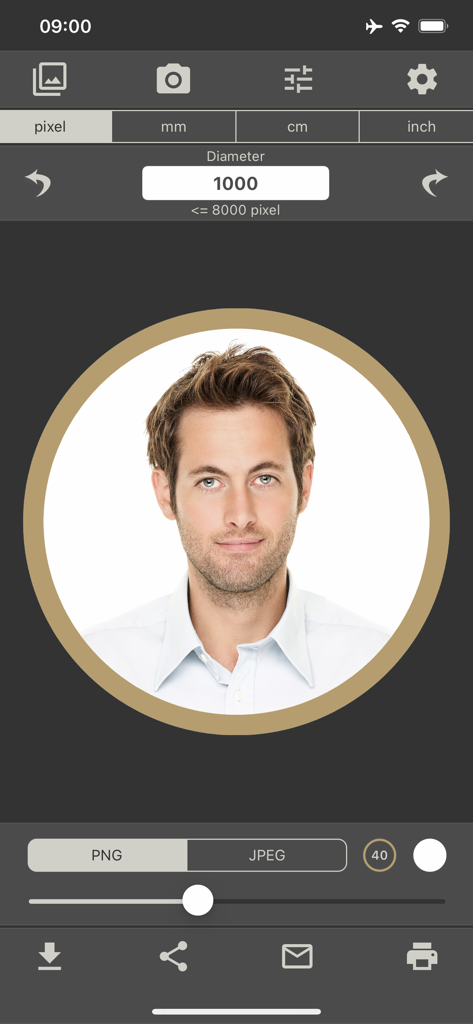
Interface of the Round Photo app showing a man's headshot in a circular frame with a gold border and editing tools
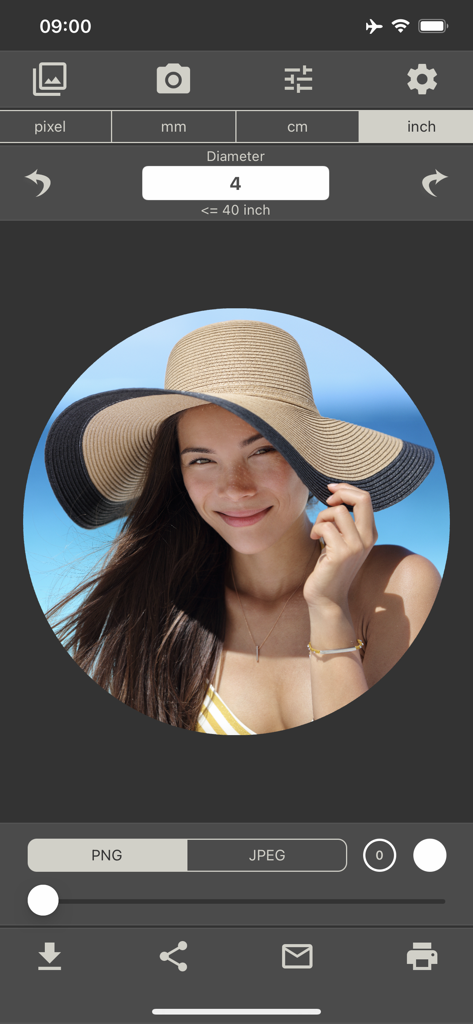
A woman in a sun hat cropped into a circle on the Round Photo app interface with a four inch diameter setting
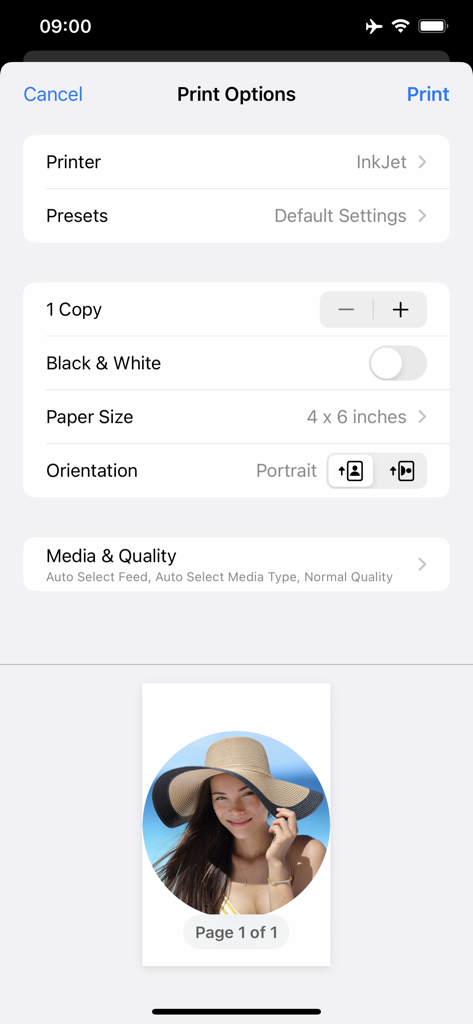
The print options screen of the Round Photo app showing settings for printer selection and a preview of a circular portrait on a page.
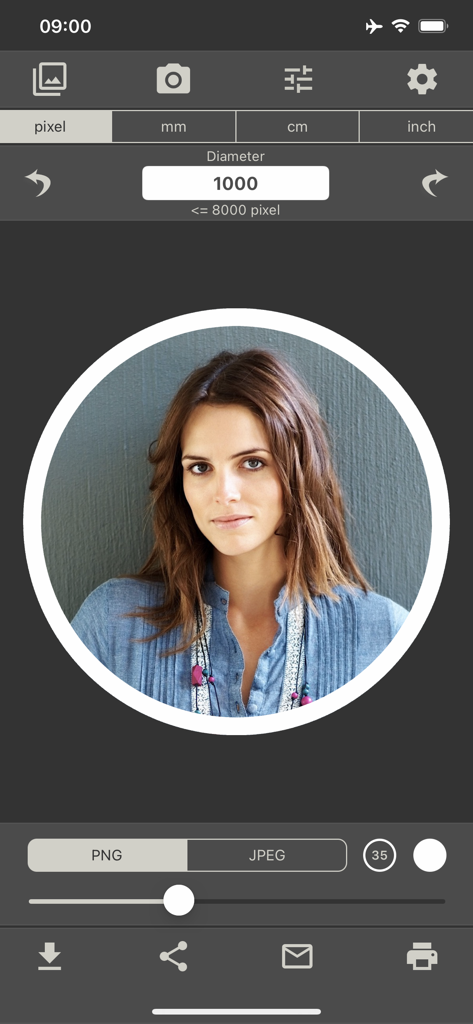
User interface of Round Photo app cropping a portrait into a circle with a white border
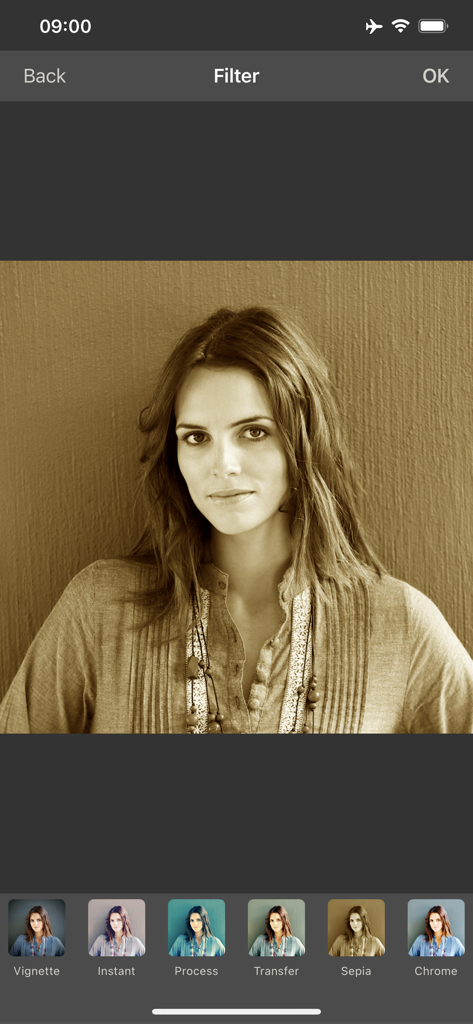
A woman's portrait in the Round Photo app with a sepia filter applied and a list of filter options at the bottom.
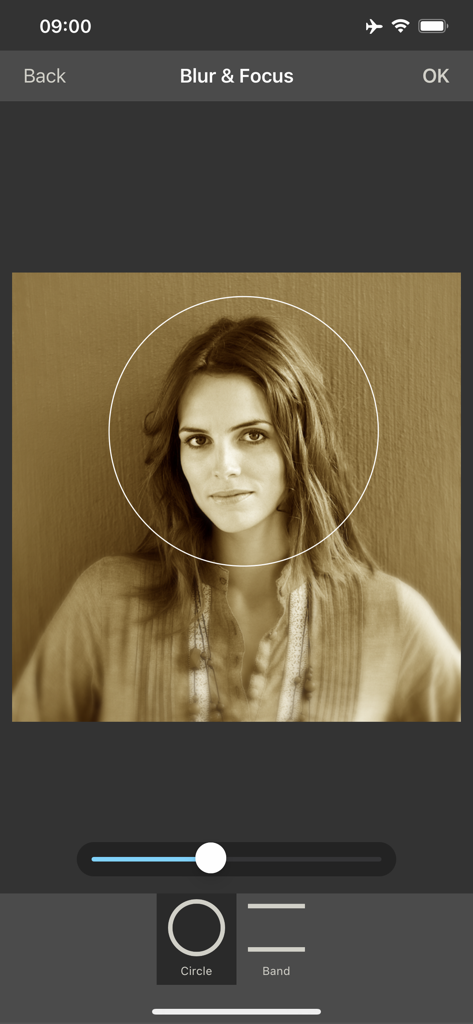
Circular portrait editing with blur and focus tools
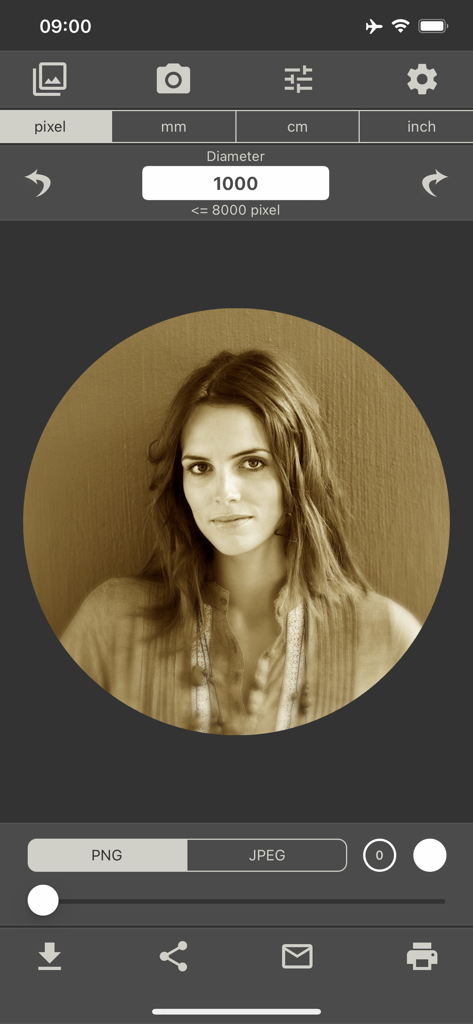
Circular sepia portrait of a woman in the Round Photo app with editing tools and diameter settings
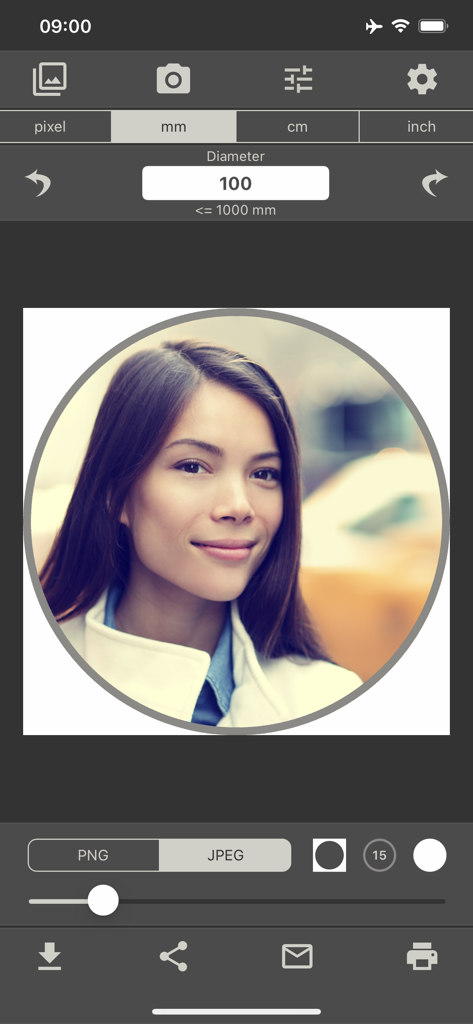
Round Photo app interface showing a circular portrait crop with diameter settings in millimeters
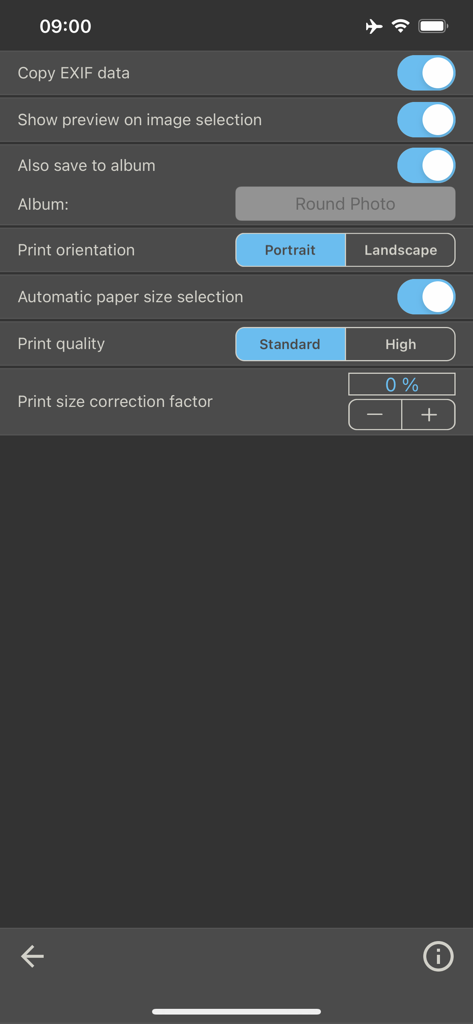
Settings screen of the Round Photo app showing options for EXIF data, album saving, print orientation, and print quality.
Description
Download
More Like This
Top-ranked apps in the same category

CapCut: Photo & Video Editor
BYTEDANCE PTE. LTD.

Instagram, Inc.

YouTube
Google LLC

Canva: AI Photo & Video Editor
Canva Pty Ltd

快手
Beijing Kwai Technology Co., Ltd.

Snapchat
Snap, Inc.

Edits: Video Editor
Instagram, Inc.

Google Photos: Backup & Edit
Google LLC

Meta AI - Vibes & AI Glasses
Meta Platforms, Inc.
This page is not an official page of the app or its developer, but an independent editorial publication created for informational and commentary purposes. Unless expressly stated otherwise, neither the app nor its developer is affiliated with, endorsed by, sponsored by, authorized by, or otherwise officially connected with MWM, Apple, Google Play, the app publisher, or the app's developer, and nothing on this page implies that the app was developed using MWM's services. Any trademarks, logos, screenshots, and other content remain the property of their respective owners.