
This page is not an official page of the app or its developer, but an independent editorial publication created for informational and commentary purposes. Unless expressly stated otherwise, neither the app nor its developer is affiliated with, endorsed by, sponsored by, authorized by, or otherwise officially connected with MWM, Apple, Google Play, the app publisher, or the app's developer, and nothing on this page implies that the app was developed using MWM's services. Any trademarks, logos, screenshots, and other content remain the property of their respective owners.

Ruler AR - Tape Measure Camera
Stop hunting for your physical tape measure. Transform your iPhone into a precision tool to measure length, height, and area instantly with AR technology—perfect for DIY projects, furniture shopping, and home renovations.
Downloads
774K+User Rating
Total Ratings
1K+Publisher
Category
UtilitiesLocales
20Latest Version
4.2Size
25.9 MBFirst Released
Oct 31, 2017A Complete Digital Toolbox in Your Pocket
Harness the power of Augmented Reality to plan, renovate, and decorate with precision. Skip the junk drawer search and measure everything from floor to ceiling with your iPhone.
Instant AR Measurements
Point your camera to measure length, height, and area in seconds. Perfect for sizing up furniture or calculating floor space without needing a second pair of hands.
Pro-Grade Bubble Level
Ensure every picture frame and shelf is perfectly straight. The integrated level tool provides vertical and horizontal precision for a professional finish on every DIY project.
Frequently Asked Questions
Everything you need to know about Ruler AR - Tape Measure Camera
What is Ruler AR - Tape Measure Camera?
Ruler AR is an iPhone app that uses Apple ARKit and augmented reality to measure length, height, distance, area, and angles with your phone's camera. It functions as a digital tape measure.
How does Ruler AR measure objects?
Users move their phone to detect surroundings, place an aiming mark at the start, tap, move to the endpoint, and tap again. The app calculates the distance using AR technology.
Can Ruler AR measure height with the camera?
Yes, Ruler AR includes a dedicated Height Measure feature. It allows users to accurately measure the height of objects or people directly using their iPhone camera.
What units of measurement does Ruler AR support?
Ruler AR supports measurements in inches, meters, and centimeters. Users can select their preferred unit for various measurements including length, height, and area.
Is there a subscription for Ruler AR - Tape Measure Camera?
Yes, Ruler AR offers a Premium Membership Weekly subscription. This provides premium functionality and removes ads within the application.
How much does the Premium Membership Weekly for Ruler AR cost?
The Premium Membership Weekly for Ruler AR costs $2.99 per week for US customers. Pricing may vary in other countries based on local currency conversions.
How do I cancel my Ruler AR subscription?
Users can turn off auto-renewal for their Ruler AR subscription at any time through their iTunes account settings. Cancellation takes effect after the current subscription period ends.
Does Ruler AR have a free trial?
Yes, Ruler AR offers a free trial period. This trial automatically converts to a paid subscription unless canceled at least 24-hours before its expiration.
Can Ruler AR measure angles?
Yes, Ruler AR can measure angles using its augmented reality technology. The app provides tools to accurately determine angular dimensions of objects or spaces.
What is Touch Mode in Ruler AR for?
Touch Mode in Ruler AR provides extra precise measurements. Users place their iPhone next to the starting point, tap, move to the end point, and tap again to measure.
Can Ruler AR save measurement results?
Yes, Ruler AR allows users to save their measurement results. The app offers a "Save to Camera Roll in a single tap" feature for convenience.
The following screenshots and description are sourced directly from the app's official store listing and are the property of the app developer.
App Store
Screenshots
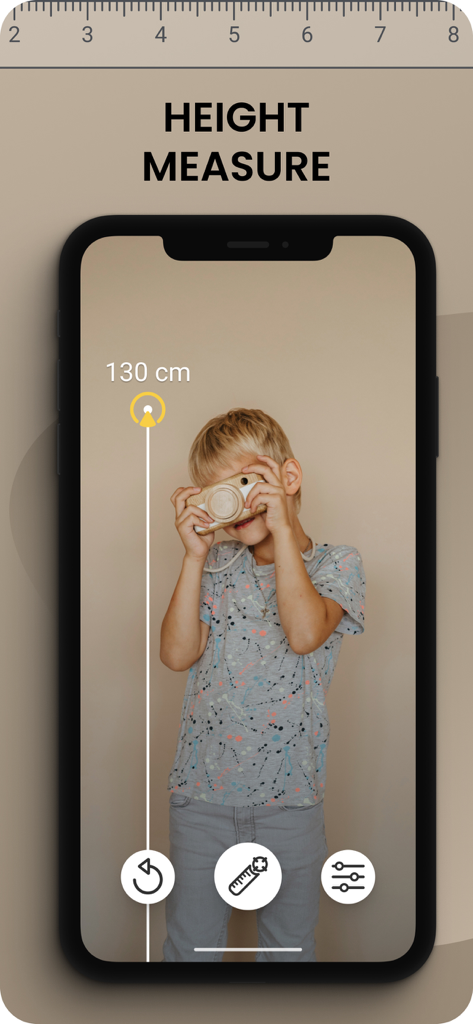
Ruler AR app interface showing a virtual measurement of a childs height on an iPhone screen
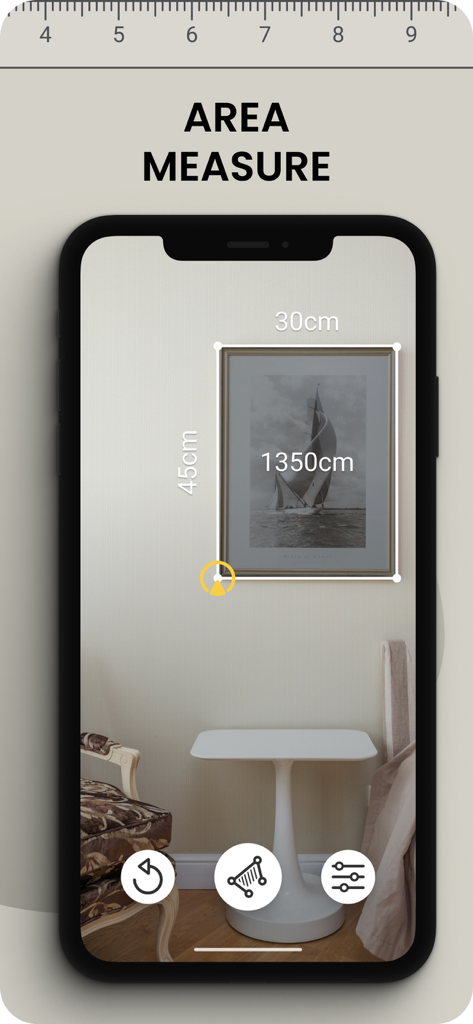
AR ruler app measuring a picture frame on a wall
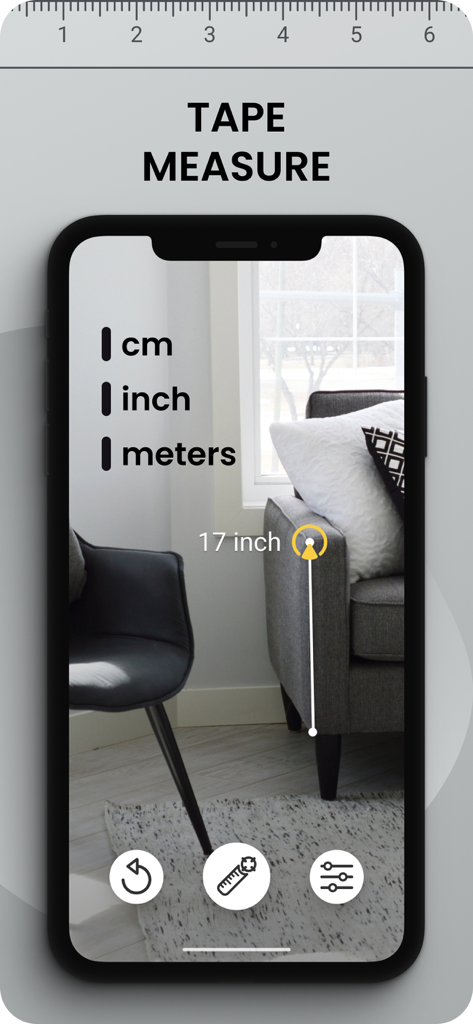
AR tape measure app measuring a sofa height in inches
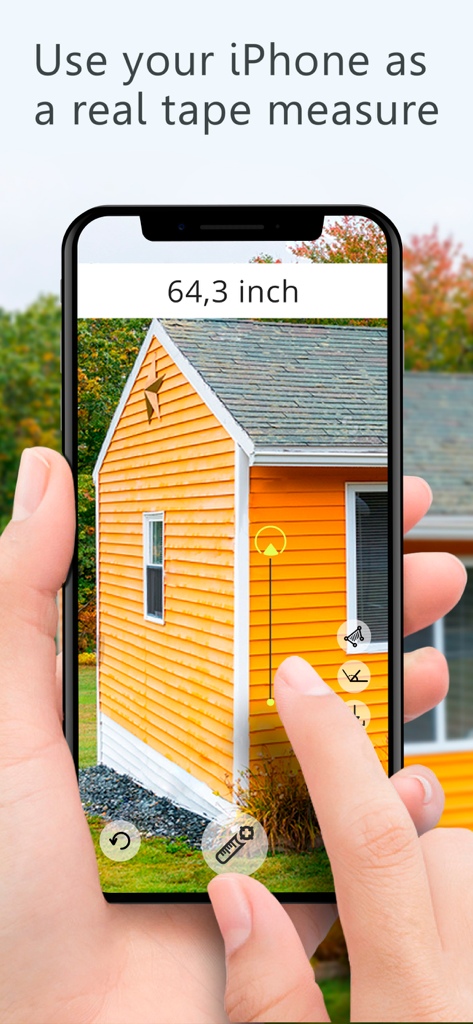
Person using an iPhone with Ruler AR app to measure the exterior height of an orange building
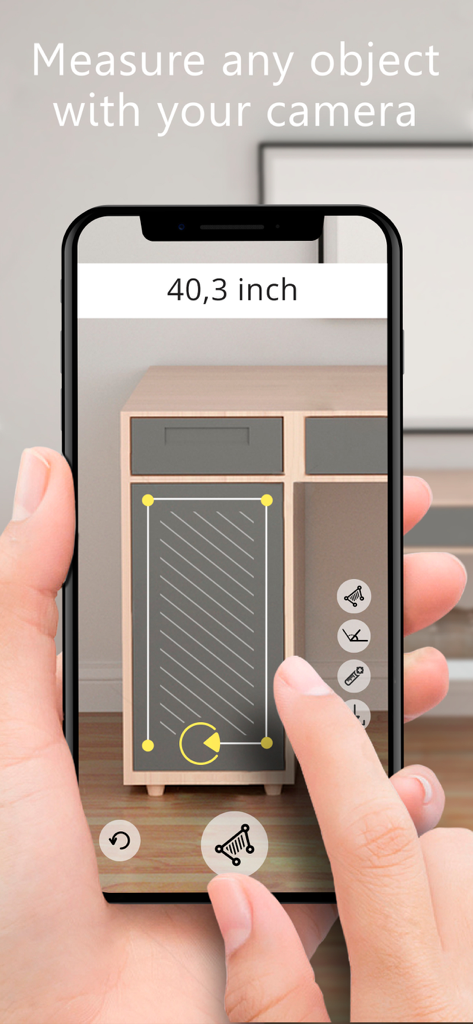
Using the Ruler AR app to measure the dimensions of a cabinet drawer
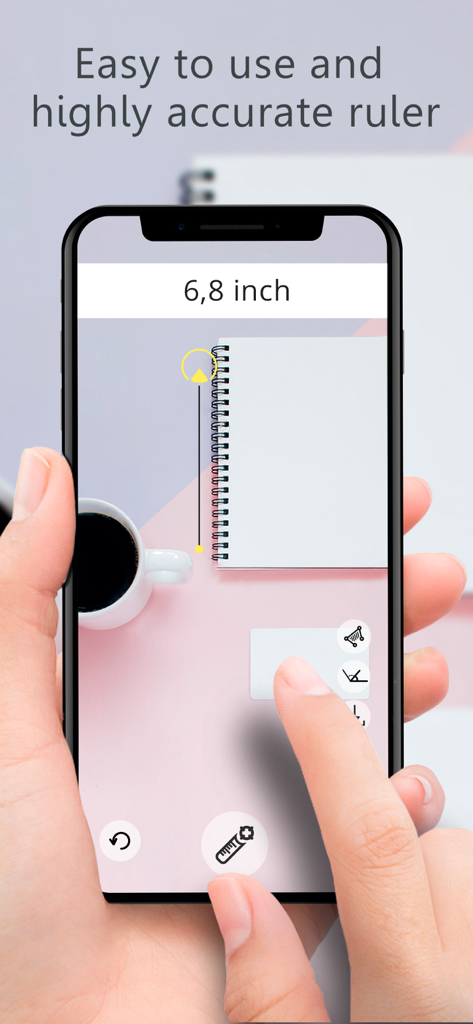
A hand holding a smartphone using the Ruler AR app to measure a notebook on a desk
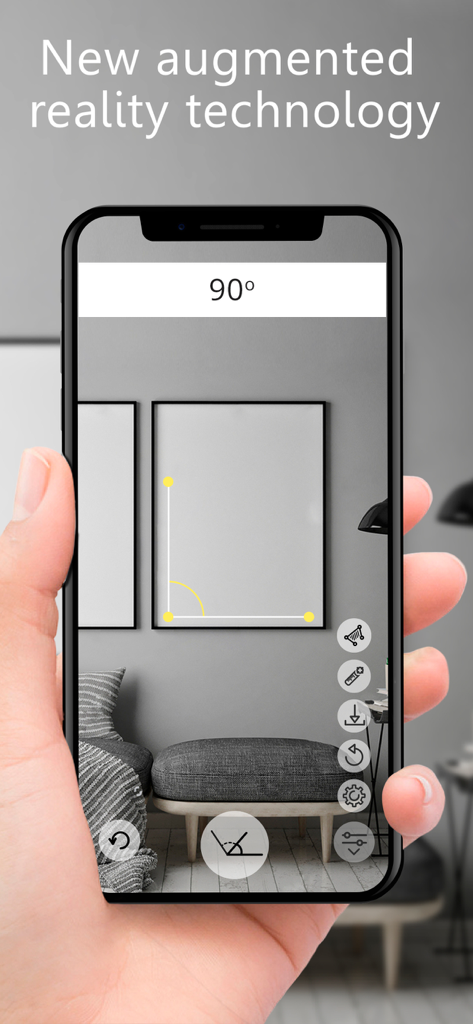
A person using the Ruler AR app on an iPhone to measure a 90 degree angle on a picture frame hanging on a wall.
Description
Download
More Like This
Apps with similar features and user experience

Pocket Bubble Level XXL
ExaMobile S.A.

Measuring Tape +ㅤ
Rocket Apps GmbH

CamToPlan - 3D Scanner & LiDAR
Tasmanic Editions

Tape Measure: AR Ruler
Veysel OTI

Home Planner - AI Room Design
Room Planner Ltd

Polycam 3D Scanner, LiDAR, 360
Polycam Inc.

Measuring Tape+ Measure AR app
MEASURE TECH SOCIEDAD LIMITADA

Tape Measure®
AI Photo Editor Lab SRL

Bubble Level for iPhone
Lemondo Apps LLC
This page is not an official page of the app or its developer, but an independent editorial publication created for informational and commentary purposes. Unless expressly stated otherwise, neither the app nor its developer is affiliated with, endorsed by, sponsored by, authorized by, or otherwise officially connected with MWM, Apple, Google Play, the app publisher, or the app's developer, and nothing on this page implies that the app was developed using MWM's services. Any trademarks, logos, screenshots, and other content remain the property of their respective owners.