SBI Quick
SBI Quick
Download on App Store

This page is not an official page of the app or its developer, but an independent editorial publication created for informational and commentary purposes. Unless expressly stated otherwise, neither the app nor its developer is affiliated with, endorsed by, sponsored by, authorized by, or otherwise officially connected with MWM, Apple, Google Play, the app publisher, or the app's developer, and nothing on this page implies that the app was developed using MWM's services. Any trademarks, logos, screenshots, and other content remain the property of their respective owners.

Logo of SBI Quick
Download on App Store

SBI Quick

Manage your Indian accounts from the USA with just a missed call or SMS. Check your balance, get mini-statements, and secure your ATM cards instantly—no passwords, data connection, or OTP hurdles required.

Key Figures

Downloads

1M+

User Rating

3.1/5

Total Ratings

600

Publisher

State Bank of India

Category

Finance

Locales

15

Latest Version

8.4.0

Size

85.7 MB

First Released

Jul 15, 2015
Features

Seamless Indian Banking from the USA

SBI Quick brings the simplicity of 'Missed Call Banking' to the Indian diaspora, allowing you to monitor your accounts and secure your cards without the hassle of passwords, OTPs, or high-speed data.

Zero-Login Convenience

Skip the frustration of receiving OTPs on roaming. Check your balance or mini-statement instantly with a simple missed call or SMS from your US-registered mobile number.

Instant Remote Security

Maintain total control of your Indian debit cards from abroad. Block lost cards or toggle international usage ON/OFF instantly to protect your assets against fraud.

The following screenshots and description are sourced directly from the app's official store listing and are the property of the app developer.

App Store

Screenshots

SBI Quick - SBI Quick app splash screen featuring the logo and icons for banking services like missed calls and SMS
SBI Quick app splash screen featuring the logo and icons for banking services like missed calls and SMS

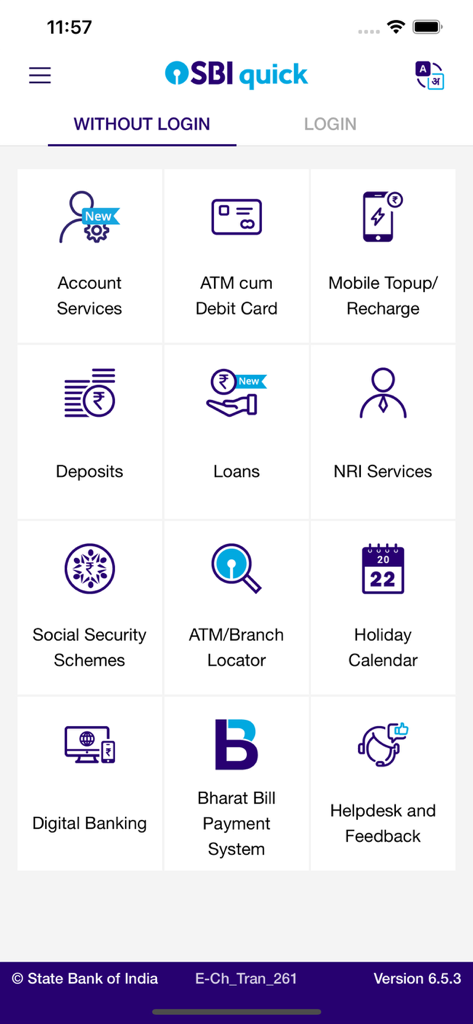
SBI Quick - SBI Quick app main menu showing various banking services available without login like Account Services NRI Services and ATM Card Management
SBI Quick app main menu showing various banking services available without login like Account Services NRI Services and ATM Card Management

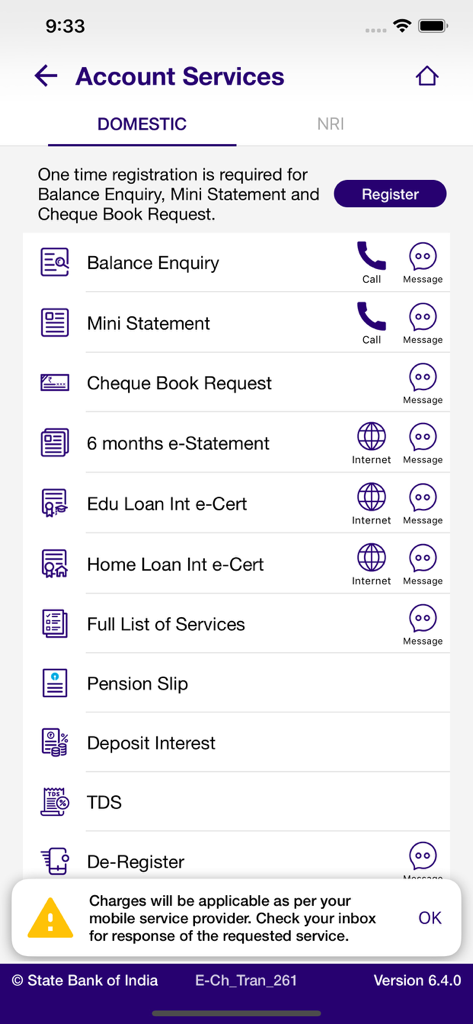
SBI Quick - SBI Quick app interface showing domestic account services for balance enquiry and mini statement via missed call or SMS.
SBI Quick app interface showing domestic account services for balance enquiry and mini statement via missed call or SMS.

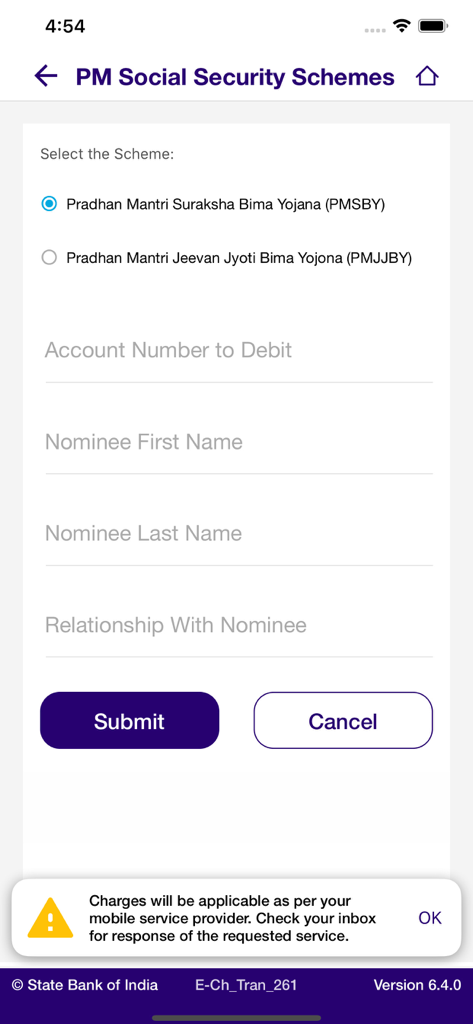
SBI Quick - Screen showing the PM Social Security Schemes enrollment form in the SBI Quick app.
Screen showing the PM Social Security Schemes enrollment form in the SBI Quick app.

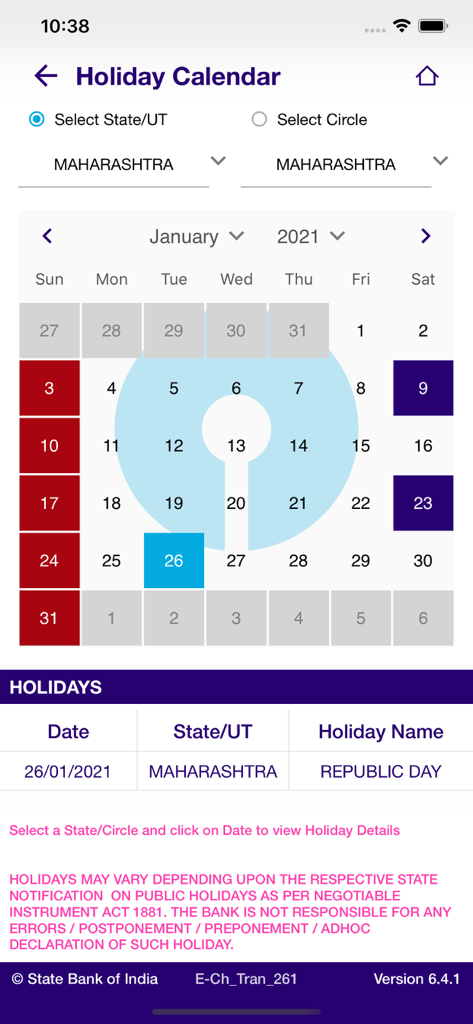
SBI Quick - A screenshot of the SBI Quick mobile app showing the bank holiday calendar for Maharashtra
A screenshot of the SBI Quick mobile app showing the bank holiday calendar for Maharashtra

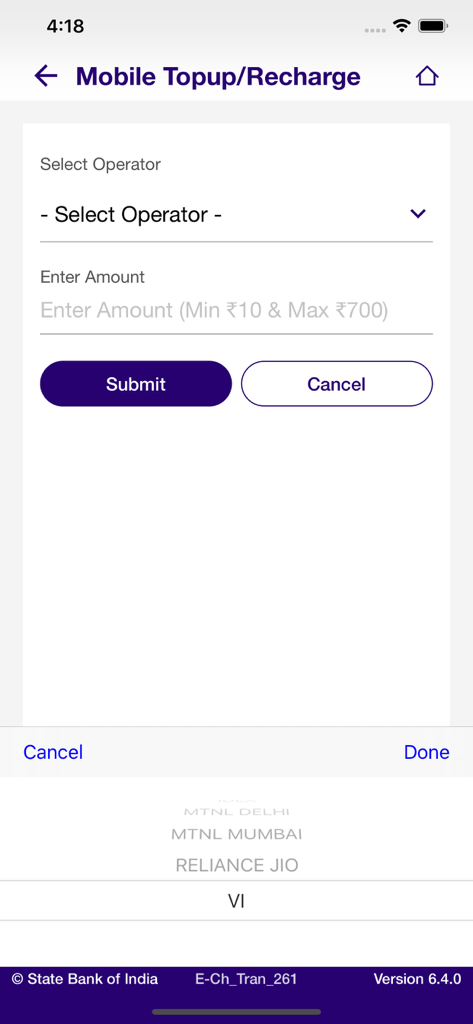
SBI Quick - SBI Quick app mobile topup and recharge interface showing selection for Indian mobile operators
SBI Quick app mobile topup and recharge interface showing selection for Indian mobile operators

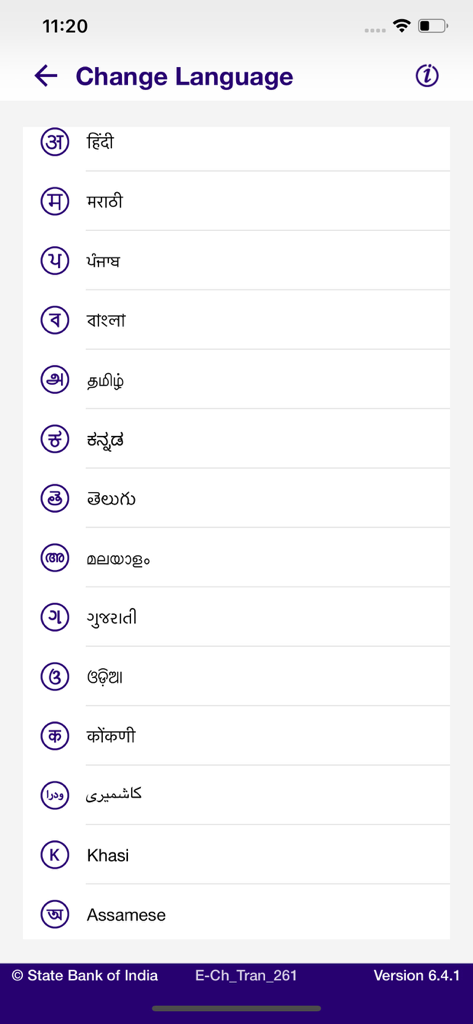
SBI Quick - A list of regional Indian languages available for selection in the SBI Quick mobile banking app
A list of regional Indian languages available for selection in the SBI Quick mobile banking app

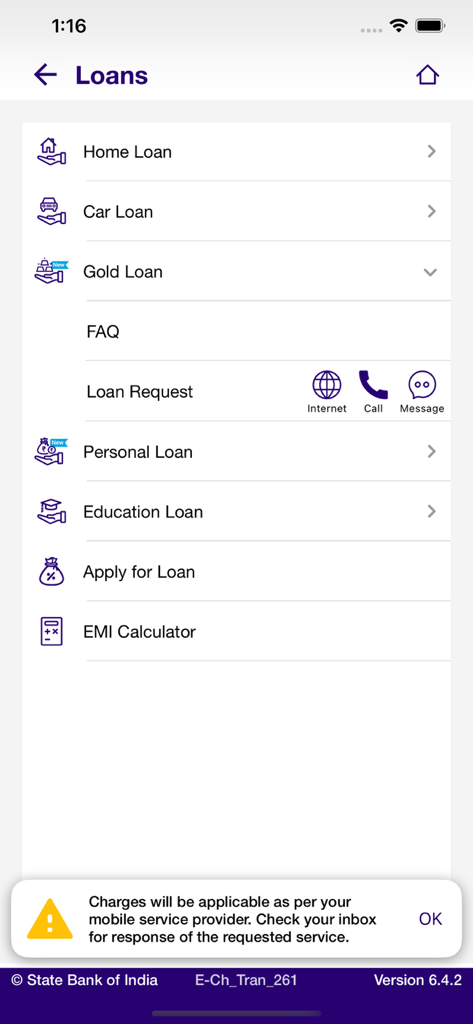
SBI Quick - A screen from the SBI Quick app showing various loan options including home, car, gold, and education loans.
A screen from the SBI Quick app showing various loan options including home, car, gold, and education loans.

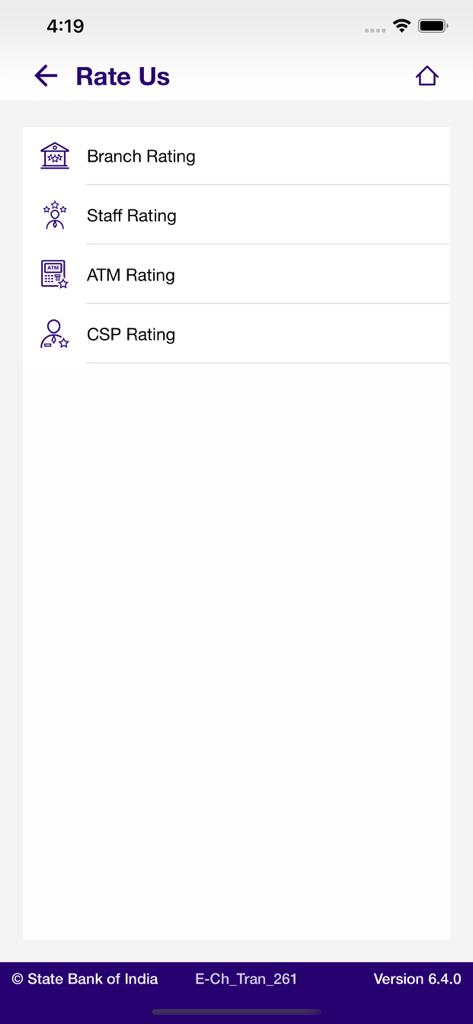
SBI Quick - SBI Quick app Rate Us screen showing branch staff ATM and CSP rating options

SBI Quick app Rate Us screen showing branch staff ATM and CSP rating options

Description

SBI Quick – MISSED CALL BANKING is an app from SBI which provides Banking services by giving a Missed Call or sending an SMS with pre-defined keywords to pre-defined mobile numbers. This service can only be activated for the mobile number that is registered for a particular account with the Bank. SBI Quick Services include: Account Services: 1. Balance Enquiry 2. Mini Statement 3. Cheque book request 4. 6 month's e-Statement of A/c 5. Education Loan Interest e-Certificate 6. Home Loan Interest e-Certificate ATM Card Management 1. Blocking of ATM Card 2. ATM Card Usage (International / Domestic) ON/OFF 3. ATM Card Channel (ATM/POS/eCommerce) ON/OFF 4. Generate Green PIN for ATM -cum-Debit card Mobile Top-up / Recharge - Mobile topup/recharge can be done for your mobile number registered with Bank (MOBRC "first 3 letters of Telco Operator name" denomination) - Send the activation code received on mobile handset immediately to successfully complete the process Prime Minister Social Security Schemes - Subscription to PM’s Social Security Schemes (PMJJBY & PMSBY) SBI Holiday Calendar ATM-Branch Locator (SBI Finder - Now find address and location of SBI Branches, ATMs, Cash Deposit Machines and CSP (Customer service point)) Rate Us – Rate us in PlayStore FAQs What If I have two account numbers with the Bank with the same mobile number mentioned on both? You can register 1 mobile number for any one of the accounts. If you want to change the mapped account number, you first need to de-register SBI Quick from the first account and then register for the second one. Is it mandatory that the mobile number to be used for SBI Quick has to be registered with the Bank for that particular account? Yes. If not done, visit Home Branch and update mobile number. Is it available for all types of Accounts? SBI Quick is currently available for SB/CA/OD/CC accounts. How is this facility different from Yono Lite or Yono? 1. You don’t need a Login ID, Password to use this facility. Just one time registration from the mobile number recorded with Bank for that particular Account. 2. SBI Quick only provides Enquiry and ATM Block services. Unlike State Bank Anywhere or State Bank Freedom there are no transaction services available. Is there any limit of the number of enquiries that can be made in a day/month? As of now there is no such restriction. Unlimited. What are the Charges for this service? 1. The service is currently free of charge from the Bank. 2. A call for balance inquiry or mini statement will include an IVR message of 4 seconds which will be heard after 3-4 rings. a. If you disconnect the call while ringing, no charge will be recovered from you by the service provider. b. If you keep the call active till the IVR is played, you will be charged for these 3-4 seconds as per their mobile tariff plan. 3. Any SMS sent to 567676 e.g. for Blocking ATM Card will be charged at premium rates by your service provider. 4. Similarly, for availing the benefits of this functionality by sending an SMS (as BAL, MSTMT, REG, DREG, CAR, HOME, HELP), you will be charged for SMS as per their mobile tariff plan. FAQs of ATM-Branch Locator (SBI Finder) Now find address and location of SBI Branches, ATMs, Cash Deposit Machines and CSP (Customer service point) through SBI Quick. User can navigate based on the set location, selected Category and radius. A user can set either his or her current location as captured through GPS or He/She can set location manually. User can also find the directions to reach SBI Branches, ATM, Cash Deposit Machine and CSP (Customer service point) through this app. Categories: 1. ATM 2. CDM (Cash Deposit Machine) 3. Recyclers (Both Cash Deposit and dispensing point) 4. Branch 5. Cash@CSP Result of any search is available in two views: 1. Map View 2. List View

Download

Download on App Store
Recommendations

More Like This

Apps with similar features and user experience
This page is not an official page of the app or its developer, but an independent editorial publication created for informational and commentary purposes. Unless expressly stated otherwise, neither the app nor its developer is affiliated with, endorsed by, sponsored by, authorized by, or otherwise officially connected with MWM, Apple, Google Play, the app publisher, or the app's developer, and nothing on this page implies that the app was developed using MWM's services. Any trademarks, logos, screenshots, and other content remain the property of their respective owners.