
This page is not an official page of the app or its developer, but an independent editorial publication created for informational and commentary purposes. Unless expressly stated otherwise, neither the app nor its developer is affiliated with, endorsed by, sponsored by, authorized by, or otherwise officially connected with MWM, Apple, Google Play, the app publisher, or the app's developer, and nothing on this page implies that the app was developed using MWM's services. Any trademarks, logos, screenshots, and other content remain the property of their respective owners.


ScanBizCards
The premium business card and badge scanner for high-velocity professionals. Capture leads with 100% accuracy and sync them directly to Salesforce, HubSpot, and Outlook.
Downloads
404K+User Rating
Total Ratings
23K+Publisher
Category
BusinessLocales
5Latest Version
9.10.2Size
174.2 MBFirst Released
Oct 28, 2009From Handshake to Salesforce in Seconds
Stop losing leads to manual data entry. ScanBizCards bridges the gap between physical networking and your digital CRM, ensuring no connection ever goes cold.
Instant CRM Integration
Export your new contacts directly to Salesforce, HubSpot, or Outlook. Automate your follow-up workflow and keep your pipeline moving without lifting a finger.
Human-Verified Accuracy
Tired of OCR typos? For high-stakes leads, use our human transcription service to ensure 100% data accuracy for even the most complex business card designs.
The following screenshots and description are sourced directly from the app's official store listing and are the property of the app developer.
App Store
Screenshots
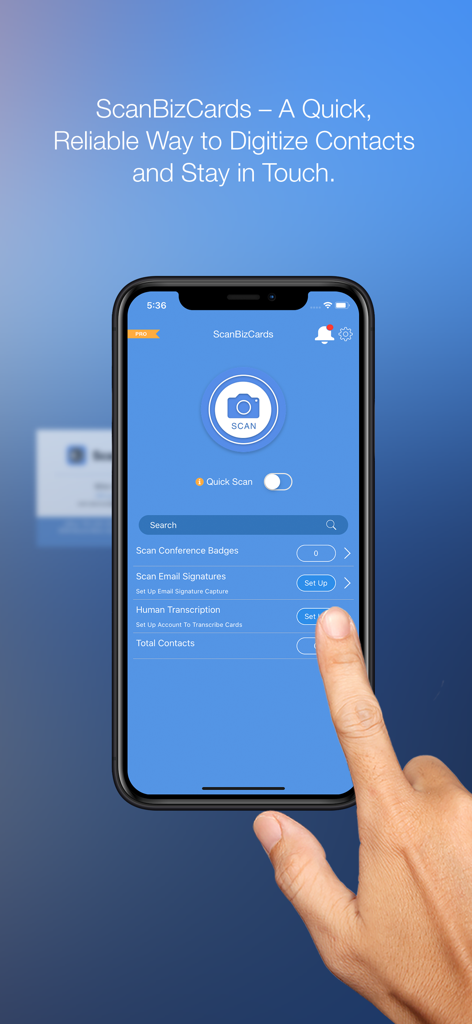
ScanBizCards mobile app interface showing options to scan business cards, conference badges, and human transcription.
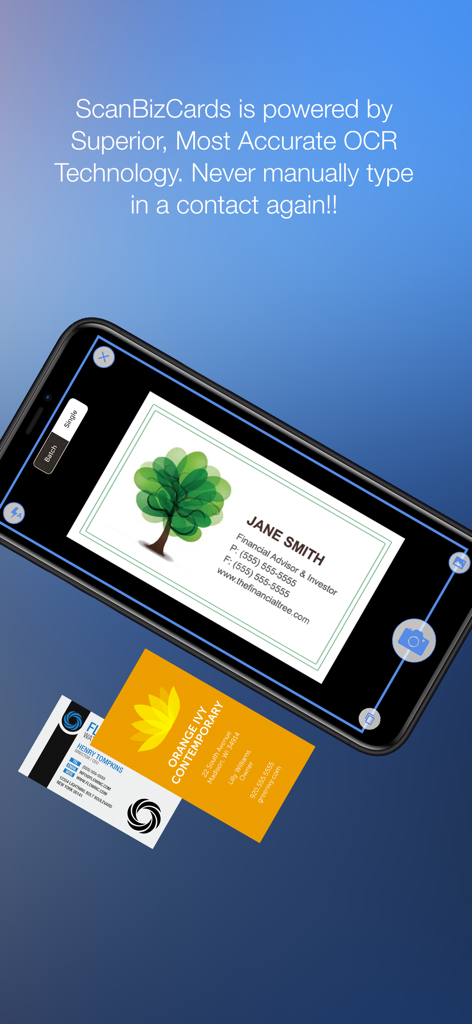
Smartphone screen showing the ScanBizCards app scanning a business card with OCR technology
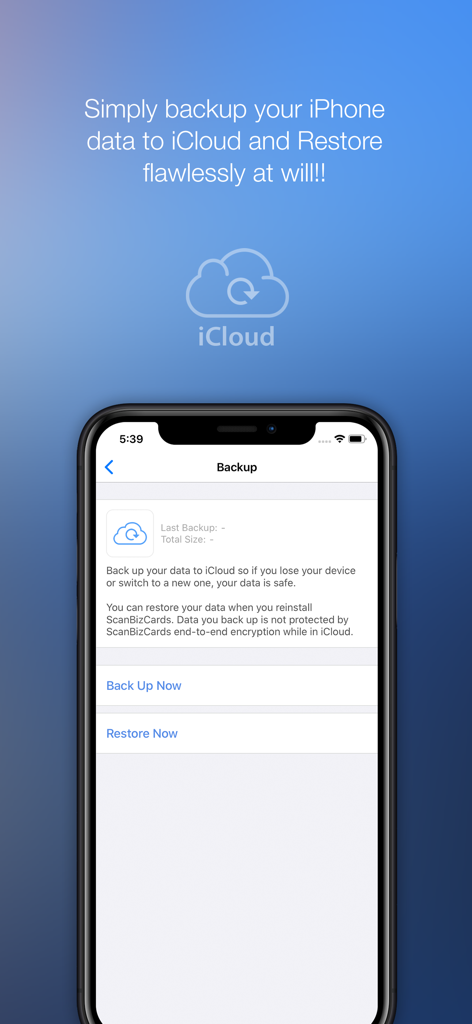
ScanBizCards app screen showing iCloud backup and restore options
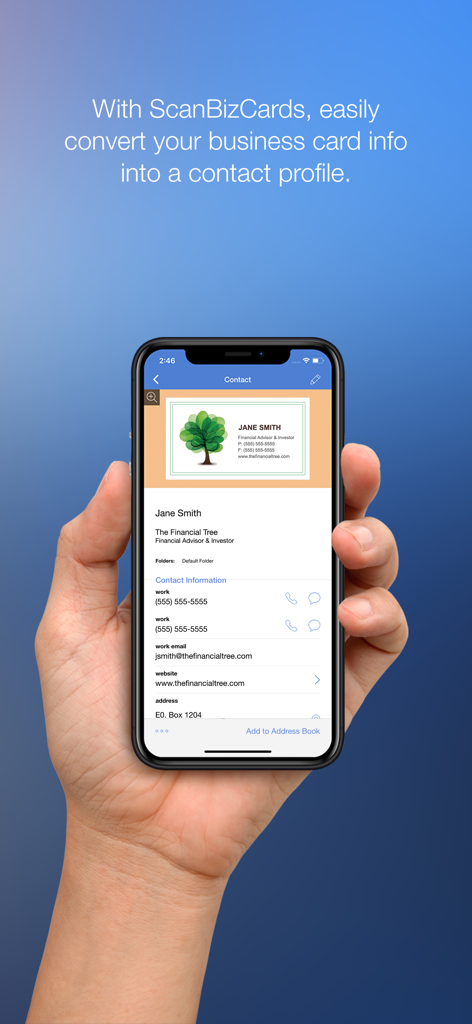
A hand holding a smartphone showing a physical business card converted into a digital contact profile within the ScanBizCards app
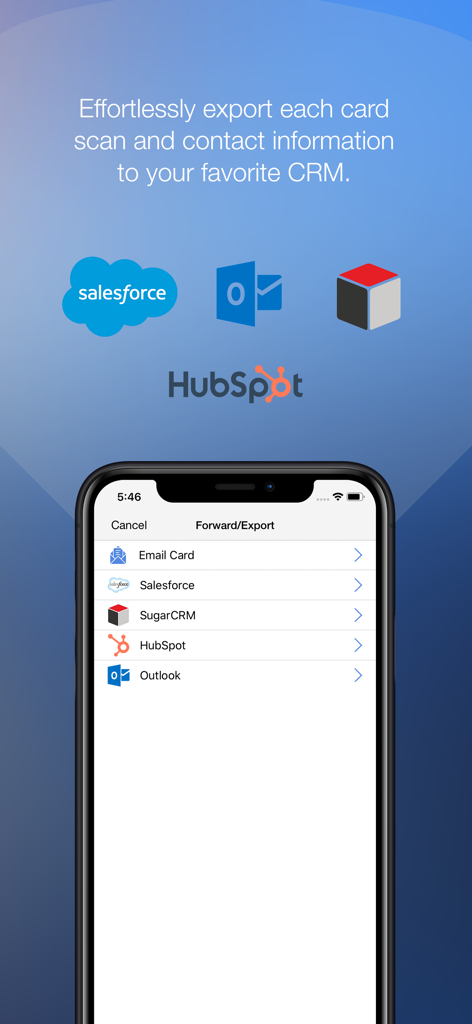
ScanBizCards app showing export options to Salesforce, HubSpot, and Outlook for business card contacts.
Description
Download
More Like This
Apps with similar features and user experience

Blinq: Digital Business Card
Blinq Technologies Pty Ltd

HiHello: Digital Business Card
HiHello, Inc.

Popl: AI Lead Capture
Popl Co

CamCard AI Business Assistant
INTSIG Information Co., Ltd

Evernote Scannable
Evernote Corporation

Business Card Scanner by Covve
Covve Visual Network Limited

bCard: Digital Business Card
Oleksandr Solodkyi

BizConnect Card Scanner
ATMAS SOFTWARES PRIVATE LIMITED

DBC: Digital Business Card
IT FOR TOMORROW LTD
This page is not an official page of the app or its developer, but an independent editorial publication created for informational and commentary purposes. Unless expressly stated otherwise, neither the app nor its developer is affiliated with, endorsed by, sponsored by, authorized by, or otherwise officially connected with MWM, Apple, Google Play, the app publisher, or the app's developer, and nothing on this page implies that the app was developed using MWM's services. Any trademarks, logos, screenshots, and other content remain the property of their respective owners.