
This page is not an official page of the app or its developer, but an independent editorial publication created for informational and commentary purposes. Unless expressly stated otherwise, neither the app nor its developer is affiliated with, endorsed by, sponsored by, authorized by, or otherwise officially connected with MWM, Apple, Google Play, the app publisher, or the app's developer, and nothing on this page implies that the app was developed using MWM's services. Any trademarks, logos, screenshots, and other content remain the property of their respective owners.
scanbust 3D
The high-precision mobile scanner for makers and cosplayers. Capture replacement parts or custom props with guided scanning and export accurate, scale-ready STL files for your 3D printer instantly.
Downloads
100+User Rating
Total Ratings
0Publisher
Category
Graphics & DesignLocales
1Latest Version
1.4.5Size
27.4 MBFirst Released
Jan 6, 2026From Real World to 3D Print Ready
Transform your mobile device into a professional-grade 3D scanner. Purpose-built for makers, cosplayers, and engineers who demand precision and a seamless slicer-ready workflow.
Guided High-Detail Capture
Our interactive coaching system guides your every move to ensure complete geometry and professional-grade detail, even for complex props and mechanical parts.
Slicer-Ready Export Workflow
Skip the CAD headache. Export clean STL or OBJ files with customizable units (mm, cm, in) designed specifically for your 3D printing slicer.
The following screenshots and description are sourced directly from the app's official store listing and are the property of the app developer.
App Store
Screenshots
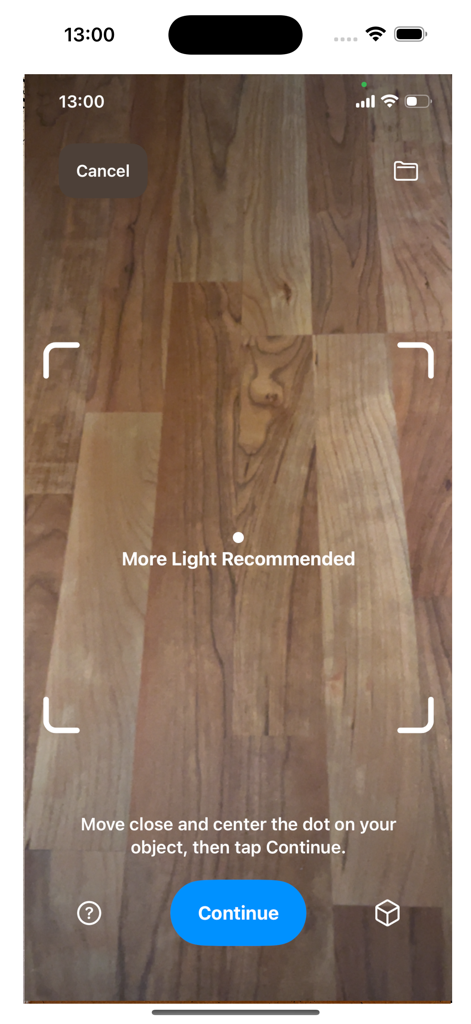
ScanBust 3D app guided capture screen showing camera view with lighting recommendation
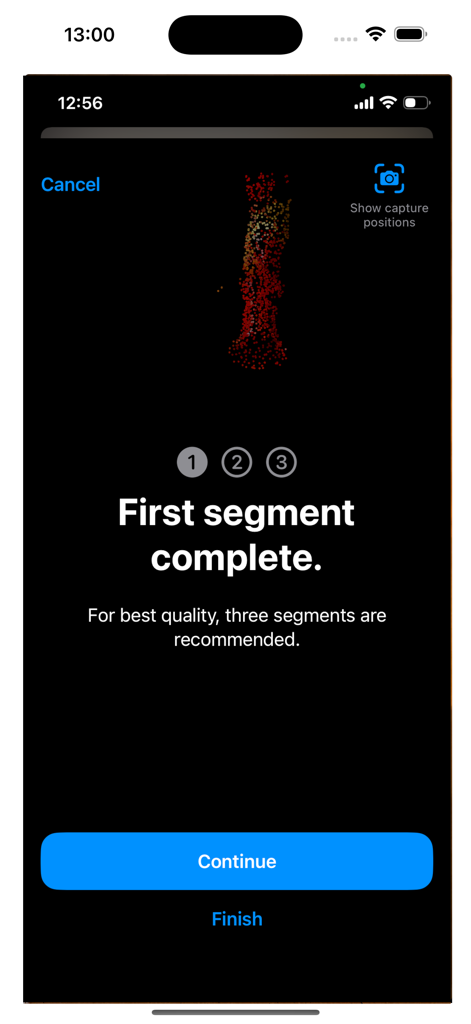
Interface of the scanbust 3D app showing the completion of the first scanning segment with a point cloud preview
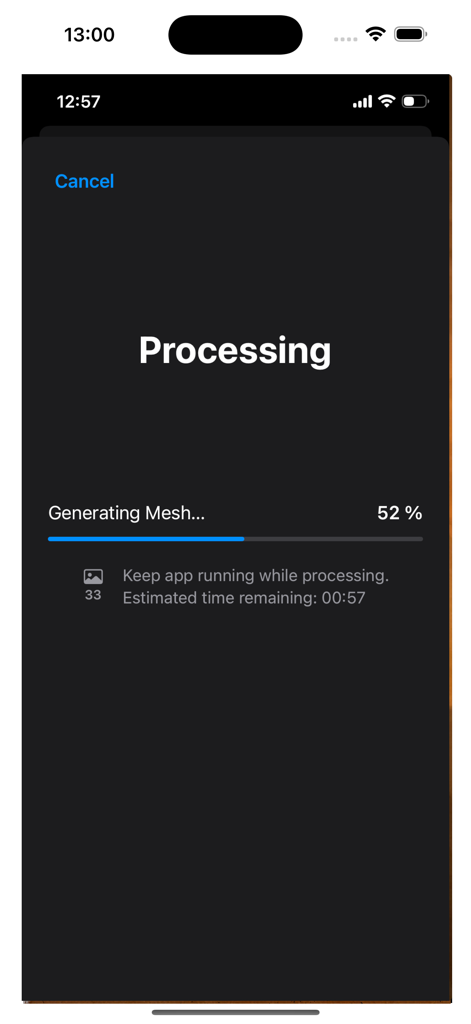
scanbust 3D app interface showing the mesh generation processing screen with a progress bar and estimated time
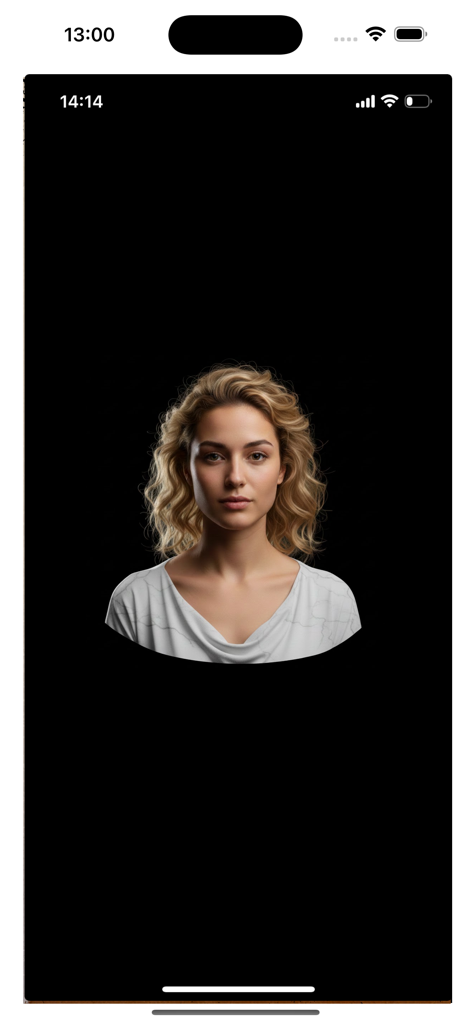
A high-detail 3D bust scan of a woman displayed on a black background within the scanbust 3D app.
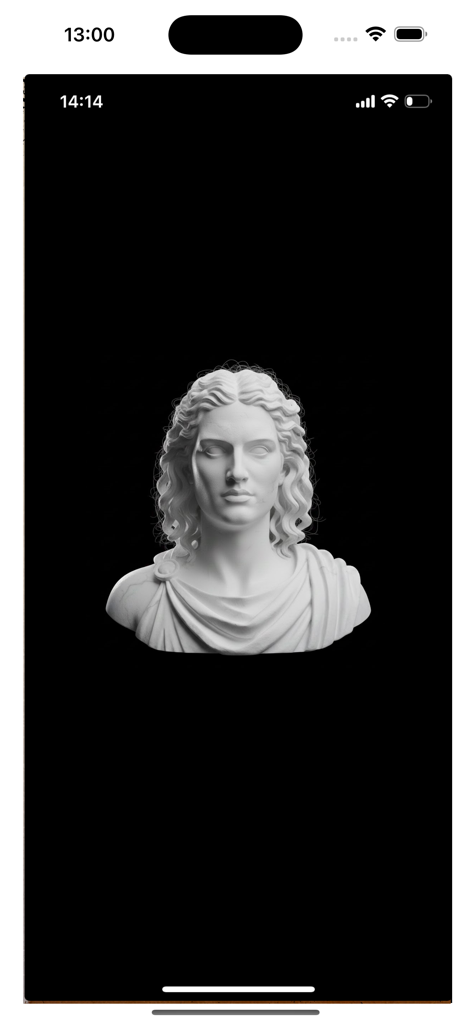
A detailed 3D scan of a classical bust statue displayed in the scanbust 3D mobile app
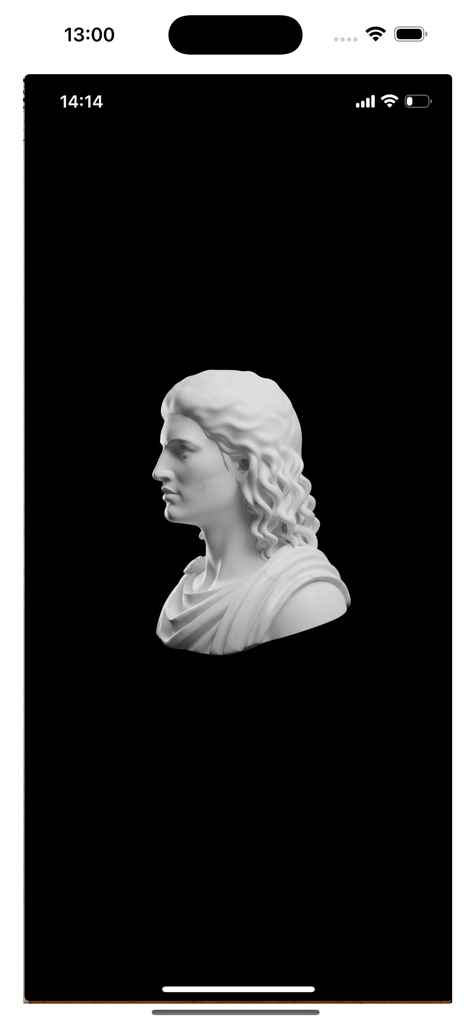
A 3D scanned model of a classical bust shown on a mobile screen
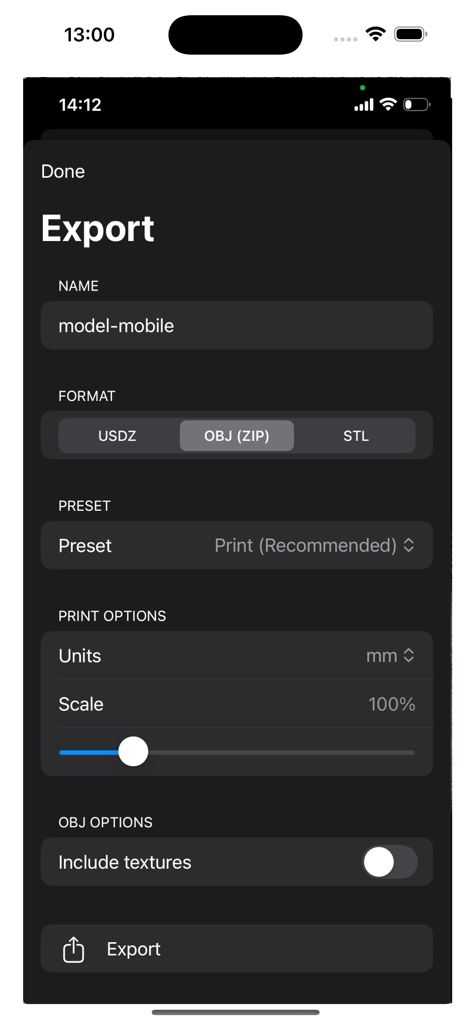
ScanBust 3D app export screen with options for file formats like STL and OBJ plus scale and unit settings
Description
Download
More Like This
Top-ranked apps in the same category

iScreen - Widgets & Wallpaper
Xiamen ShenZhuo Information Technology Co., Ltd.

Kling AI: AI Image&Video Maker
LOHAS GAMES PTE. LTD.

Home AI - AI Interior Design
HUBX YAZILIM HIZMETLERI ANONIM SIRKETI

ibis Paint X
ibis inc.

AR Drawing: Sketch & Paint
Digital Solutions Technologies Limited

Adobe Express: Create Anything
Adobe Inc.

Layout - Photo Collage Maker
Fitness Labs SRL

Themify - Widget & Icon Themes
AIBY Incorporated

Sketchbook®
Sketchbook, Inc.
This page is not an official page of the app or its developer, but an independent editorial publication created for informational and commentary purposes. Unless expressly stated otherwise, neither the app nor its developer is affiliated with, endorsed by, sponsored by, authorized by, or otherwise officially connected with MWM, Apple, Google Play, the app publisher, or the app's developer, and nothing on this page implies that the app was developed using MWM's services. Any trademarks, logos, screenshots, and other content remain the property of their respective owners.