ScanKey - QR OCR NFC Keyboard

ScanKey - QR OCR NFC Keyboard


Download on App Store
Logo of ScanKey - QR OCR NFC Keyboard

ScanKey - Scan Barcodes, OCR, and NFC Directly into Any App

Eliminate manual data entry and costly typos. Turn your iOS keyboard into a professional-grade scanner to input IDs, serial numbers, and tags instantly into your mobile workflow.

Download on App Store

Publisher

Matthias Herbrich

Category

Productivity

Downloads

0

User Rating

4.3/5

Total Ratings

0

Locales

2

Precision at Your Fingertips

Discover the interface used by 0 users.
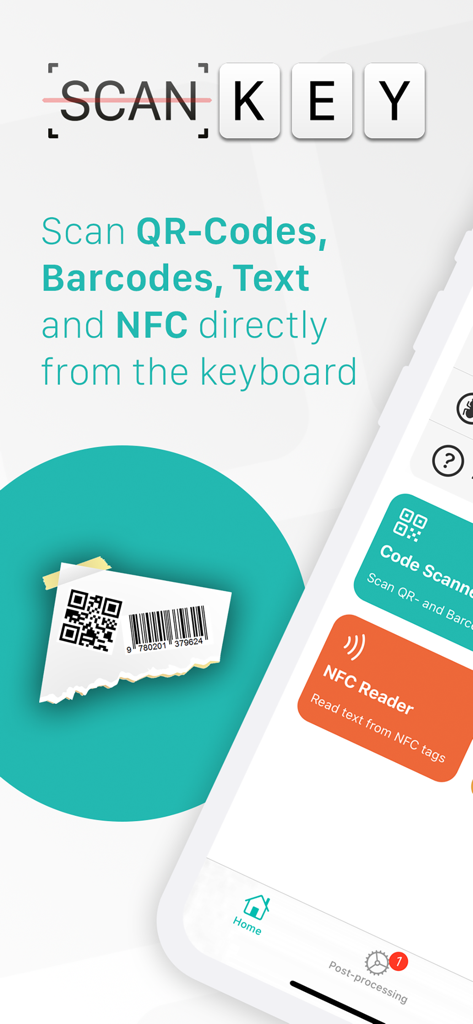
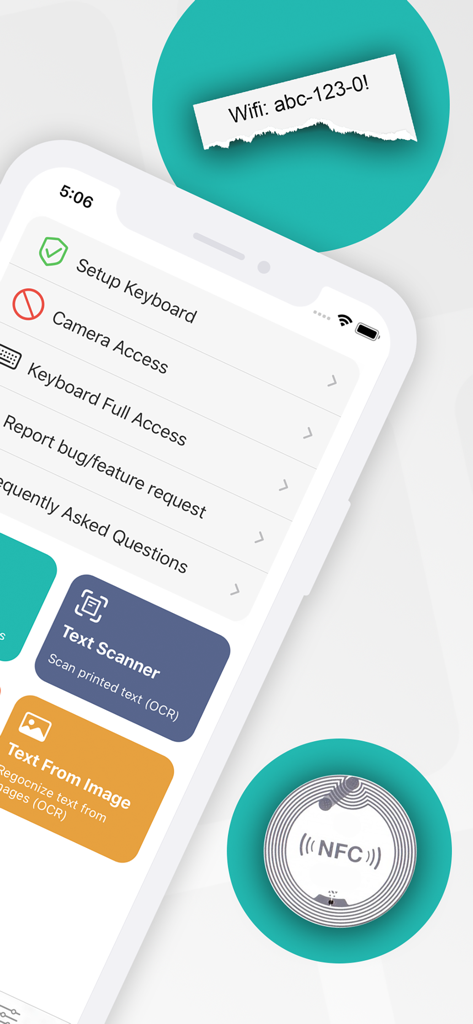
ScanKey app interface showing QR, barcode, and NFC scanning directly from the mobile keyboard.

ScanKey app interface showing QR, barcode, and NFC scanning directly from the mobile keyboard.

The setup screen of the ScanKey app displaying OCR and NFC scanner options

The setup screen of the ScanKey app displaying OCR and NFC scanner options

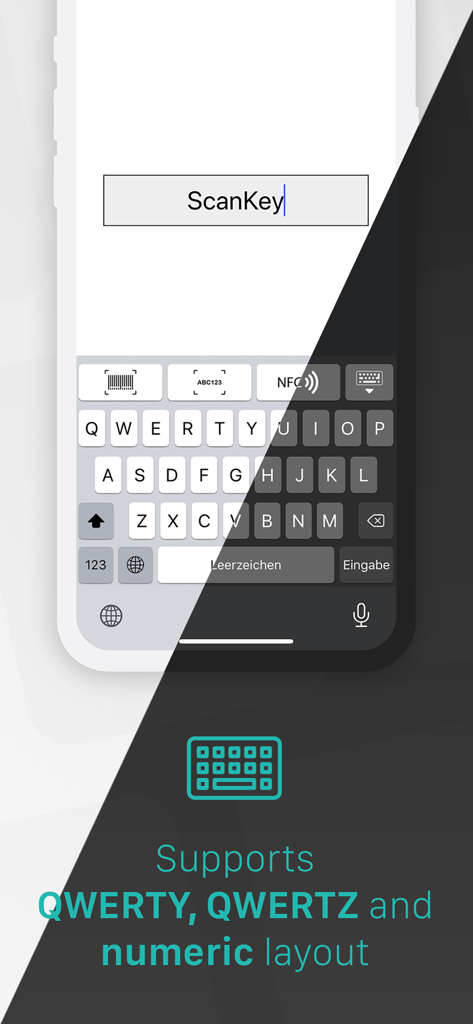
ScanKey custom keyboard showing support for QWERTY QWERTZ and numeric layouts

ScanKey custom keyboard showing support for QWERTY QWERTZ and numeric layouts

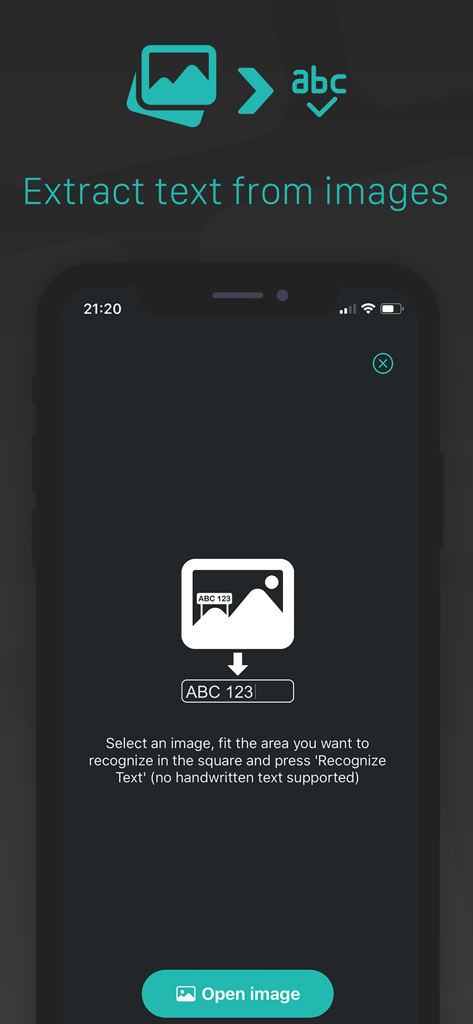
ScanKey mobile app screen showing the feature to extract text from images using OCR technology

ScanKey mobile app screen showing the feature to extract text from images using OCR technology

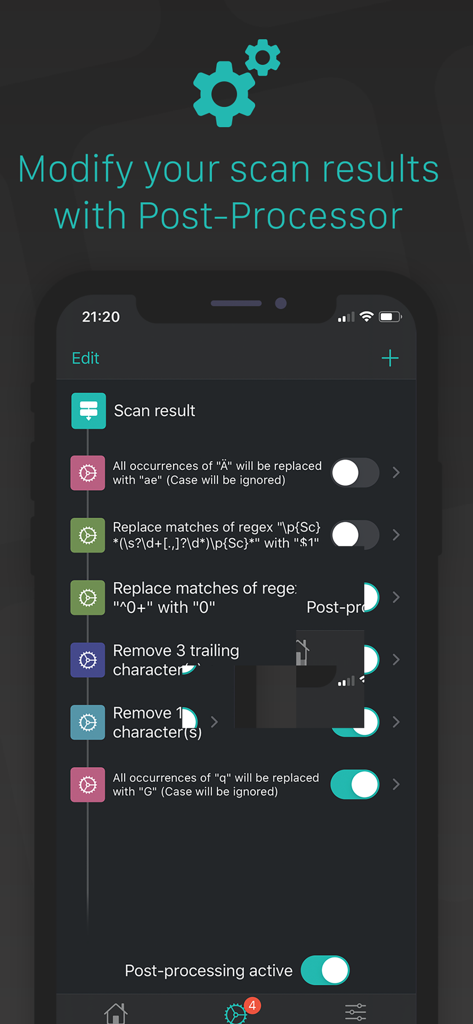
Interface of the ScanKey app showing post-processing filters to automatically modify scanned text and codes

Interface of the ScanKey app showing post-processing filters to automatically modify scanned text and codes

Professional Scanning, Integrated Anywhere

The tools that make this app stand out, trusted by 0 users.

⌨️

Keyboard-Embedded Scanning

Scan QR codes, barcodes, and printed text directly into Excel, ERP systems, or web forms without ever leaving the app.

🔍

Industrial-Grade Data Capture

High-speed recognition of complex alphanumeric IDs and 13+ barcode types, providing a cost-effective alternative to dedicated hardware scanners.

⚙️

Automated Post-Processing

Use the built-in Regex engine and custom filters to automatically format, clean, or modify scan results to fit your specific database requirements.

About the app

Everything you need to know about ScanKey - QR OCR NFC Keyboard.

Description

ScanKey is an additional keyboard for iOS devices, which integrates a scanner for QR-/bar codes and an OCR scanner (Optical Character Recognition) to recognize printed alpha numeric text and words with the camera. With iPhone 7 and iPhone Plus 7 or higher you can read NFC tags from app and directly from keyboard. This makes work easier e.g. for filling out forms, which require to enter complex codes or IDs by hand (Example: EAN product codes). With ScanKey keyboard simply scan the codes or text and it will be filled automatically in the active text field. In QR-/barcode scanner you can either scan single codes or use batch mode to scan multiple codes which will be merged together with a configurable separator. With the Post-Processor Engine, it's really easy to modify the scan result with various filters which can be configured in any specific order. The in-app Image-To-Text function extracts non-handwritten text from images. Quick actions allows you to trigger in-app scans very fast from your home screen. QWERTZ and QWERTY and NUMERIC layout is supported. Supported codes: • UPCECode • Code39Code • Code39Mod43 • Code93 • Code128 • EAN8 • EAN13, • Aztec • PDF417 • QRCode • DataMatrix • Code-2of5 Interleaved • ITF14 Supported text: • hundreds of serif and sans-serif fonts • alpha numeric text (e.g. ABC1337) • Words and sentences • Multi-line • HAND-WRITTEN TEXT NOT SUPPORTED! Supported NFC tags: • Text (UTF-8 and UTF-16) • Uniform Resource Identifier (URI) • Smart poster • TextXVCard • Wifi configurations Supported post-processors: • Add character(s) at start/end • Remove leading/trailing character(s) • Regex string replacement (Regular Expression) • Text replacement (case-sensitive or case-insensitive) Additional features: • Automatically copy scan result to clipboard • Automatically return after scan finished • Automatically remove checksum of EAN/-UPC-Codes

Latest Version

3.0.3

Size

6.3 MB

First Released

Mar 12, 2018

Stop Typing, Start Scanning

Transform your iPhone into a professional-grade data entry tool. Eliminate manual errors and app-switching by scanning QR codes, text, and NFC tags directly from your keyboard.

Download on App Store

App information, icons, screenshots, and descriptions displayed on this page are sourced from the Apple App Store and are the property of their respective developers. Download estimates and rankings are based on MWM's proprietary models and may not reflect actual figures. This page is provided for informational and analytical purposes only.

Believe this page infringes your intellectual property? File a dispute