
Schoology


Stay ahead of deadlines, track grades in real-time, and collaborate with your school community. Join over 12 million users using the award-winning platform designed for students, teachers, and parents.
Publisher
Category
EducationDownloads
12M+User Rating
Total Ratings
132K+Locales
4Discover the interface used by 12M+ users.
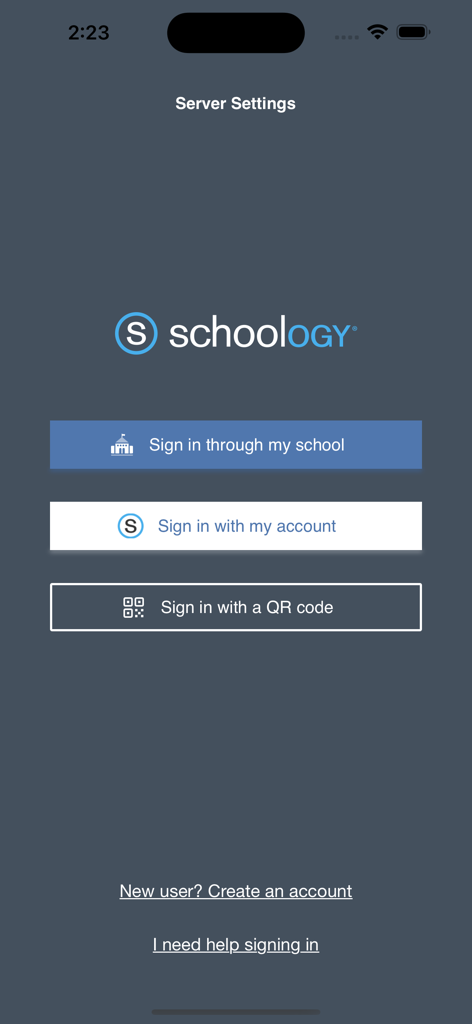
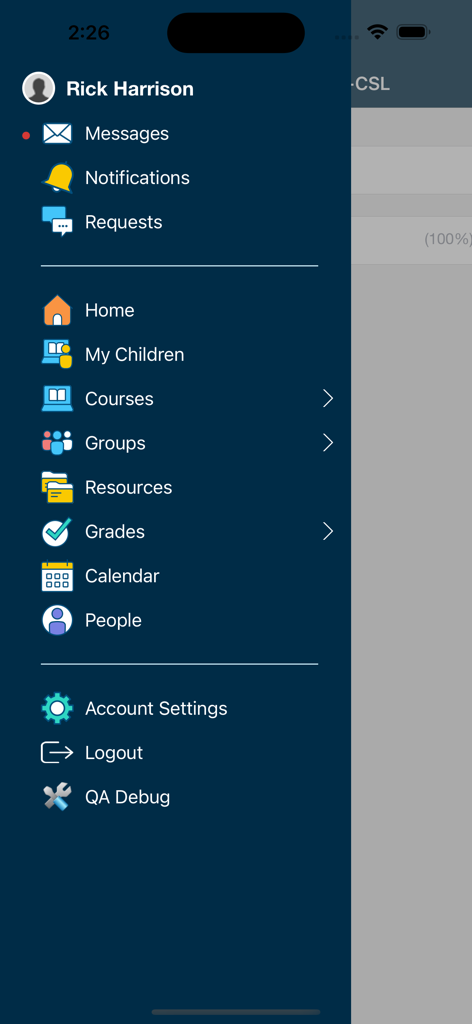
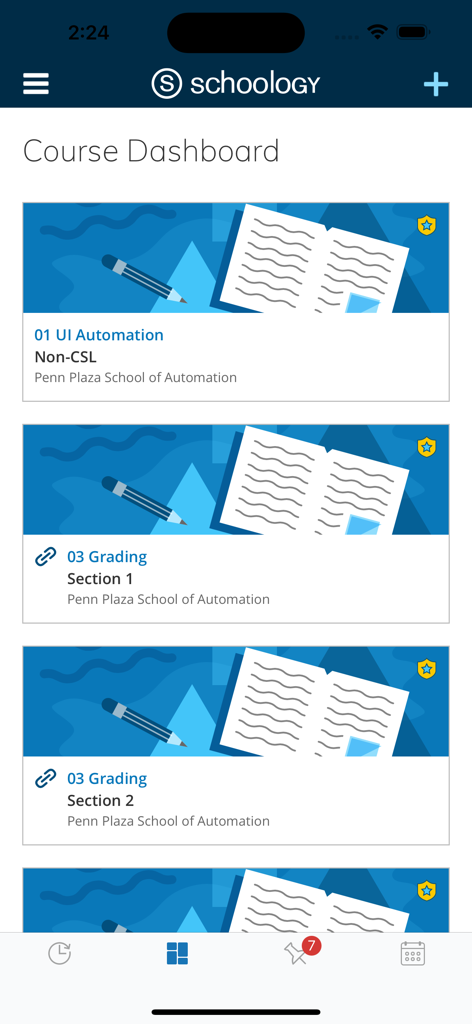
The tools that make this app stand out, trusted by 12M+ users.
Stay ahead of the curve with real-time push notifications for assignments, upcoming tests, and personalized academic calendars.
Engage in interactive class discussions and collaborate with peers or teachers through a familiar, social-first interface.
Get immediate visibility into grades, submission status, and teacher feedback the moment they are posted to ensure academic success.
Insights from user reviews.
Sentiment Score
Summary
This mobile app receives largely negative feedback from users, with a common sentiment that it is outdated, buggy, and frustrating to use. Key complaints include frequent login issues, app crashes, persistent lag, and a universally disliked, confusing user interface that is difficult to navigate. Users also express frustration over limitations in assignment management, such as the inability to unsubmit work and issues with multi-page photo submissions, alongside inaccuracies and poor visibility in grade tracking. Despite these widespread issues, a small number of users appreciate its organizational features like the to-do list and announcements.
Common Themes
Everything you need to know about Schoology.
Description
Latest Version
25.1.1
Size
110.5 MB
First Released
Dec 29, 2010
Join over 12 million students, teachers, and parents. Download the Schoology app today to track your grades, submit assignments on the fly, and stay ahead of every deadline.
Everything you need to know about Schoology
Schoology is an award-winning learning management solution that extends its powerful features to iOS devices. It allows users to manage classrooms, submit assignments, participate in discussions, and collaborate.
Users can sign into Schoology through their school, with an existing account, or by scanning a QR code. New users can also create an account directly from the sign-in screen.
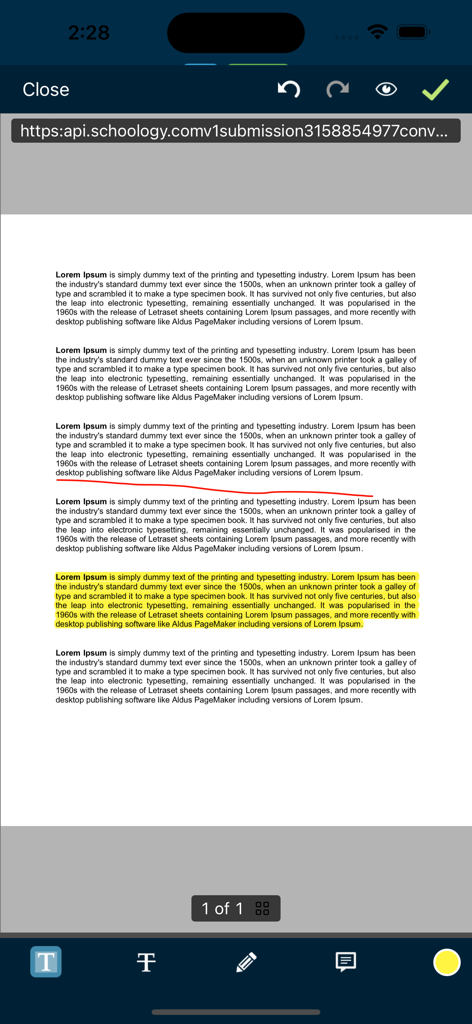
The Schoology app provides core features including classroom management, assignment creation and submission, interactive discussions, assessments, and peer collaboration. It delivers engaging academic experiences.
Yes, the Schoology app provides direct access to user grades and a comprehensive list of enrolled courses. Users can navigate these features through the main menu.
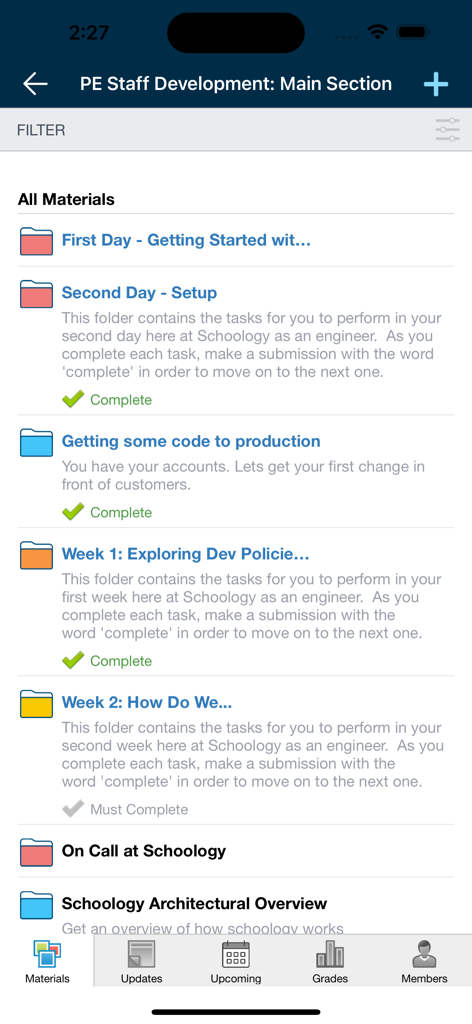
Yes, students can track their assignment progress within Schoology. Tasks and materials often include status indicators like "Complete" or "Must Complete," helping students manage their workload.
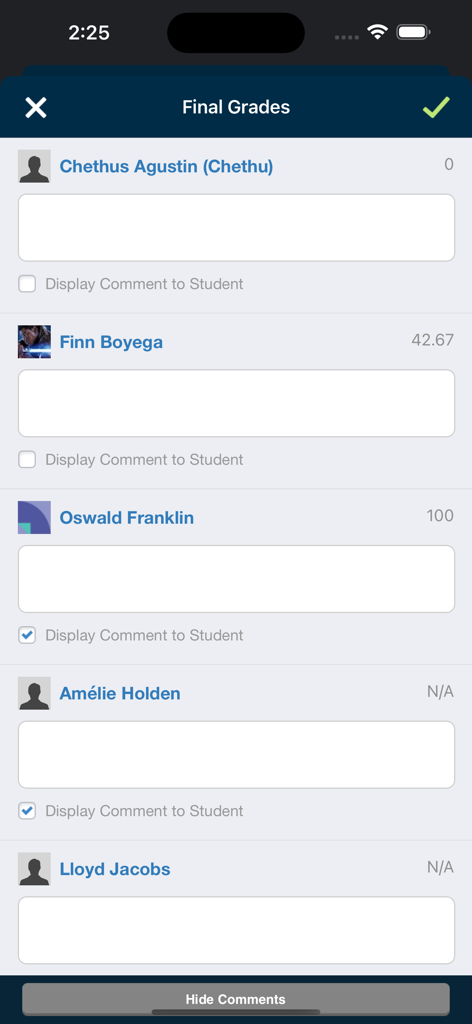
Instructors manage student grades and provide feedback through the Schoology app. The "Final Grades" view allows inputting scores and adding comments for individual students.
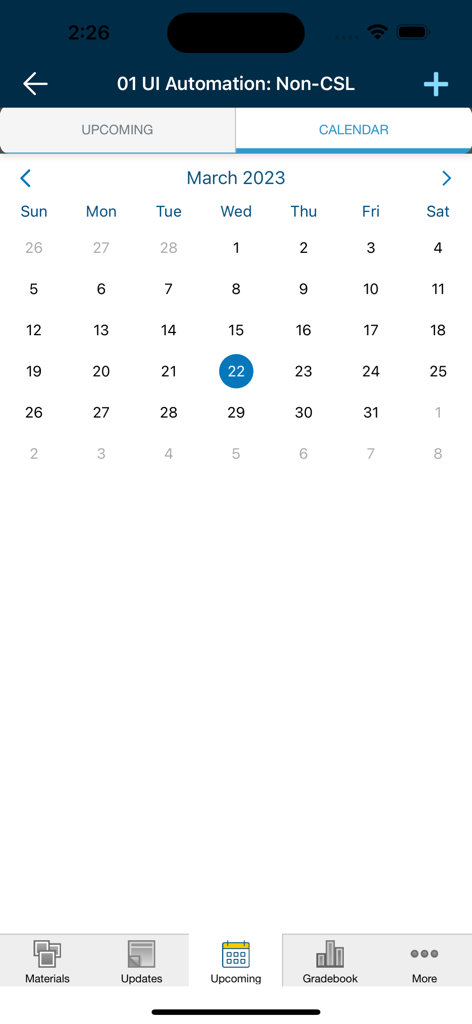
Yes, the Schoology app includes a calendar feature. It displays upcoming events and deadlines, allowing users to view academic schedules directly within the application.
Yes, Schoology offers functionality for parents to monitor their children's academic progress. This feature is accessible via the "My Children" option in the main navigation menu.
Apps with similar features and user experience

ClassDojo, Inc.

MINKOMSVYAZ ROSSII, FKU

PARENTSQUARE LLC

Agenda Kids Ltda ME

TalkingPoints Corp

Instructure, Inc.

PARENTSQUARE LLC

D2L Corporation

PowerSchool Group LLC
App information, icons, screenshots, and descriptions displayed on this page are sourced from the Apple App Store and are the property of their respective developers. Download estimates and rankings are based on MWM's proprietary models and may not reflect actual figures. This page is provided for informational and analytical purposes only.
Believe this page infringes your intellectual property? File a dispute
