
This page is not an official page of the app or its developer, but an independent editorial publication created for informational and commentary purposes. Unless expressly stated otherwise, neither the app nor its developer is affiliated with, endorsed by, sponsored by, authorized by, or otherwise officially connected with MWM, Apple, Google Play, the app publisher, or the app's developer, and nothing on this page implies that the app was developed using MWM's services. Any trademarks, logos, screenshots, and other content remain the property of their respective owners.

ScratchUP
The native iPad coding lab for students and STEM teachers. Bring your code to life with Machine Learning, Bluetooth hardware integration, and full .sb3 compatibility—anytime, anywhere, completely offline.
Downloads
4K+User Rating
Total Ratings
0Publisher
Category
EducationLocales
30Latest Version
1.2.1Size
383.3 MBFirst Released
Nov 22, 2021Master Creative Coding on iPad
Go beyond basic blocks with the most powerful Scratch-compatible environment. Integrated with AI, physical computing, and offline capabilities designed for students and modern classrooms.
Built-in Machine Learning
Empower your projects with facial recognition, handpose detection, and custom Teachable Machine models that react to your movements and voice.
Full Offline Freedom
No Wi-Fi? No problem. Import and export .sb3 files and code anywhere with a native iPad experience that requires no account or internet connection.
The following screenshots and description are sourced directly from the app's official store listing and are the property of the app developer.
App Store
Screenshots
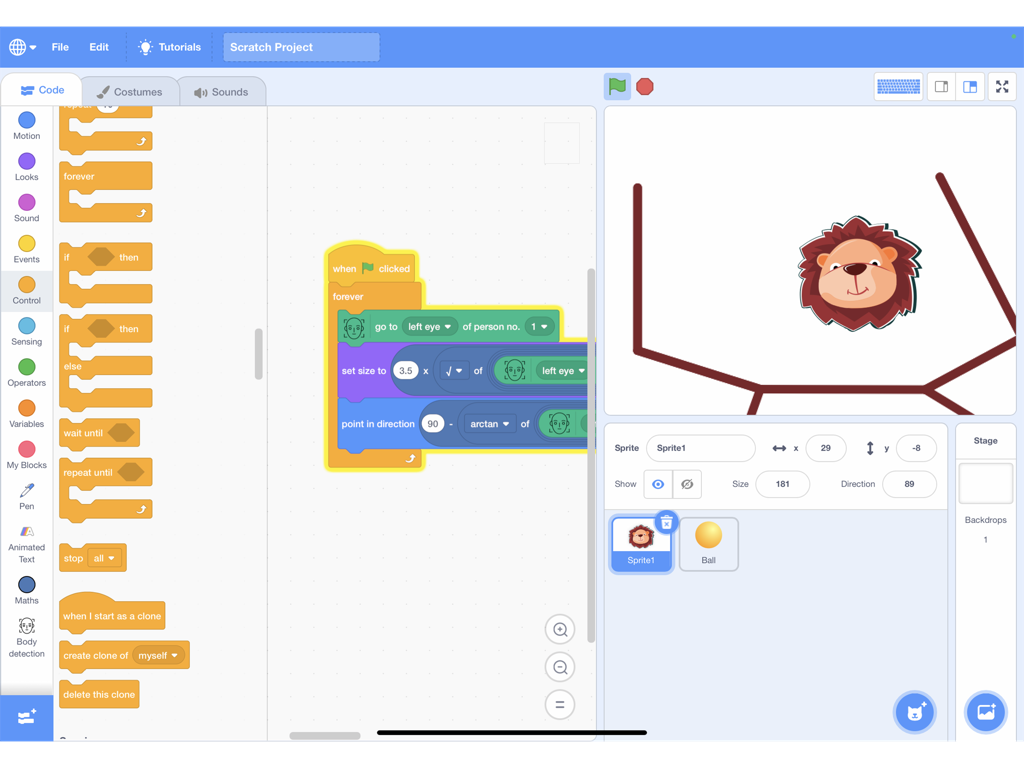
A screenshot of the ScratchUP iPad app showing a block-based coding interface with body detection and machine learning features.
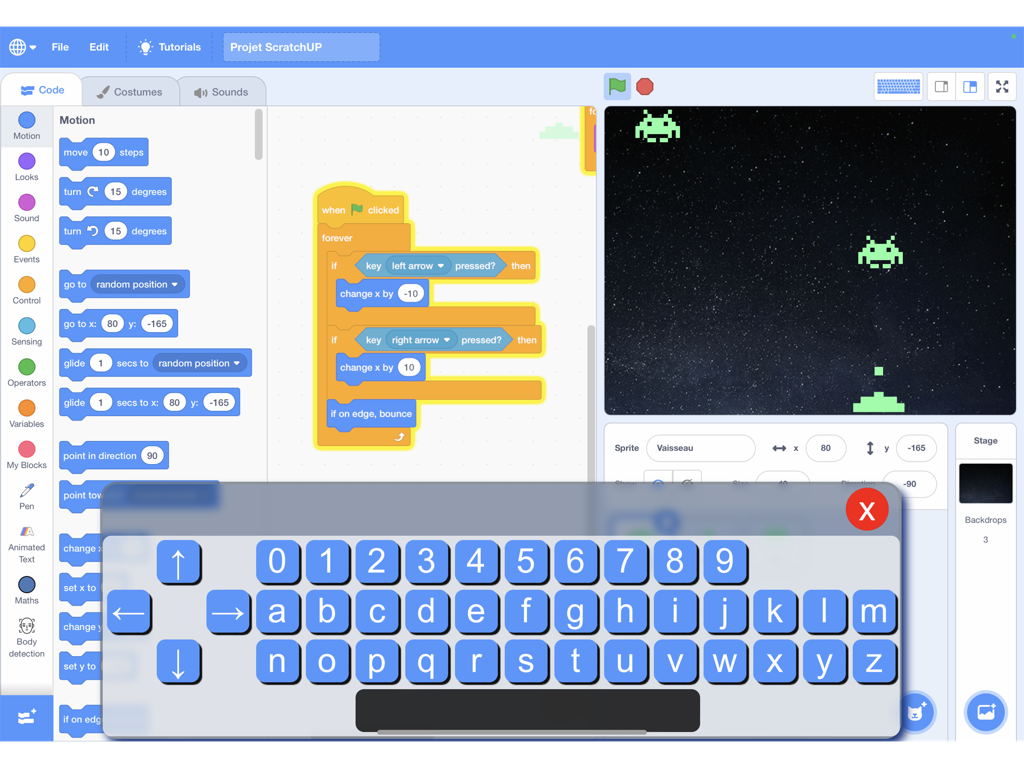
ScratchUP iPad interface with block coding and custom virtual keyboard for a space game.
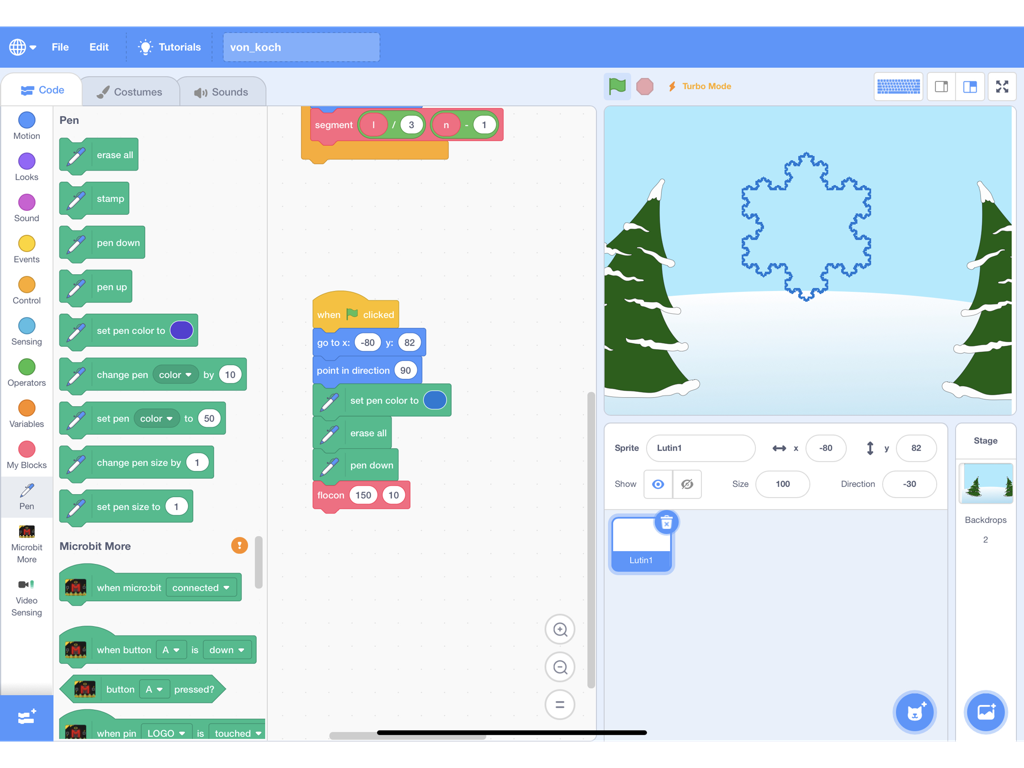
Interface of ScratchUP on iPad showing a block-based code project and a fractal snowflake on the stage.
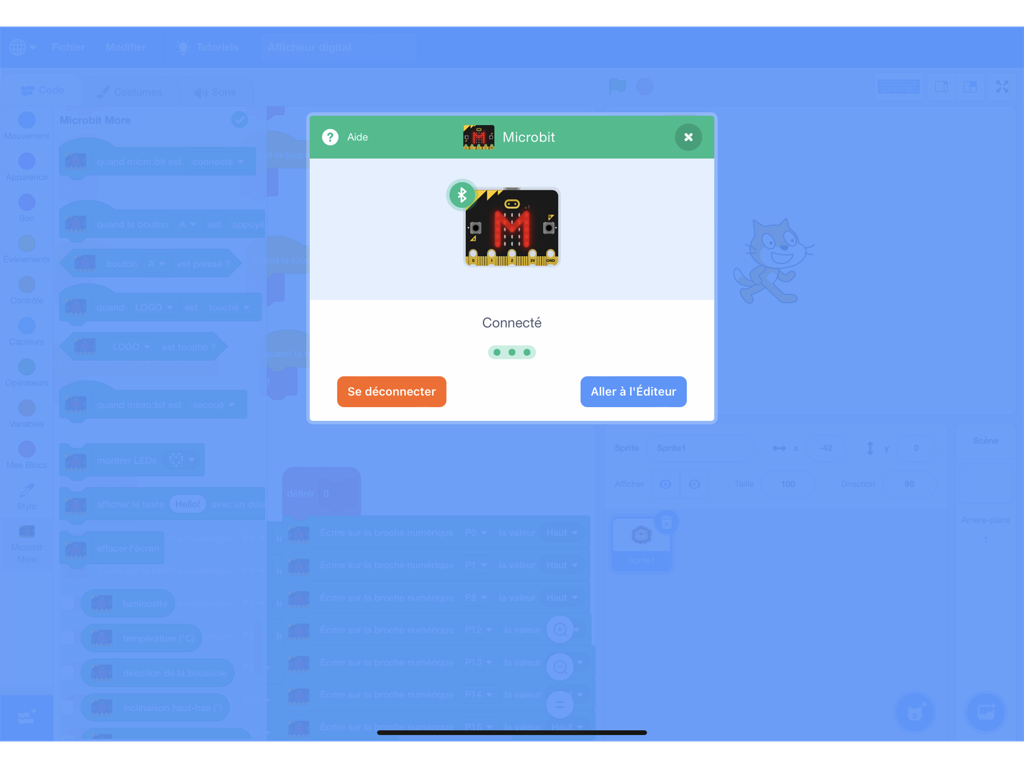
ScratchUP app interface on iPad showing a successful Bluetooth connection popup for a Microbit board.
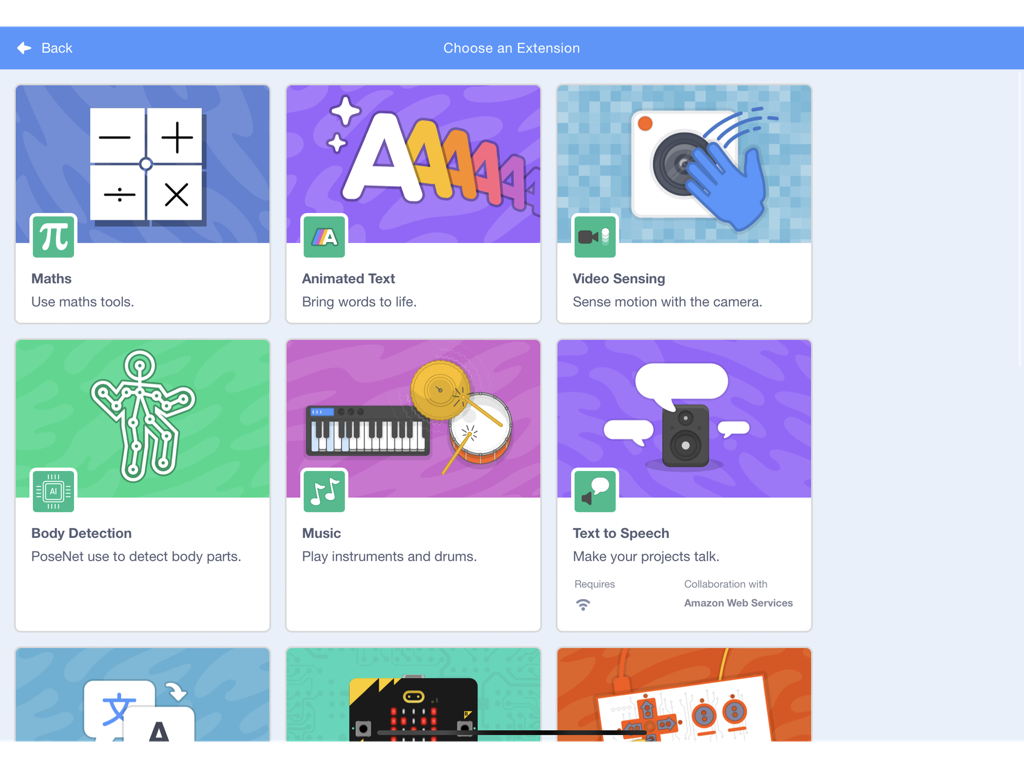
A menu in the ScratchUP app showing various coding extensions like body detection video sensing and music
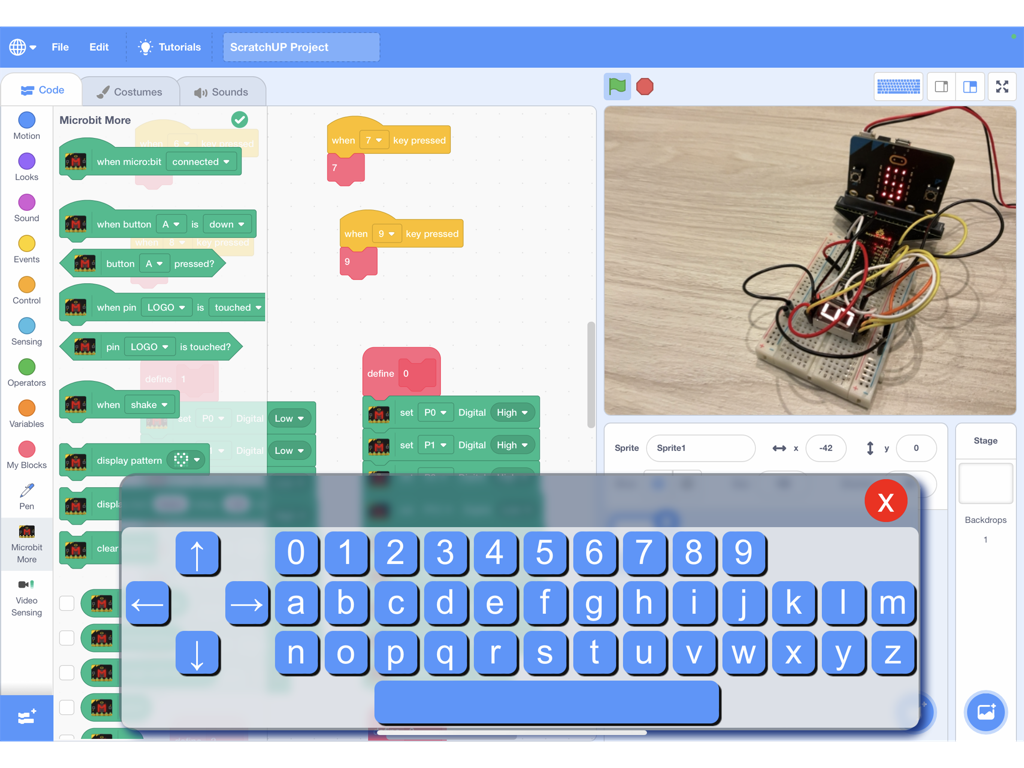
ScratchUP iPad app interface showing block coding blocks, a virtual keyboard, and a live camera feed of a Microbit hardware project
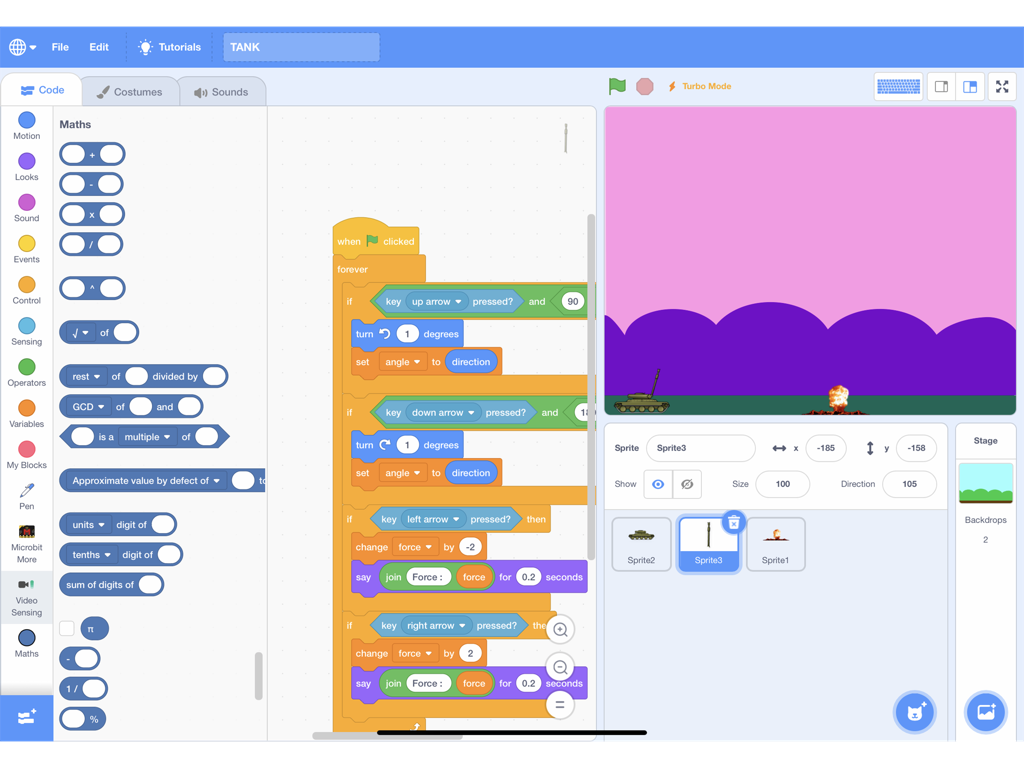
Interface of ScratchUP showing block based coding for a tank game on iPad
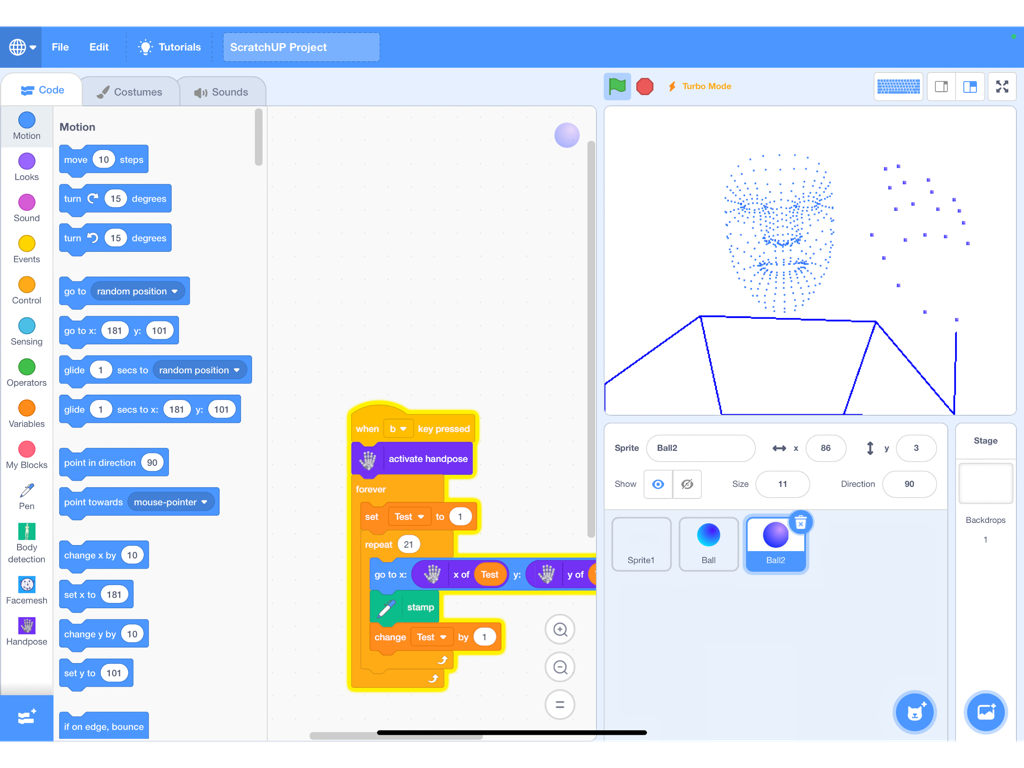
ScratchUP block coding interface on iPad featuring AI face and hand tracking
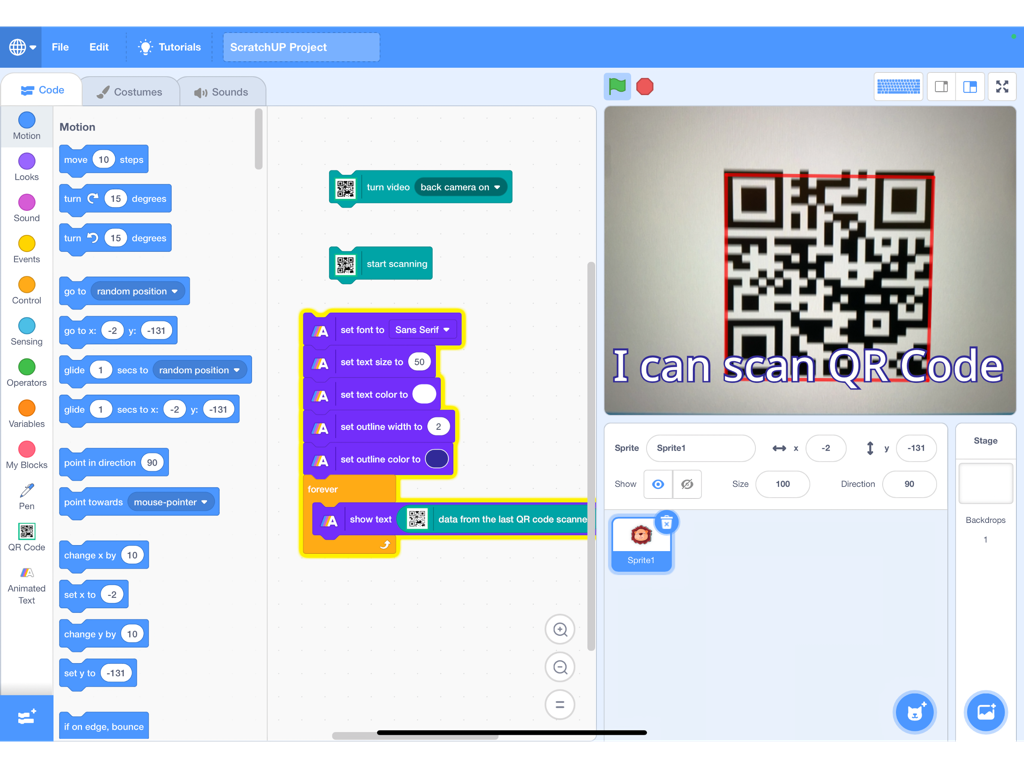
Interface of ScratchUP app showing block coding used to scan a QR code with an iPad camera.
Description
Download
More Like This
Top-ranked apps in the same category

Duolingo - Language Lessons
Duolingo, Inc

Speak & Learn English: Learna
DEEP FLOW SOFTWARE SERVICES - FZCO

驾考宝典-科一科四驾驶证考试驾考通
Wuhan Jiakaobaodian Information Service Co., Ltd.

Toca Boca World
Toca Boca AB

Google Classroom
Google LLC

作业帮-中小学家长作业检查和辅导工具
Guangzhou Polar Future Culture Technology Co., Ltd

学信网
Student Information Consultation Service Co., Ltd.

Gauth: AI Study Companion
GAUTHTECH PTE. LTD.

ArtWorkout: Learn How to Draw
Aleksandr Ulitin
This page is not an official page of the app or its developer, but an independent editorial publication created for informational and commentary purposes. Unless expressly stated otherwise, neither the app nor its developer is affiliated with, endorsed by, sponsored by, authorized by, or otherwise officially connected with MWM, Apple, Google Play, the app publisher, or the app's developer, and nothing on this page implies that the app was developed using MWM's services. Any trademarks, logos, screenshots, and other content remain the property of their respective owners.