
Screen Mirroring - 1001 TVs



Break free from the walled garden. Cast your iPhone or iPad to any Windows computer, TV, or browser with professional-grade low latency and perfect audio-video sync.
Publisher
Category
UtilitiesDownloads
998K+User Rating
Total Ratings
2K+Locales
43Discover the interface used by 998K+ users.
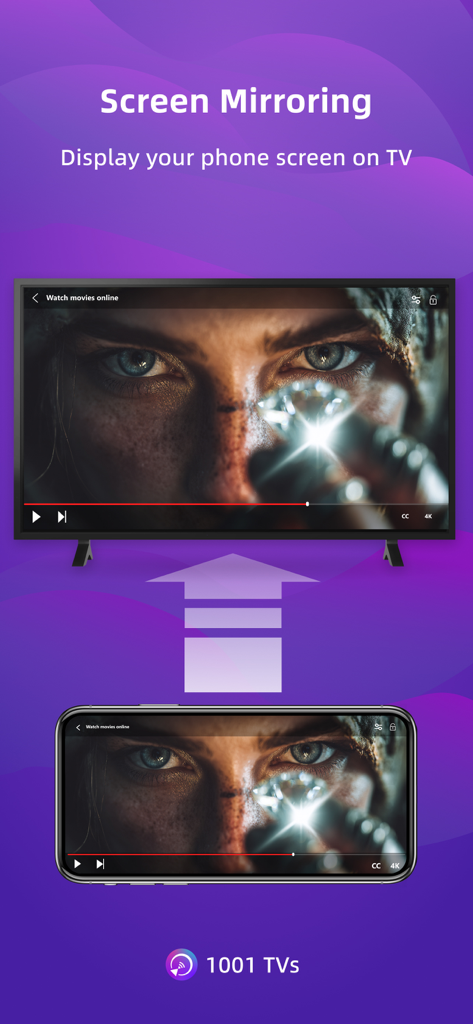
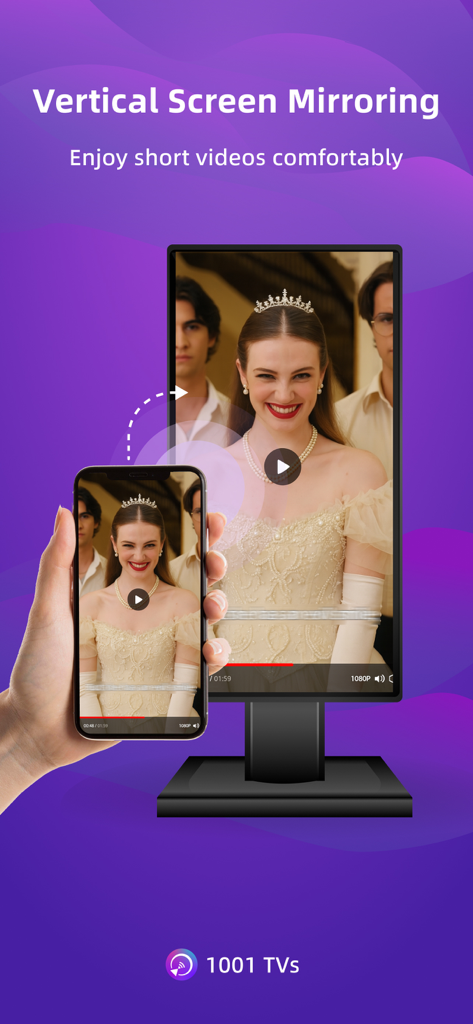
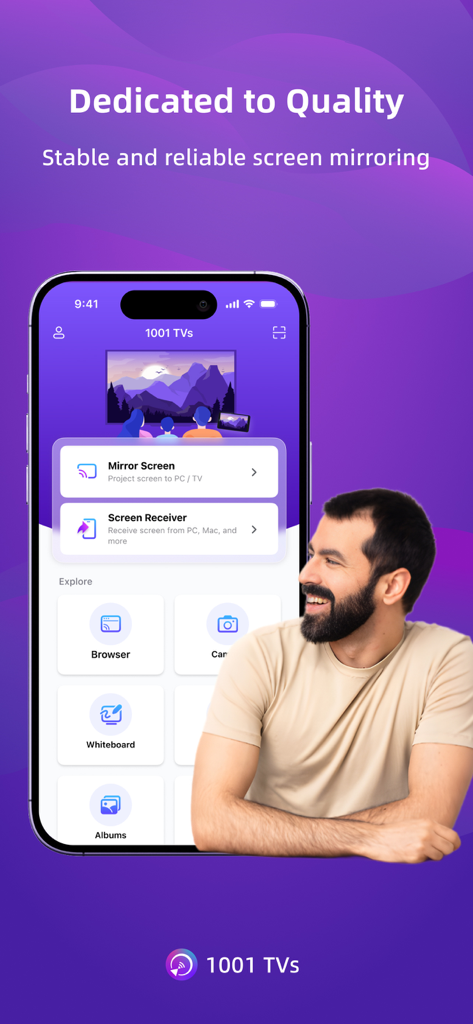
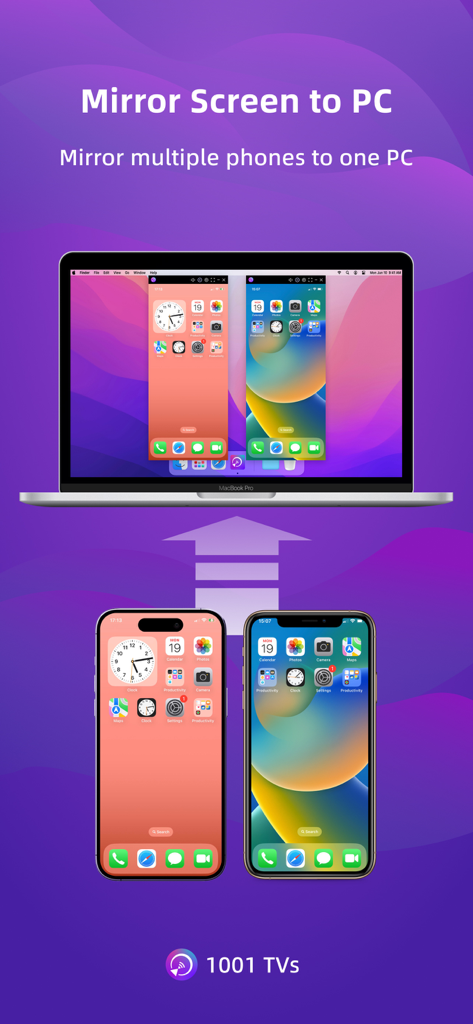
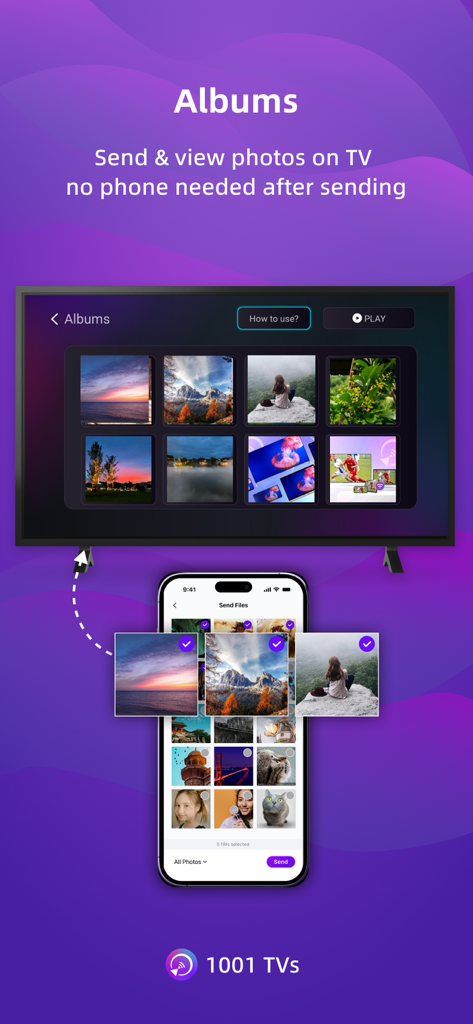
The tools that make this app stand out, trusted by 998K+ users.
Finally, a seamless way to share your mobile screen with your work computer. No AirPlay? No problem—connect across platforms instantly.
Experience real-time mirroring with perfectly synced audio and video. Perfect for mobile gaming, live demos, and smooth 4K video playback.
Mirror to any device with a web browser. No software installation required on the receiver side—the perfect workaround for restricted work PCs.
Insights from user reviews.
Sentiment Score
Summary
The app receives overwhelmingly negative feedback, primarily due to an aggressive subscription model and widespread technical issues. Many users report being unexpectedly charged after free trials or encountering immediate paywalls, labeling the app as a 'scam.' Common complaints include significant performance lag, audio/video synchronization problems, and an inability to reliably cast content, alongside issues with an outdated Fire TV receiver app. Despite these frustrations, a few users found the app simple to use and effective for basic screen mirroring, particularly valuing features like screen rotation.
Common Themes
Everything you need to know about Screen Mirroring - 1001 TVs.
Description
Latest Version
3.0.23
Size
90.6 MB
First Released
May 28, 2019
Join over 1 million users and start mirroring your iPhone to your Windows PC, Smart TV, or Browser today. High quality, low latency, and zero cables required.
Everything you need to know about Screen Mirroring - 1001 TVs
1001 TVs casts your phone or tablet to Windows, Mac, Smart TV, Apple TV, or web browsers. Both devices must connect to the same Wi-Fi network. Installation on both devices is required to begin screen mirroring.
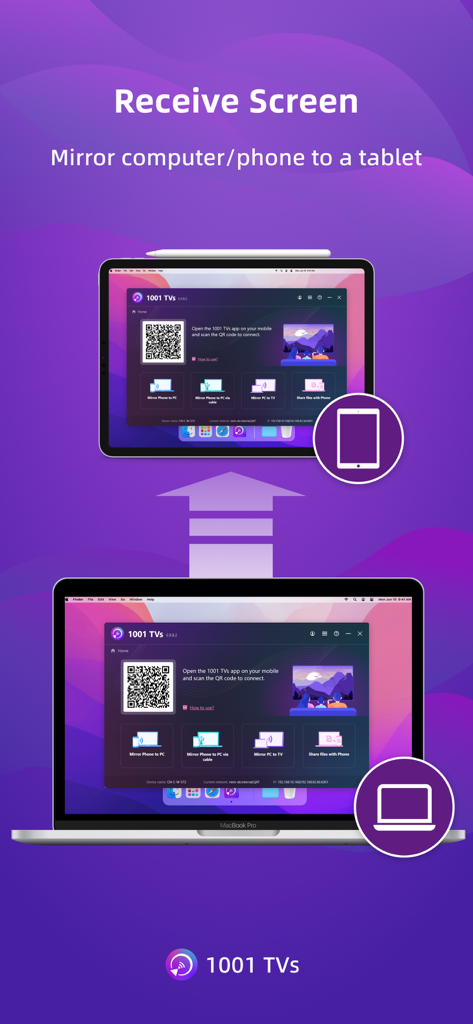
You can cast your phone or tablet to Windows, Mac, Smart TV, Apple TV, and any web browser. 1001 TVs also supports receiving screen mirroring from other phones and PCs.
Yes, 1001 TVs includes a TV Remote Control feature. It auto-detects Smart TVs on the same Wi-Fi network, allowing control over power, volume, home, channels, and direction pad.
Yes, 1001 TVs allows you to mirror your phone or tablet screen to a PC. It also enables your PC to receive screen mirroring from other phones.
Yes, 1001 TVs provides real-time screen mirroring. It maintains the best balance between low latency and good quality, ensuring audio and video stay perfectly in sync.
Yes, 1001 TVs supports screen mirroring to older devices that do not have AirPlay or Miracast capabilities. This extends compatibility for various display setups.
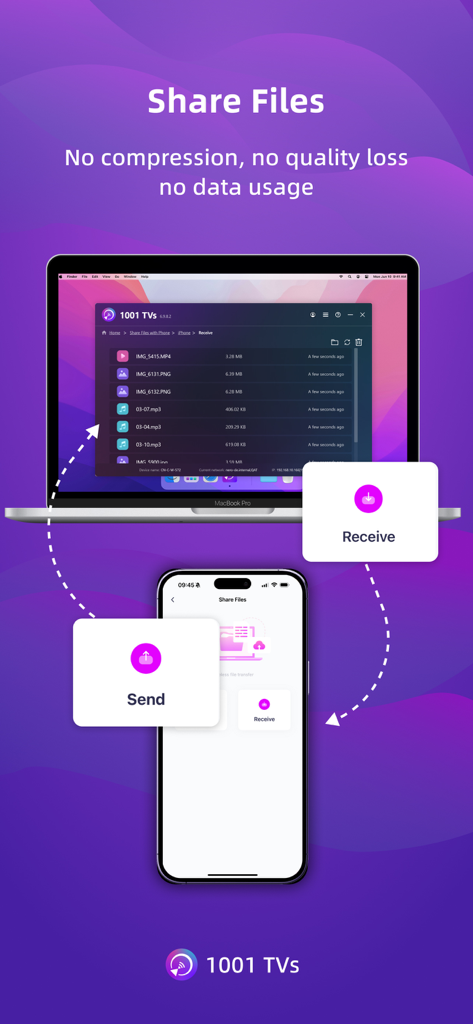
1001 TVs offers Fast File Transfer to quickly send files between devices without cables. Both devices need the app installed and connected to the same Wi-Fi network.
1001 TVs offers Auto-renew Weekly, Auto-renew Monthly, Auto-renew Yearly, and Lifetime subscription plans. Payments are charged to your store account upon purchase confirmation.
Yes, you can cancel your 1001 TVs subscription at any time through your store account. Auto-renewal stops if canceled at least 24 hours before the current period ends.
Yes, your privacy is protected. Screen casting data with 1001 TVs remains within your local network and the app never uploads it.
Apps with similar features and user experience

InstantBits Inc

Sichuan FalconAI Technology Co., Ltd.

Mihkel Pikk

Ozuna Limited

TOGGLE APPS SP Z O O

AER SOFTWARE COMPANY LIMITED

SAND STUDIO CORPORATION LIMITED

Hainan Delta Software Co., Ltd

Dalma Innovation Solutions d.o.o.
App information, icons, screenshots, and descriptions displayed on this page are sourced from the Apple App Store and are the property of their respective developers. Download estimates and rankings are based on MWM's proprietary models and may not reflect actual figures. This page is provided for informational and analytical purposes only.
Believe this page infringes your intellectual property? File a dispute

