
Screen Mirroring – Chromecast


Experience low-latency HD mirroring for videos, games, and presentations. The perfect bridge between your iOS devices and Google TV, Sony, or Vizio—no monthly fees required.
Publisher
Category
UtilitiesDownloads
3M+User Rating
Total Ratings
54K+Locales
1Discover the interface used by 3M+ users.
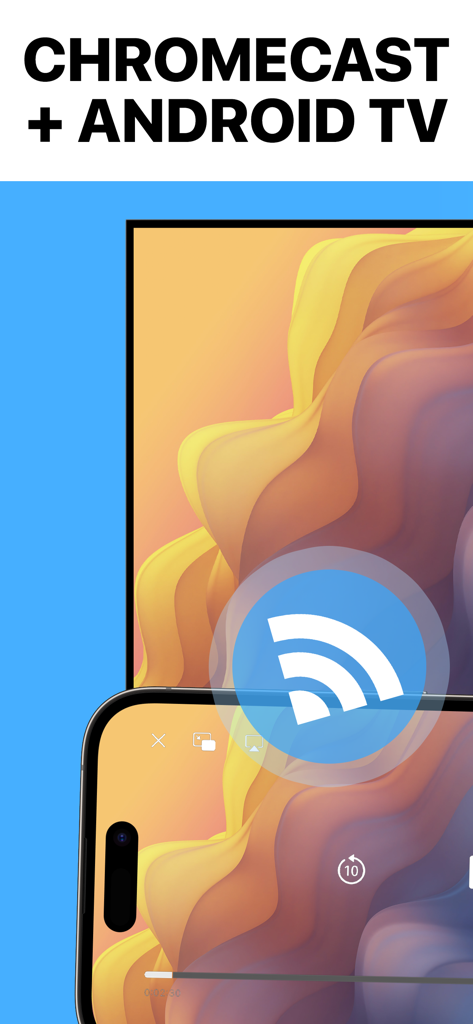
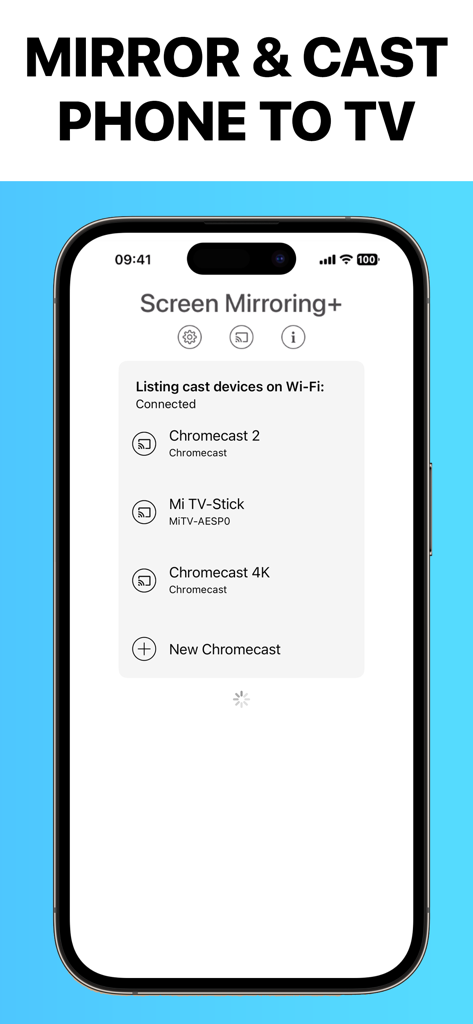
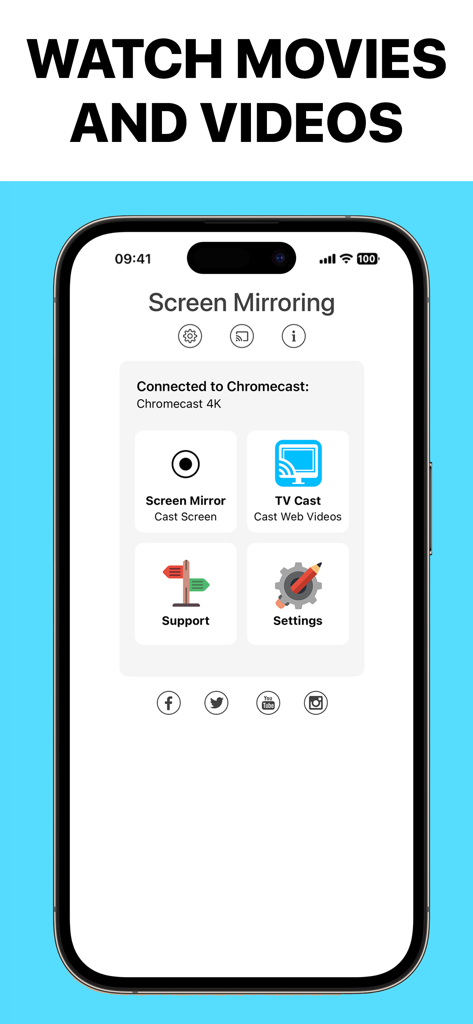
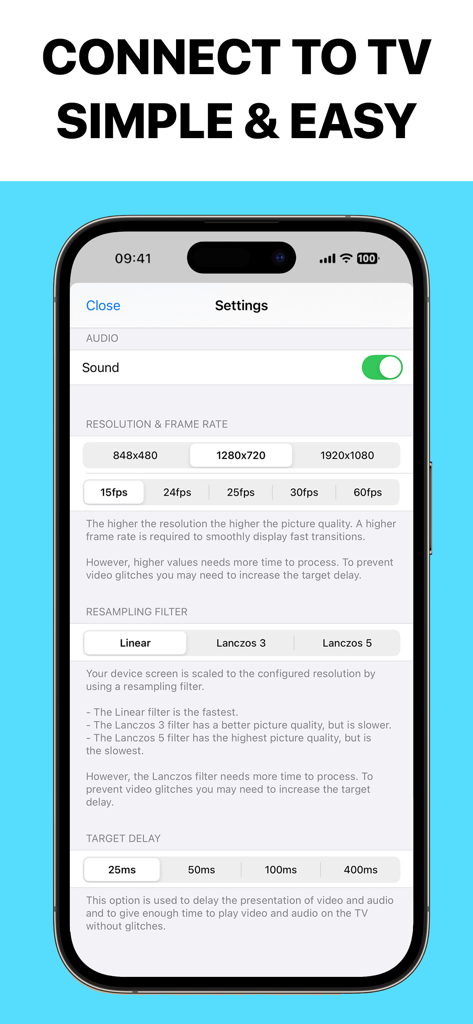
The tools that make this app stand out, trusted by 3M+ users.
Enjoy a seamless lag-free experience with synchronized sound and Full HD quality—perfect for gaming or real-time scrolling.
Stop paying weekly fees for basic utility. Mirror for free or unlock premium features forever with a single, small one-time purchase.
Cast anything from your iPhone or iPad—including photos, websites, documents, and apps—directly to your Google TV or Chromecast.
Everything you need to know about Screen Mirroring – Chromecast.
Description
Latest Version
3.5
Size
56.1 MB
First Released
Feb 5, 2019
Join 3 million users and enjoy low-latency streaming to your Chromecast today. Experience the most reliable screen sharing with sound and no hidden subscriptions.
Everything you need to know about Screen Mirroring – Chromecast
Screen Mirroring – Chromecast mirrors your iPhone or iPad screen with sound, full HD quality, and low-latency to Chromecast and Google TV Streamer devices, including remote control functionality.
Screen Mirroring – Chromecast is compatible with Chromecast, Google TV Streamer, Xiaomi MI Box, NVIDIA Shield TV, and all Google Cast or Chromecast built-in TVs, including brands like Sony, TCL, and Vizio.
Yes, Screen Mirroring – Chromecast offers free mirroring without hidden costs or time limitations. Some extra features are available as an upgrade, purchasable for a small one-time fee.
If a third-party app, such as Spotify, does not mirror sound correctly, users must force close and restart the app while the mirroring session is active. This action resolves the issue.
Black screen issues with certain third-party apps like Amazon Prime or HBO occur because content providers restrict screen mirroring. This is a content provider limitation, not an app defect.
Both your iPhone/iPad and your Chromecast device must be connected to the same Wi-Fi network for Screen Mirroring – Chromecast to establish and maintain a screen mirroring connection.
Yes, Screen Mirroring – Chromecast allows users to adjust mirroring resolution (e.g., 1920x1080) and frame rate (e.g., 60fps) within the app's settings. Higher settings improve quality.
Yes, Screen Mirroring – Chromecast provides very low latency, typically below one second, when good Wi-Fi network conditions are present. This ensures smooth and responsive mirroring.
Screen Mirroring – Chromecast can mirror videos, websites, photos, games, apps, presentations, spreadsheets, and documents directly from your iPhone or iPad to your Chromecast-enabled TV.
Apps with similar features and user experience

InstantBits Inc

Sichuan FalconAI Technology Co., Ltd.

Mihkel Pikk

Ozuna Limited

TOGGLE APPS SP Z O O

AER SOFTWARE COMPANY LIMITED

SAND STUDIO CORPORATION LIMITED

Hainan Delta Software Co., Ltd

Dalma Innovation Solutions d.o.o.
App information, icons, screenshots, and descriptions displayed on this page are sourced from the Apple App Store and are the property of their respective developers. Download estimates and rankings are based on MWM's proprietary models and may not reflect actual figures. This page is provided for informational and analytical purposes only.
Believe this page infringes your intellectual property? File a dispute

