
Screen Mirroring for iPhone

Effortlessly stream web videos, family photos, and professional presentations to your Chromecast or Smart TV in stunning high definition.
Publisher
Category
ProductivityDownloads
807K+User Rating
Total Ratings
10K+Locales
5Discover the interface used by 807K+ users.
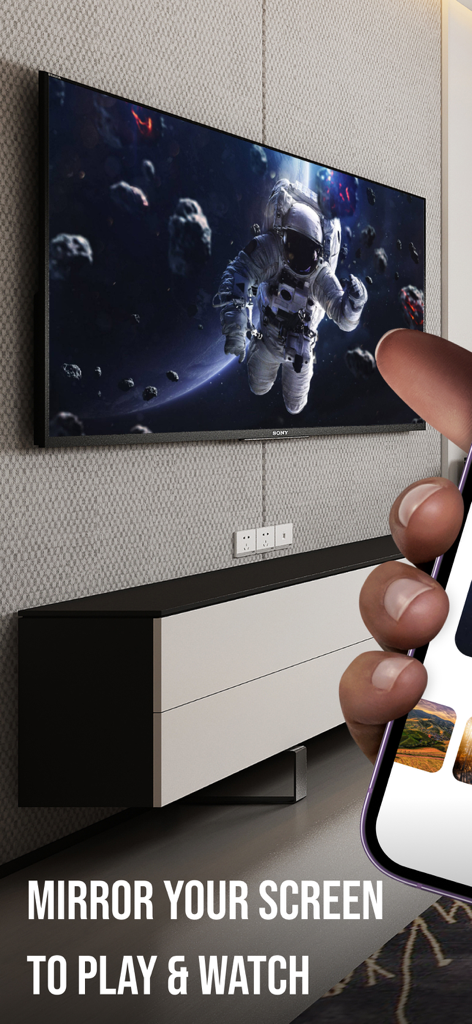
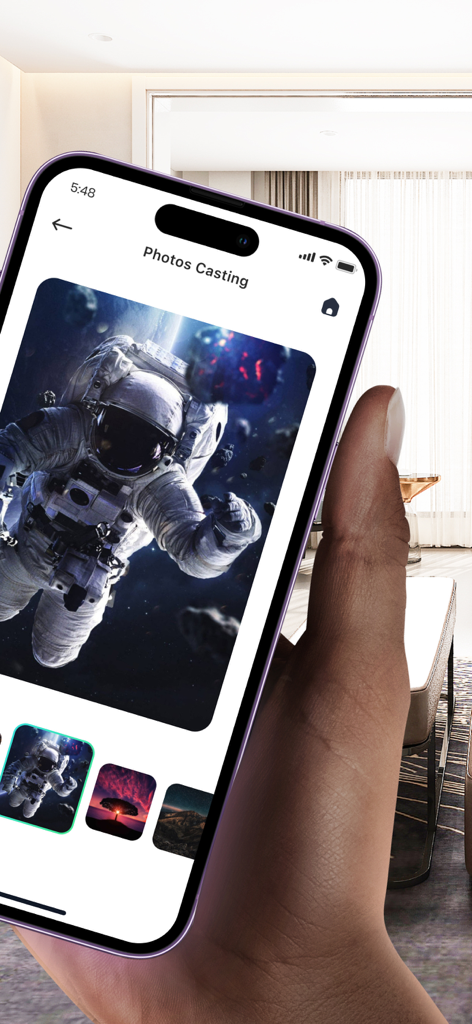
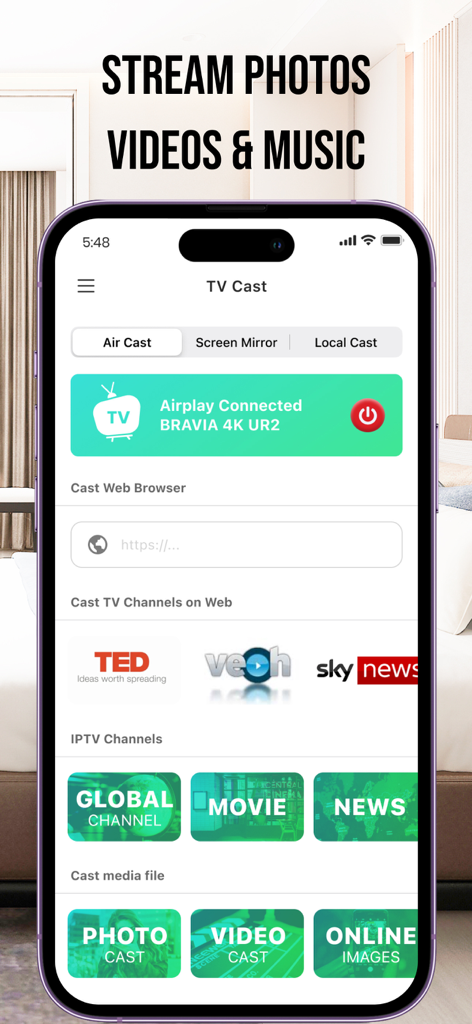
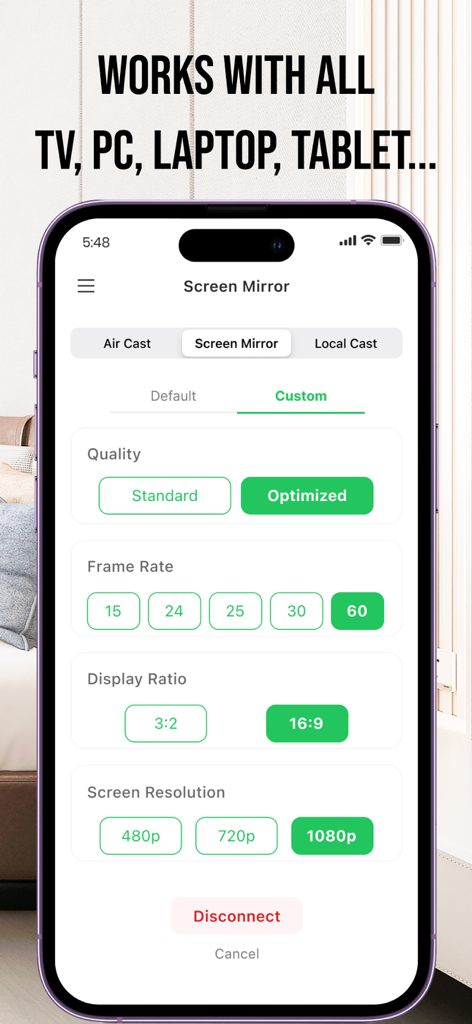
The tools that make this app stand out, trusted by 807K+ users.
Experience your videos, photos, and apps in crystal-clear Ultra HD with zero latency, perfect for high-speed action and gaming.
The ultimate bridge for your Apple devices. Effortlessly connect to Google Chromecast, Samsung, LG, and Vizio Smart TVs in seconds.
Cast live sports and web videos directly from your browser, or share professional slide decks during your next business meeting.
Everything you need to know about Screen Mirroring for iPhone.
Description
Latest Version
1.1.9
Size
216.9 MB
First Released
Nov 29, 2021
Join over 800,000 users and transform your viewing experience. Cast web videos, photos, and presentations from your iPhone to any TV or Chromecast with zero delay.
Everything you need to know about Screen Mirroring for iPhone
To cast, open the "Screen Mirroring for iPhone" app, connect to a smart streaming device, select your desired photo, video, or music, then enjoy the show on your TV.
"Screen Mirroring for iPhone" casts any web video, photos, videos, and music from your iPhone or iPad. It also supports casting content from your Camera Roll to the TV.
Yes, "Screen Mirroring for iPhone" provides screen mirroring in high quality without delay. This ensures a smooth and responsive viewing experience for all mirrored content.
Yes, "Screen Mirroring for iPhone" is designed for easy connection to Google Chromecast. Users can stream and control media playing directly through this compatibility.
"Screen Mirroring for iPhone" supports screen resolutions of 480p, 720p, and 1080p. Users can select their preferred output quality within the app's settings for optimized viewing.
Yes, "Screen Mirroring for iPhone" facilitates making presentations in business meetings. It mirrors your iPhone or iPad screen to a larger display for effective communication.
Yes, "Screen Mirroring for iPhone" works with a wide range of display devices including TVs, PCs, laptops, and tablets. This ensures broad compatibility for users.
The privacy policy for "Screen Mirroring for iPhone" is available online at https://sites.google.com/view/castfortv/. This link provides detailed information on data handling.
Apps with similar features and user experience

InstantBits Inc

Sichuan FalconAI Technology Co., Ltd.

Mihkel Pikk

Ozuna Limited

TOGGLE APPS SP Z O O

AER SOFTWARE COMPANY LIMITED

SAND STUDIO CORPORATION LIMITED

Hainan Delta Software Co., Ltd

Dalma Innovation Solutions d.o.o.
App information, icons, screenshots, and descriptions displayed on this page are sourced from the Apple App Store and are the property of their respective developers. Download estimates and rankings are based on MWM's proprietary models and may not reflect actual figures. This page is provided for informational and analytical purposes only.
Believe this page infringes your intellectual property? File a dispute