
Screen Mirroring for Roku


Wirelessly mirror your favorite photos, games, and presentations with zero delay. The most reliable solution for Roku owners who want a seamless, no-subscription connection from their iPhone or iPad.
Publisher
Category
ProductivityDownloads
3M+User Rating
Total Ratings
70K+Locales
1Discover the interface used by 3M+ users.
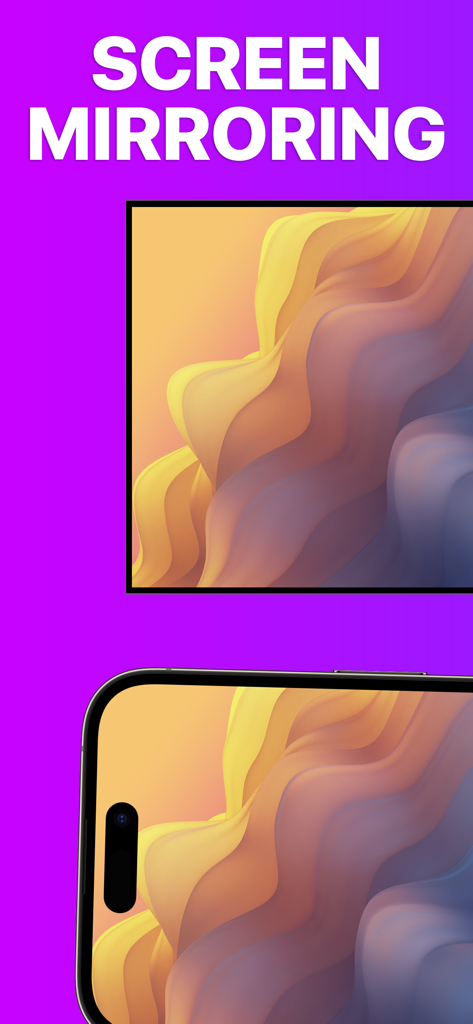

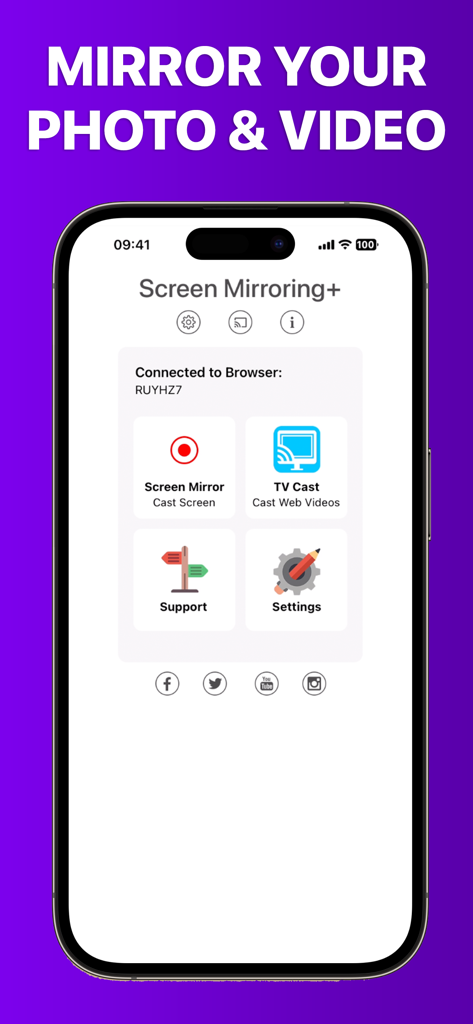
The tools that make this app stand out, trusted by 3M+ users.
Experience lightning-fast screen sharing with sub-second latency, making it feel like your mobile device is part of your television.
Stop passing the phone around. Cast your entire photo library and home videos to the big screen for the whole family to enjoy together.
Perfect for the home office. Wirelessly mirror documents, websites, and spreadsheets from your iPad to any Roku-enabled device instantly.
Everything you need to know about Screen Mirroring for Roku.
Description
Latest Version
3.7
Size
24.0 MB
First Released
Jun 7, 2019
Join over 3 million users and enjoy the highest quality screen mirroring for your Roku device. No lag, no hidden costs, just instant connection.
Everything you need to know about Screen Mirroring for Roku
Screen Mirroring for Roku is an app that shares your iPhone or iPad screen on Roku Streaming Players, Roku Sticks, or Roku TVs. It provides advanced screen mirroring with zero delay and high screen quality.
Screen Mirroring for Roku supports Roku TV, Streaming Stick, Express, Premiere, Ultra, Roku 2, 3, 4, HD (2500), and LT (2400+2450) Players. It also supports Roku TVs from Hisense, Sharp, TCL, Insignia, Hitachi, Philips, Element, JVC, Metz, Coocaa, Westinghouse, and Onn.
No, some third-party apps like Netflix and Disney+ prevent screen mirroring. Attempting to mirror them results in a black screen on your TV. This is a restriction imposed by those apps.
No, Screen Mirroring for Roku has no hidden subscriptions or costs. The app provides its mirroring functionality without additional charges.
Your iPhone/iPad and Roku device must connect to the same Wi-Fi network. Do not use VPN, Proxy, VLANs, or Subnets for optimal functionality with Screen Mirroring for Roku.
Yes, Screen Mirroring for Roku offers supreme latency, typically below one second, under good Wi-Fi network conditions. This ensures a smooth mirroring experience.
Screen Mirroring for Roku does not support Roku classic models (N1000, N1050, N1100, N1101), Roku 2000, 2050, 2100, Telstra TV, NOW TV Stick & Box, or Sky Ticket (WOW TV).
Yes, Screen Mirroring for Roku mirrors photos, videos, games, websites, apps, presentations, documents, and spreadsheets from your iOS device to your Roku.
Apps with similar features and user experience

InstantBits Inc

Sichuan FalconAI Technology Co., Ltd.

Mihkel Pikk

Ozuna Limited

TOGGLE APPS SP Z O O

AER SOFTWARE COMPANY LIMITED

SAND STUDIO CORPORATION LIMITED

Hainan Delta Software Co., Ltd

Dalma Innovation Solutions d.o.o.
App information, icons, screenshots, and descriptions displayed on this page are sourced from the Apple App Store and are the property of their respective developers. Download estimates and rankings are based on MWM's proprietary models and may not reflect actual figures. This page is provided for informational and analytical purposes only.
Believe this page infringes your intellectual property? File a dispute

